About CMS FAQ
About
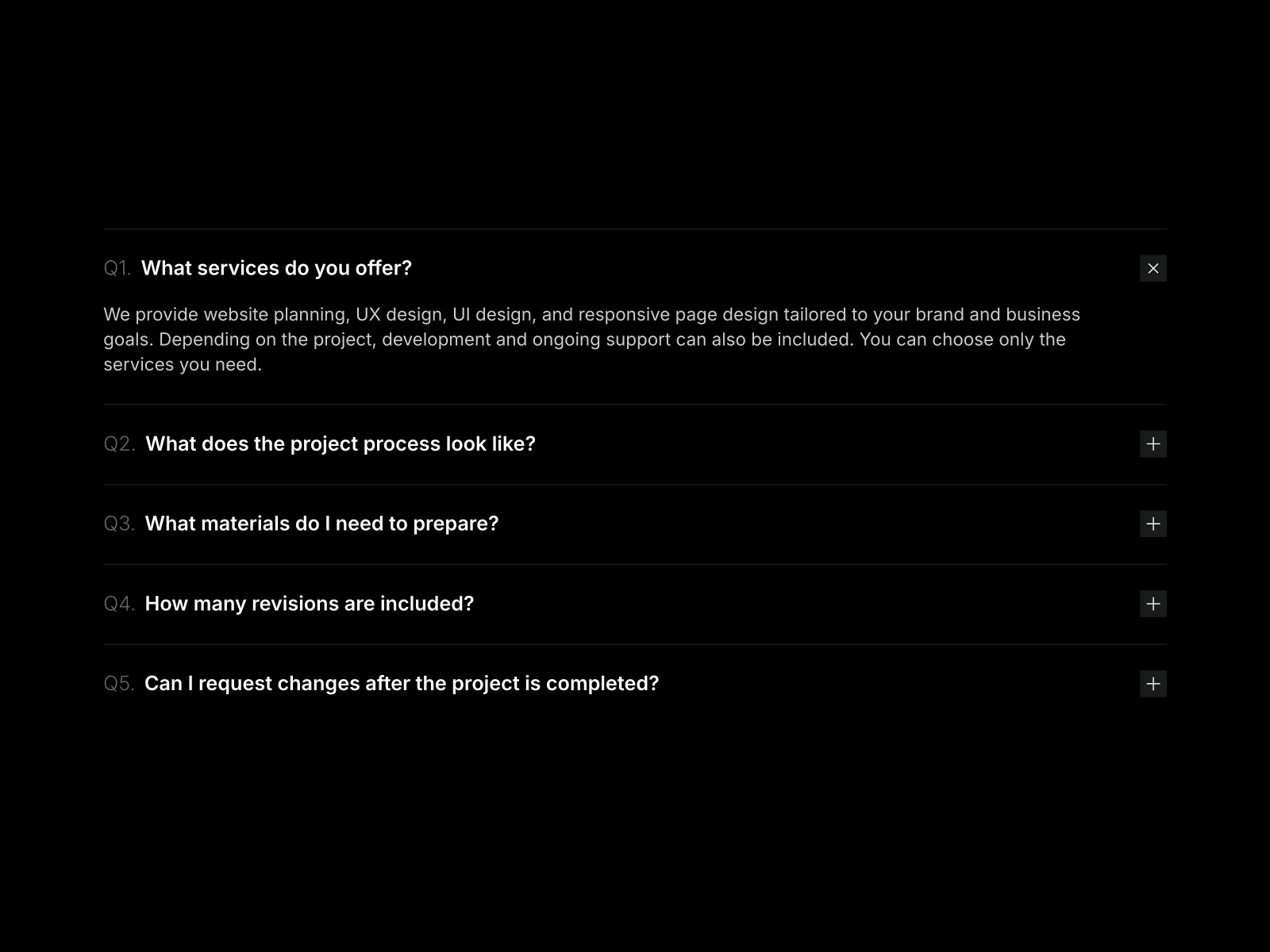
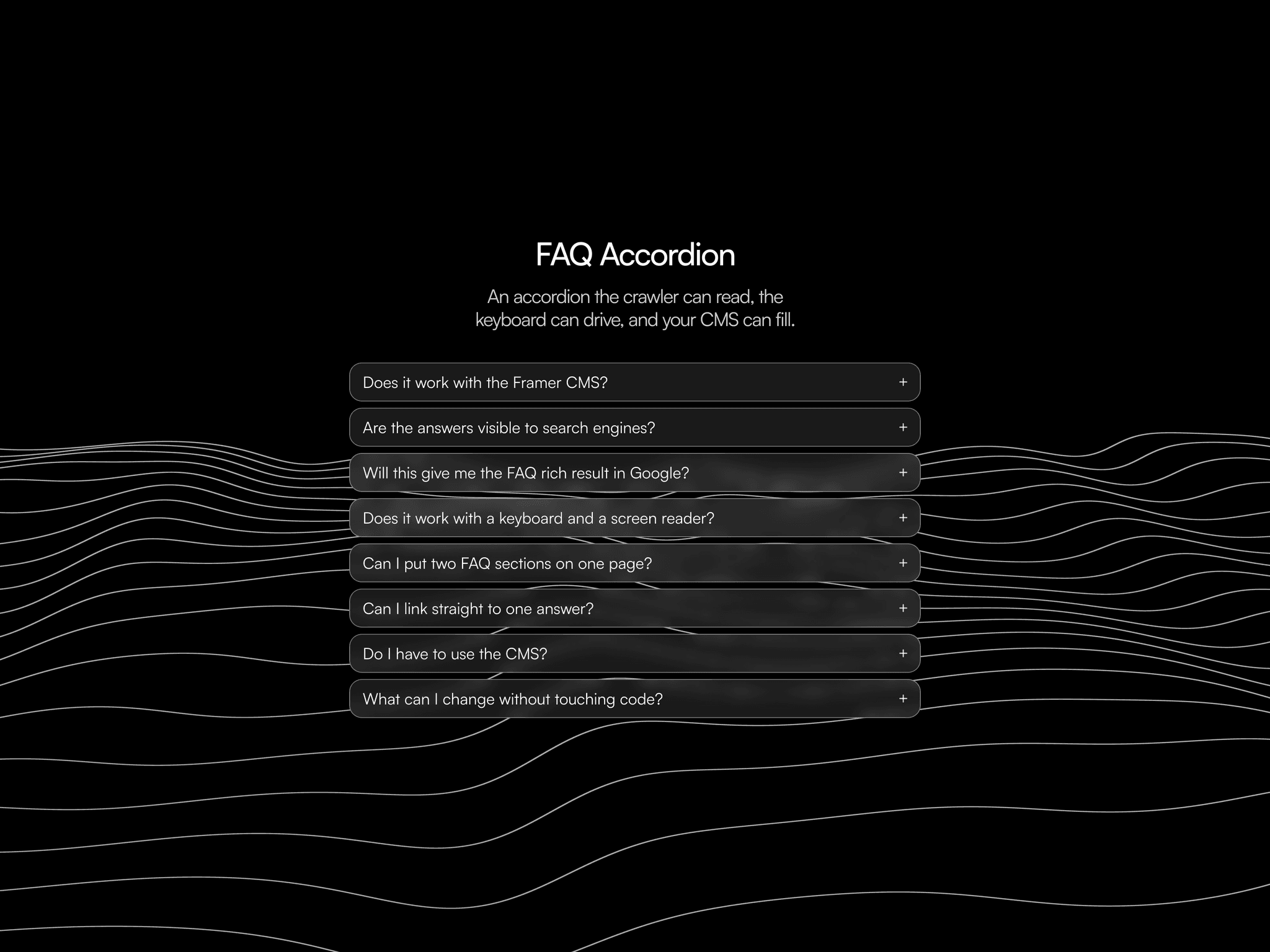
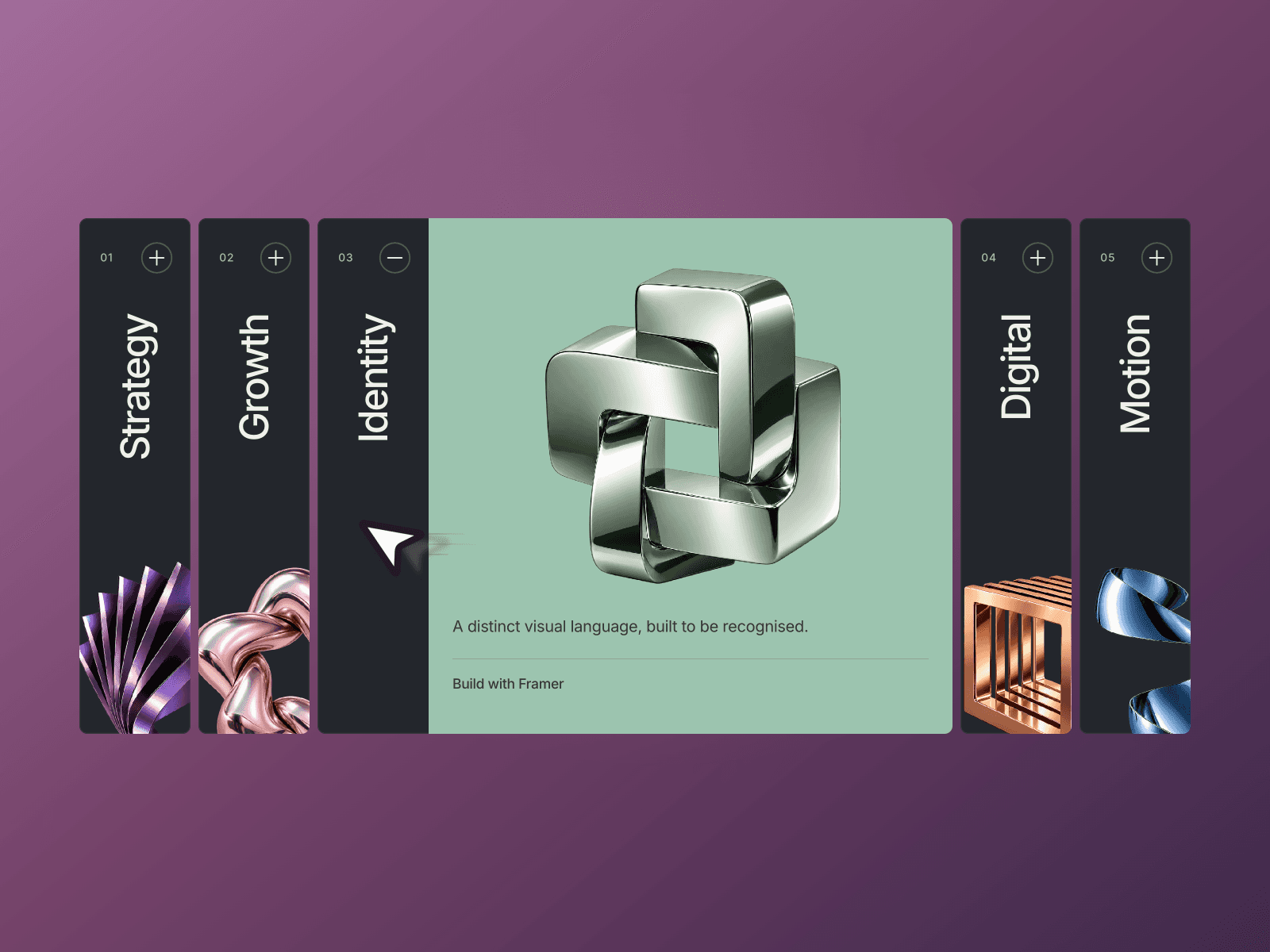
This component automatically converts formatted field into interactive Q&A pairs, with smooth animations and customizable styling by identifying heading paragraph pairs. Ideal for product/support pages with varying numbers of FAQ items.
This component a part of the 400+ components, layouts, templates, UI Kits and code overrides from SegmentUI PRO. Click here to see the full library
Instructions
Copy and paste the component code into your project. Ensure that it is added to a CMS details page where there is a formatted field present.
Connect to your FAQ field using the property control
Write questions as headings (h1-h6)
Write answers as paragraphs directly below each question
Customize the appearance through the properties panel
How It Works
The component accepts formatted field input where questions should be formatted as headings (h1-h6) and answers as paragraphs right below it to support any number of FAQ items. Key customization options include:
Font styles for questions and answers
Spacing and padding
Border and shadow properties
Color schemes for background, text, and hover states
Icon type (plus or chevron) with size and color options
Animation transitions
Support
For any queries and help setting up the component, contact hello@segmentui.com
Refund Policy
If a component does not function as advertised and the issue cannot be resolved, you are eligible for a full refund under our quality guarantee. Refunds will not be provided for any other reasons, including change of mind, accidental purchase, lack of use, or expectations of features not explicitly advertised.