About CMS Filter Bento
CMS Filter Bento Gallery
Free for a limited time.
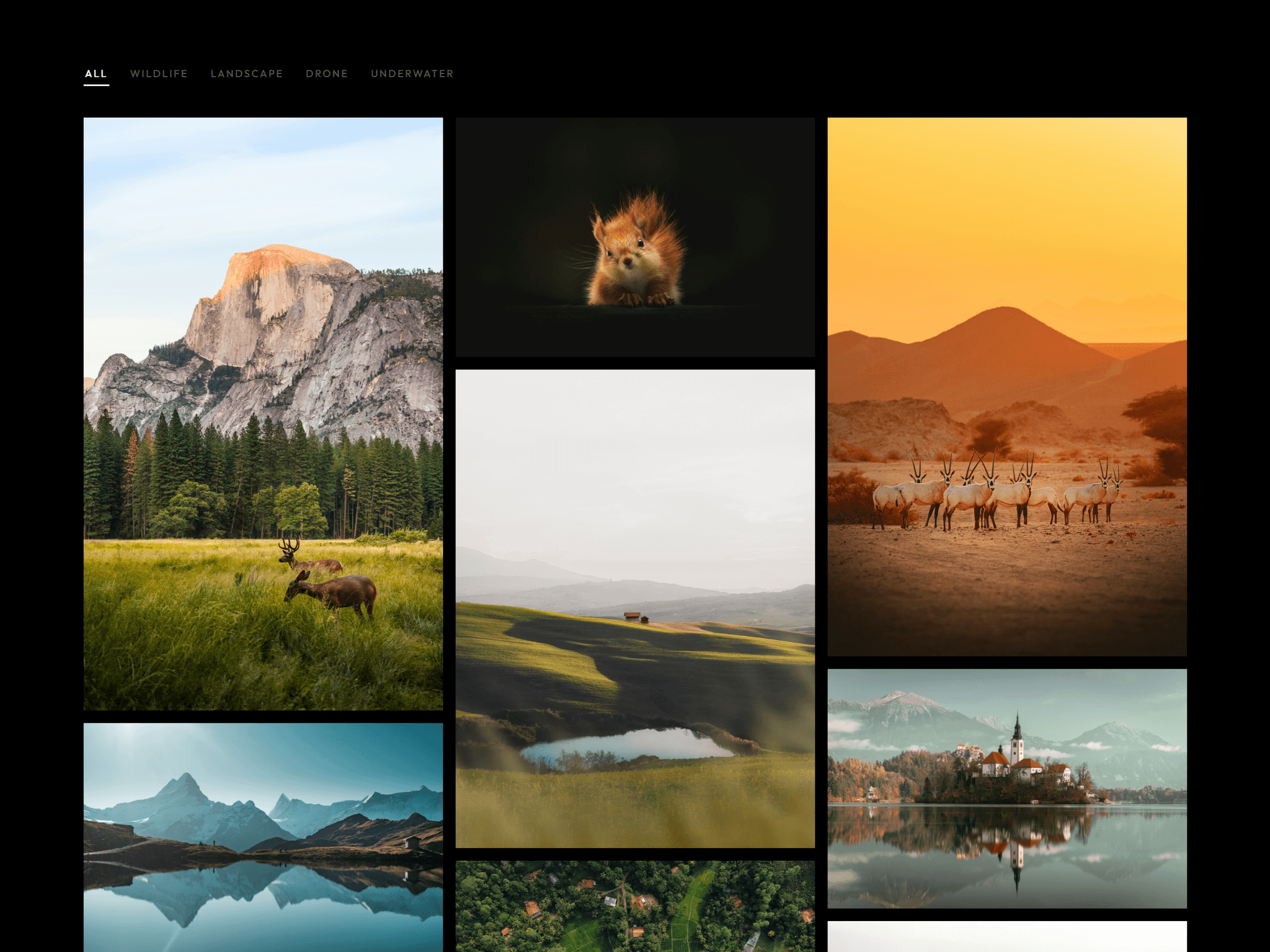
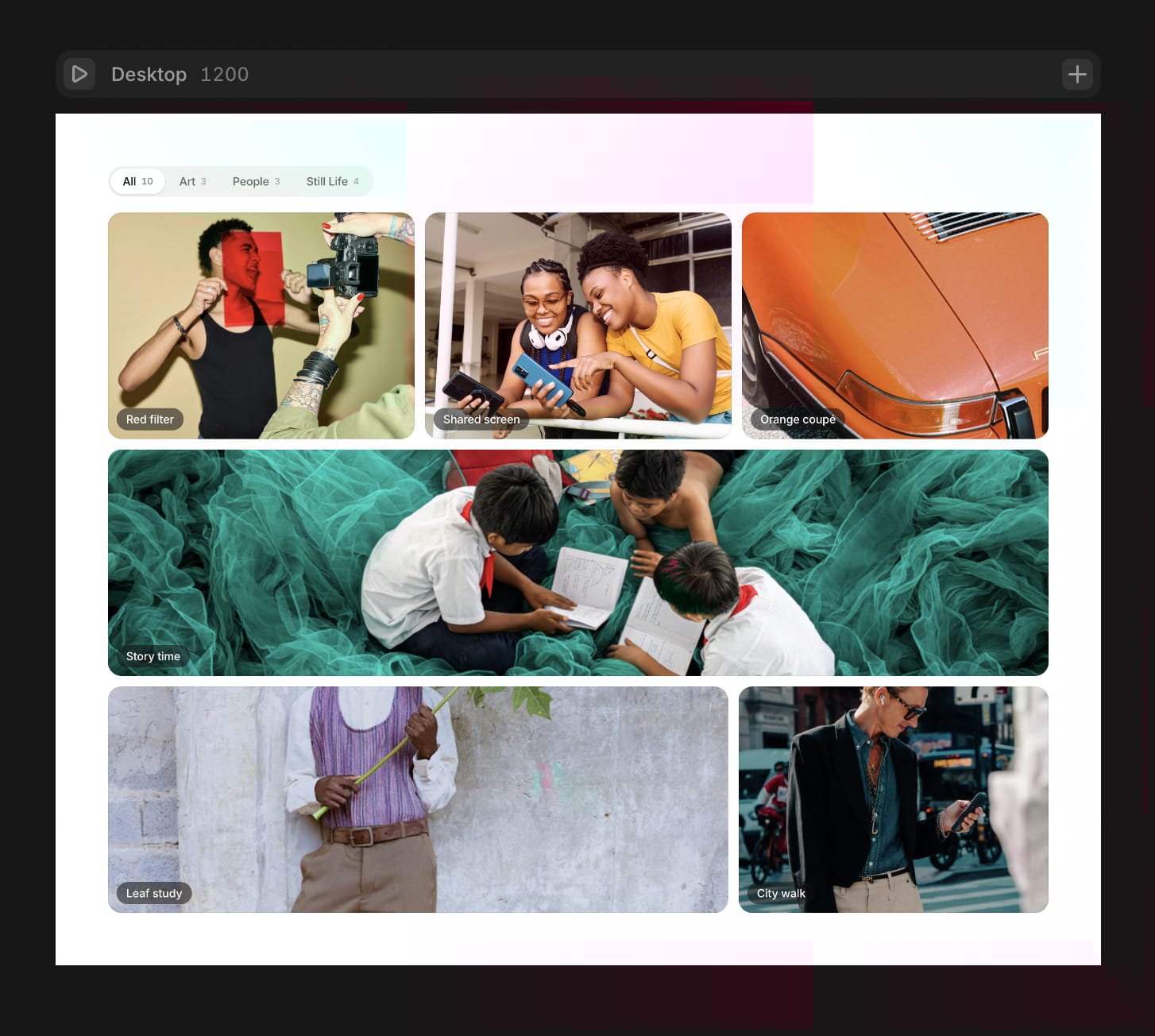
A bento image gallery for Framer that keeps reshaping itself. Connect your CMS or add photos by hand. It builds a random bento that shifts with every rotation, lets visitors filter by category, and opens photos in a clean full-screen viewer.
Features
Random bento layout on desktop, tablet and phone that reshapes every time the photos rotate
Max Rows keeps the height fixed. Extra photos rotate in, and every photo gets shown.
Category filter bar with counts and a sliding selection pill
Full-screen viewer with keyboard, swipe and captions
True Shape on hover: the hovered tile takes on its photo’s real proportions
Greyscale soften the other tiles while one is hovered
Fit height, or fill any Fixed, Fill or 100vh height
Pauses when hovered, off screen, or when the viewer is open
Respects reduced motion and supports keyboard navigation
Use with a CMS
Set Source to CMS.
Add a Collection List bound to your collection, with an Image layer in each item.
Optional: add text layers named Tag, Category and Focus (for example “50 20”) to the item.
Connect the Collection List to the gallery’s Feed.
Use without a CMS Keep Source on Manual and add photos to Images. Sample photos show until you add your own.
Want it customised? Need a different layout, your brand’s styling, or a feature that isn’t here? Write to me at studiocusame@gmail.com and tell me what you have in mind.