About Media Filter Masonry
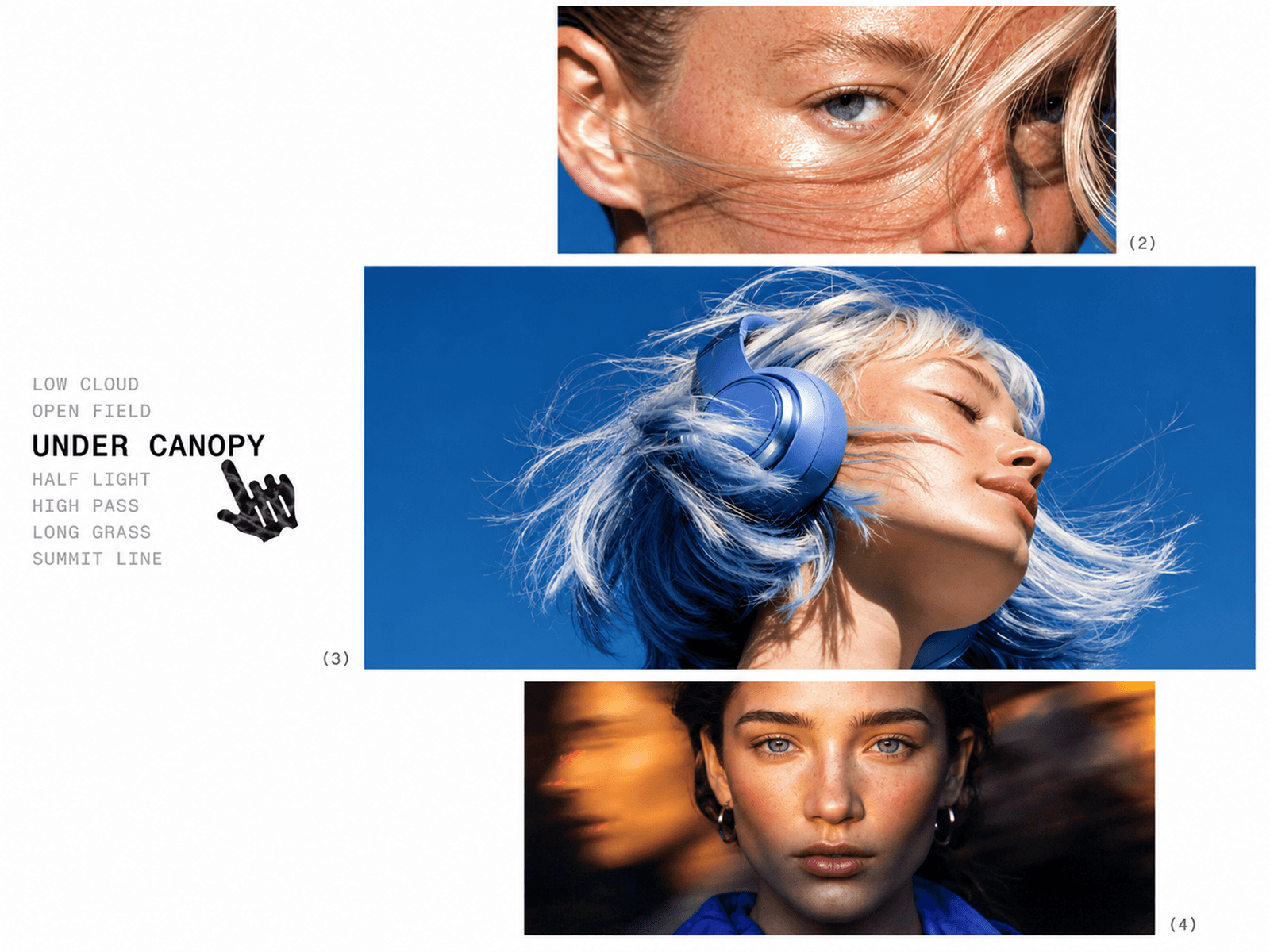
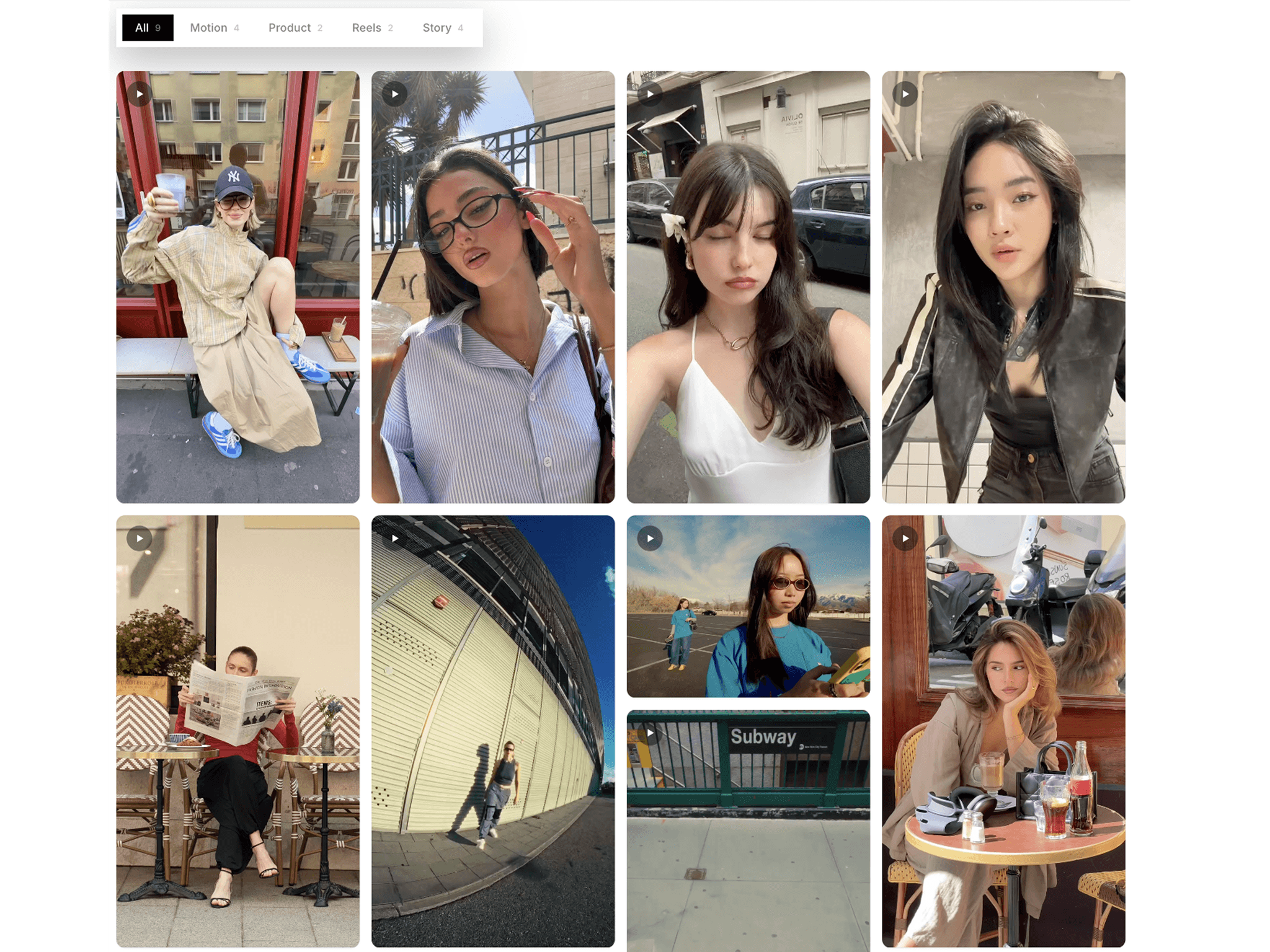
Media Filter Masonry is a flexible masonry media gallery for Framer designed to organize images and videos into a clean, responsive layout with powerful filtering and search controls. Visitors can quickly browse your content by category, search by title or description, sort the collection, and open individual items in an immersive lightbox.
✦ Key Features
Masonry Layout - Create a dynamic multi-column layout that adapts to different media proportions.
Image & Video Support - Showcase both images and video content in the same gallery.
CMS Link Compatible - Connect individual items directly to CMS pages or custom links.
Category Filters - Let visitors instantly filter content by category.
Search Bar - Search titles, categories, and descriptions in real time.
Sorting Options - Sort content by original order, newest, A to Z, or shuffle.
Responsive Columns - Automatically adapts the number of columns across desktop, tablet, and mobile.
Interactive Lightbox - Open media in a focused full-screen viewer with navigation controls.
Flexible Media Ratios - Use individual media ratios, detected media ratios, or a shared ratio.
Custom Styling - Control cards, typography, borders, shadows, colors, spacing, and more.
✦ What You Can Create
Creative Portfolio Galleries
Photography Portfolios
Video Showcases
Agency Project Galleries
Case Study Collections
Fashion & Editorial Websites
Digital Art Portfolios
Product Showcases
CMS Content Libraries
✦ A Smarter Way to Showcase Media
Media Filter Masonry combines the visual impact of a masonry gallery with practical content discovery tools. Give visitors an effortless way to explore large collections while keeping your layout clean, responsive, and highly customizable. Keywords: Media Filter Masonry, Framer Masonry Gallery, CMS Gallery, CMS Media Gallery, Framer CMS, Image Gallery, Video Gallery, Masonry Gallery, Filter Gallery, Search Gallery, Media Gallery, Portfolio Gallery, CMS Portfolio, Framer Component, Interactive Gallery