About CMS Ring Video
Preview Link: https://cmsringvideo.framer.website/
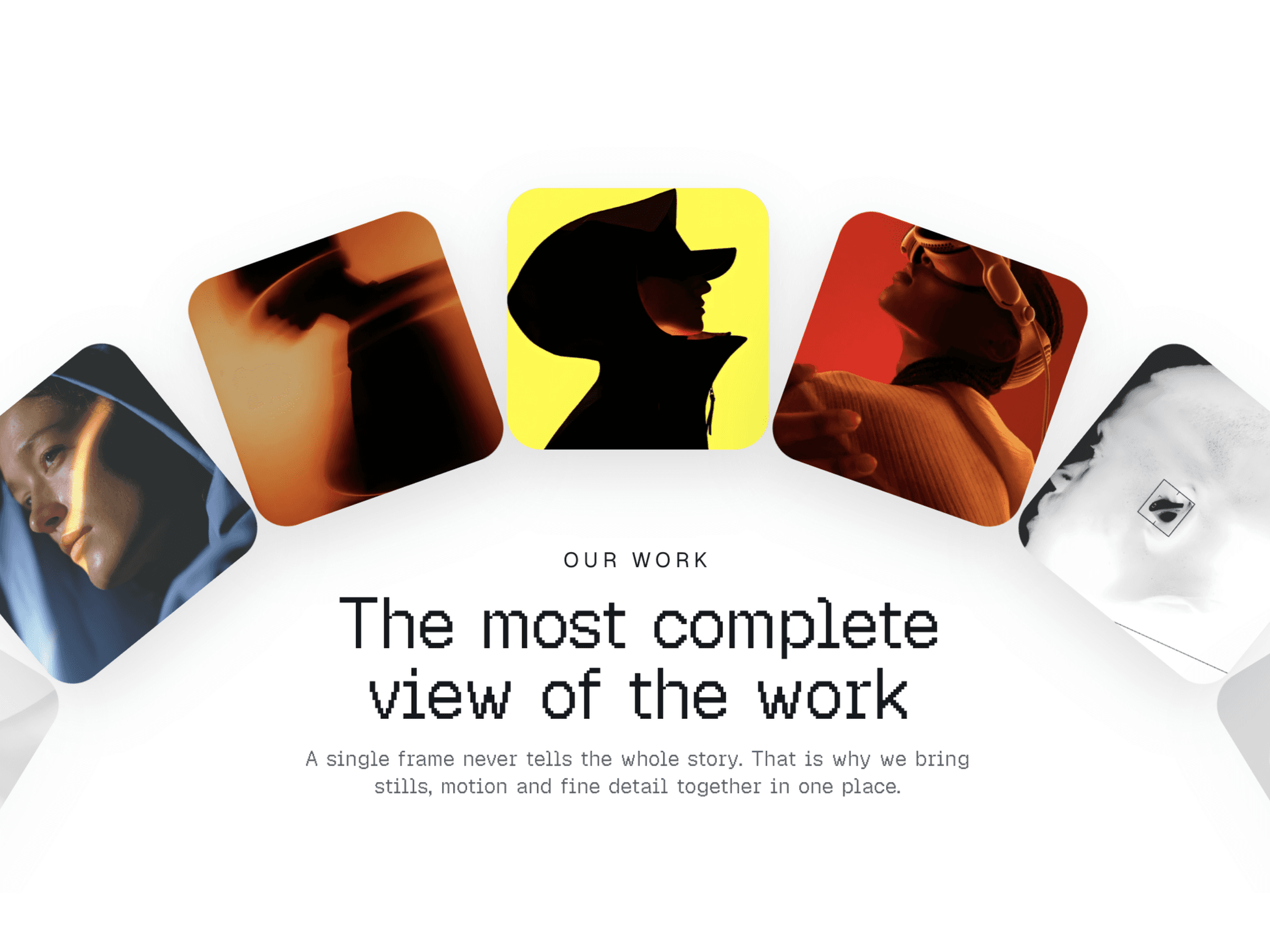

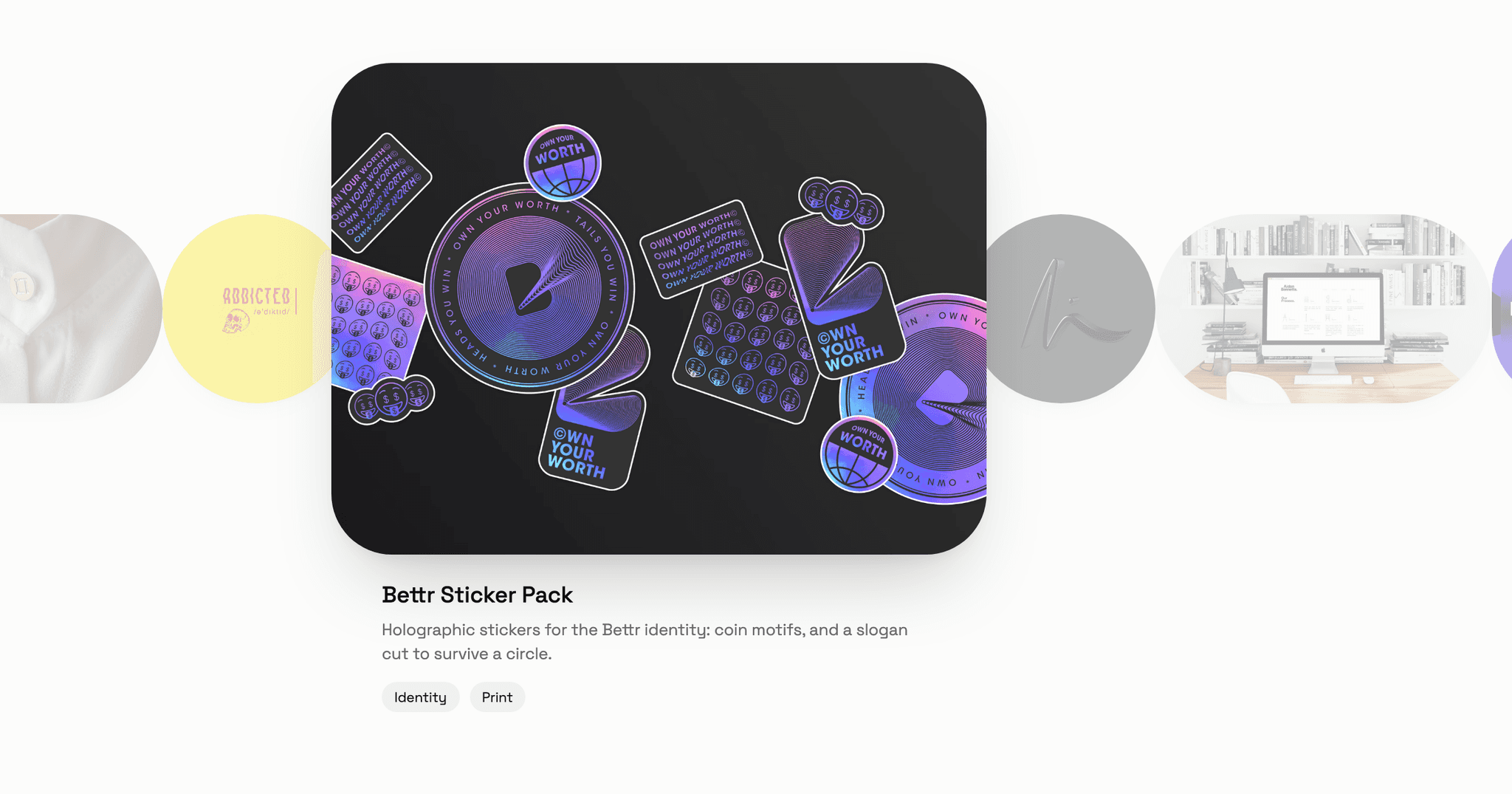
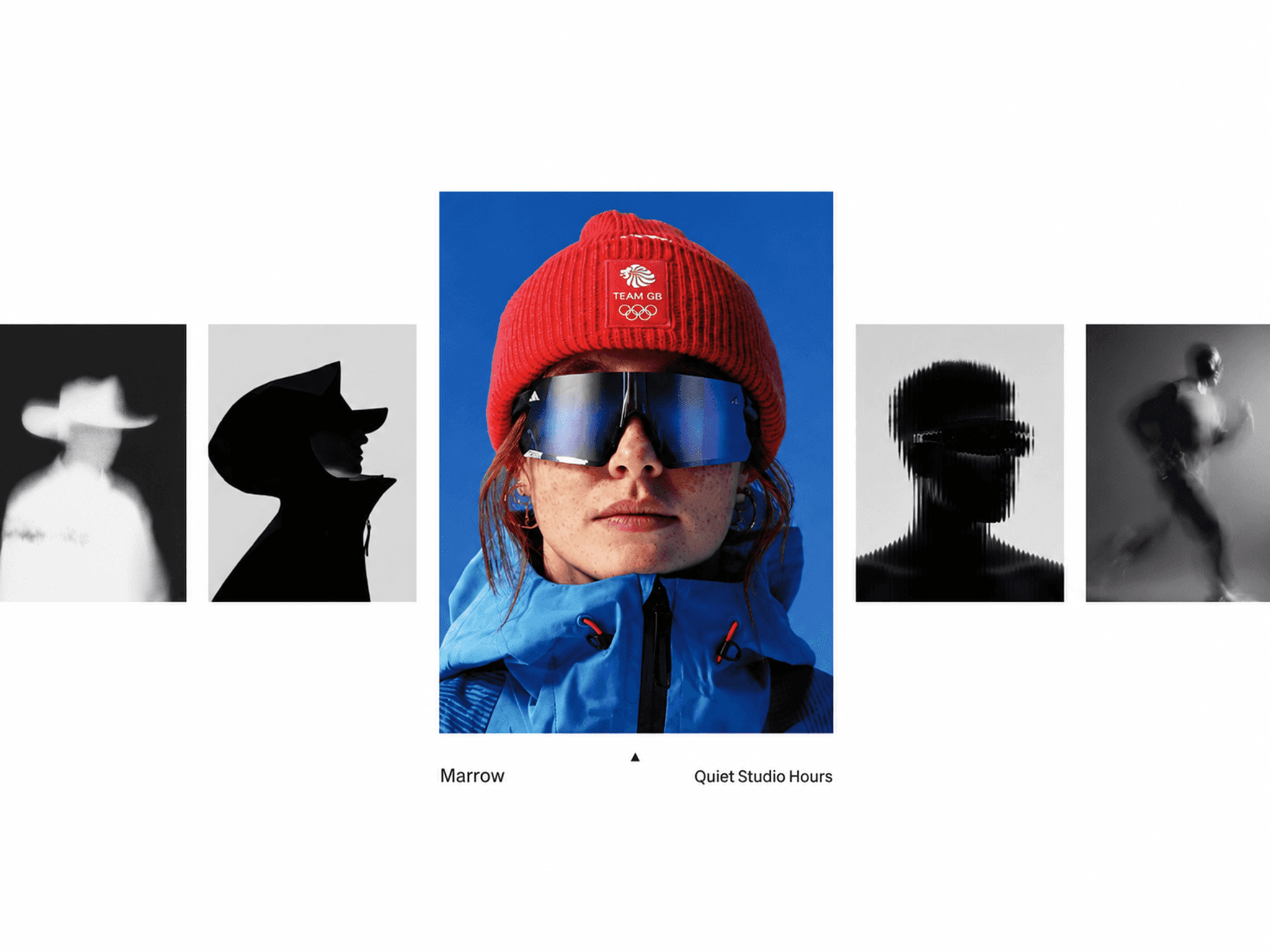
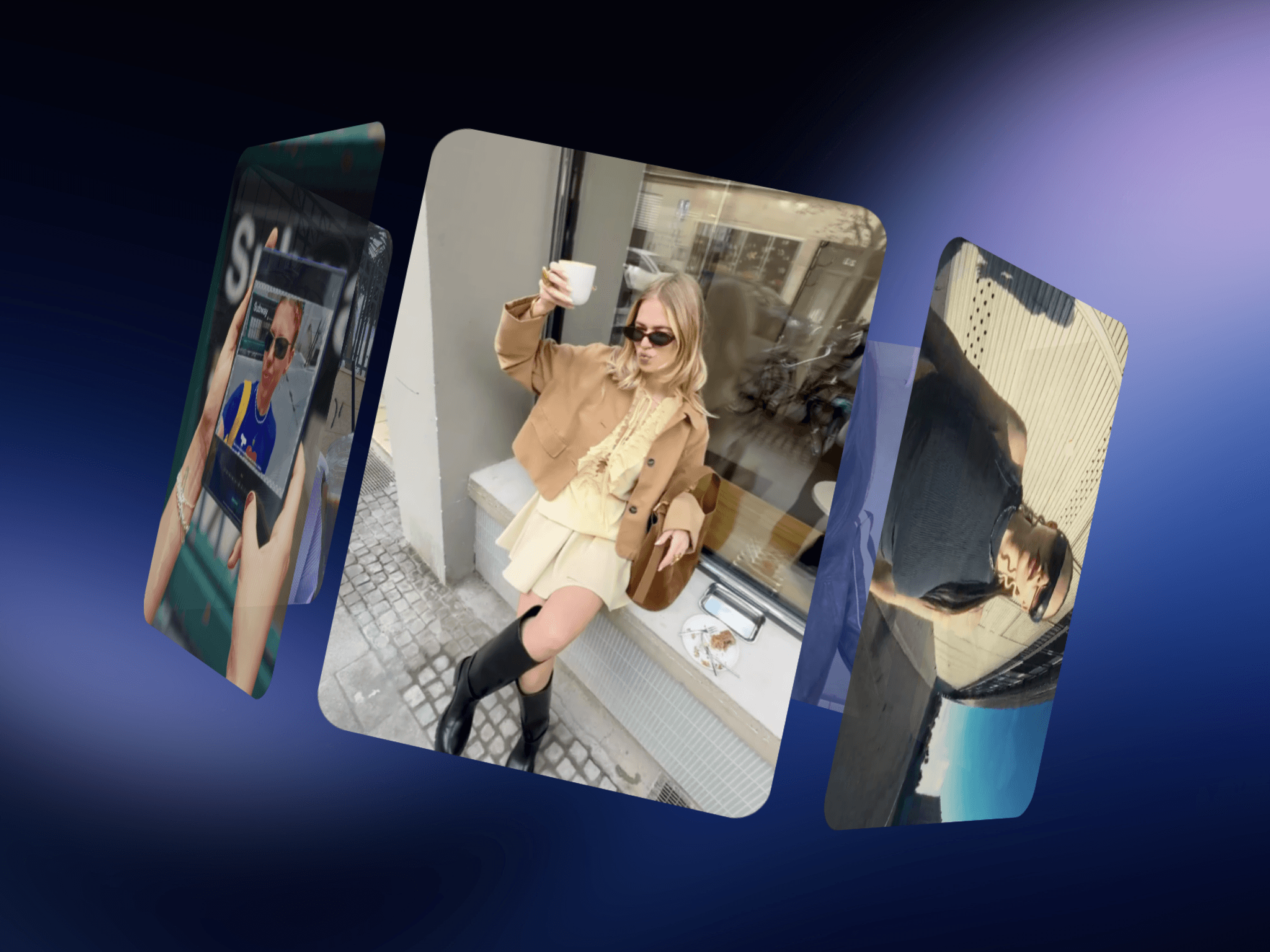
CMS Ring Video is an interactive 3D video carousel for Framer that places video cards around a tilted, rotating ring for an immersive viewing experience. Add your videos, customize the 3D layout, and connect each individual card directly to its own CMS page using the built-in CMS Link option.
HOW TO USE
Add CMS Ring Video to your Framer page
Add your videos to the carousel
Add a poster image for each video if needed
Add captions to your video cards
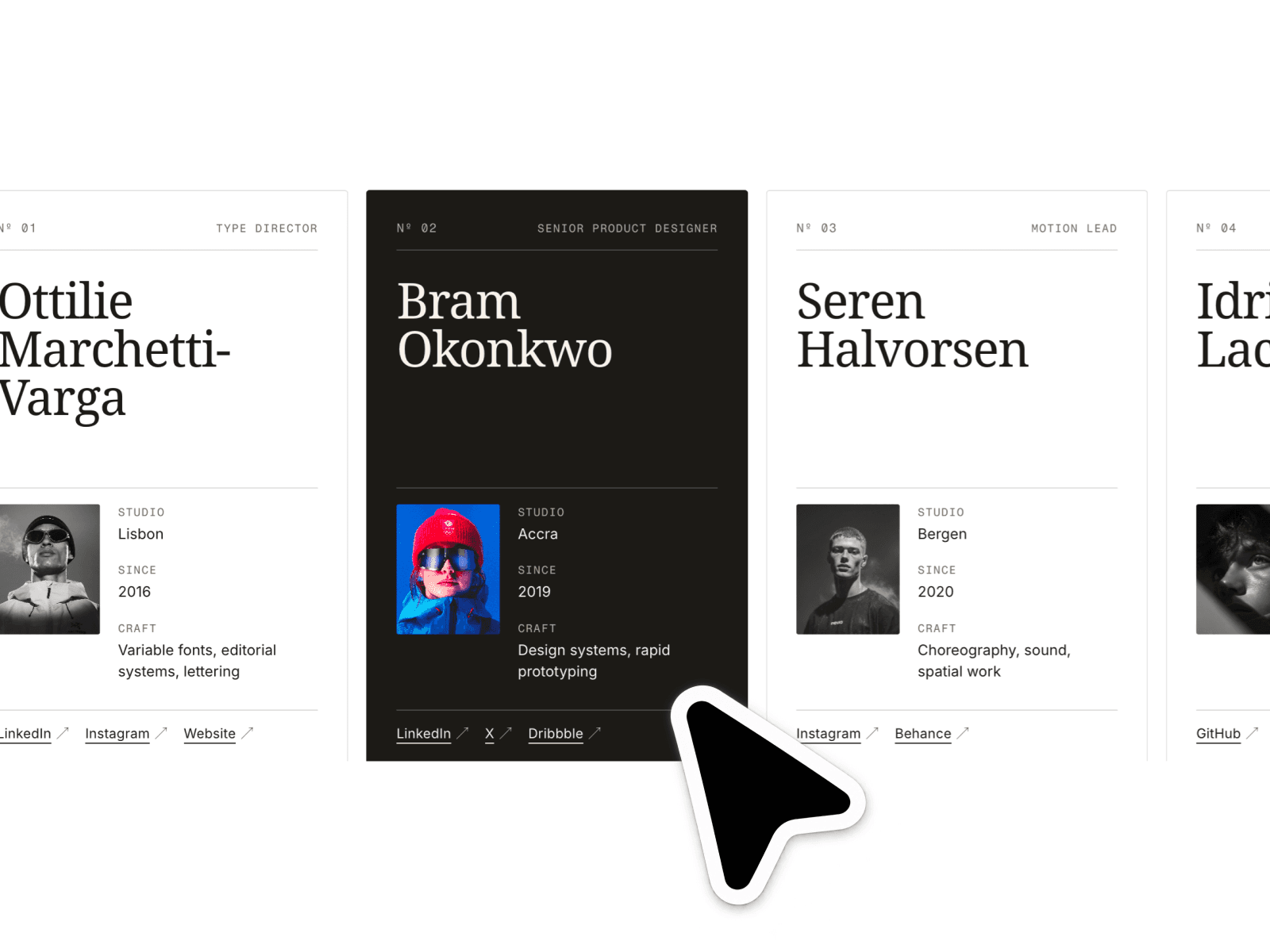
Connect each card to its CMS page using the CMS Link
Customize the video playback behavior
Choose between front, all, or hover playback
Adjust the ring tilt, opening, size, and perspective
Customize card size, ratio, spacing, and corner radius
Enable auto-spin, drag, wheel, and touch interactions
Customize colors, borders, captions, and animations
Publish your site and your interactive video carousel is ready
KEY FEATURES
Interactive 3D video ring carousel
CMS Link support for individual cards
Link each video card directly to a CMS page
Front, all, and hover playback modes
Smart video playback for better performance
Video autoplay, loop, and mute controls
Custom video URLs and uploads
Poster image support
Drag and touch interaction
Wheel and trackpad controls
Momentum and adjustable friction
Optional snap-to-card behavior
Adjustable 3D perspective and depth
Back-card fade and blur effects
Multiple video card aspect ratios
Custom captions and typography
Responsive layout
Up to 60 video cards
Fully customizable in Framer
WHY CMS RING VIDEO?
Perfect for portfolios, creative agencies, filmmakers, fashion, product showcases, case studies, events, and modern websites. CMS Ring Video combines an immersive 3D video experience with simple CMS page linking, allowing every video card to take visitors directly to its related CMS page while keeping the browsing experience smooth, interactive, and visually engaging.