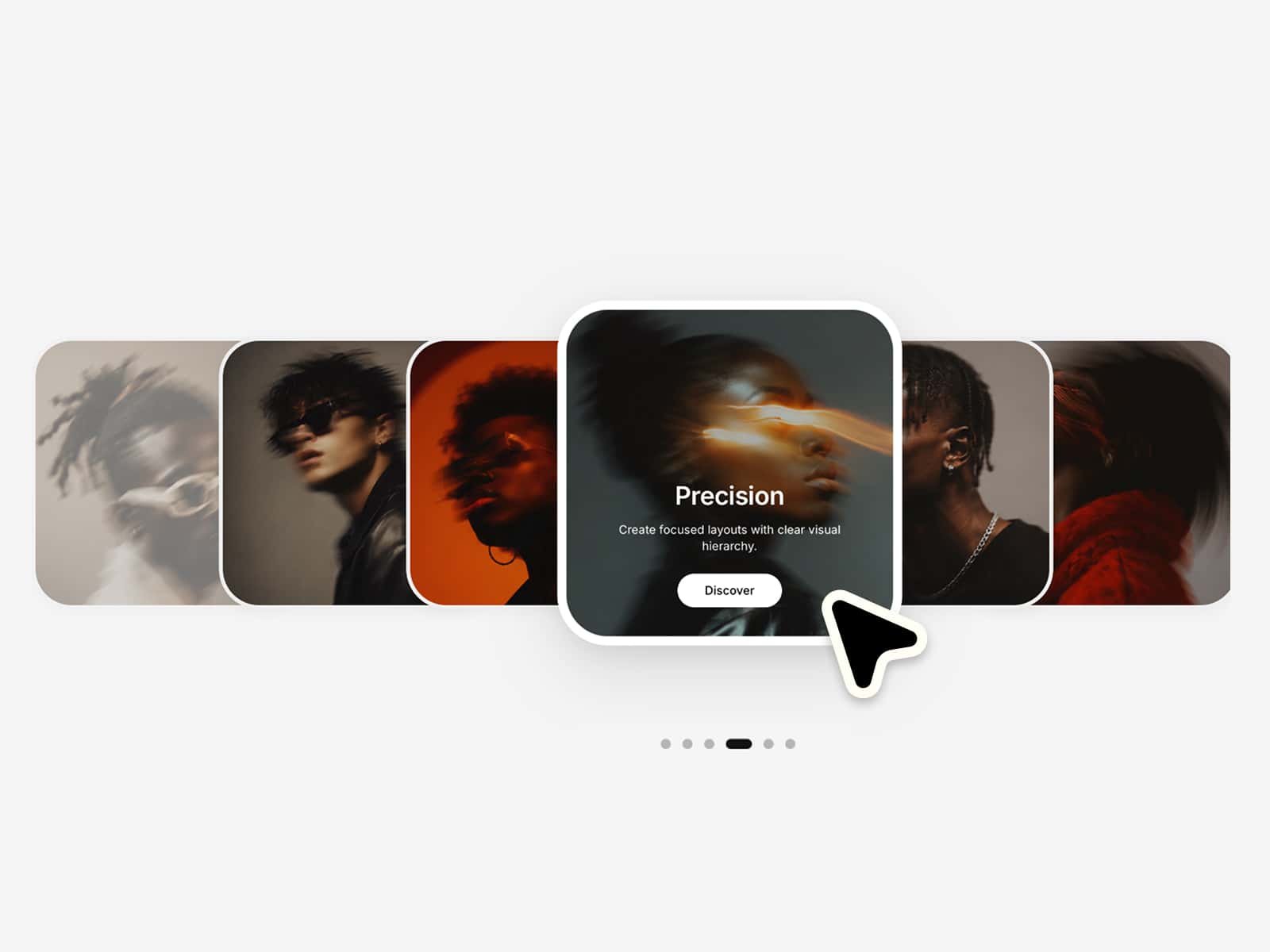
About Dragable Carousel
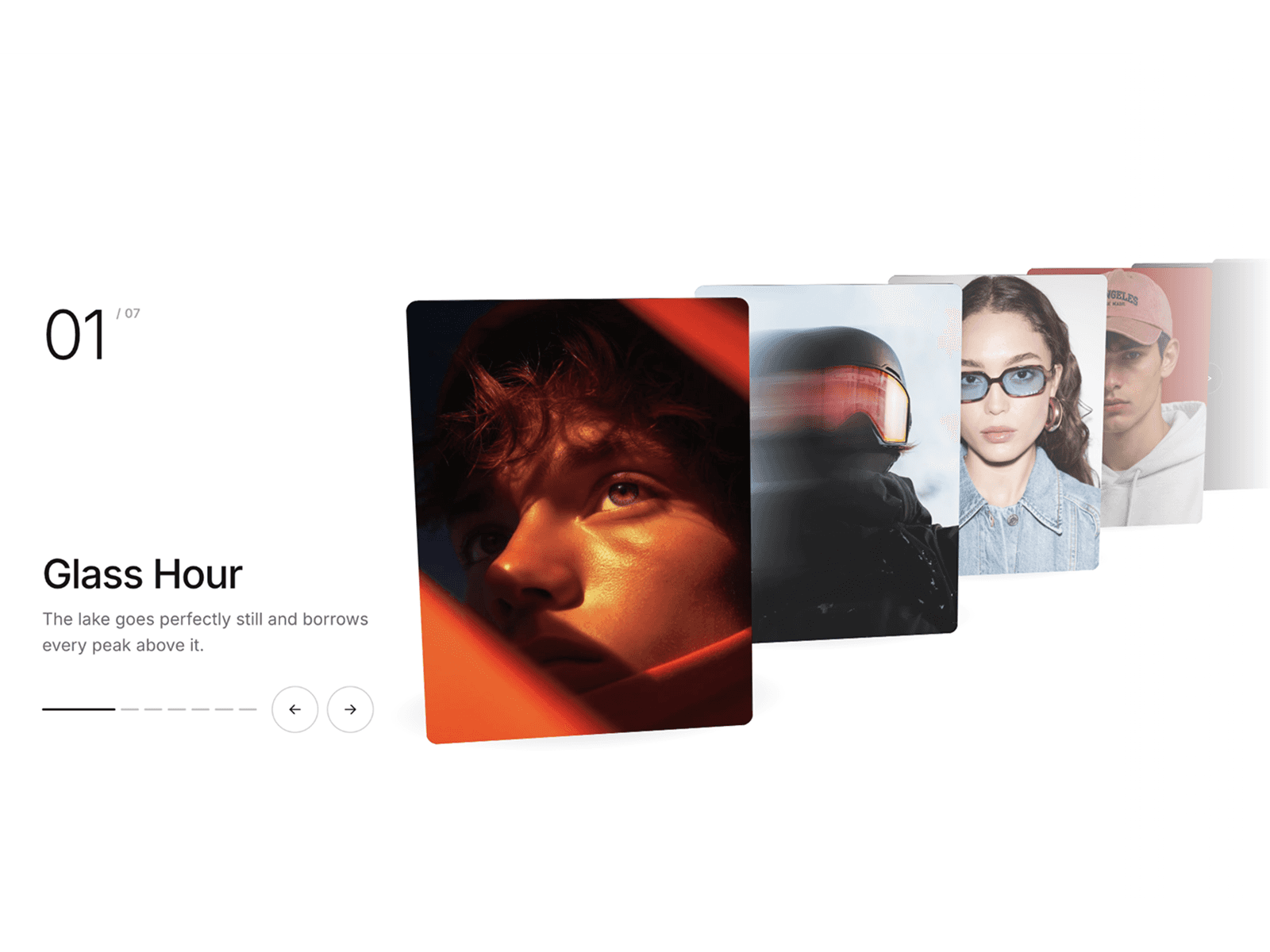
The Draggable 3D Carousel is a premium, motion-driven Framer component designed for immersive visual storytelling. Unlike native Framer tools, this component uses a custom physics engine to calculate 3D transforms—including Y-axis rotation, Z-depth, scale, and opacity—based on each slide's real-time distance from the viewport center.
The experience is anchored by a high-performance snapping system. When a user drags or swipes, the component tracks the release velocity to project a natural landing point, ensuring the carousel "snaps" into place with professional easing and zero flicker.
Key Features & Capabilities
3D Coverflow Engine: Deep perspective transforms (Rotate, Depth, Scale) calculated per frame.
Physics-Based Snapping: Intelligent momentum tracking that determines the optimal slide to land on based on drag speed.
Distance-Based Visuals: Scale and opacity dynamically adjust as slides move toward or away from the center.
Integrated Navigation: Customizable directional arrows and pagination dots for enhanced accessibility.
Smart Autoplay: Timer-based transitions with an automatic "Pause-on-Hover" feature for better UX.
Full Touch Support: Optimized for buttery-smooth interaction on both desktop cursors and mobile touchscreens.
Performance Optimized: Driven by GSAP and requestAnimationFrame to maintain a consistent 60FPS.
Best For
Creative Portfolios: Showcasing photography or design projects with a high-end "gallery" feel.
Premium Brand Stories: Creating impactful Hero sections that demand user engagement.
Product Showcases: Presenting high-resolution products with cinematic depth.
Agencies & Studios: Adding a layer of technical sophistication to client websites.
How to Set Up
Populate Content: Use the "Images" array in the property panel to batch-upload your assets.
Define Dimensions: Set your Slide Width and Height to match your specific layout needs.
Configure the 3D Look: Use the Rotate, Depth, and Scale sliders to find your perfect "Coverflow" intensity.
Style Navigation: Toggle Arrows and Dots on or off, and customize their colors to match your branding.
Set the Pace: Enable Autoplay and adjust the interval for a hands-free viewing experience.