About CMS Tag Masonry
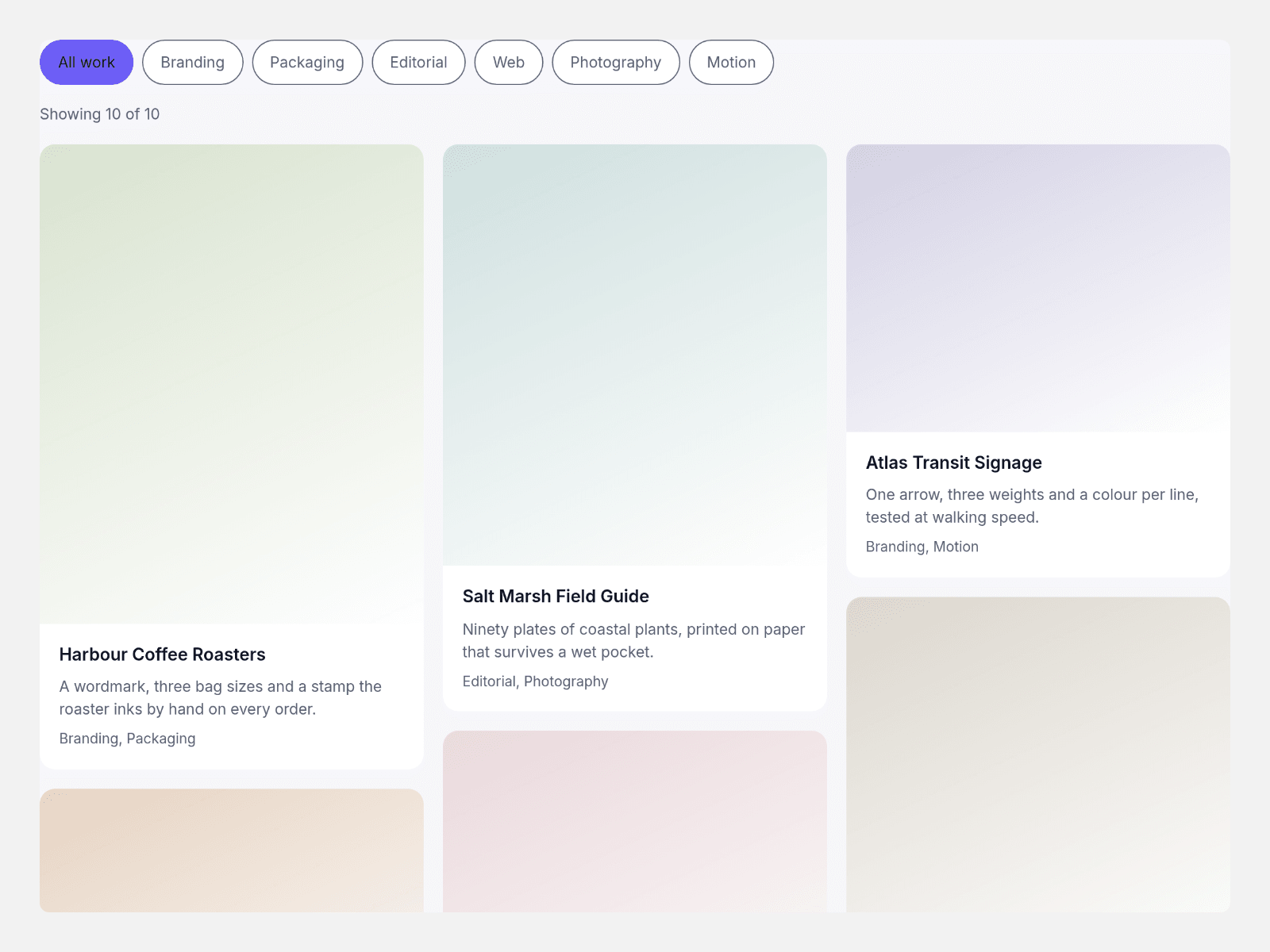
CMS Tag Masonry lays a collection into real CSS columns and narrows it with tag chips: pick several tags, choose any or every, and the wall settles at once with every surviving card where it was.
Cards are links straight to the work, the filter is pure CSS and the count line reads out loud, so nothing is measured, nothing re-flows, and the canvas shows the finished grid.
Bind a CMS collection through the card slots, set three column counts and a gap, and pick the tags that are on when the page opens.
Key features
- Real columns. column-count packs the cards, so your order is the reading order at every width.
- Chips that stack. Several tags at once, with one switch for any-of or all-of.
- One repaint. A chip swaps a class; hidden cards fold away and the rest stay put.
- CMS slots. One component slot per card binds a collection straight into the grid.
- Cards that link. Title, caption, tag line and a link on the whole card.
- A count that speaks. Showing 7 of 10, announced politely as chips change.
- Open on a tag. Start with any tags already on, for a curated first view.
- Styled by you. Three column counts, gap, radius, chip radius, five colours, text size, max width.
What you control
• Items as an array: title, caption, comma tags, image, alt text, link, height ratio and a tint
• Item slots for the CMS path, paired one to one with the items
• Columns for desktop, tablet and phone; gap; radius; chip radius; any-or-every switch; initial tags
• All label, count template, empty and no-match text, five colours, text size, max width, chip align
One grid per section, images from your own project or CMS, and a card count comfortable up to about forty.