About CMS Filter Gallery
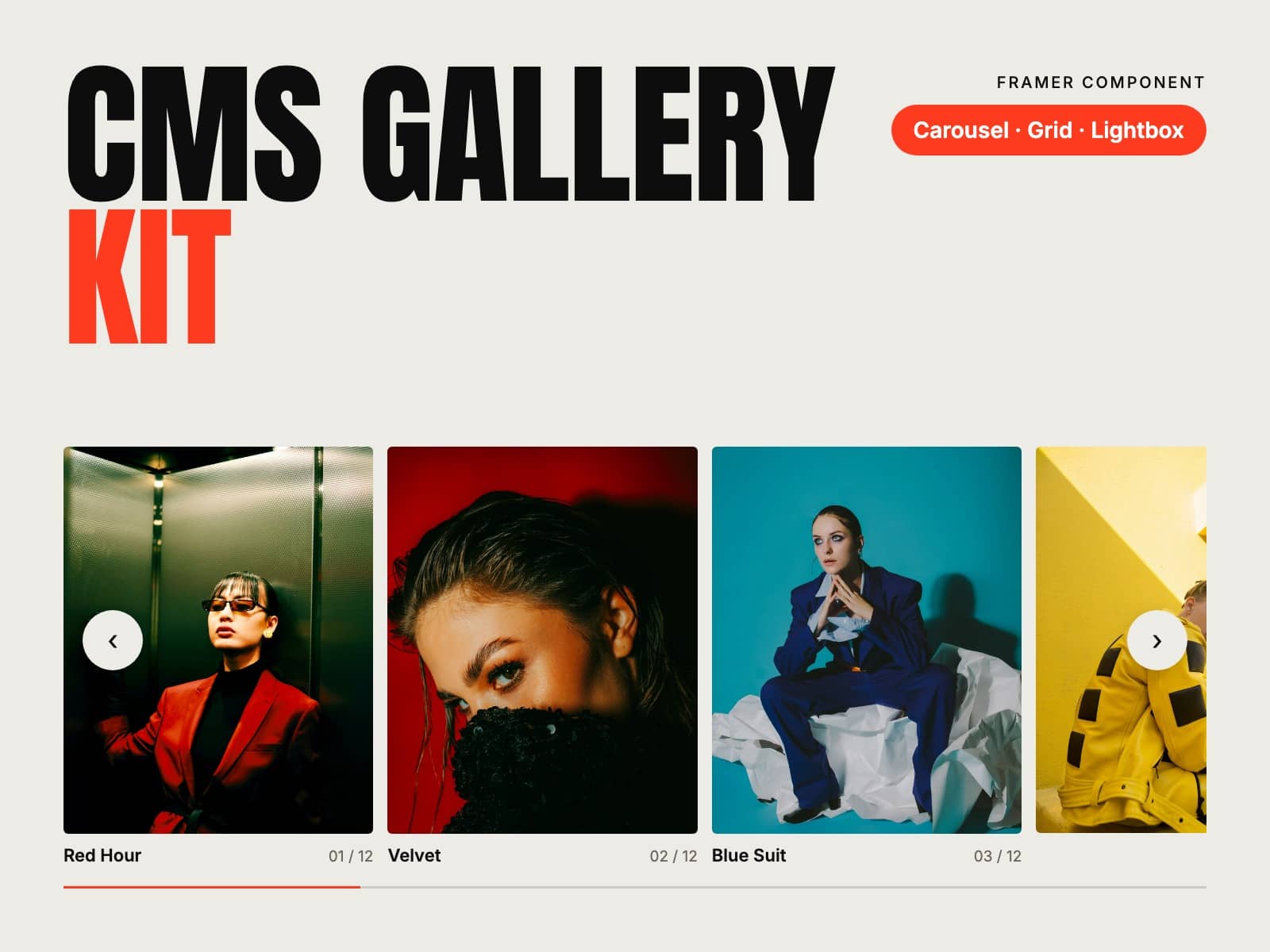
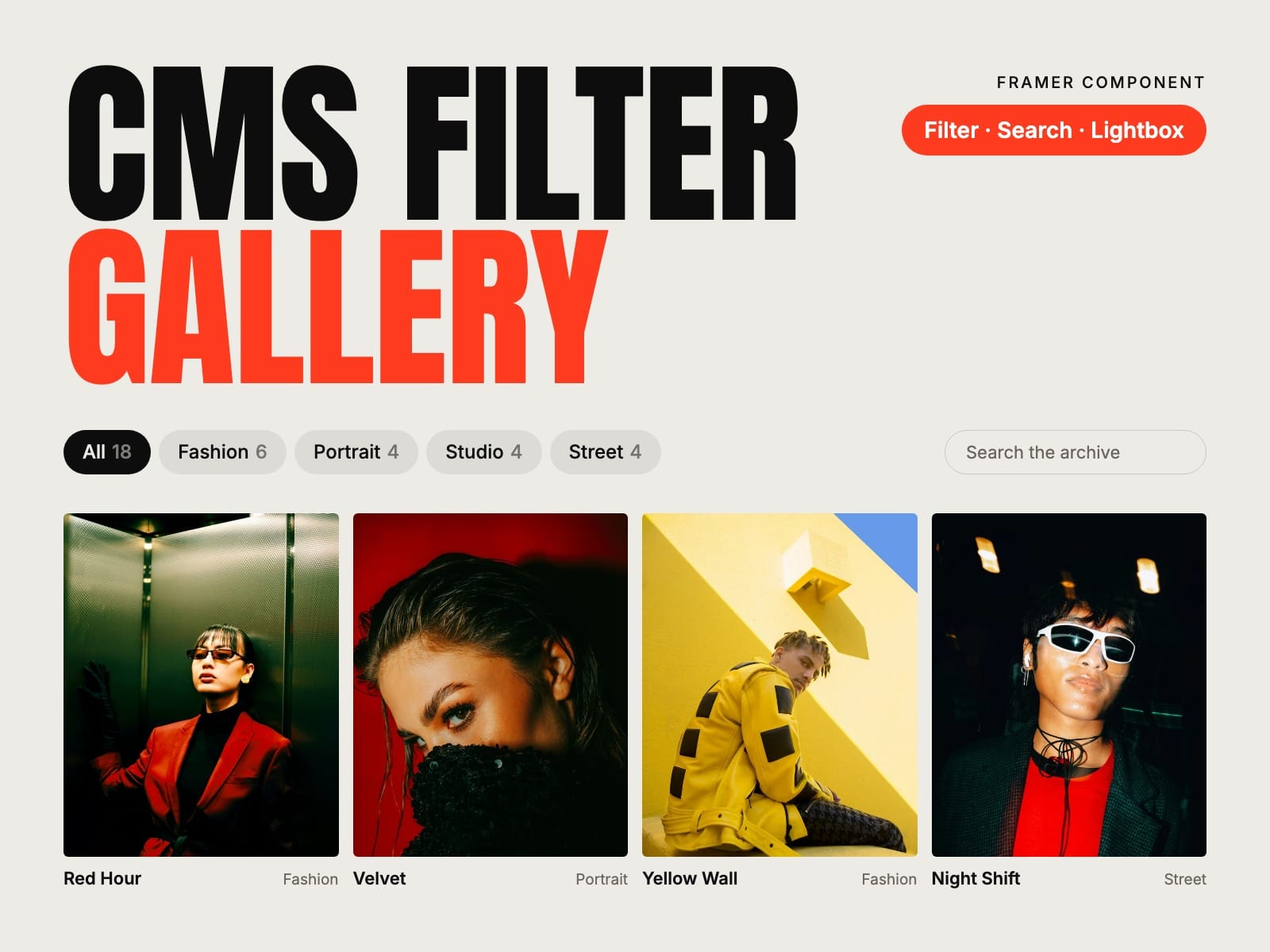
Your whole CMS collection, filtered. Put a Filter Item in a Collection List and the gallery shows every item, with filter buttons, search, sort and a lightbox. No layer names to get right: you connect each field to a control.
How to use
Paste CMS Filter Gallery into your Framer project
Add a Collection List of your collection and put a Filter Item inside its item
Connect the image, title, category and tags, and the item's page if you want a link
Pick Grid or Masonry, style the filter buttons and publish
Key features
Reads any CMS collection: projects, rooms, products, artworks
Filter buttons with counts, one at a time or several
Filter by category, by tags, or both
Search, and sort by date or name
The filter stays in the address (#filter=interiors), so it can be shared, and Back works
Grid, Bento and Columns layouts, with videos next to photos
Lightbox with zoom, thumbnails and a View link to each item's page, or open the page straight away
Load more for long collections, and a message when nothing matches
Responsive images, keyboard and screen reader friendly, no network requests
Full documentation: miguelrecio-components.framer.website/cms-filter-gallery/docs
One-time payment. Single-Use licence: one website or project per licence. Questions: info@miguelrecio.es.