About Code Comparison
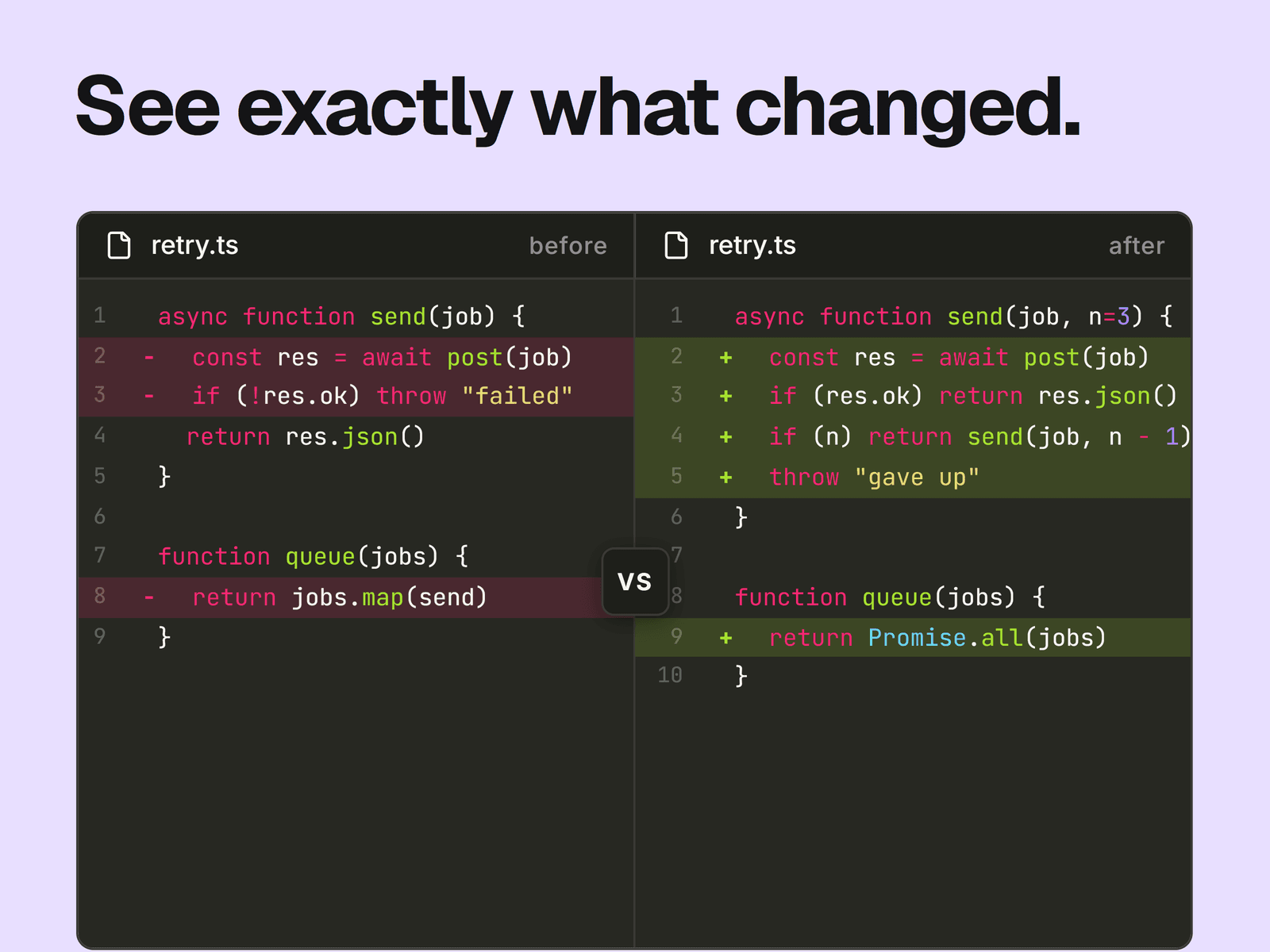
Two code panels side by side, with syntax coloring and a VS badge between them. Lines you mark as added or removed get a tint and a plus or minus sign. With Focus Mode on, the other lines stay dimmed and blurred until a visitor hovers over the panel.
What you can change
The before and after code, the filename and the two panel labels.
The language used for coloring: TypeScript, JavaScript, Python, HTML, CSS, JSON, Go or Rust.
Line numbers, diff highlighting and Focus Mode, each on or off.
Fonts for the code and header, and the corner radius.
Colors for the backgrounds, plain text, header text, border, line tints, signs and badge.
Where it fits
Developer tool sites, changelogs, migration guides and docs that show what changed in a piece of code.
Good to know
It doesn't work out the differences for you. Mark a line by starting it with a plus or minus and a space, or by ending it with // [!code ++] or // [!code --].
Words, strings and comments use a fixed set of colors with no controls. Coloring reads one line at a time, so block comments and multi-line strings aren't picked up.
The default code font is Inter. Pick a monospace font if you want columns to line up.
The panels stay side by side at every width, and long lines scroll sideways inside their panel. The VS badge always shows and can cover the end of a long line.
Both panels share one filename.
Focus Mode only works where hovering does, so on touch screens every line stays clear.