About Color Panel
Unlock entire Depth library for $149. One price. Lifetime.
--------------------------------------------------------
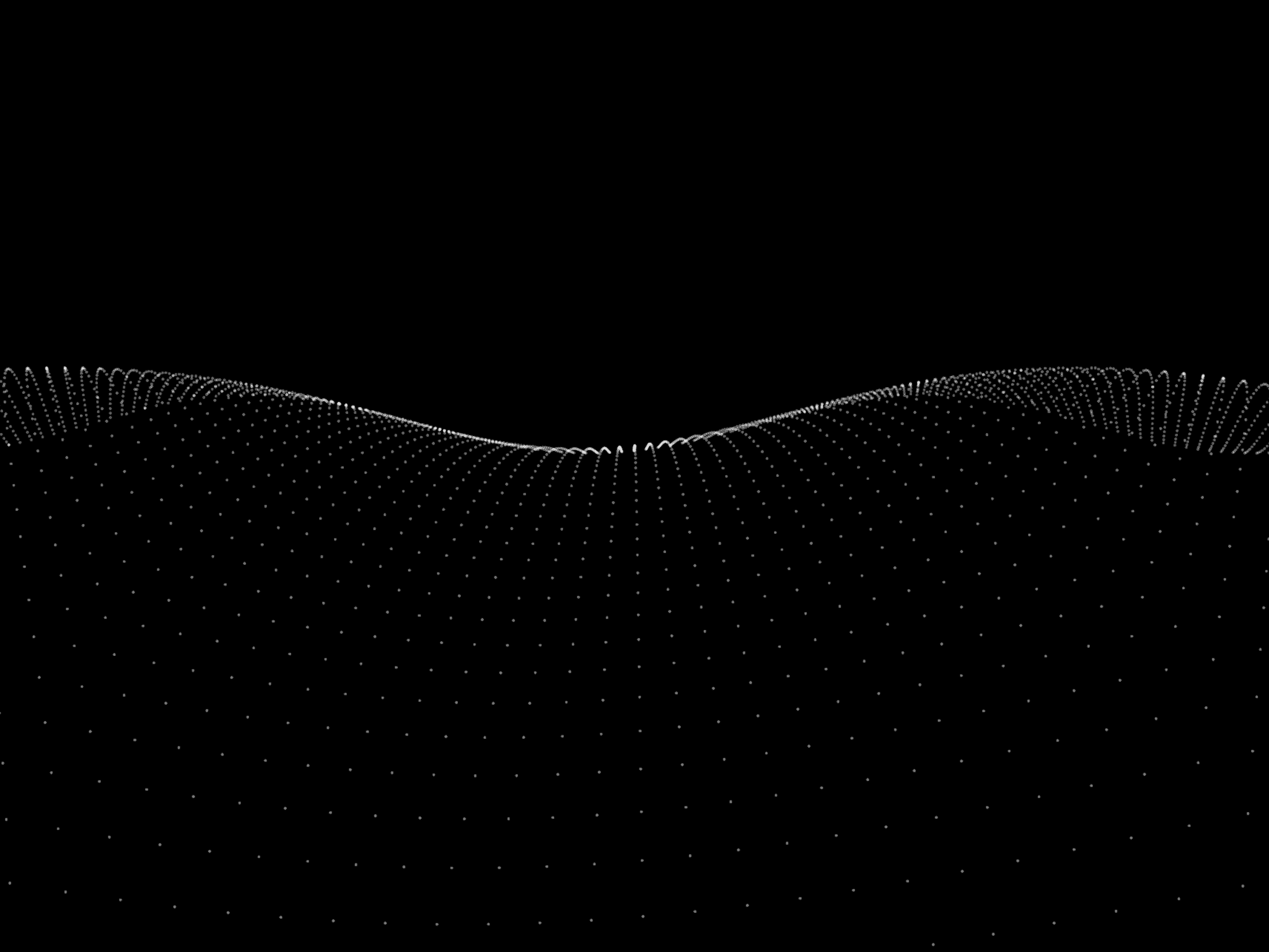
Glowing, translucent 3D panels rotating around a central axis — up to 7 colors, fully controllable from clean skewed blades to a dense, glass-like fan of light. A distinctive alternative to a flat gradient background.
Features
Up to 7 colors — build rich, multi-panel color combinations instead of a flat 2-color blend
Dual skew control — Angle 1 and Angle 2 let you shear the panels independently for asymmetric compositions
Density control — set the angular spacing between panels, from a few bold blades to a dense fan
Edge highlights & Blur — add a glowing edge highlight, or soften panel sides from sharp to blurred
Fade In / Fade Out — control transparency near the central axis and near the viewer for extra depth
Gradient mixing — blend two colors within a single panel instead of a flat solid fill
Fully animated — smooth, continuous rotation by default, with full control over speed
Built in Paper style, running on a lightweight, zero-dependency shader engine for smooth performance
Controls
Colors
Background Color
Density
Angle 1
Angle 2
Length
Edges
Blur
Fade In
Fade Out
Gradient
Speed
Scale / Rotation / Offset
How to use
Add the Color Panels component onto your canvas
Add up to 7 colors to build your panel palette
Adjust Density to set how many panels appear and how tightly packed they are
Use Angle 1 and Angle 2 to skew the panels into the composition you want
Fine-tune Blur, Fade In, and Fade Out for depth, and toggle Edges for a glowing outline
Set Speed to control rotation pace, or set it to 0 to freeze on a single frame
Shader powered by Paper Shaders.
Refund Policy: Due to the nature of digital products, all sales are final. Once purchased, this component is non-refundable. Please make sure it fits your needs before completing the checkout.
Support: hi@alicorak.com