About Contact Info Dock
What is Contact Info Dock?
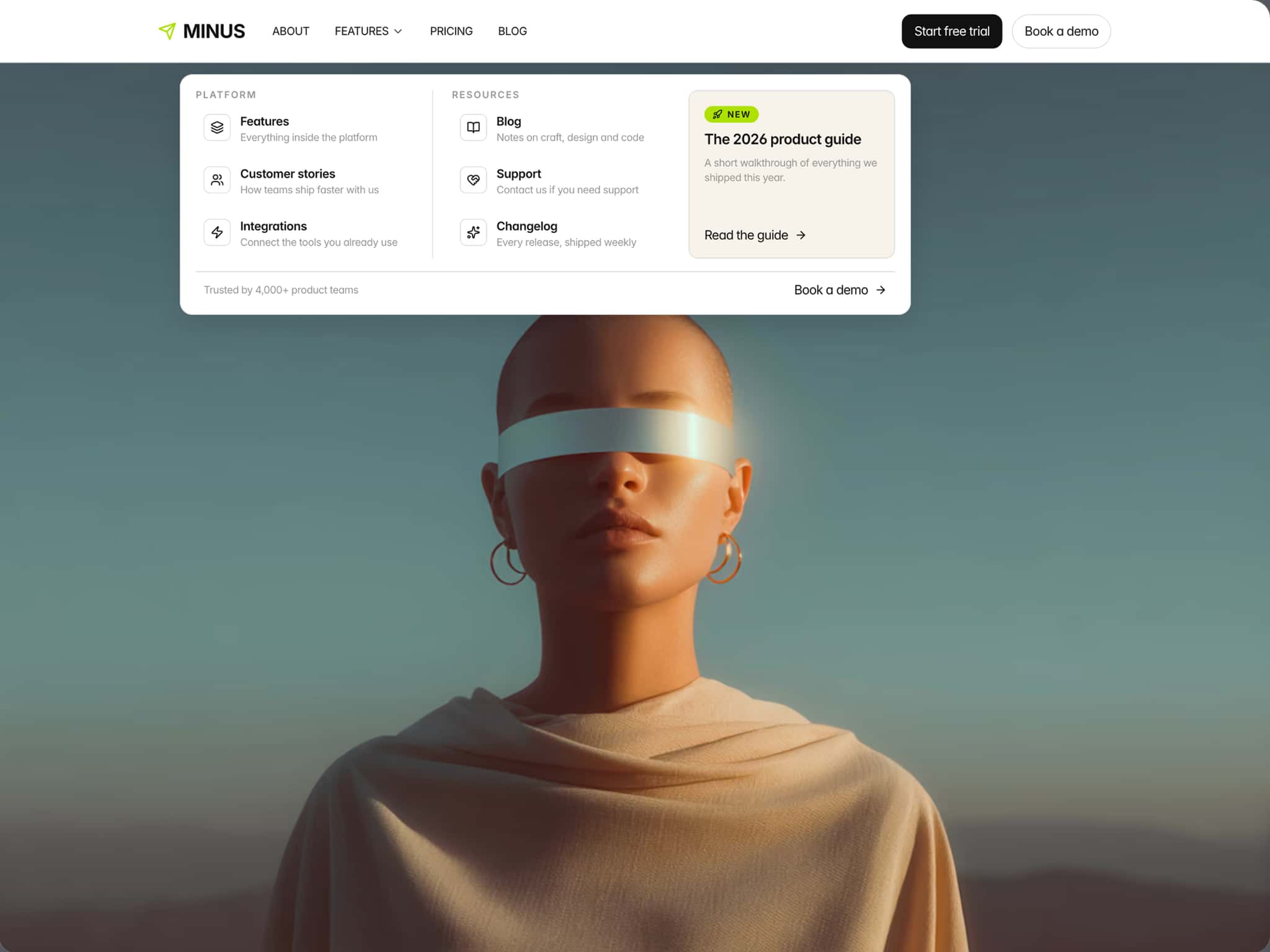
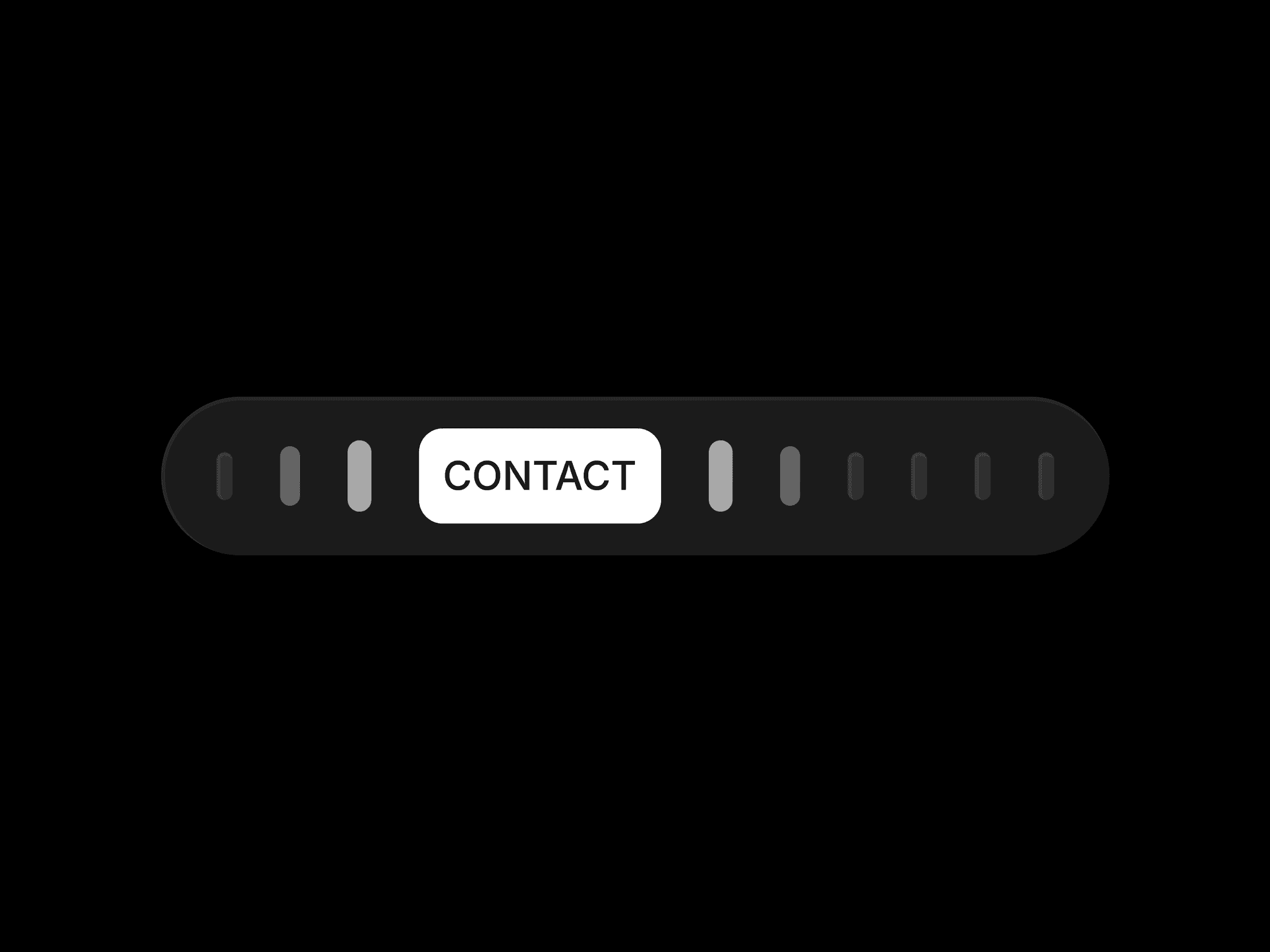
Provide a streamlined, visually striking floating menu that expands upon interaction. Designed to sit perfectly at the edge of the viewport, it gives visitors instant access to essential communication channels like support, sales, or social media. Deliver a premium user experience that maximizes screen real estate while keeping vital contact information accessible at all times.
Core Features
Fluid physics-based expansion animations
Smart tooltips that dynamically reposition to prevent screen clipping
Five premium visual themes including frosted glass and gradient aesthetics
Comprehensive support for vertical and horizontal layout orientations
Fully responsive architecture that adapts perfectly across devices
Controls inside Framer
Content and Layout
Contacts (Add and edit icons, titles, subtitles, and URLs)
Position (Anchor to any viewport corner or center edge)
Direction (Horizontal or Vertical expansion flow)
Styling and Aesthetics
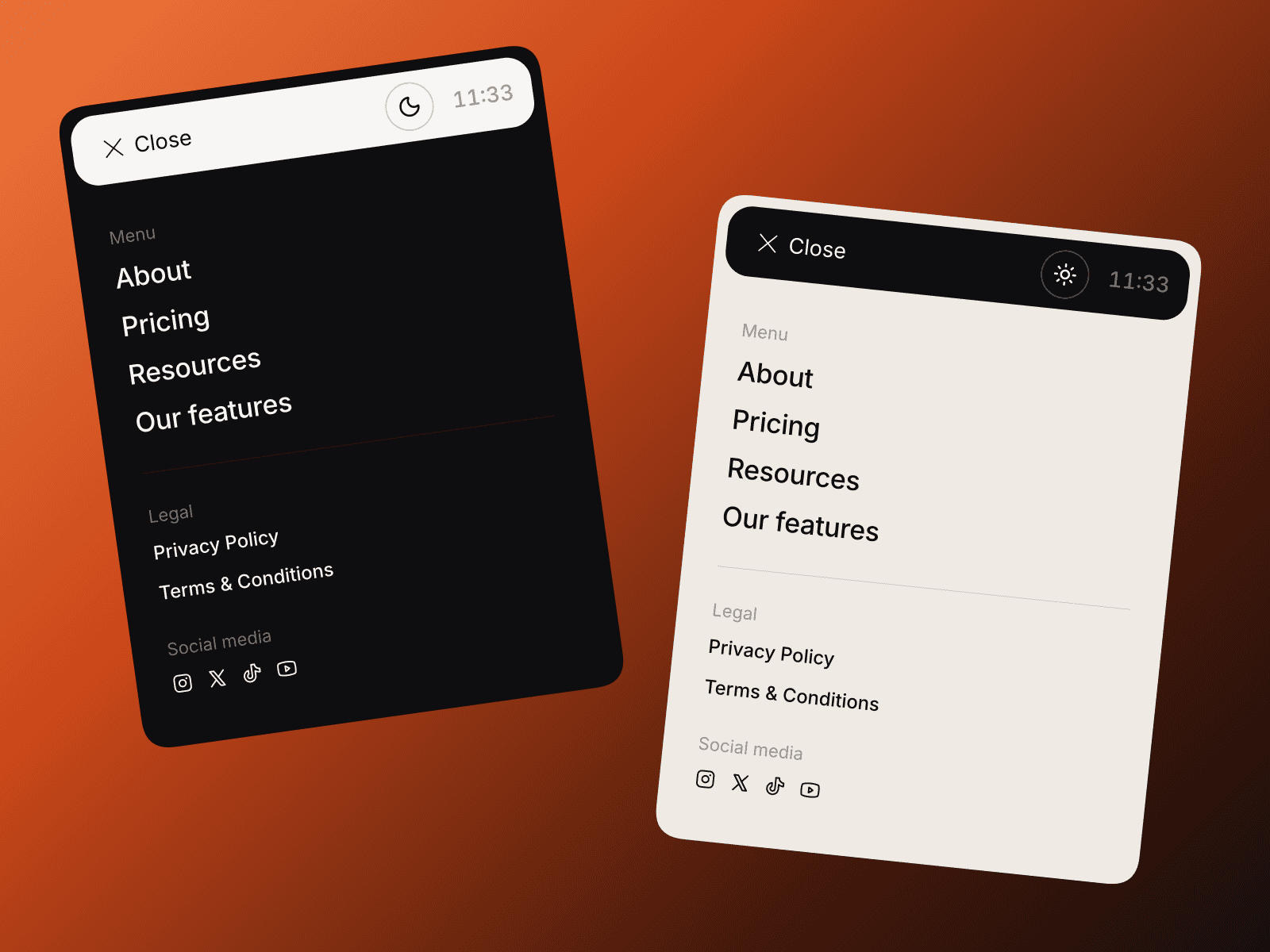
Theme (Select from Light, Dark, Glass, Ocean, or Custom)
Custom Colors (Overrides for backgrounds, borders, icons, and tooltips)
Title Font (Typography controls for main labels)
Subtitle Font (Typography controls for secondary text)
Best use cases
Sticky multi-channel support menus (Phone, Email, WhatsApp)
Unobtrusive social media profile docks
Direct call-to-action triggers for lead generation
Space-saving secondary navigation for portfolios
Deploy a sophisticated, high-conversion contact experience in minutes.
Questions or custom requests?
We design and build custom Framer components. Get in touch at contact@teampixel.com.au.