About Contour Dock
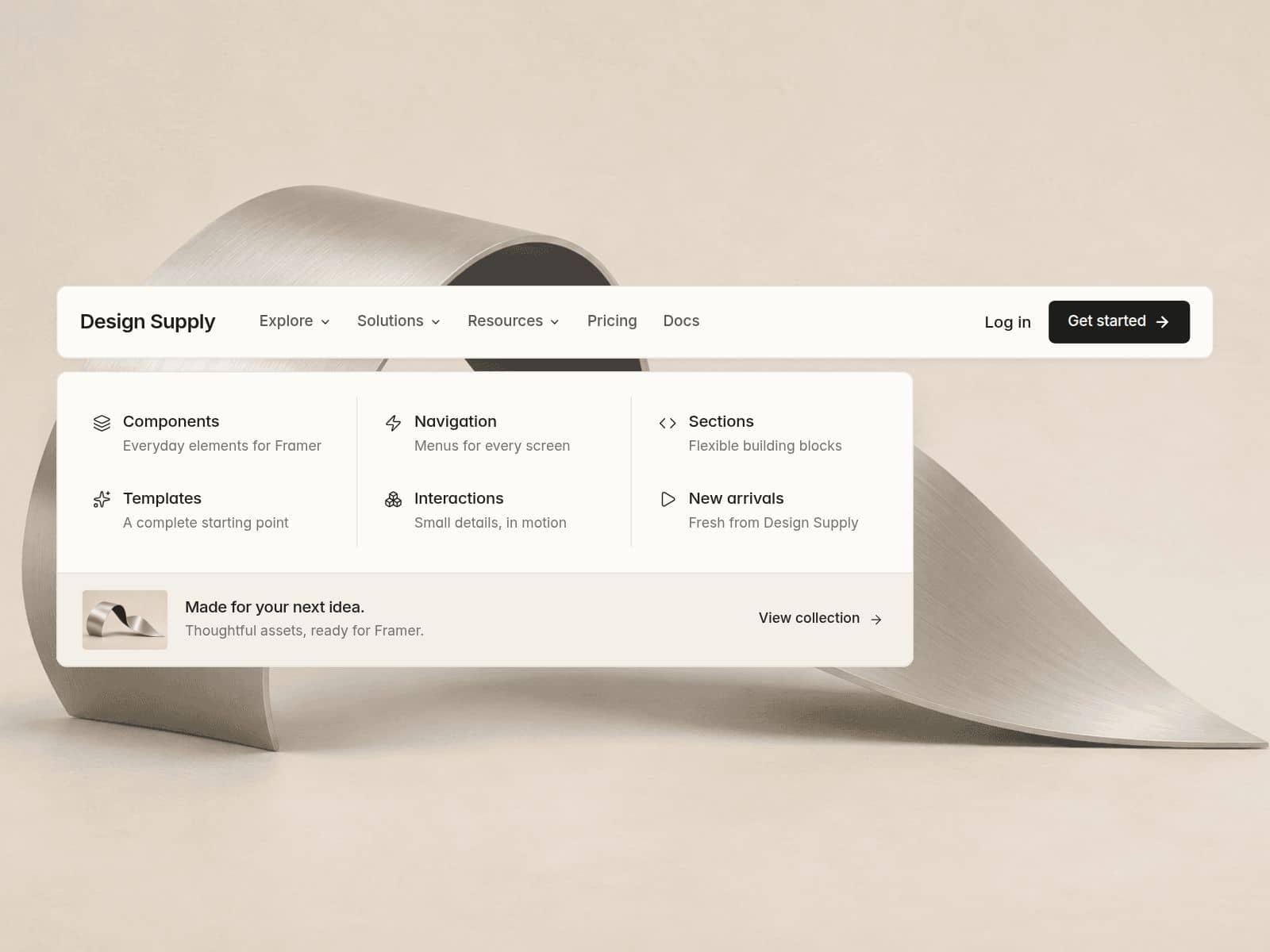
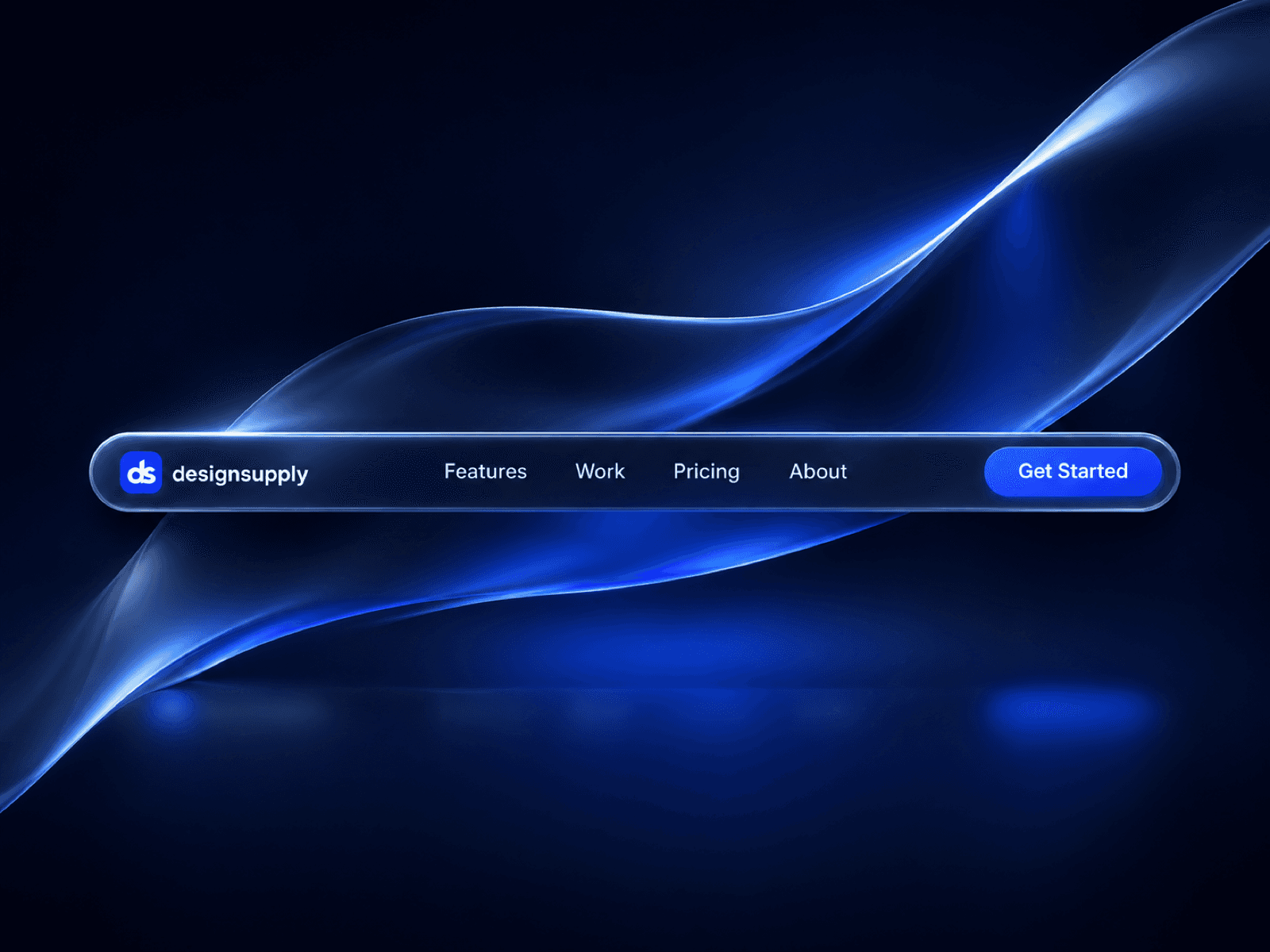
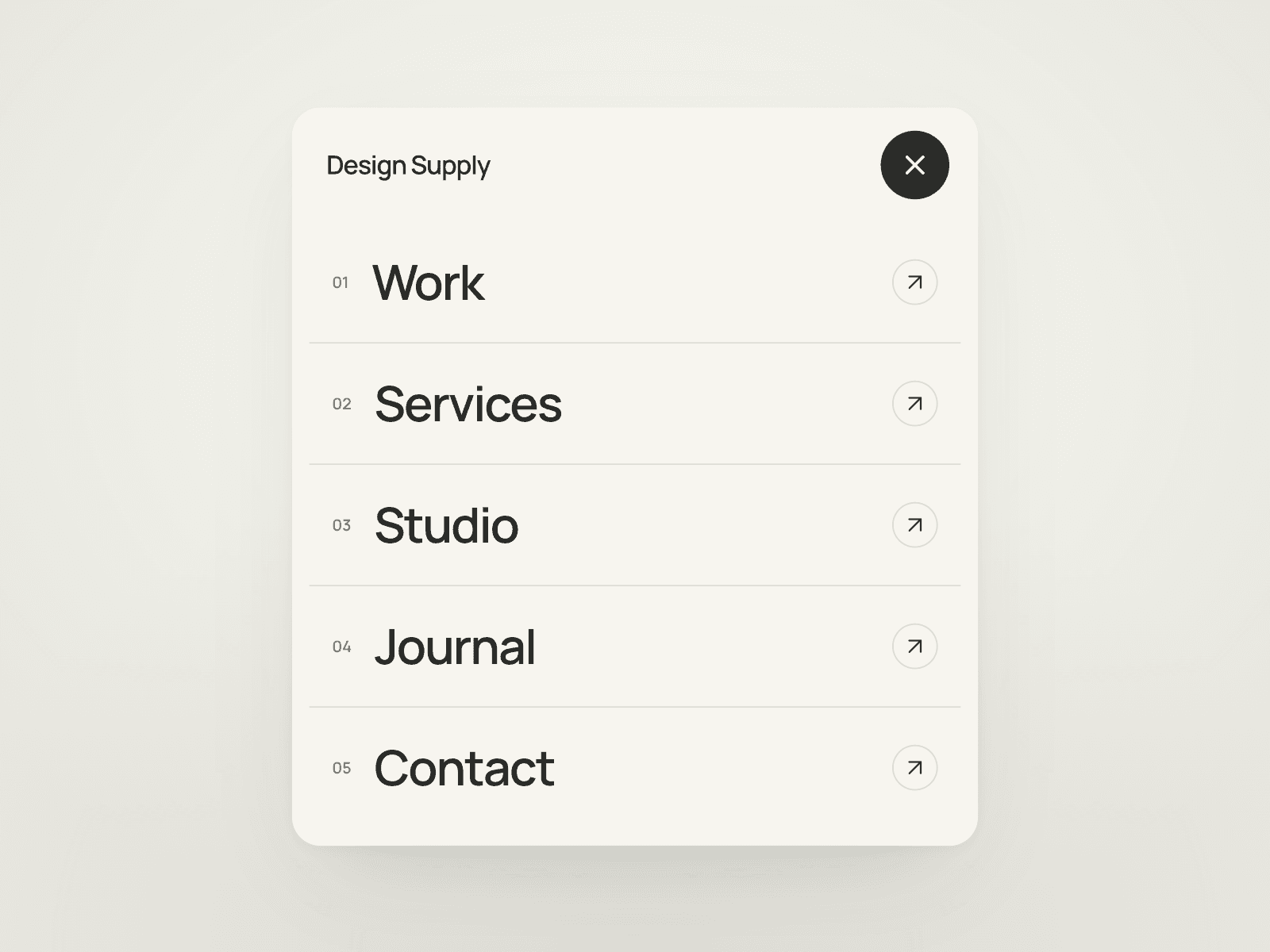
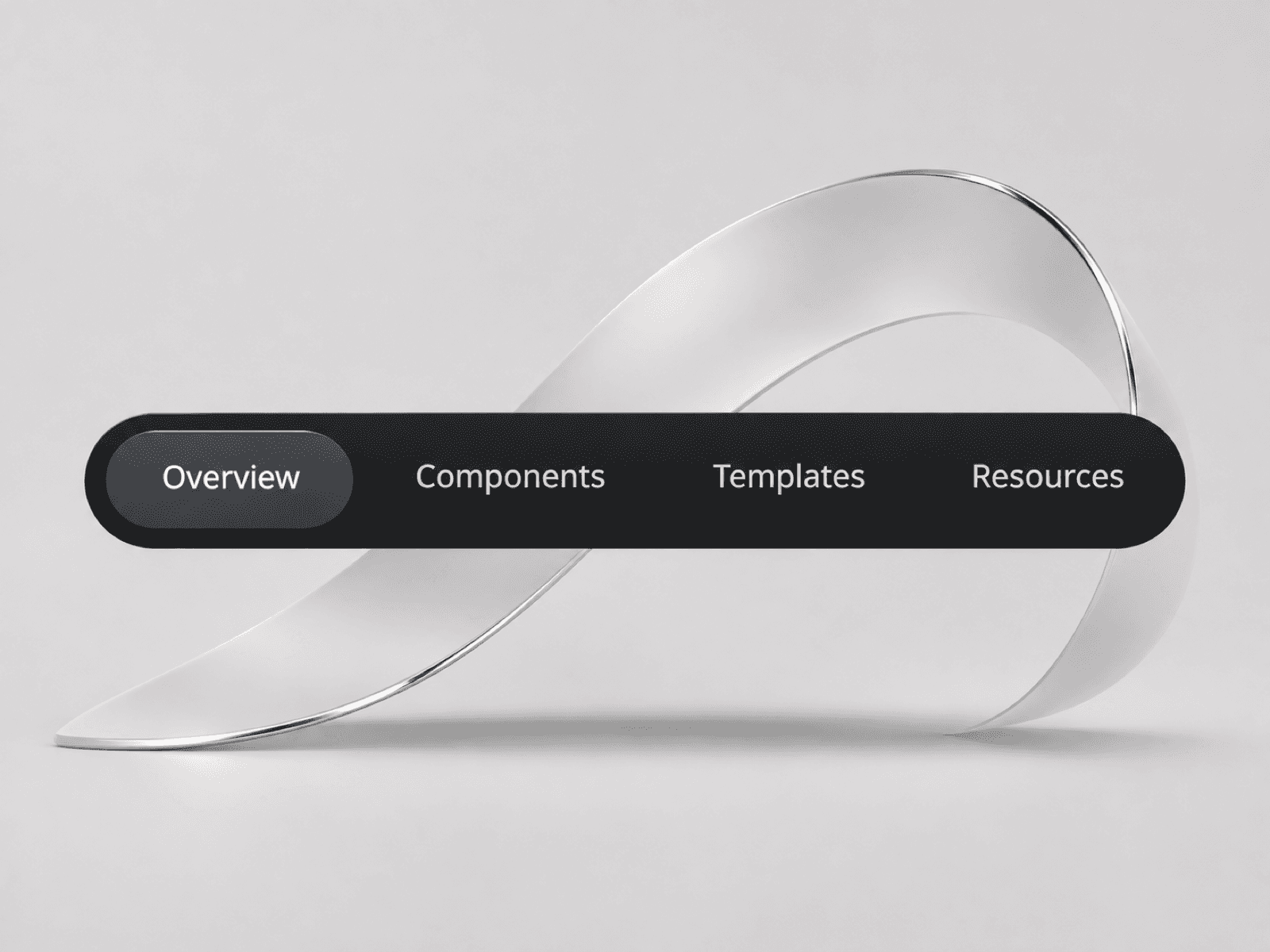
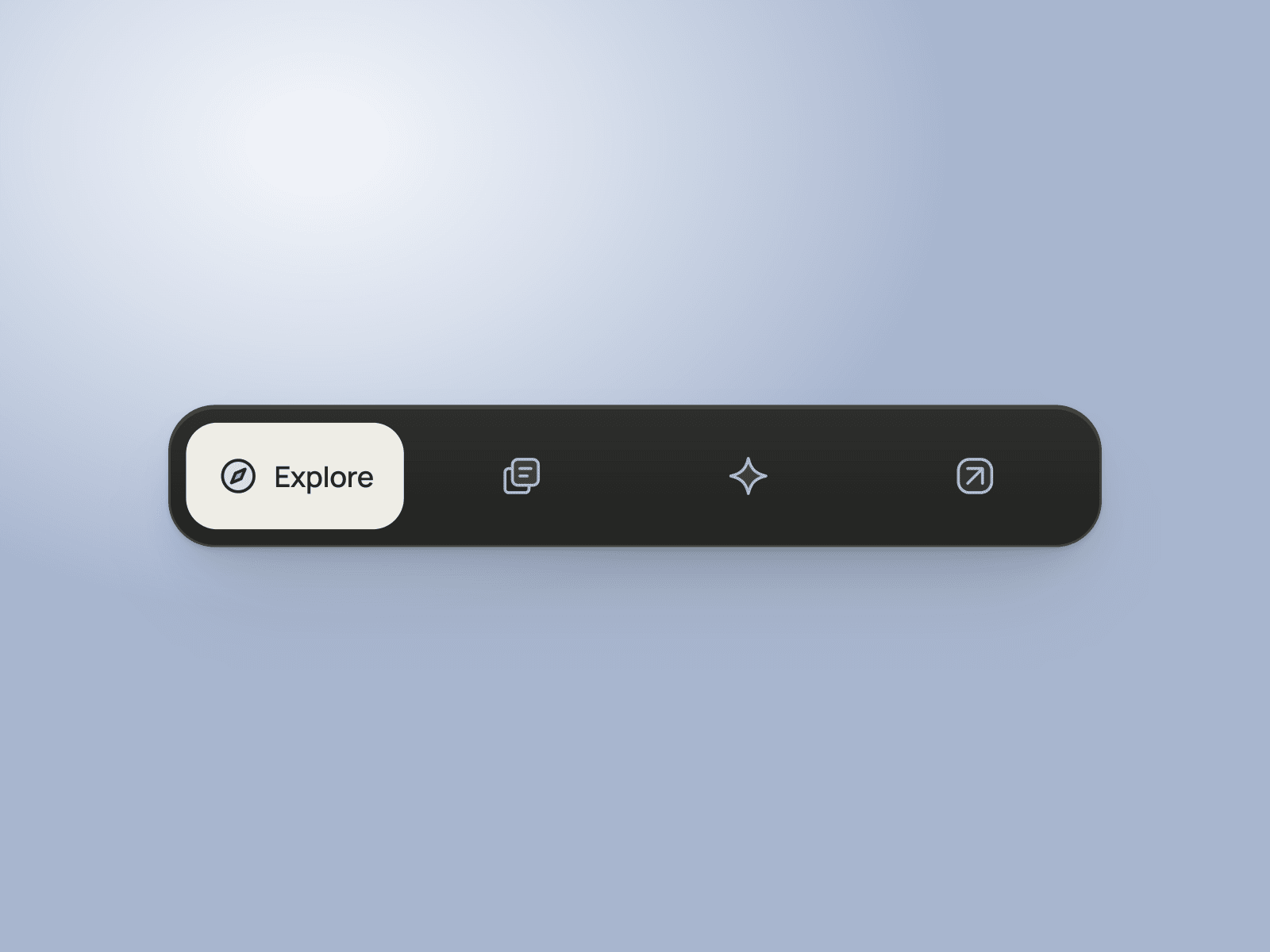
Contour Dock is a free Framer navigation component that brings a compact, considered feel to your website. Sculpted icons, a sliding highlight, and expanding labels turn a simple dock menu into a quiet focal point for portfolios, studio websites, and landing pages.
Follow the movement
Move across the icons and the active capsule glides into place, revealing the link label as you explore. Hover and keyboard focus share the same visual feedback, while subtle lift and press interactions give each item a tactile response. Adjust the motion to suit a calm editorial layout or a more expressive personal site.
Make the dock yours
Build your navigation with one to six links. Choose from the included icon library or upload your own icons, then edit labels, destinations, and new-tab behavior directly in Framer. Set the initial active item and fine-tune the font, spacing, padding, corners, and icon size without editing code.
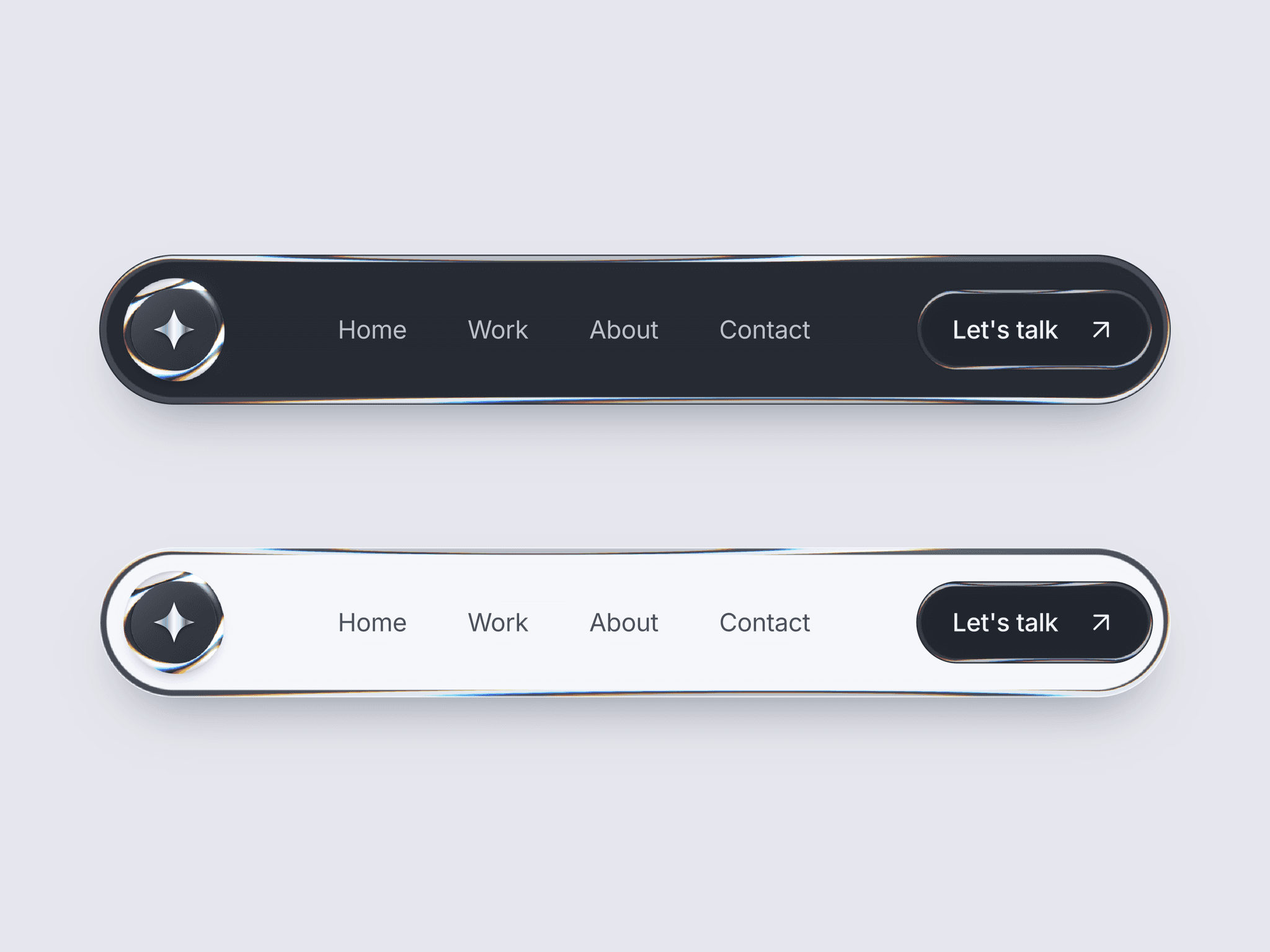
Start with the Cream or Graphite theme, or use custom colors to match your brand. Separate controls for the dock, active capsule, icons, and labels make it easy to create a light navbar, a dark dock, or something specific to your project.
A clearer mobile experience
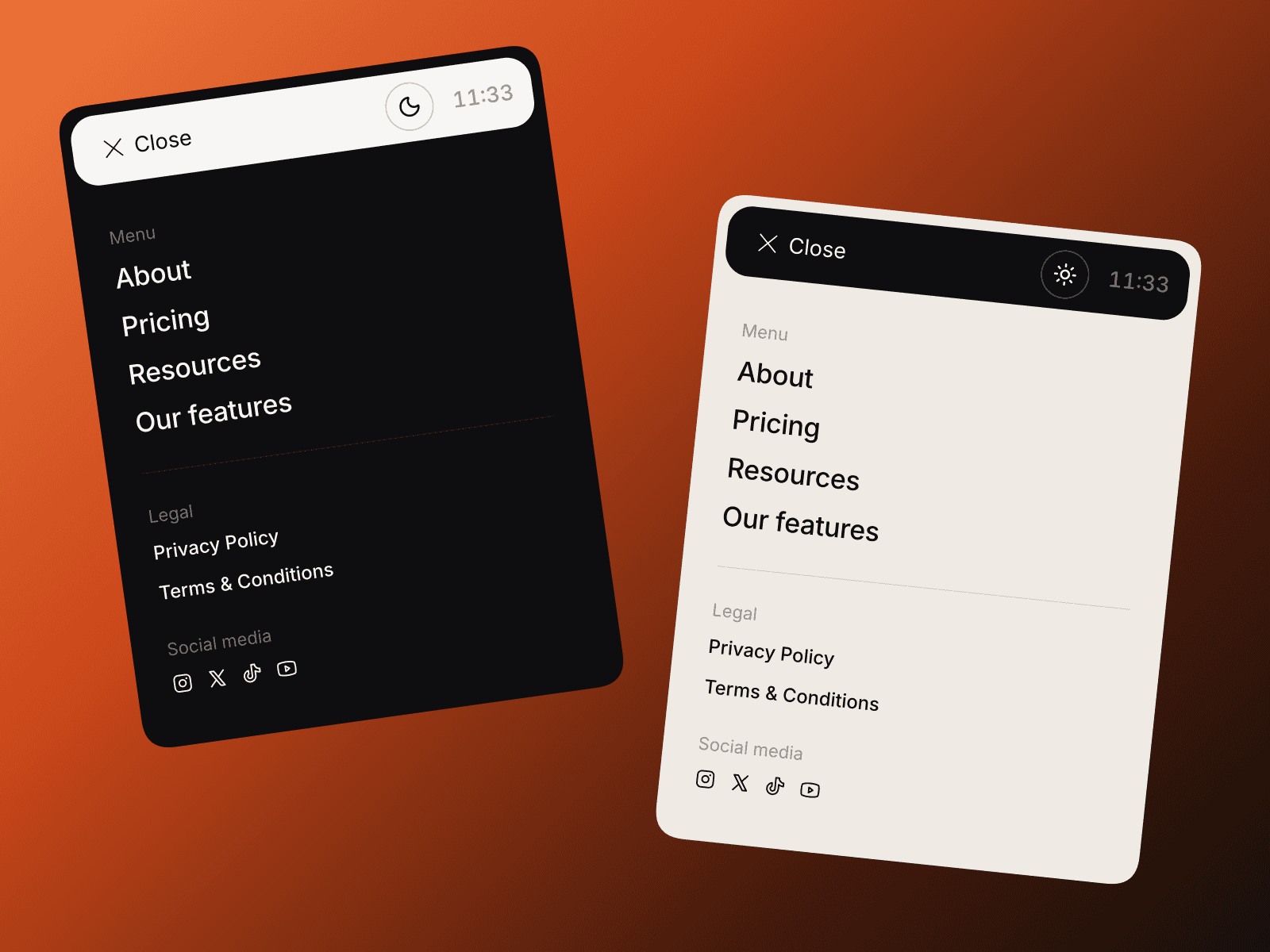
The responsive navbar adapts to narrower spaces with a compact layout that keeps link labels visible beneath the icons. Larger menus can wrap into a grid, keeping every destination within reach. Keyboard navigation supports arrow keys, Home, and End, and reduced-motion preferences are respected.
Small footprint, thoughtful detail
Use Contour Dock as a focused icon navigation menu for your next Framer website. It keeps the essentials close together, with enough flexibility to complement your content and enough character to feel intentional.
Made by Design Supply