About Contour Field Shader
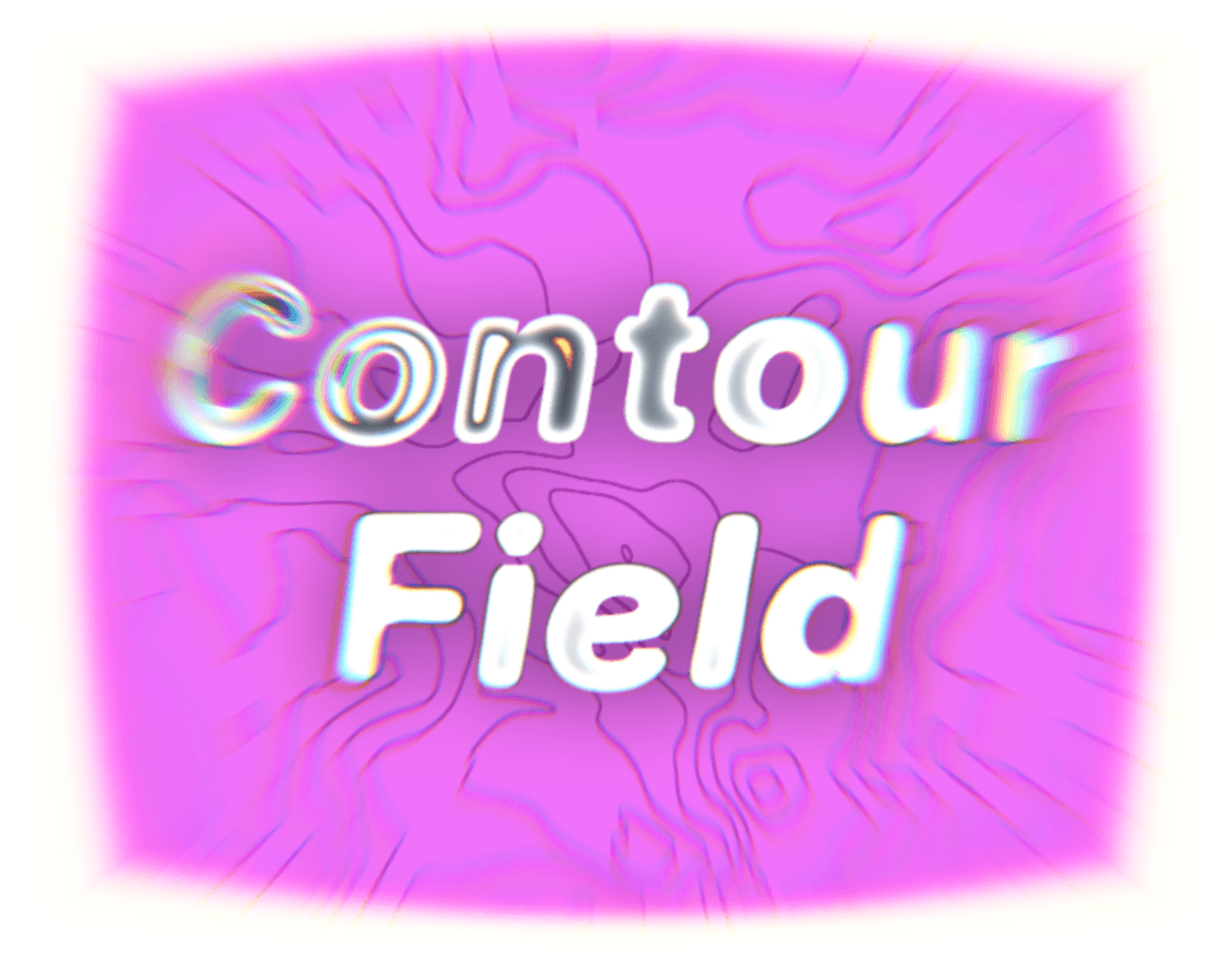
Contour Field Shader draws map-style iso-lines across any frame using a WebGL2 fragment shader. The terrain is a slowly flowing, domain-warped noise field, or the brightness of an image you upload, so the same component can be an abstract hero background, a data-viz texture, or a stylized image treatment.
Lines bend around the cursor (bulge or ripple), every Nth line can be an accent "index line" like on a real map, and the whole thing pauses off-screen, respects reduced motion, and falls back to a CSS pattern in the Framer canvas and static exports.
Customizations available in Framer
Source: flowing noise or image brightness as the terrain
Image / Image Mix: heightmap image and how strongly it drives the lines
Background / BG Opacity: background color; 0 lets lines float over your page
Line Color / Accent Color / Accent Every: line colors and index-line rhythm (0 = off)
Line Count: number of contour levels
Thickness / Softness: line width and edge blur in px (crisp print to glowy ink)
Scale / Warp: terrain zoom and swirliness
Invert: flips the terrain
Grain: film grain amount
Cursor / Cursor Size / Cursor Power: off, bulge or ripple; radius; strength (negative = dip)
Animate / Speed: motion toggle and speed
Pause Offscreen: stops rendering when not visible
Reduced Motion: freezes animation for users who prefer it
Max DPR: pixel ratio cap for performance