About Prism Flow
What you can customize:
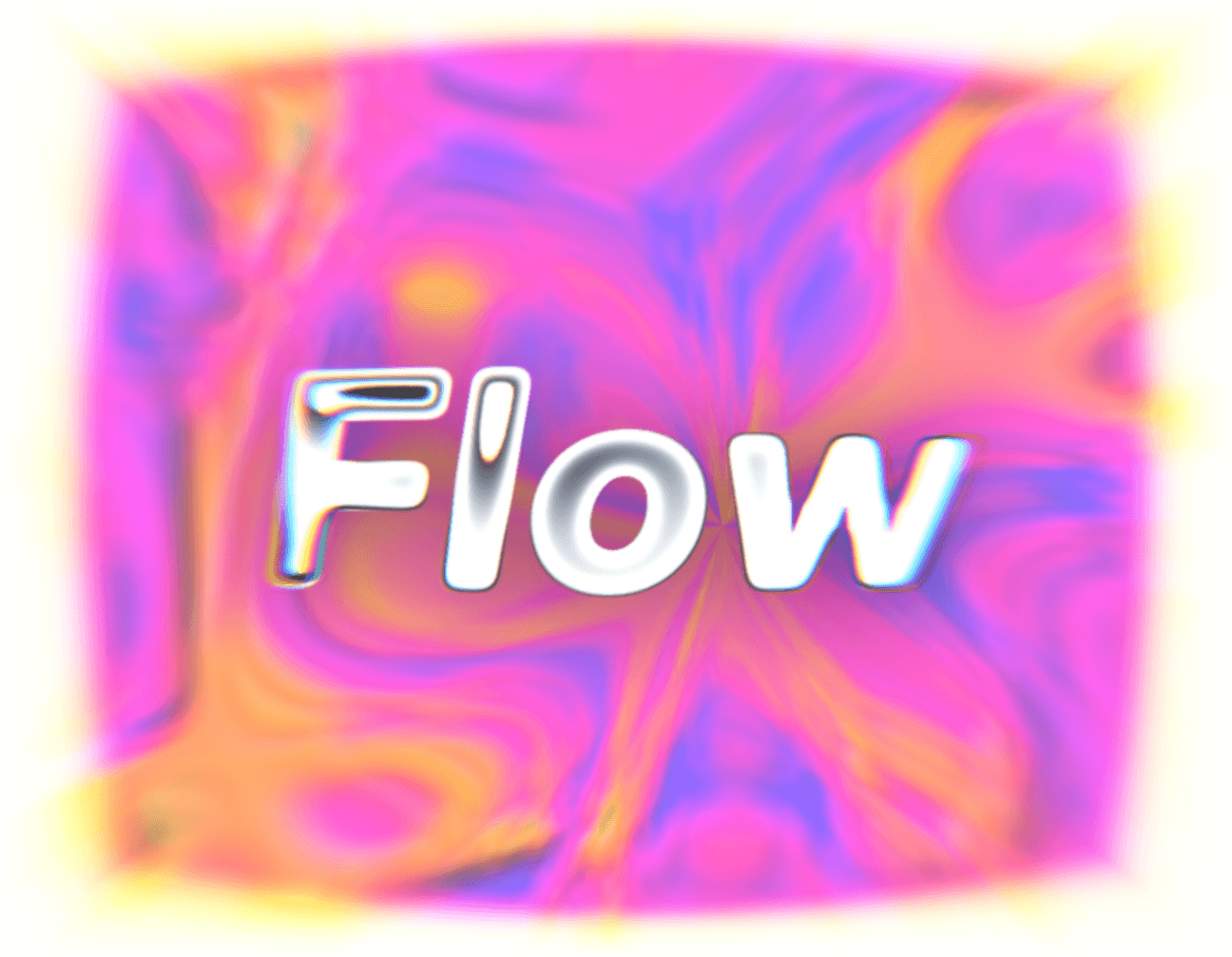
2–6 colors blended across the flow field, in any order
Speed, warp (liquid distortion strength), and scale of the pattern
Band Steps: smooth gradient or posterized graphic bands
Grain amount for texture
Trigger mode: Ambient, Cursor Reactive, or Scroll Reactive
Cursor strength and scroll hue range (shown contextually per trigger mode)
Render quality (Auto/High/Balanced/Low) for performance control
Animate on/off toggle, with automatic reduced-motion support
Opacity, for use as a full background or a subtle overlay
Use it for:
Product or SaaS landing page heroes that want motion without a video file
Portfolio/agency footers or sections where hue shifts as the visitor scrolls
Subtle textured backgrounds behind cards, panels, or modals at low opacity
Additional details
Trigger modes — Ambient, Cursor Reactive, or Scroll Reactive
Color ramp — 2 to 6 designer-picked colors, fully reorderable
Finish control — smooth gradient or posterized graphic bands (0–12 steps)
Performance — four render-quality tiers plus automatic off-screen pausing
Accessibility — automatic static frame when a visitor prefers reduced motion