About Cursor Eye Mascot
Add a set of animated eyes that follow the visitor’s cursor. The pupils track their movement, the lids squint as the cursor comes closer, and the eyes turn into hearts over clickable elements.
Features
Smooth 60fps cursor-following pupil physics.
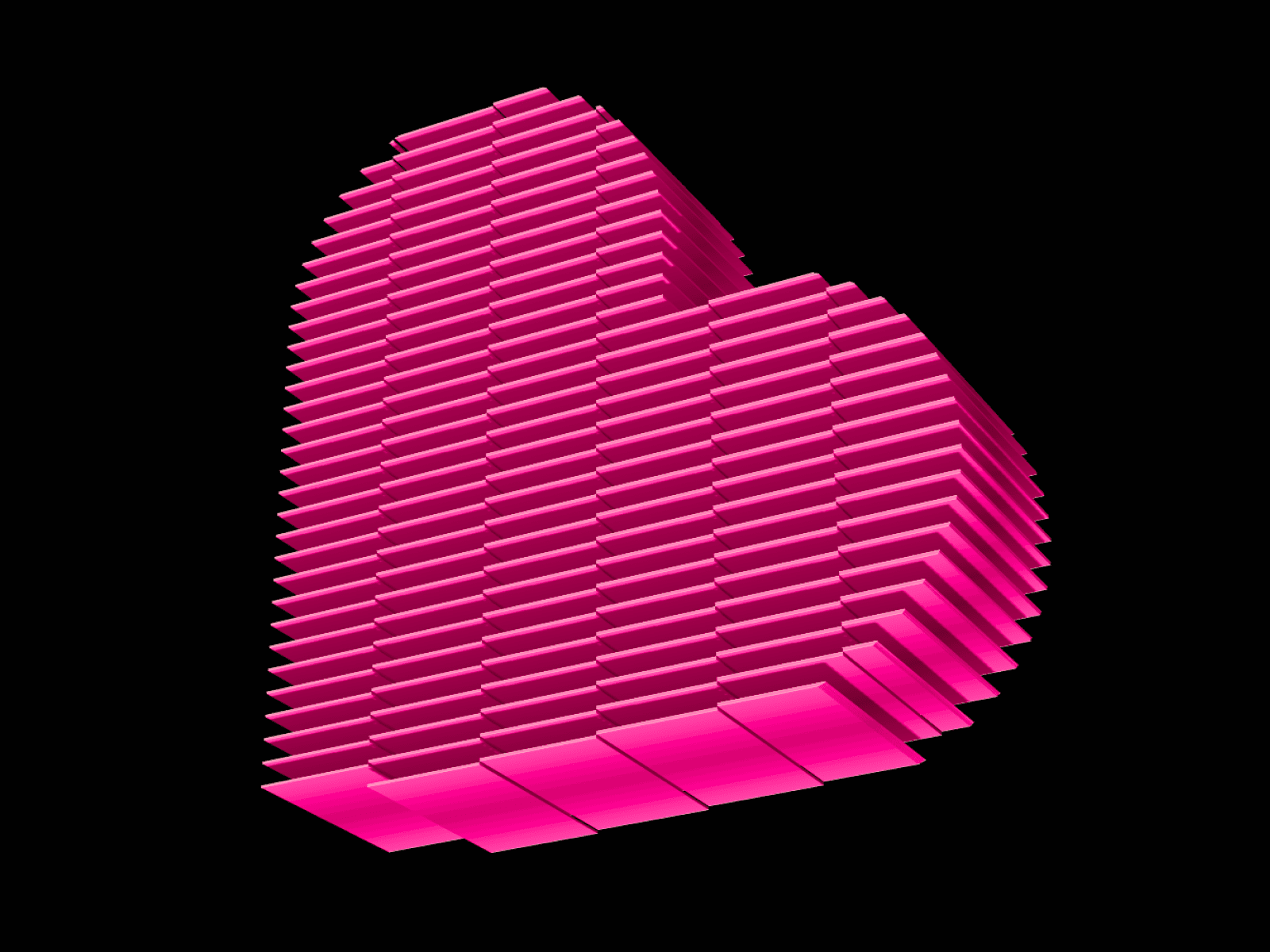
Reactive heart-eye transition on clickable element hovers.
Dynamic eyelid squint reacting to cursor distance.
Use automatic stencil buffer masking for clean outlines.
Viewport-aware rendering via IntersectionObserver.
Easy to customize
Add it to Framer and start with the included defaults. Use the mascot near the interactions you want visitors to notice. Give it room to look around without competing with the main action. Overall mascot scale and layout dimensions. Independent eye positions, scales, and rotation angles. You can fine-tune the look and behavior with more options in the properties panel.
How to use
Add Cursor Eye Mascot to your Framer canvas.
Position it over your character artwork, hero layout, or navigation bar.
Adjust the eye positions, tilt, and scales to align with your design.
Open Preview and test it in the section where you plan to use it.
Picture it on your site
A playful portfolio, product onboarding screen, or clickable directory.
Hero sections for SaaS and tech startups.
Interactive mascot illustrations and brand characters.