About Cursor Gravity Stars
About this Component
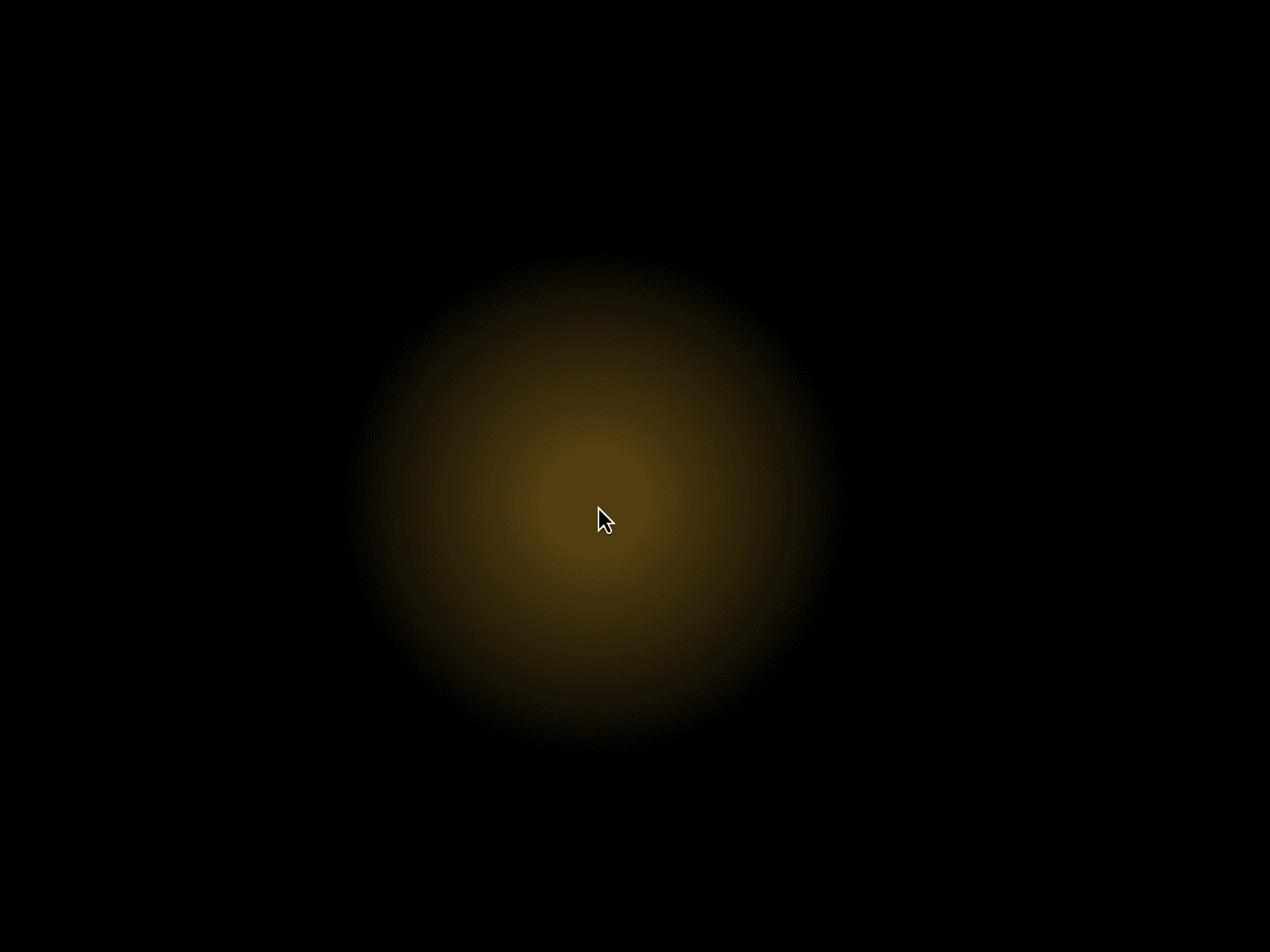
Cursor Starfall is a premium animated cursor component that adds subtle, gravity-driven star particles to your Framer site. Stars appear only when the cursor moves, creating an elegant, movement-based micro-interaction that feels smooth, modern, and intentional.
Unlike noisy cursor effects, Cursor Starfall adapts dynamically to cursor speed. Slow motion produces gentle star drops, while faster movement increases density for a natural, immersive experience. Fully performance-optimized and customizable, it is designed to elevate premium websites without distraction.
✨ Key Features
Movement-based star generation (no motion, no particles)
Adaptive density based on cursor speed
Smooth gravity-style falling animation with ease-in acceleration
Multiple tiny star sizes for natural variation
Subtle glow and smooth fade-out
Slight horizontal drift for organic motion
Performance-optimized with automatic particle cleanup
Fully customizable via the Framer Properties Panel
Mobile-safe with optional disable on touch devices
Lightweight and production-ready
🎯 Perfect For
SaaS and startup landing pages
Creative portfolios and personal websites
Agency sites and case studies
Hero sections and interactive showcases
Premium brand and product experiences
🎛 Customization Options
Star density from low to high
Gravity strength
Star size range
Animation duration
Maximum particles per second
Cursor visibility rules (desktop-only recommended)
All settings are editable directly from the Properties Panel. No code required.
🚀 How to Use
Add Cursor Starfall to your Framer canvas
Place it at the top level of your page
Adjust density, gravity, and animation settings
Preview on desktop to fine-tune motion
Publish and enjoy a refined cursor experience
💡 Best Practices
Keep particle density subtle for a premium feel
Use primarily on desktop experiences
Pair with clean layouts and minimal UI
Avoid stacking multiple cursor effects
📩 Support
If you need help or run into any issues, feel free to reach out atdilip@xiadesign.studio