About Cursor Text Reveal
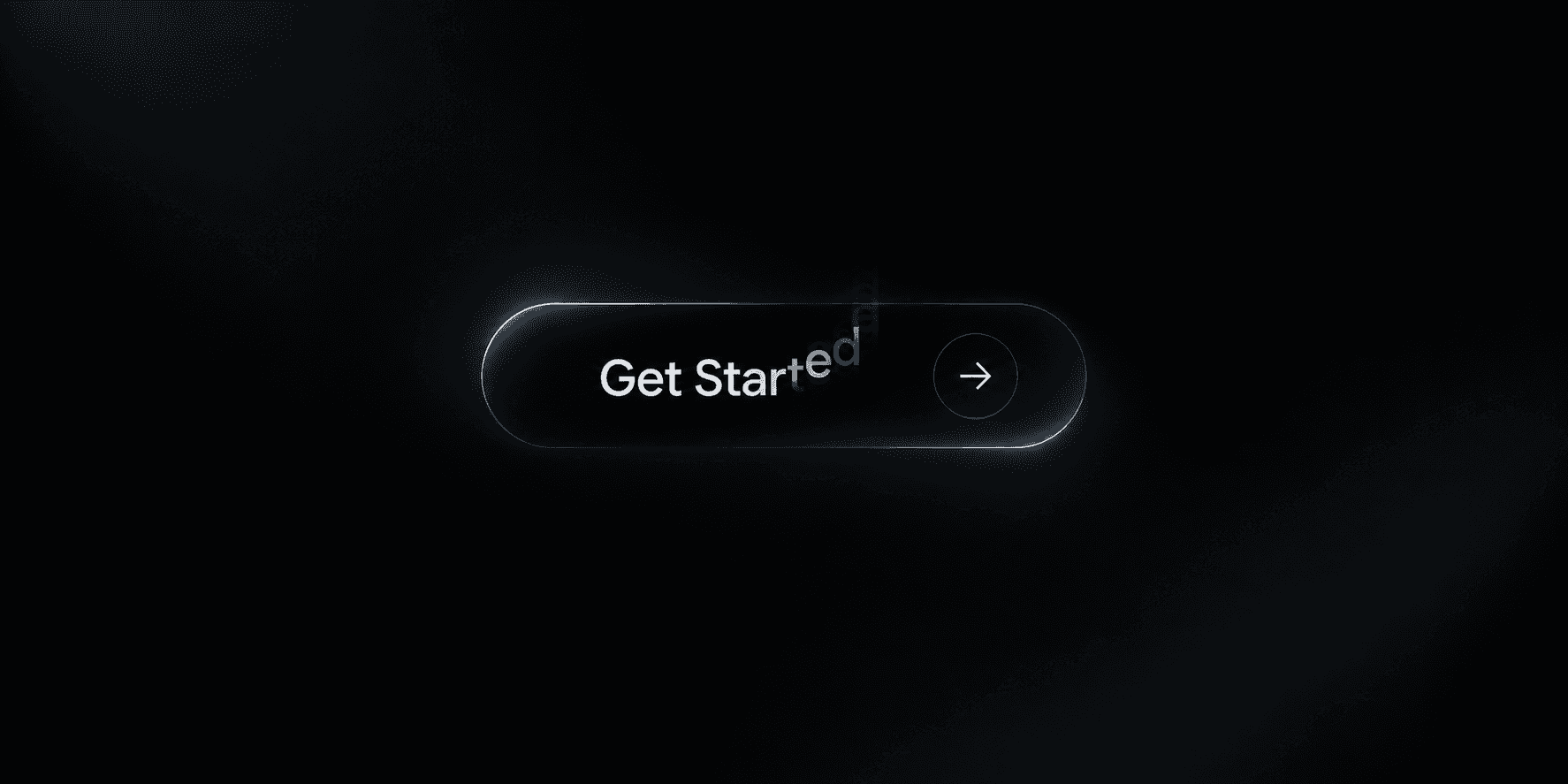
Cursor Text Reveal is an immersive, interactive component for Framer that transforms ordinary text into a cinematic hover experience.As users move their cursor, a circular mask dynamically reveals a secondary message or image — creating a visual metaphor for hidden depth and meaning beneath the surface.
Perfect for portfolio intros, hero sections, or storytelling pages — this component helps designers craft expressive, emotion-driven interactions without writing custom code.
Built entirely in React + Framer Motion, Cursor Text Reveal ensures smooth animation performance, full control customization, and visual precision across devices.
⚙️ Key Features
🎯 Dual Text Layers — Display a base quote or headline and reveal a secondary one on hover.
🌀 Dynamic Circular Mask — A circular motion mask follows the user’s cursor with smooth, fluid animation.
🎨 Color or Image Mask Options — Choose between a solid circle color or custom image texture to reveal content.
⏱️ Adjustable Animation Smoothness — Fine-tune the motion timing for soft or snappy transitions.
📐 Customizable Mask Size — Control both the starting size and expanded hover size of the circular reveal.
💬 Full Typography Controls — Adjust font, size, weight, spacing, and alignment directly inside Framer.
🌈 Text Color & Shadow Styling — Customize base and hover colors, add subtle shadows for cinematic contrast.
🖼️ Framer-Native Property Controls — Easily tweak every property with Framer’s built-in design panel.
🧠 Responsive by Design — Works seamlessly in flexible layouts and supports adaptive typography.
⚡ Powered by Framer Motion — Ensures buttery-smooth animation and stable performance across browsers.
🧩 How It Works
The component renders two layers of text — the base text and a reveal text.
A circular WebKit mask follows the mouse position to reveal the hidden layer in real time.
The animation transitions smoothly between the defined initial and hover mask sizes, giving the illusion of a spotlight expanding on hover.
You can switch between solid color or image-based reveals, allowing for creative compositions like photo peeks, gradient masks, or texture reveals.
All animations and transitions are handled by Framer Motion, ensuring native Framer compatibility and clean rendering.
Ideal Use Cases
Creative studio hero sections
Designer portfolio intros
Interactive storytelling experiences
Quote reveals or brand taglines
Visual contrast effects in minimal layouts
Pro Tips
Use the same text for both layers but change color and font weight to create elegant “lighting” effects.
Try gradient circle images for futuristic or energetic visuals.
Combine this component with a Framer scroll animation for layered motion storytelling.
Technical Notes
Fully coded in React + Framer Motion for performance and flexibility.
All properties are exposed via Framer’s property controls for design freedom without code.
The circular mask effect uses WebKit mask gradients, supported by all modern browsers.
💬 Support & Setup
Free lifetime updates and email support included.
For setup help or customization inquiries, reach out at:📧 amiopial017@gmail.com
If you’d like me to set up the component in your Framer project, installation help is available for a small setup fee.
💰 Refund Policy
All sales are final due to the nature of digital products. Please review the preview, documentation, and demo before purchasing. If you encounter a technical issue that prevents proper usage, please contact support for assistance or a replacement.
🧭 Tags / Keywords
framer component, cursor effect, text reveal, hover animation, interactive mask, motion design, framer motion, modern ui, text transition, portfolio animation, spotlight reveal, hover interaction, hero section.