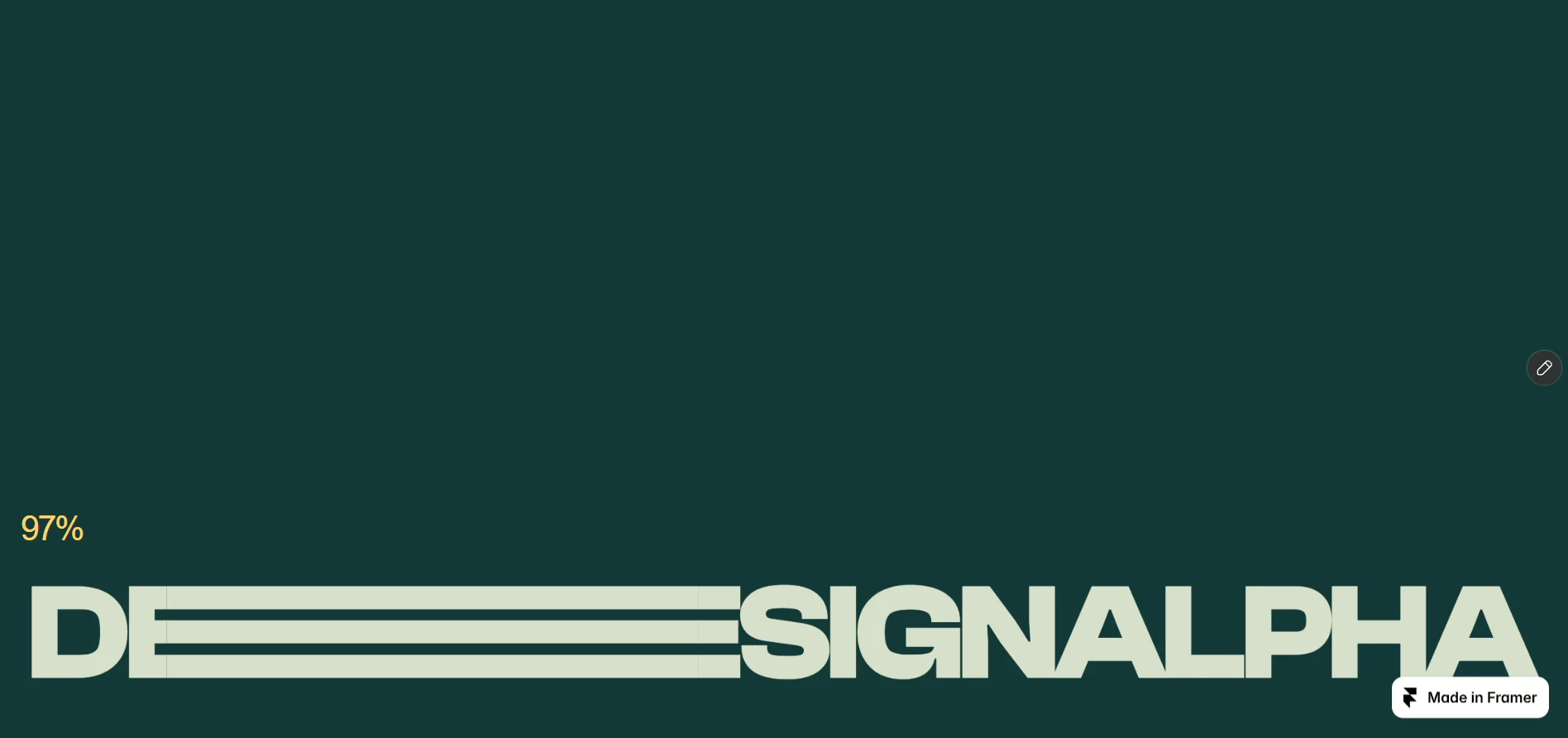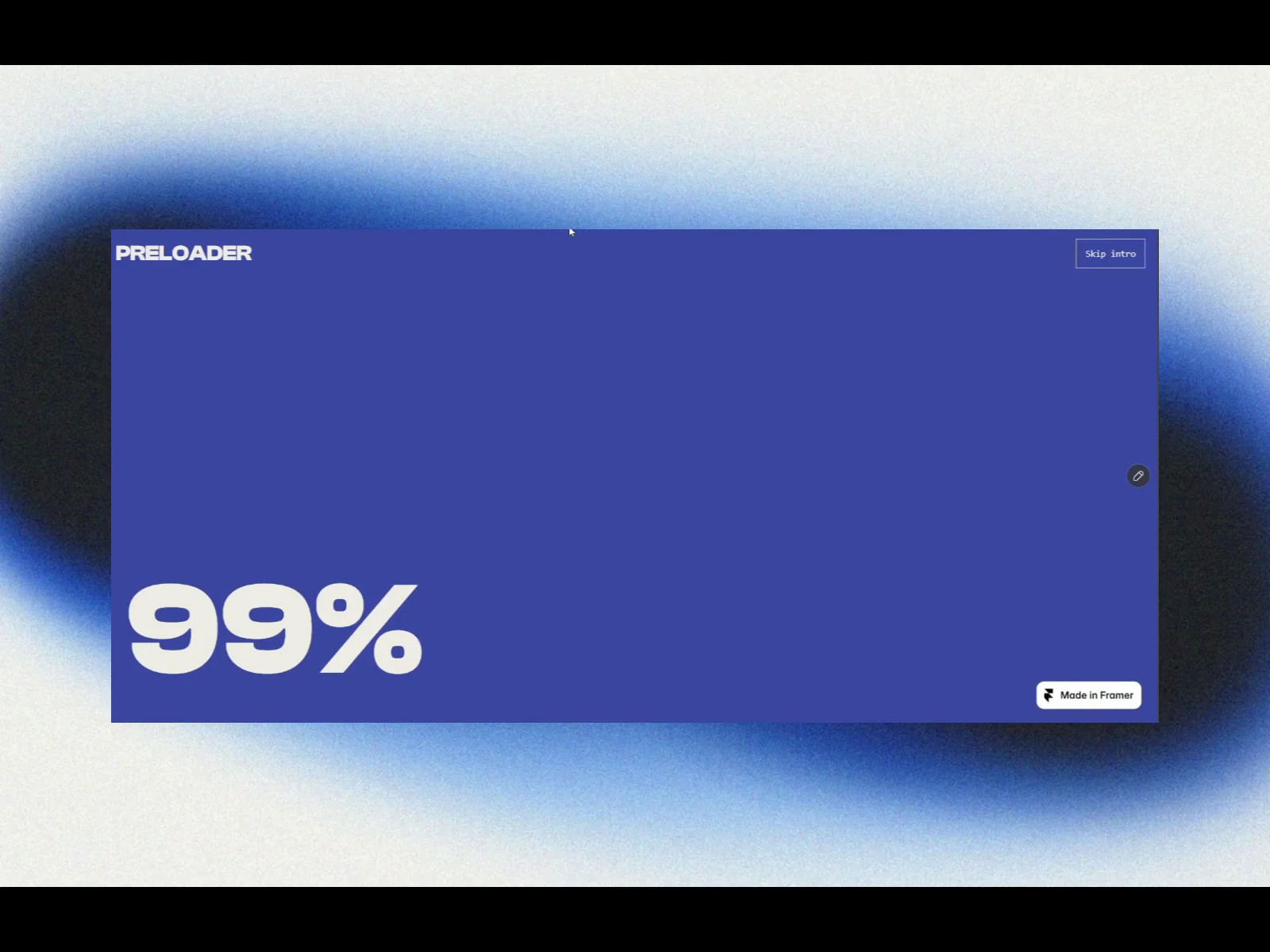
About Curtain Pre loader
Create a memorable opening with Curtain Preloader—a customizable intro with a 0–100 counter and curtain panels that reveal your website.
SETUP
Place one instance above your hero and set its position to Absolute. Keep the hero separate. The component layer’s z-index can sit below the hero, while the component’s Layer Order setting keeps the live overlay above your content. Disable other loaders on the same page.
CUSTOMIZATION
• Enabled: Turn the intro on or off.
• Brand Text: Add your brand or studio name.
• Logo: Upload an image to replace the brand text.
• Logo Width / Height: Adjust the logo dimensions.
• Brand Font: Customize the brand typography.
• Counter Font: Choose the counter’s font, size, weight, and spacing.
• Percent Sign: Show or hide the % symbol.
• Digit Gap: Tighten or widen character spacing.
• Duration: Set the intro length from 1.5–8 seconds.
• Curtains: Choose 2–24 animated panels.
• Base Color: Set the background beneath the panels.
• Curtain Color: Customize the panels.
• Text Color: Change the foreground color.
• Skip Button: Allow visitors to skip the intro.
• Skip Text / Font: Customize its label and typography.
• Layer Order: Adjust the live overlay’s stacking position.
The plain text counter scales down for smaller screens. The Skip button disappears before the curtains reveal the page, and the overlay disappears when the intro finishes.
Animation stays static on the Framer canvas and runs in Preview or on the published site. Reduced-motion preferences are respected, and animation pauses when the browser tab is hidden.
The counter is a timed visual effect, not actual download progress.