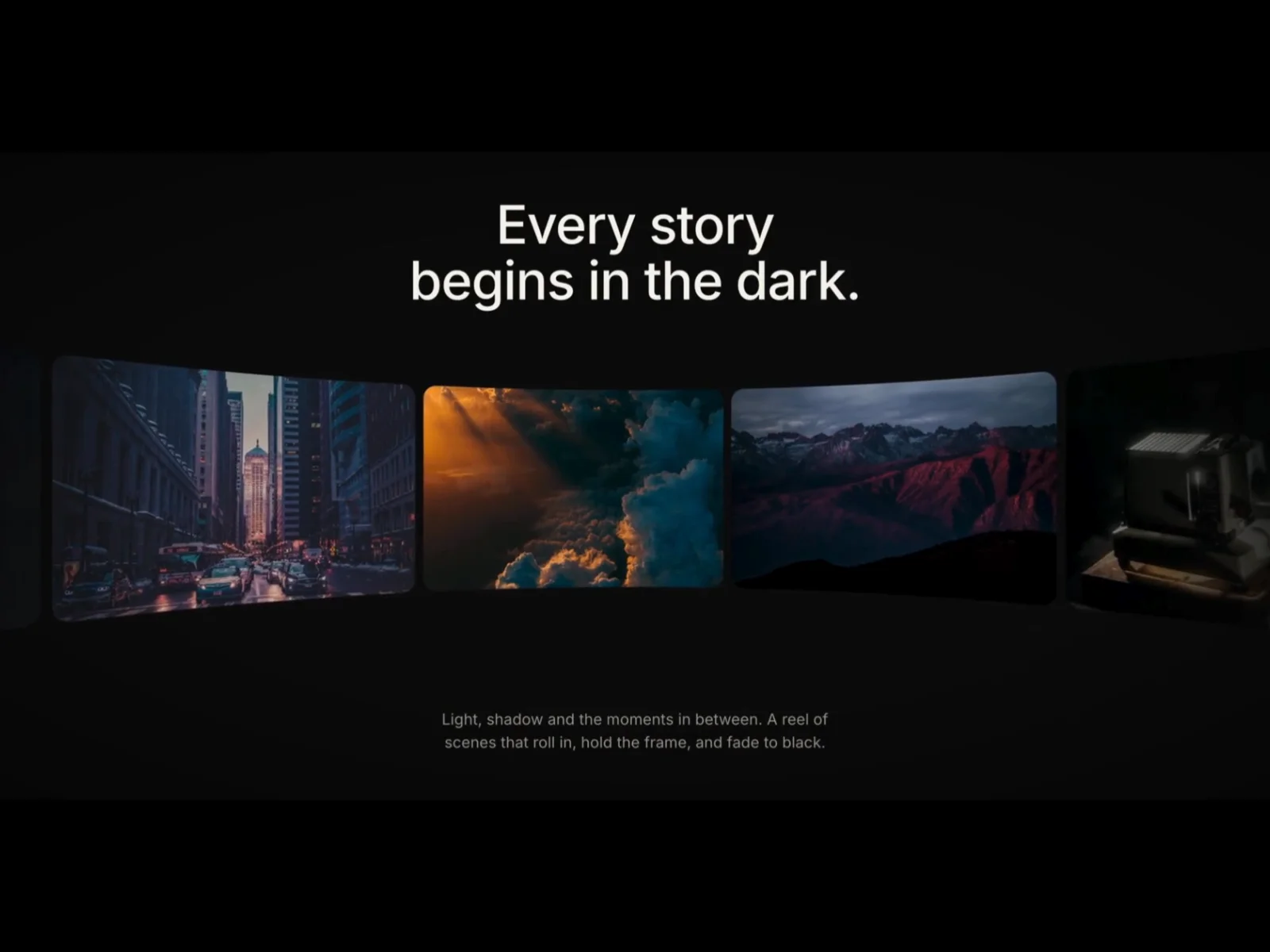
About Curved Reel
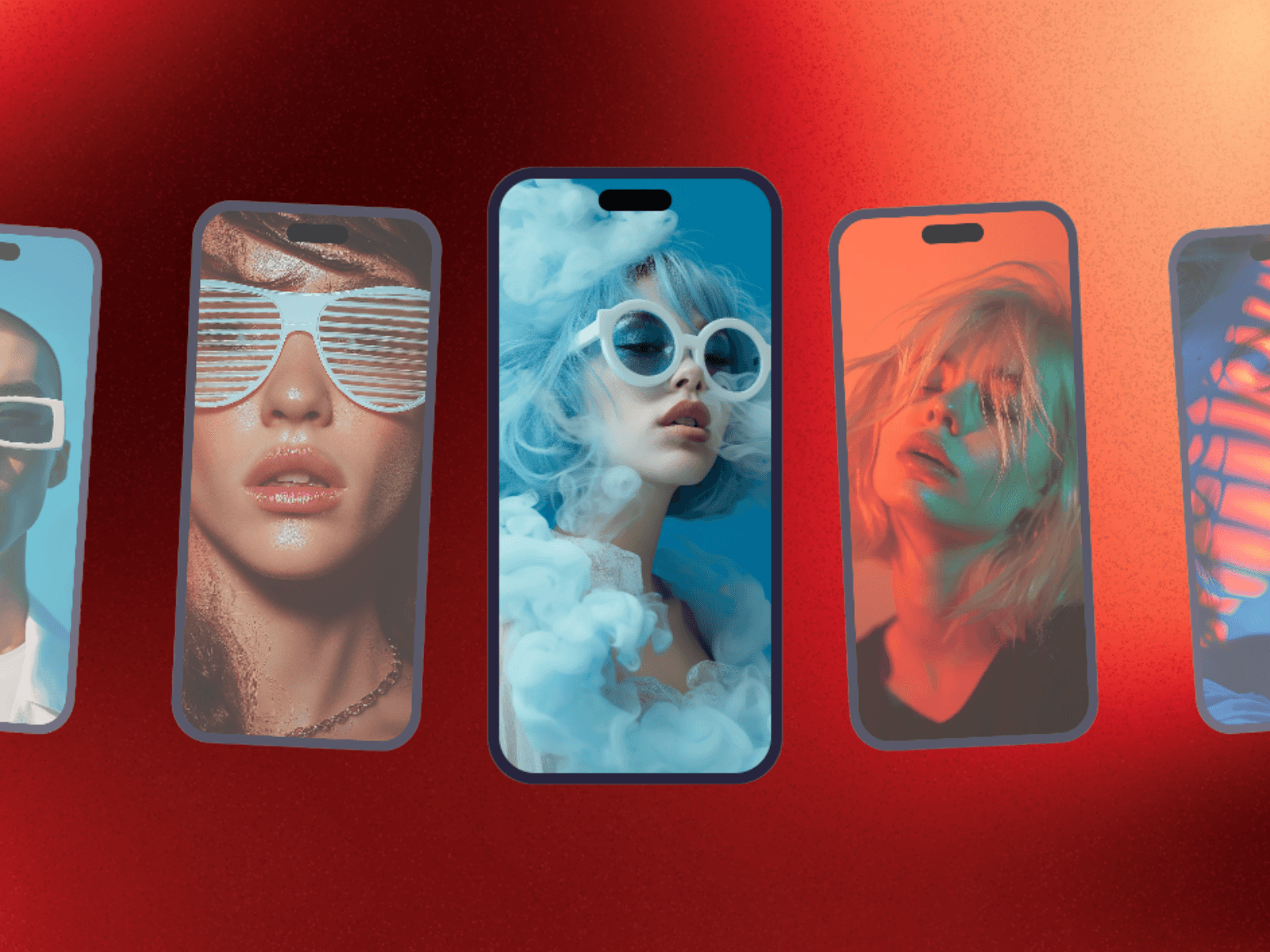
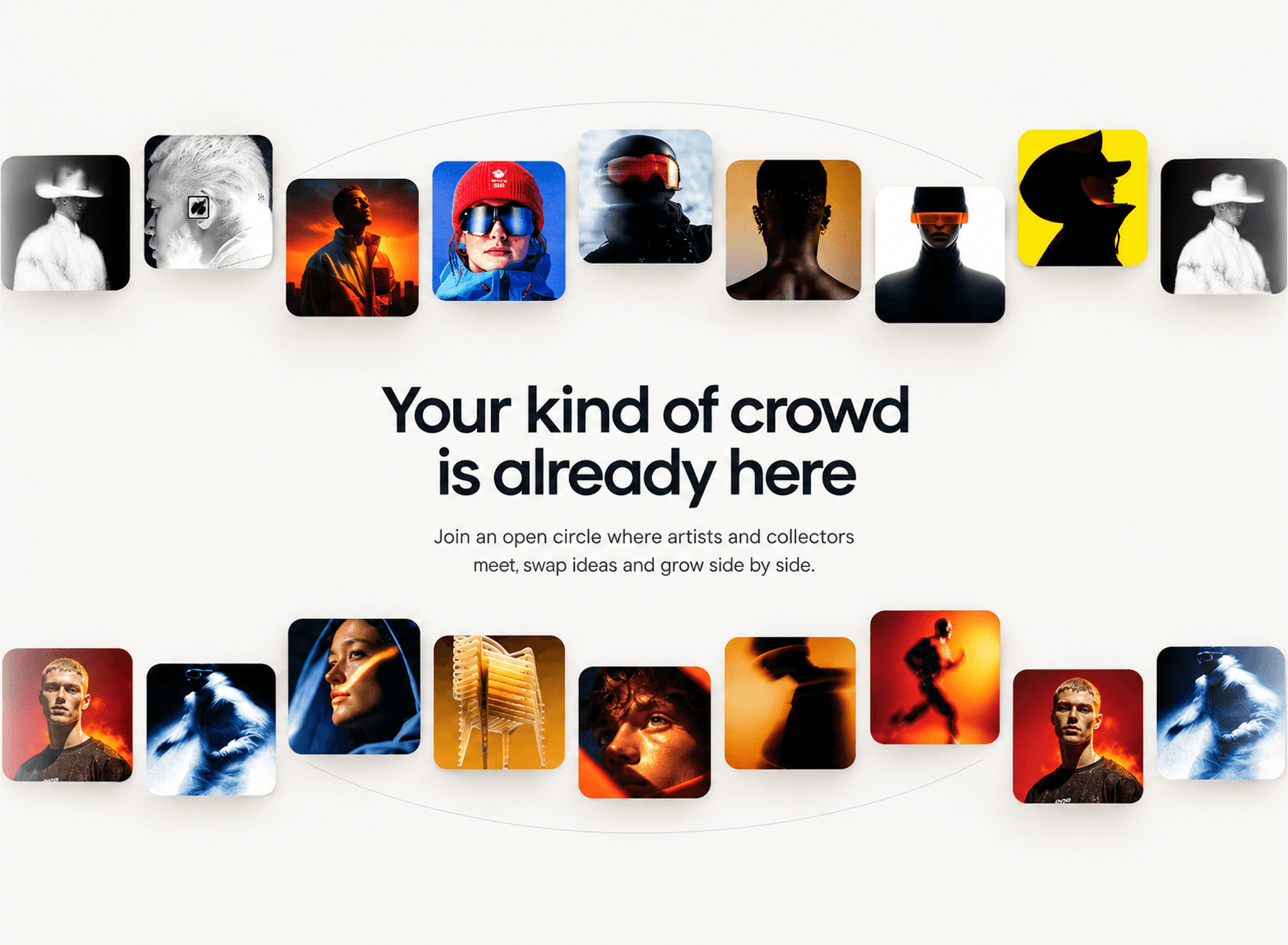
Turn any set of images into a film reel that wraps around your visitors. Curved Reel moves cards across the inside of a virtual cylinder: the centre frame faces you flat, while the cards on each side bend toward the camera, fall into shadow and fade off the edges. Made for hero sections, portfolios, showreels and launches.
Highlights
True 3D curve. Every card bends smoothly along the arc, with control over bend and depth.
Drag and fling. Visitors grab the reel to scrub through it; let go and it glides back to speed. Works with mouse and touch.
Spotlight. Cards darken as they curve away, keeping focus on the centre frame.
Film grain and vignette. Optional overlays for a moody, cinematic finish.
Hover pause. The reel eases to a smooth stop on hover.
Built-in scenes. Ten gradient film stills are included, so it looks great before you add an image.
Endless loop. Add up to 30 images. Cards only change picture off-screen, so swaps are never seen.
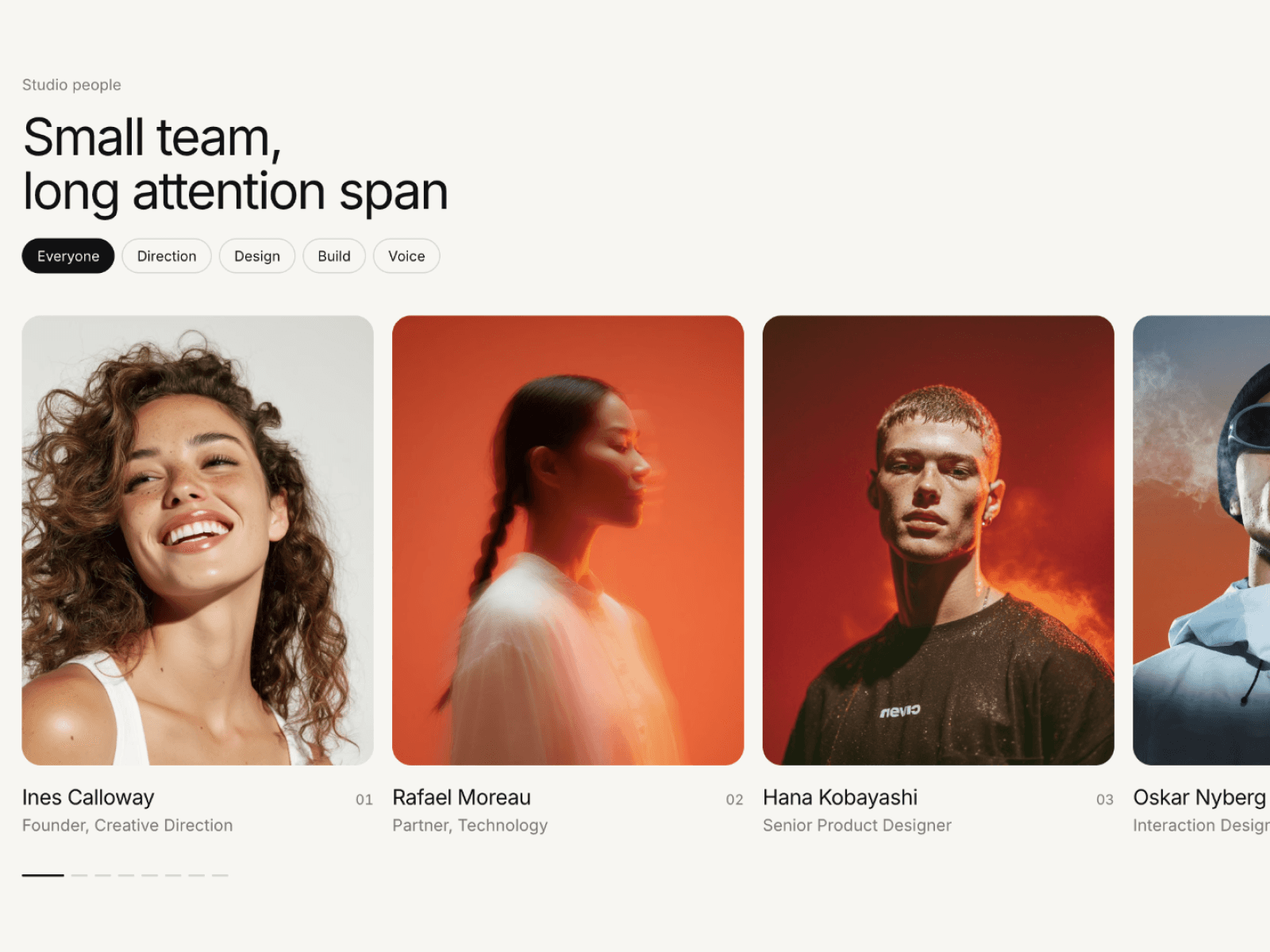
Customise everything Speed, direction, card size, aspect ratio, gap, row position, bend, depth, edge fade, corner radius, smoothness, spotlight, grain, vignette, colours, plus an optional heading and subheading with their own fonts.
Fast and editor-friendly Smooth animation that pauses when scrolled out of view. Shows a still frame on the canvas and in exports, and respects reduced-motion settings.
How to use
Add Curved Reel to a section and give it a fixed size, e.g. 100% × 640px.
Add your images, or keep the built-in scenes.
Tune bend, depth and spotlight to taste.