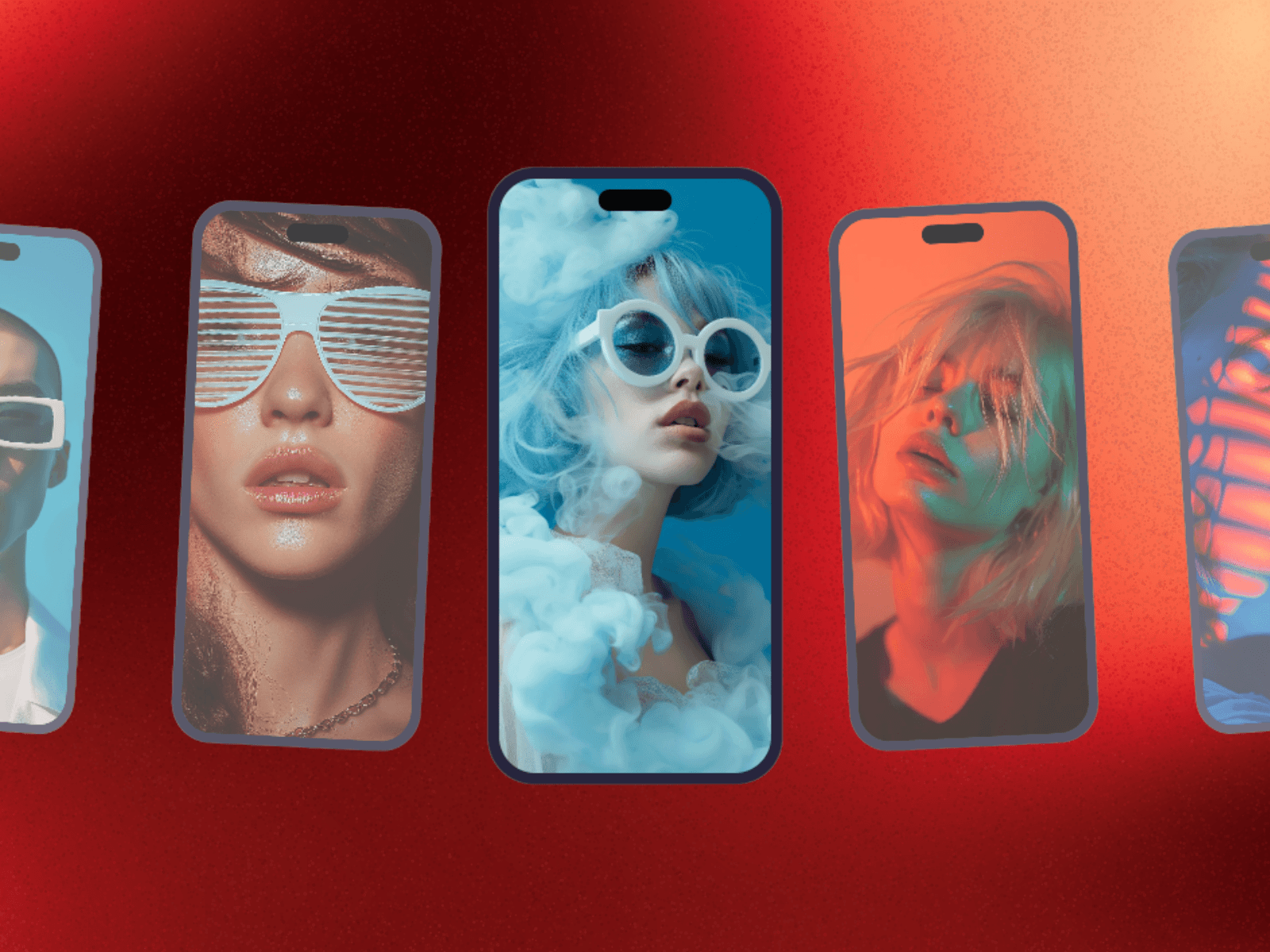
About DeviceFlow
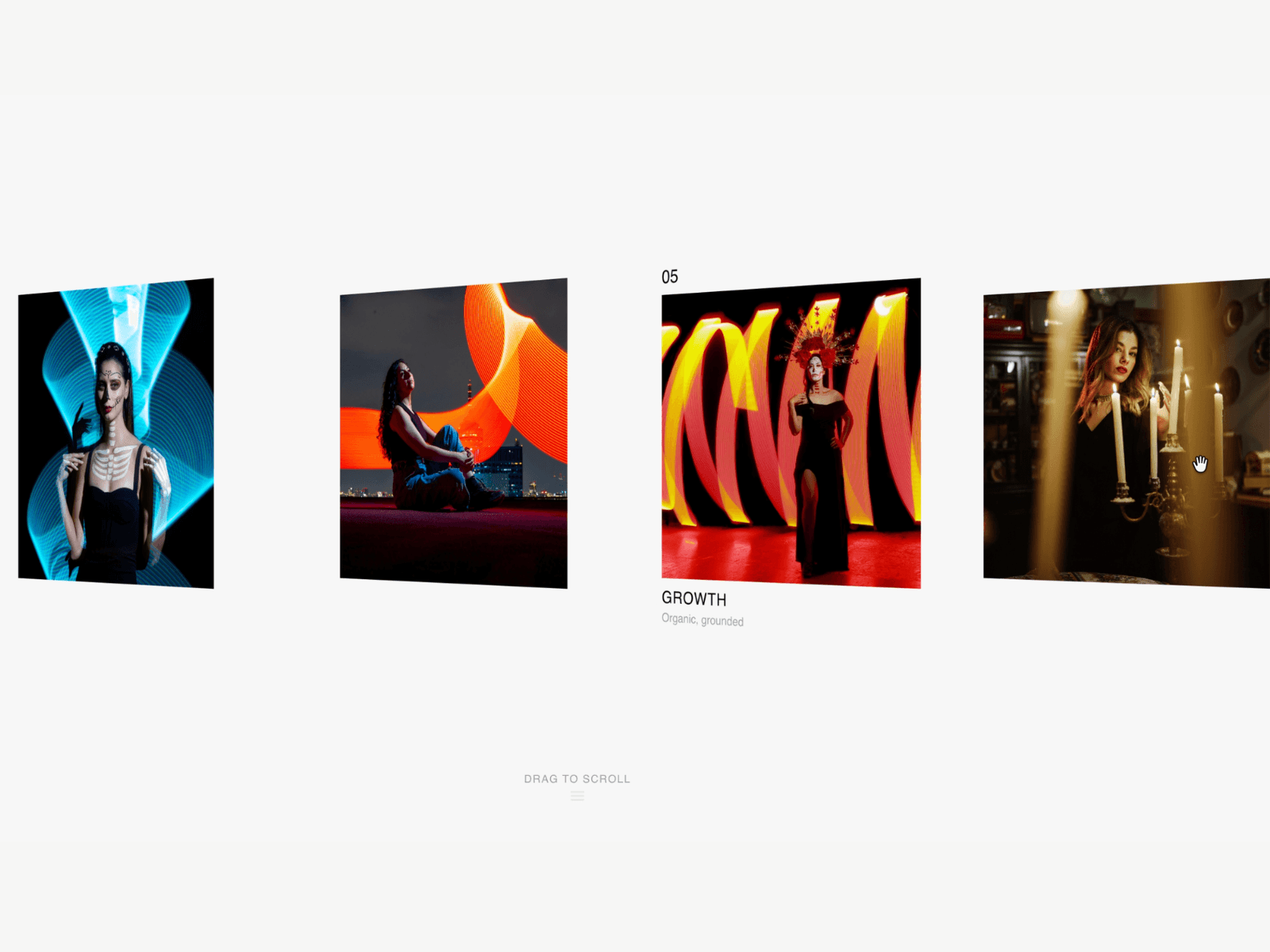
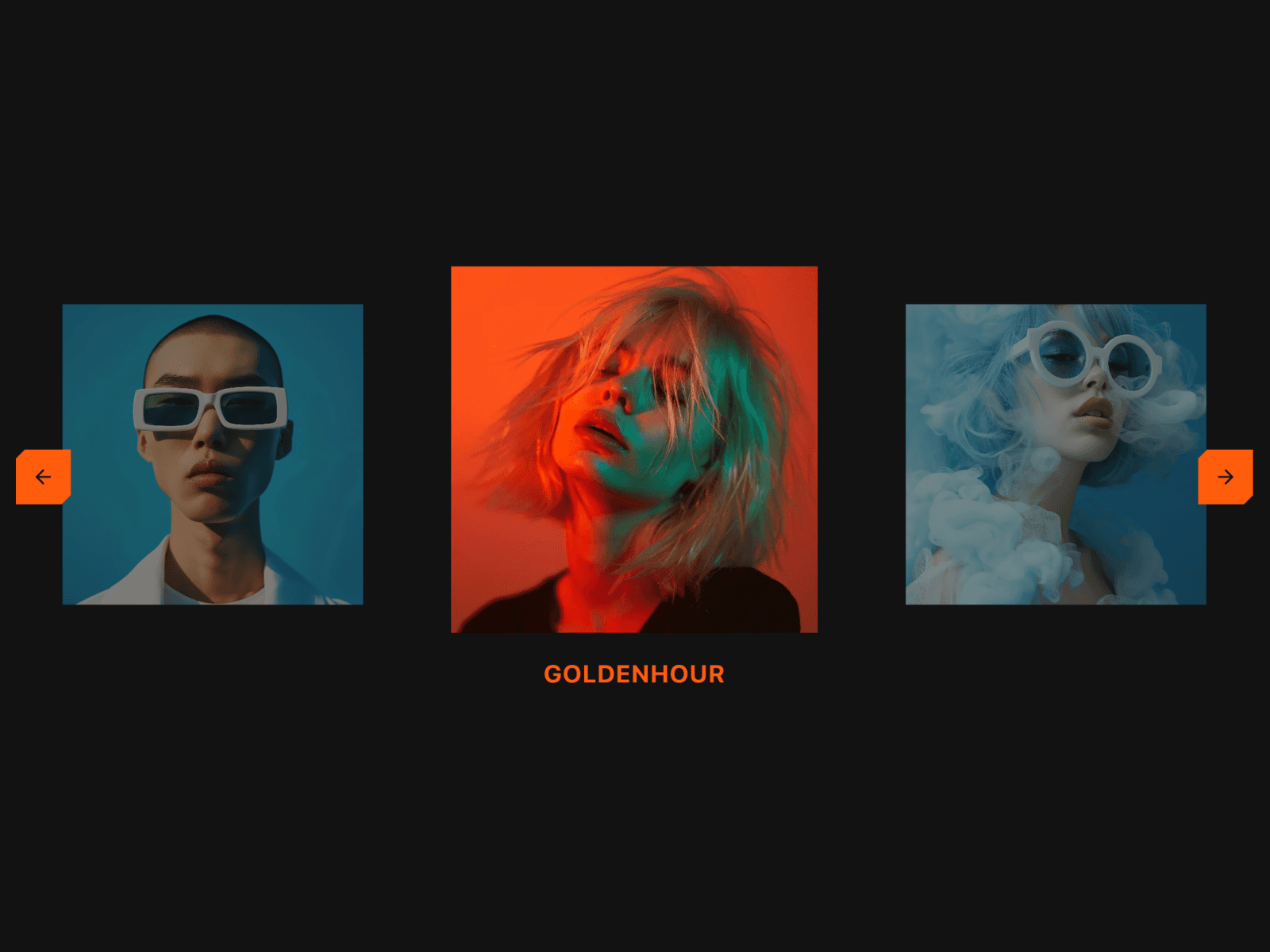
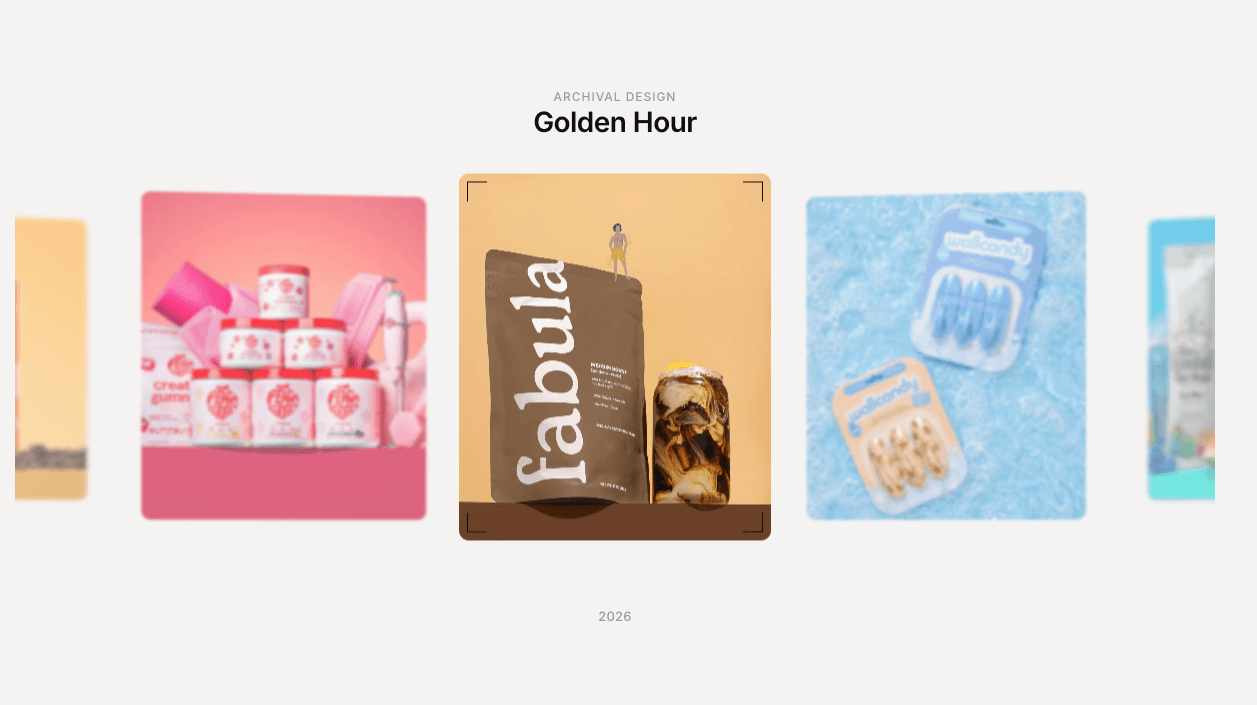

DeviceFlow is an infinite, draggable phone mockup carousel for Framer, showing multiple app screenshots in realistic device frames that flow continuously with real 3D perspective tilt.
Phones drift past center in a seamless loop, tilting and scaling based on distance from the middle, like screens floating in shallow 3D space. Drag to browse manually, or let it auto-play, the loop never visibly resets.
WHAT IT DOES Upload app screenshots and DeviceFlow renders them inside styled phone frames with a notch, rounded corners, and a colored body. The carousel scrolls continuously, side devices tilt away in 3D perspective while the center frame stays flattest and clearest. Dragging pauses auto-play.
KEY FEATURES
Infinite, seamless loop with true content cycling, no visible reset
Real 3D perspective tilt on side items based on distance from center
Smooth drag-to-scroll with pointer support and momentum-free precision
Adjustable auto-play speed, with optional pause on hover
Fully customizable phone frame color, size, and corner radius
Adjustable background color to match your page
Viewport-aware, only animates while the component is in view
Static-safe rendering for the Framer canvas and thumbnails
Supports up to 12 images, cycled to keep the carousel populated
Zero third-party dependencies, single self-contained code component
WHY IT WORKS Most phone mockups show one screen in one frame. DeviceFlow shows your whole app, screen by screen, in one continuous carousel with real dimensional depth, so visitors see the breadth of your product without clicking through static slides.
PERFECT FOR App landing pages, SaaS product pages, and any Framer site that wants to showcase multiple app screens in one flowing, dimensional carousel.
WHAT'S INCLUDED A single drop-in code component. Upload your screenshots and tune phone size, color, speed, and radius through property controls.
Drop it in, load your screenshots, and let the flow do the showing.