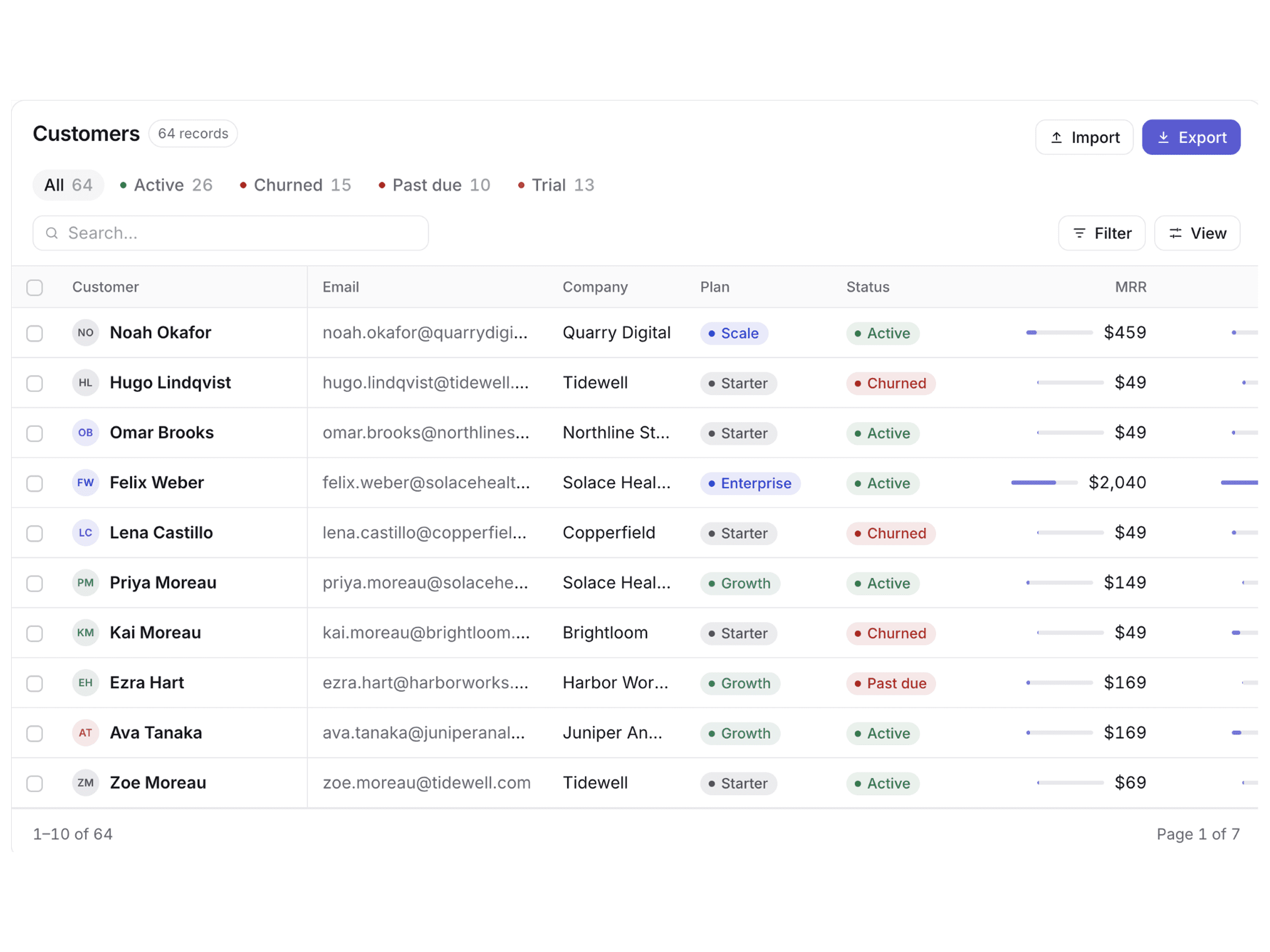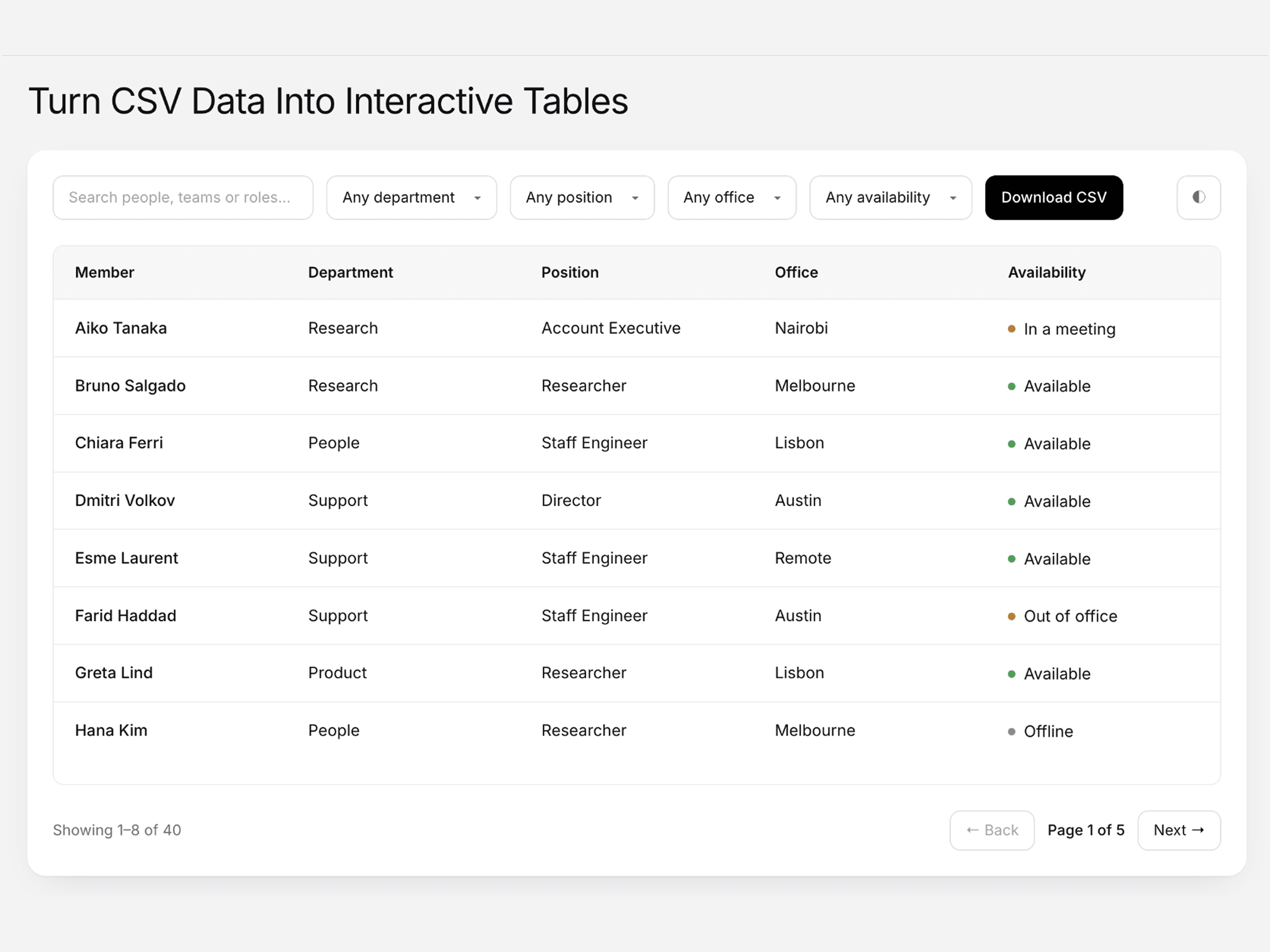
About DataFlow Table
A premium data table component for Framer designed to turn CSV data into a clean, interactive, and professional interface. DataFlow Table makes it easy to display, explore, filter, sort, and manage structured datasets without writing code.
Import data from a CSV file, URL, or pasted content and present it in a polished responsive table. Visitors can search records, filter columns, sort data, download filtered results, switch between light and dark themes, and navigate through large datasets with built-in pagination.
Built for Framer, DataFlow Table is fully customizable through Framer Property Controls. Adjust typography, colors, spacing, corner radius, table features, labels, columns, and data settings to create a data experience that fits your website or brand.
Features
Premium data table component
CSV file, URL, and paste support
Search and filtering
Column sorting
CSV download
Responsive table layout
Mobile-friendly card layout
Pagination
Light and dark themes
System theme support
Status indicators
Result count
Custom column labels
Hide or show columns
Custom typography and colors
Framer Property Controls
No code required
Use Cases
Data dashboards
Team directories
Customer databases
Product catalogs
Resource directories
Pricing data
Reports and analytics
SaaS websites
Business websites
Admin interfaces
Data-driven landing pages
Why You’ll Love It
DataFlow Table turns structured CSV data into a polished, interactive experience inside Framer. With powerful search, filters, sorting, pagination, and CSV export built in, it gives users an easy way to explore large datasets while giving you complete control over the design and presentation.