About Typing Effect Text
Typing Effect Text
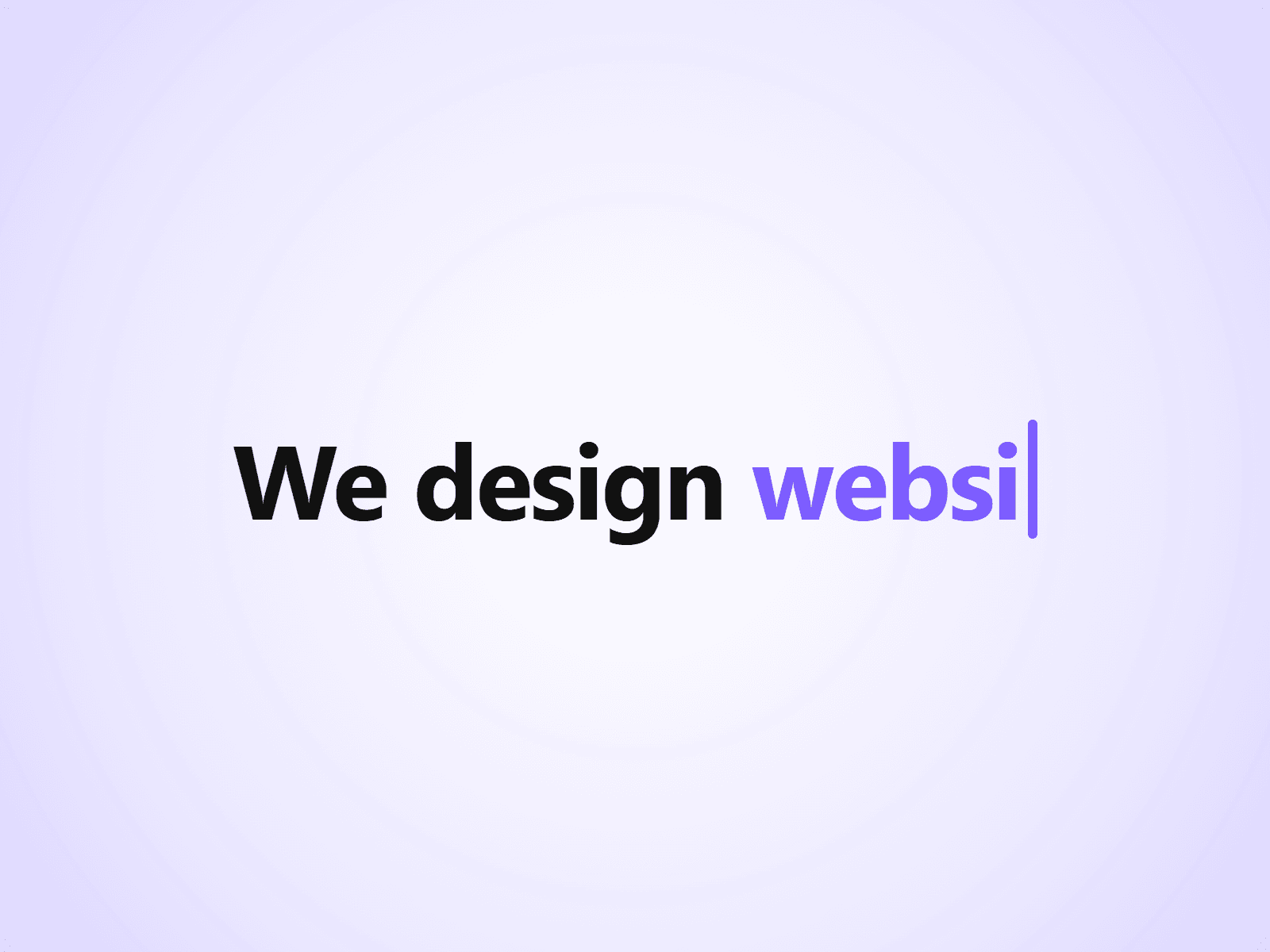
A headline that types out a list of phrases one character at a time, deletes them, and moves on to the next. A fixed prefix stays in place, so you can write lines like "We design websites." and rotate the last word.
Customizable Properties
Everything is set from the property panel, with no code editing.
- Prefix and Phrases: the fixed text and the list of rotating phrases
- Tag: H1, H2, H3, P or Span, for correct heading structure
- Type Speed, Delete Speed and Pause
- Loop: repeat forever or stop on the last phrase
- Reserve Width and Align: keep space for the longest phrase so nothing shifts
- Cursor: character, color and blinking
- Font, Text color and Typed Text color
Details
Typing starts when the text scrolls into view. Visitors who prefer reduced motion see the first phrase without animation.
About The Code
This is a code component, but no coding is needed. To keep quality consistent and deliver updates, unlinking is not available, so the source code cannot be viewed or edited.
More Resources
More components by Joviseo: Scroll To Top Ring, Reading Progress Bar, Text Scramble Button and Magnetic Pull Button. https://joviseo.vercel.app