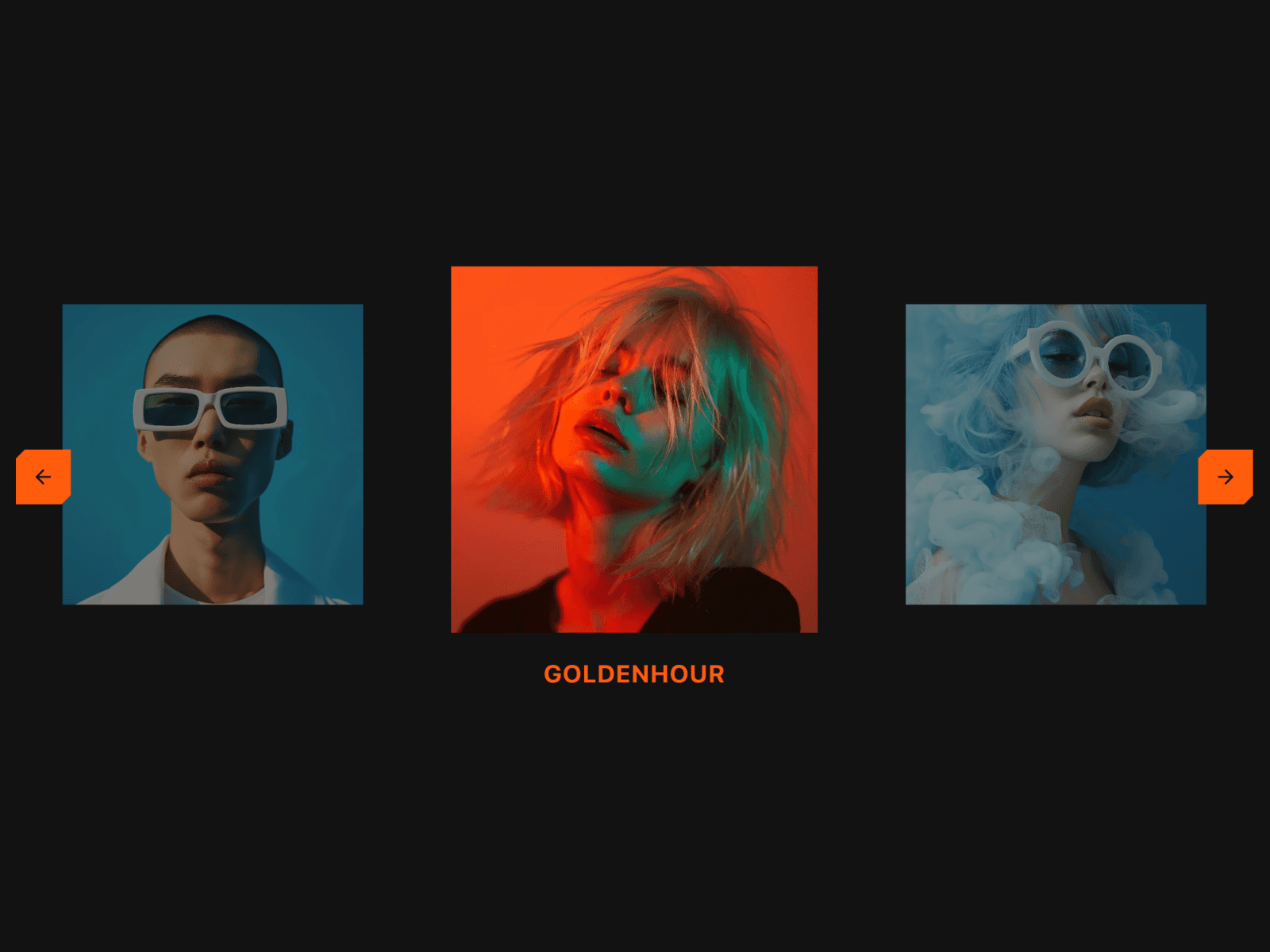
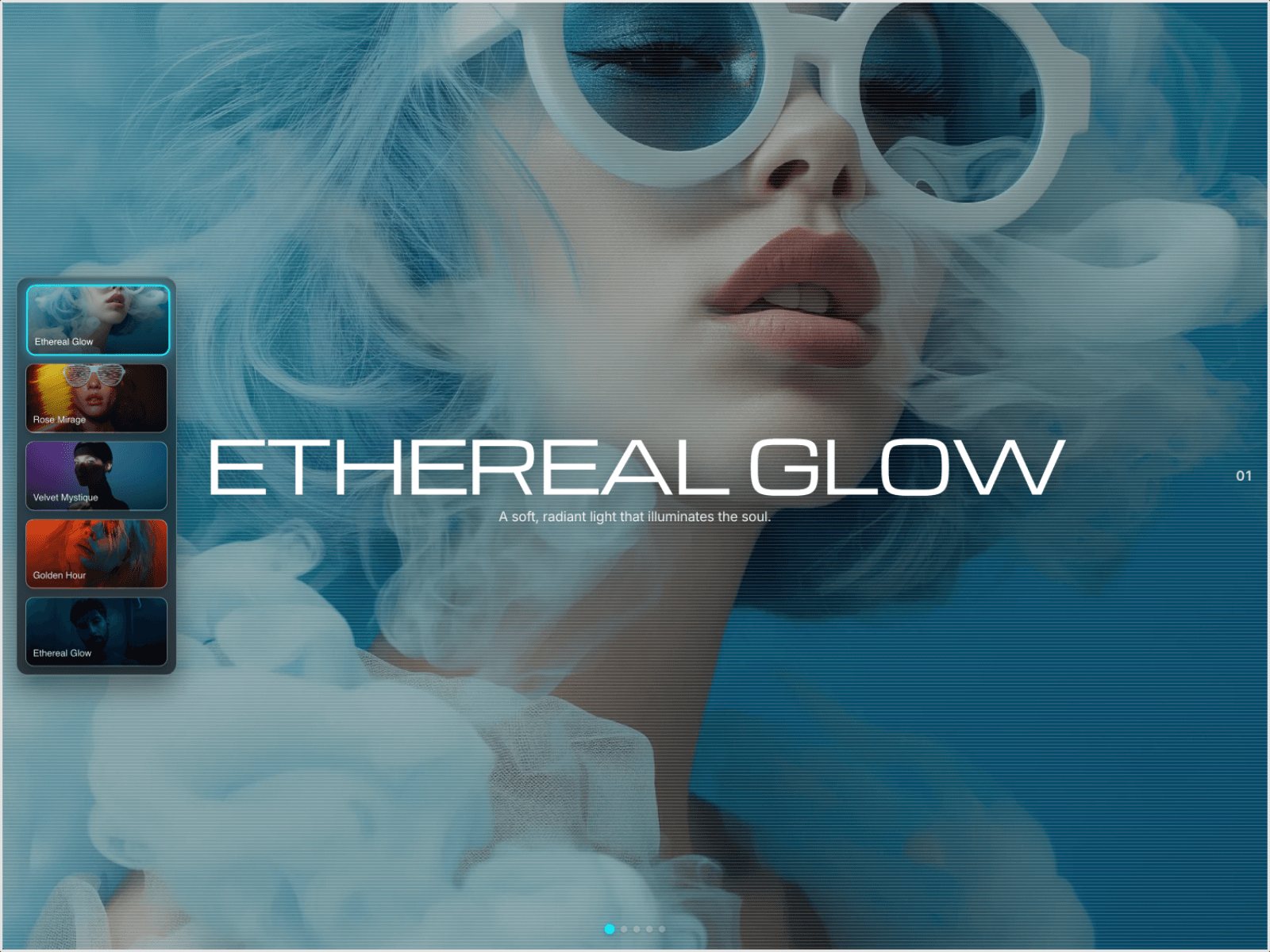
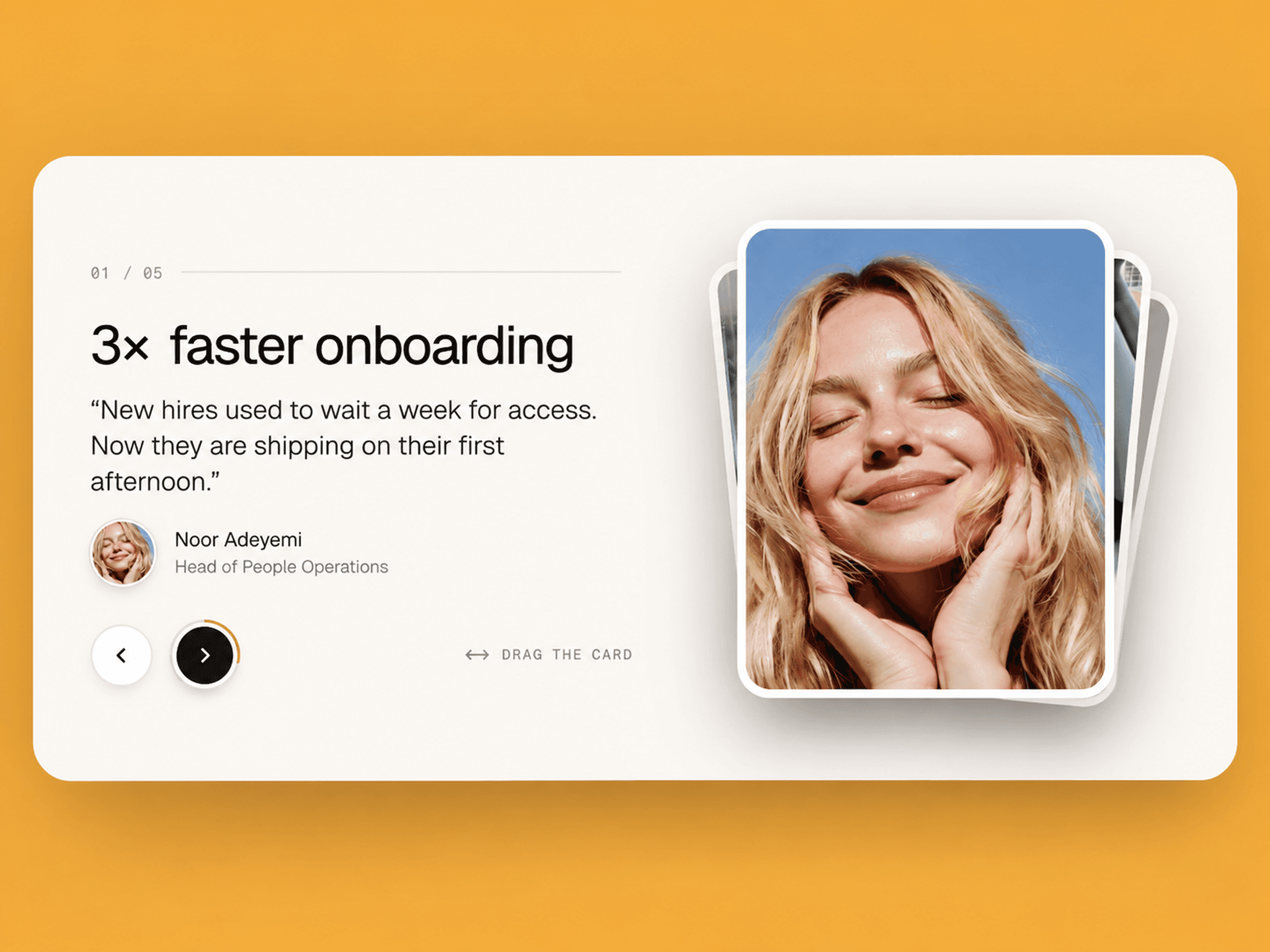
About WebGLCarousel
A WebGL-powered 3D curved carousel for images and videos with wave animation, drop-in entrance effects, and smooth drag scroll. Built with OGL for hardware-accelerated 60fps performance. Adjustable bend creates a cylindrical gallery view. Built for fashion galleries, product showcases, creative agencies, and any media-rich presentation that needs a premium visual experience.
Features
WebGL hardware-accelerated rendering at 60fps
3D curved cylindrical layout with adjustable bend amount
Wave vertex displacement animation across all items
Drop-in entrance animation with bounce easing
Staggered timing — items cascade in sequentially
Snap-to-item after scroll stops
Supports both images and videos in the same carousel
Infinite seamless scroll loop in both directions
Grayscale mode toggle for all media
Adjustable border radius with smooth SDF-based rendering
Mouse drag, touch drag and wheel scroll support
Grab cursor visual feedback during interaction
Responsive — desktop 100%, tablet 80%, mobile 60% scaling
Device pixel ratio support for high-DPI displays
Up to 20 media items supported
No dependencies beyond OGL
Visual Effects
Bend — positive values curve downward, negative values curve upward, zero creates flat layout (−10 to 10)
Wave — dynamic vertex displacement creates a flowing organic motion across all items simultaneously
Drop-in — items fall into position with bounce easing on component mount with configurable stagger between items
Grayscale — full WebGL fragment shader grayscale conversion across all images and videos
Property Controls
Gallery Items
Up to 20 items · image or video per item
Image upload · video upload (MP4, WebM, MOV)
Layout
Items Per Screen — visible items at once (1–10, supports decimals)
Drop Animation
Enable/disable · duration (100–3000ms) · delay (0–2000ms) · stagger (0–500ms)
Visual Styling
Bend Amount — curve direction and intensity (−10 to 10)
Grayscale — toggle on or off
Border Radius — item corner rounding (0–0.5)
Scroll Behavior
Scroll Speed — drag and wheel sensitivity (0.1–10)
Scroll Easing — smoothness factor (0.01–1)
Technical Details
OGL WebGL library for 3D scene and shader management
Custom vertex shader — drop-in animation, wave displacement, 3D transforms
Custom fragment shader — aspect ratio correction, SDF rounded corners, grayscale
HTML5 video elements with continuous texture refresh in render loop
Infinite scroll via content duplication and seamless position repositioning
Bounce easing function for drop animation progress tracking
ResizeObserver recalculates layout on container resize
Device pixel ratio capped at 2x for performance
Retry logic for failed video playback
Default Settings
10 sample media items · 3.5 items per screen
Bend amount 3 · Border radius 0.05
Drop-in enabled · 2500ms duration · 300ms delay · 100ms stagger
Scroll speed 3 · Scroll easing 0.05
Grayscale off
Use Cases
Fashion galleries · Product showcases · Portfolio presentations · Creative agency sites · E-commerce displays · Interactive storytelling · Media-rich landing pages · Brand campaign visuals
SEO Keywords
framer webgl carousel · framer 3d carousel · framer curved gallery · framer webgl gallery · framer 3d gallery · framer wave carousel · framer image video carousel · framer infinite carousel · framer premium carousel · framer ogl component · framer curved carousel · framer creative carousel · framer media gallery · framer code component · framer webgl component