About Diagonal Card Slider
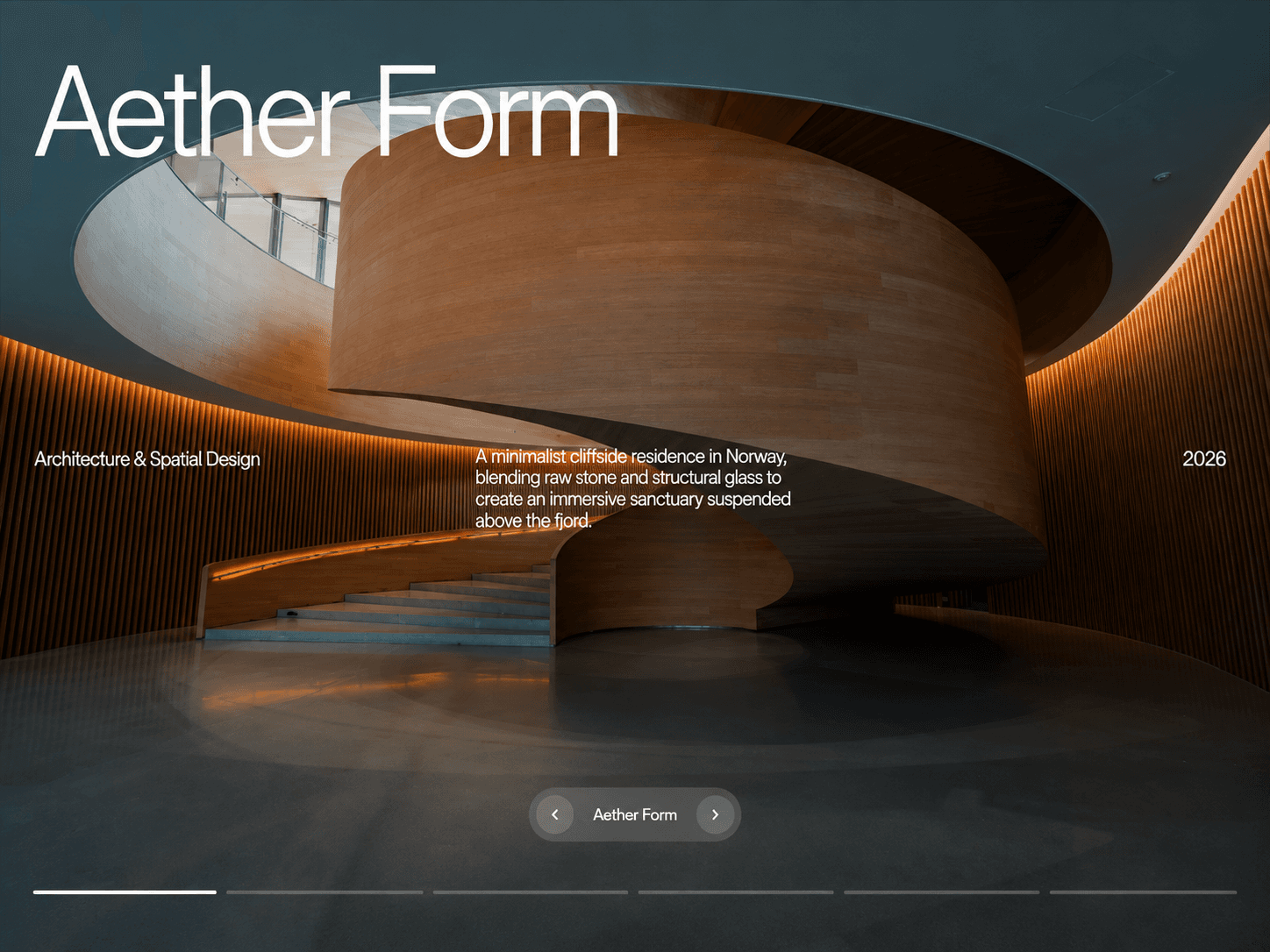
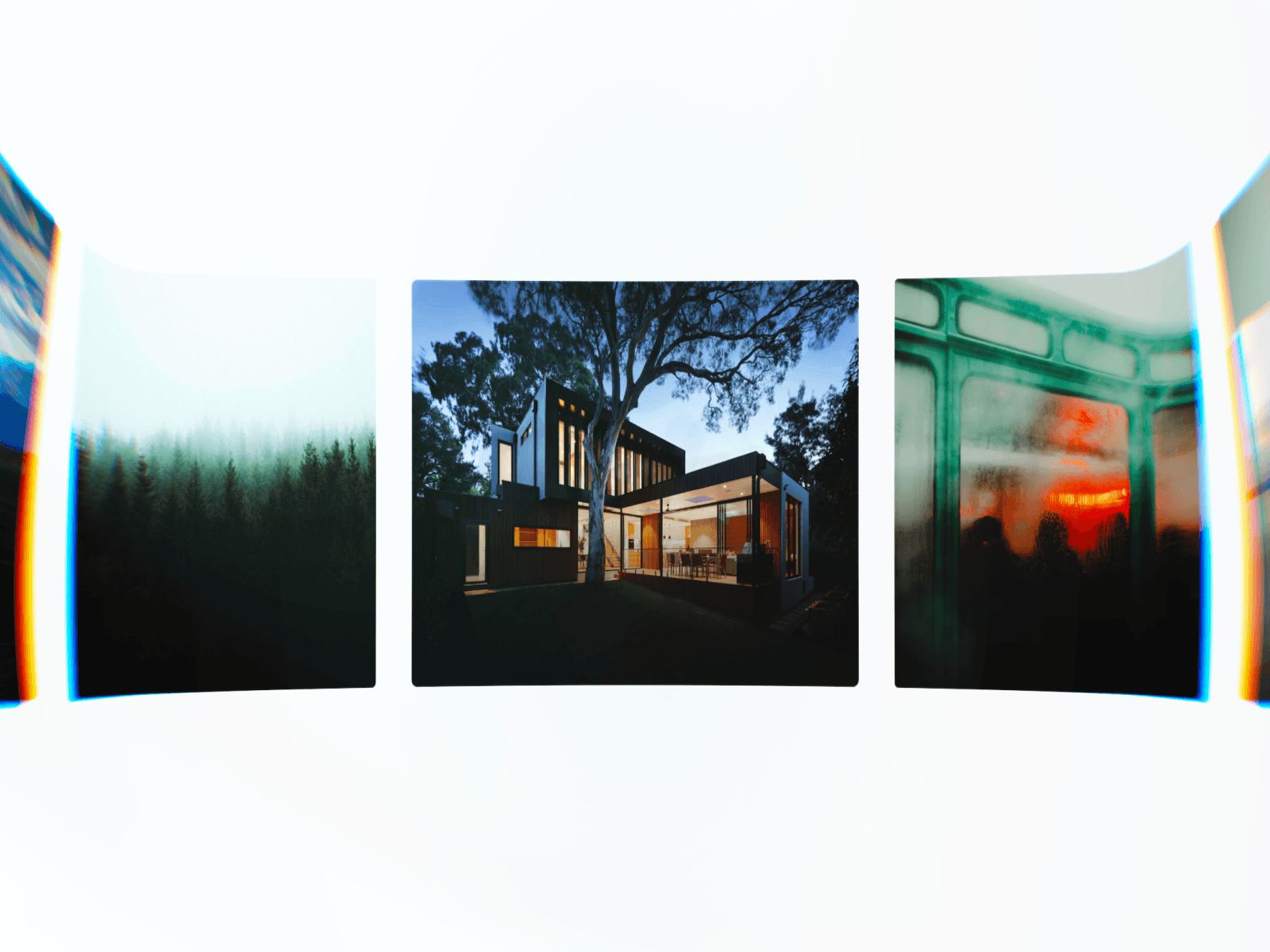
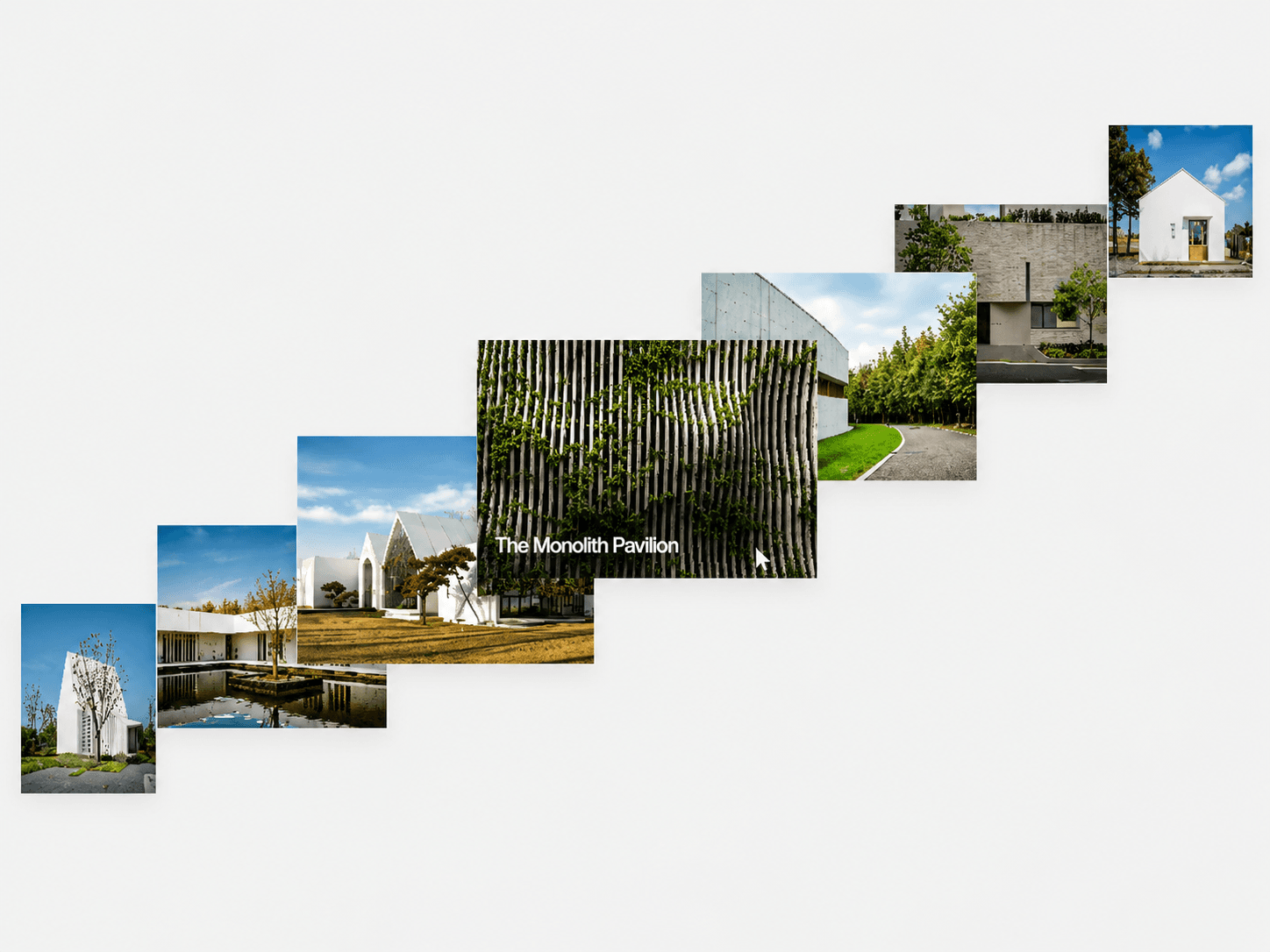
Diagonal Drag Card Slider is an interactive project showcase that stacks cards along a diagonal and lets users drag through them in any direction. Cards glide naturally into place with spring-based motion, while the active project name reveals from the bottom-left. Autoplay can also move through the projects automatically.
Features
Diagonal 3D card stack
Drag in any direction
Smooth spring-based transitions
Velocity-based inertia
Automatic autoplay
Active project name reveal
Clickable project cards with custom links
Adjustable card scaling, tilt, spacing, and rotation
Responsive Framer property controls
Fully Customizable
Customize the entire stack directly from Framer's right-hand panel, including projects, card dimensions, spacing, 3D motion, spring physics, autoplay, dimming, typography, colors, and more.
Customize
Projects, images, names & links
Card width, height & radius
Horizontal & vertical spacing
3D tilt & rotation
Scale falloff
Spring stiffness, damping & mass
Drag distance
Autoplay & interval
Dim color & amount
Project name typography & color
How It Works
Drag the stack to move through your projects. Your gesture is projected onto the diagonal, and the cards smoothly settle into the next position using spring physics and your drag velocity. The centered card becomes interactive and displays its project name.