About Dither Grain Overlay
Description
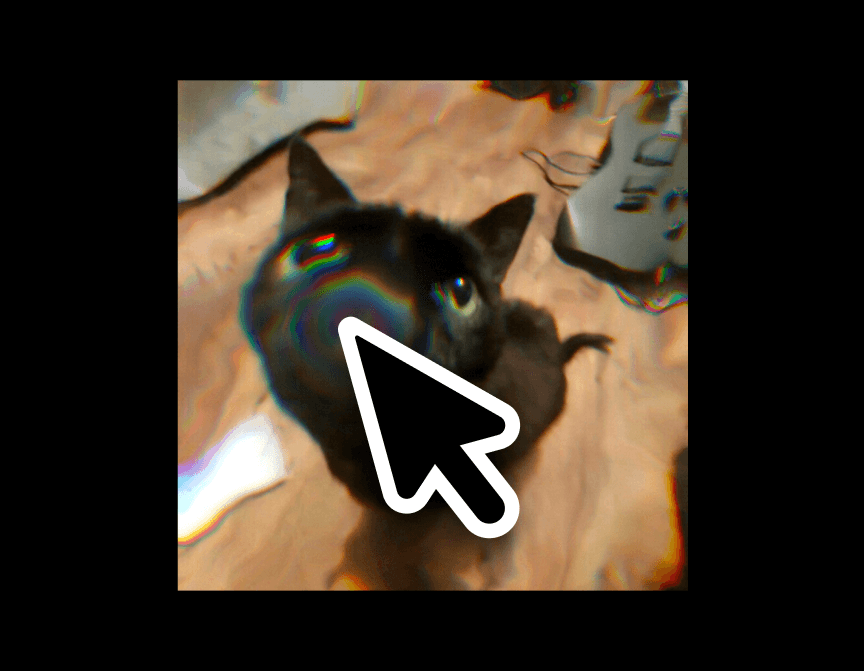
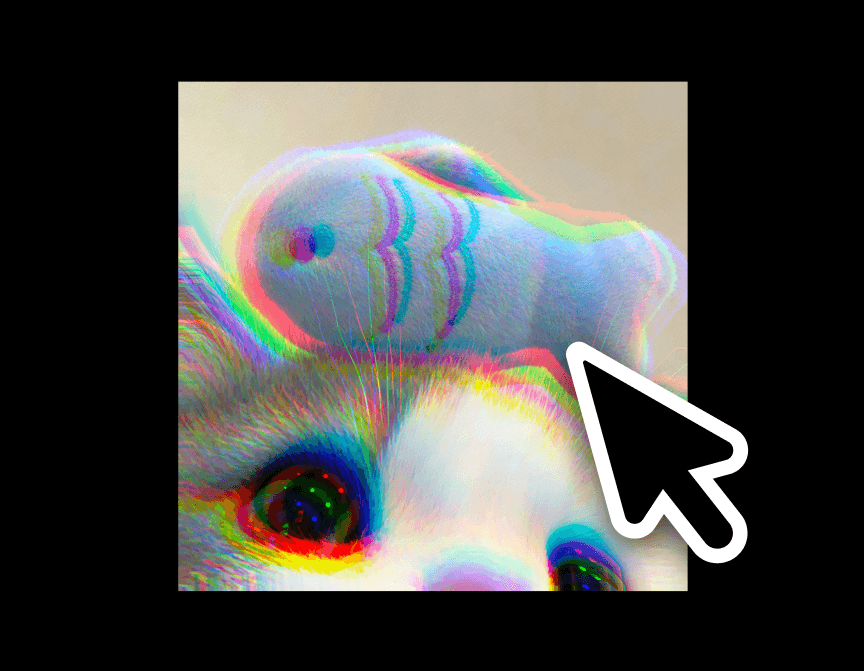
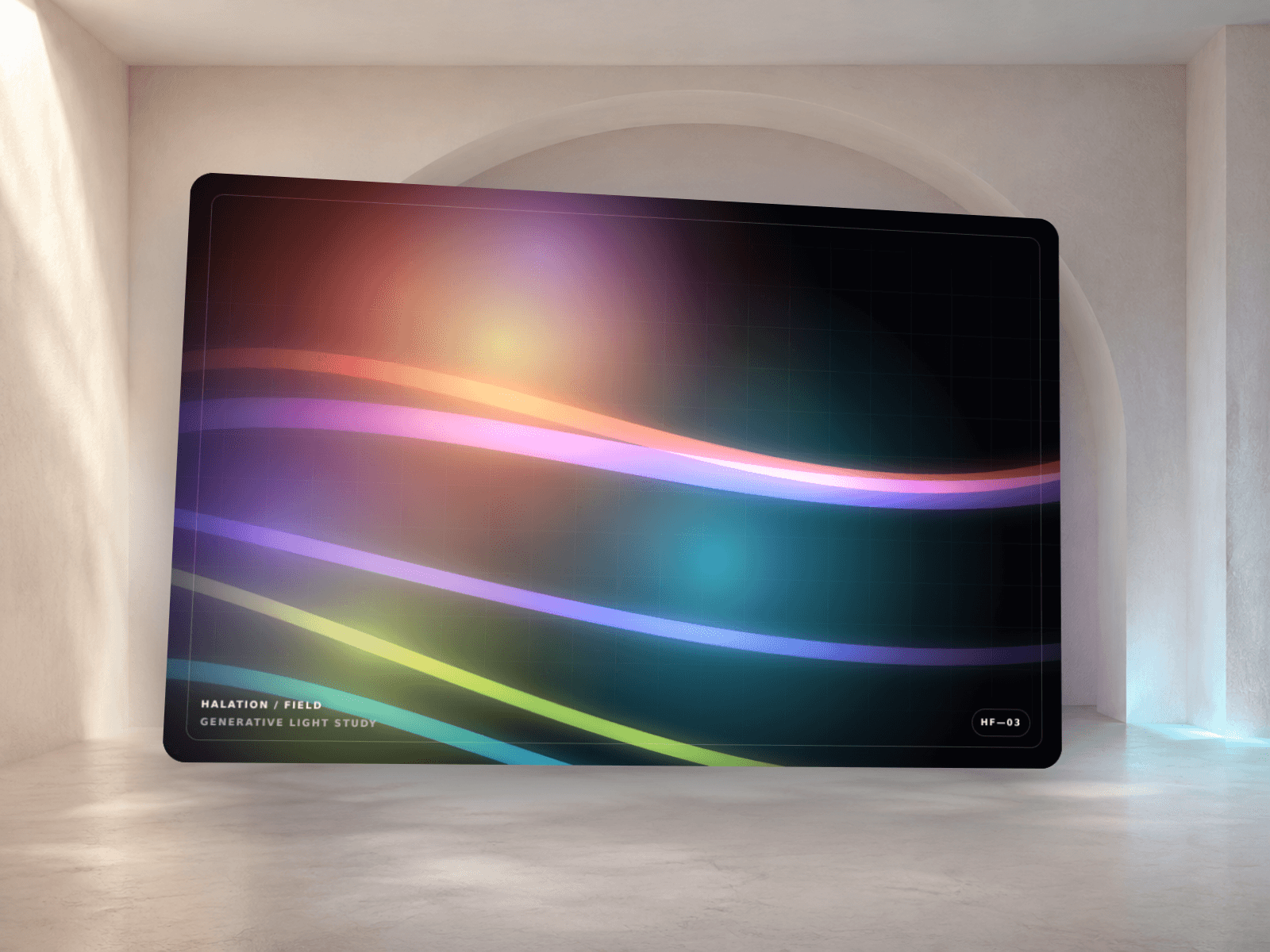
Dither Grain Overlay is a WebGL2 shader component that generates an animated dithered grain or halftone texture and lays it over (or behind) any section of a site. Most shader backgrounds on the Framer marketplace are locked to one look and one placement — a hero, a full-page fill. This one is built as a general-purpose texture layer: drop it on a card, a footer, a full section, or the whole page, and it adapts to whatever sits beneath it because it can render as a transparent overlay or an opaque background.
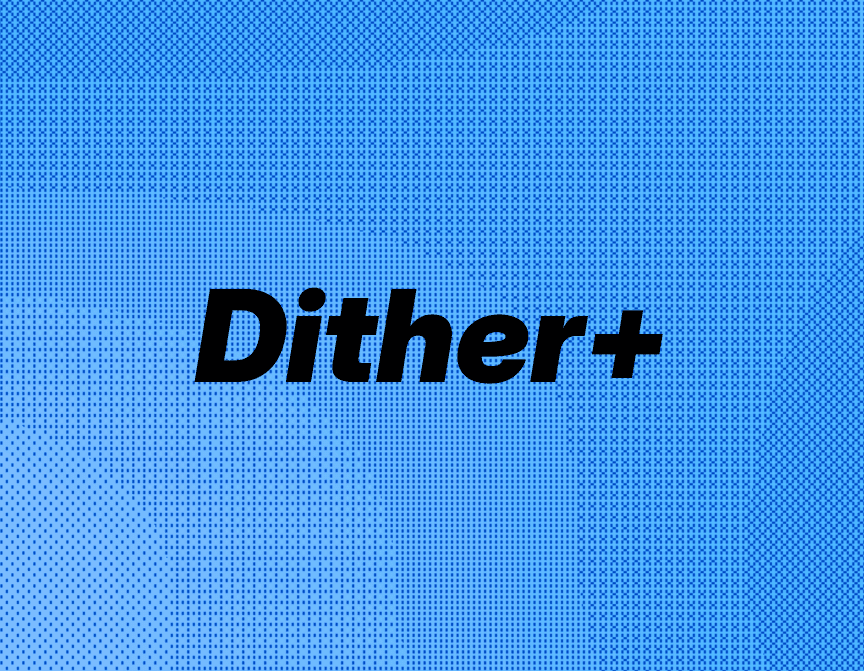
It solves the "every shader site looks the same" problem by giving four distinct dithering algorithms (Bayer ordered dither, fine noise grain, blue-noise-style grain, and halftone dots), each with independently tunable density, animation speed, distortion, and color, so two sites using this component rarely look alike.
Customizations available in Framer
Pattern — switches between Bayer Dither, Noise Grain, Blue Noise, and Halftone Dots algorithms.
Layer Mode — Overlay (transparent, stacks on top of other layers) or Background (opaque fill).
Intensity — overall strength/density of the dither or grain.
Scale — size of the pattern cells, from fine grain to chunky dots.
Speed — animation speed; 0 fully freezes the effect and stops the render loop.
Distortion — amount of animated warp applied to the pattern field.
Color Mode — Monochrome or Duotone.
Color A — primary color, and the static-render fallback fill.
Color B — secondary color for Duotone blending and the fallback gradient (hidden unless Duotone is selected).
Opacity — overall layer opacity.
Blend Mode — CSS blend mode (normal, multiply, screen, overlay, soft-light, difference) against whatever sits beneath it.
Pause Offscreen — stops rendering when scrolled out of view, for performance.