About Dot Map Globe 3D
Features

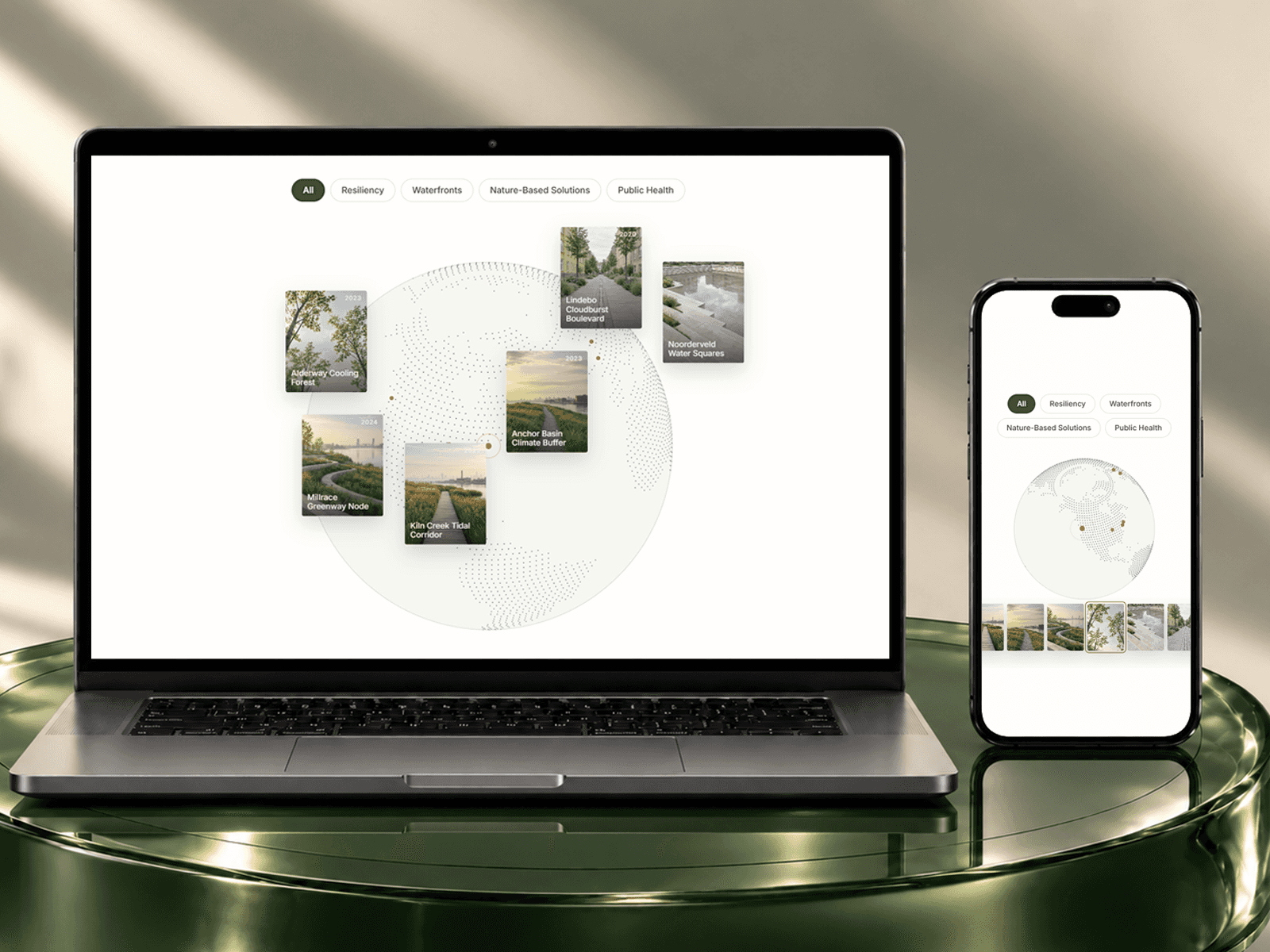
Interactive 3D globe and flat map modes

Beautiful procedural dot-based world rendering
Smooth drag rotation with momentum physics
Hover-reactive dot animation effects
Dynamic location markers with labels
Adjustable dot density and globe scaling
Variable edge and interior dot sizing
Responsive WebGL performance optimization
Elegant glassmorphism marker UI
Fully customizable colors and styling
Automatic viewport visibility optimization
High-performance Three.js rendering system
Customization Options
Toggle between globe and flat map layouts
Customize ocean, background, and dot colors
Add unlimited custom location markers
Adjust globe size and positioning
Control rotation speed and hover effects
Modify dot density for visual detail
Fine-tune edge and interior dot sizes
Add procedural dot randomness
Adjust edge falloff intensity
Enable or disable hover interaction
How to Use
Add the component to your Framer canvas
Choose between globe or flat map mode
Customize your globe colors and styling
Add markers using latitude and longitude
Adjust dot density and sizing settings
Configure rotation and hover interactions
Publish your project with fully interactive 3D visuals
Use Cases
SaaS dashboards and analytics tools
AI and Web3 landing pages
Logistics and global network visuals
Startup and tech websites
Data visualization interfaces
Interactive travel experiences
Global company showcases
Cyberpunk and futuristic UI sections