About DotGlobe
Interactive Particle Globe

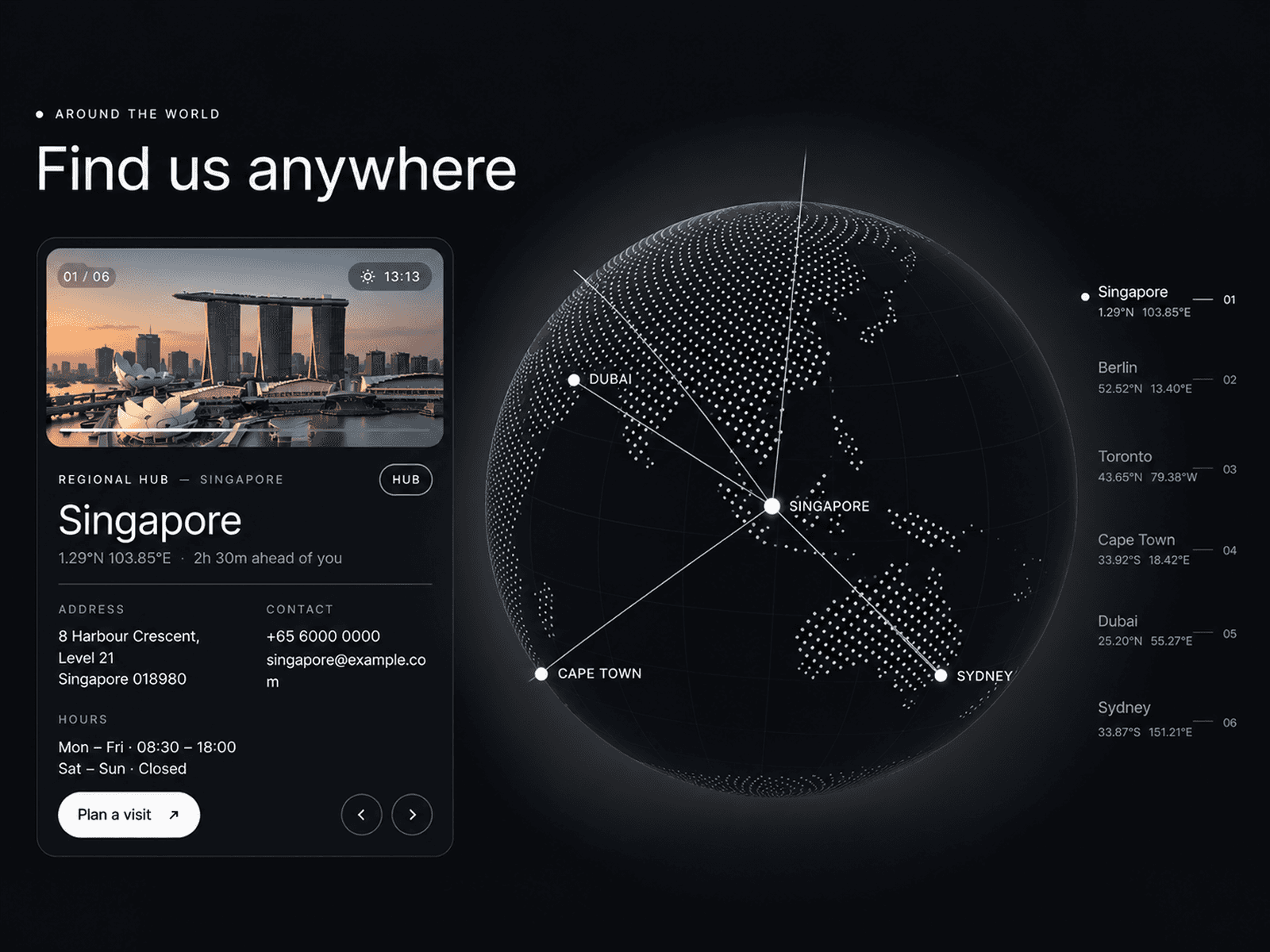

A highly versatile 3D particle component that can render a globe, cube, or plane using various artistic styles. From a classic dot-matrix earth to a cyberpunk ASCII cube, Dot Globe is a powerhouse of visual effects with a transparent background for seamless integration.
Features
Multiple Styles Switch between Dots for a clean look, Matrix for digital rain vibes, or ASCII for a retro-terminal aesthetic.
Transparent Background The background is fully transparent, allowing you to layer the globe over any content, images, or gradients.
Interactive The object rotates automatically but responds to mouse movement with tilt and particle repulsion effects, making it fun to play with.
Rich Effects Layer on additional visual flair with built-in Scanlines, Wave pulses, Glitch distortion, and Halo glows.
Use Cases
Hero Sections — Create stunning landing pages with an interactive globe as the centerpiece.
Tech Websites — Perfect for AI, crypto, or SaaS sites with the Matrix or ASCII style.
Portfolio — Add visual interest with subtle animation that responds to user interaction.
Data Visualization — Represent global data or network connections with the sphere shape.
Geometry Settings
Shape: Choose between Sphere, Cube, or Plane
Scale: Adjust the size of the object
Particle Settings
Style: Dots, Matrix, or ASCII rendering
Density: Control the number of particles
Color: Set the particle color
Rainbow Mode: Enable animated rainbow colors
Effects
Scanline: Horizontal scanning effect
Wave Pulse: Circular wave animation
Glitch: Digital distortion effect
Halo: Atmospheric glow around the object
Interaction
Auto Rotation: Enable continuous rotation
Mouse Effect: Tilt and particle repulsion on mouse movement
Quick Tips
Best Performance — Use density between 40-80 for smooth animation on most devices. Reduce to 30-40 on mobile.
Style Combinations — Matrix style looks great with green color and scanline effect. ASCII pairs well with amber/orange colors.
Layering — Since the background is transparent, place your own gradient or image behind the component for custom backgrounds.
Halo Glow — Works best with the Sphere shape for an atmospheric Earth effect.
License
Single Use License — Use in one client project with full commercial rights. No redistribution. 1 license = 1 client.
Refund Policy
Due to the nature of our digital products, we are unable to offer refunds, but we're here to assist you with any questions or concerns!
Why Designers Love This
Dot Globe transforms any hero section into an interactive experience. The combination of multiple styles, shapes, and effects gives you endless creative possibilities, while the transparent background makes it easy to integrate into any design system.