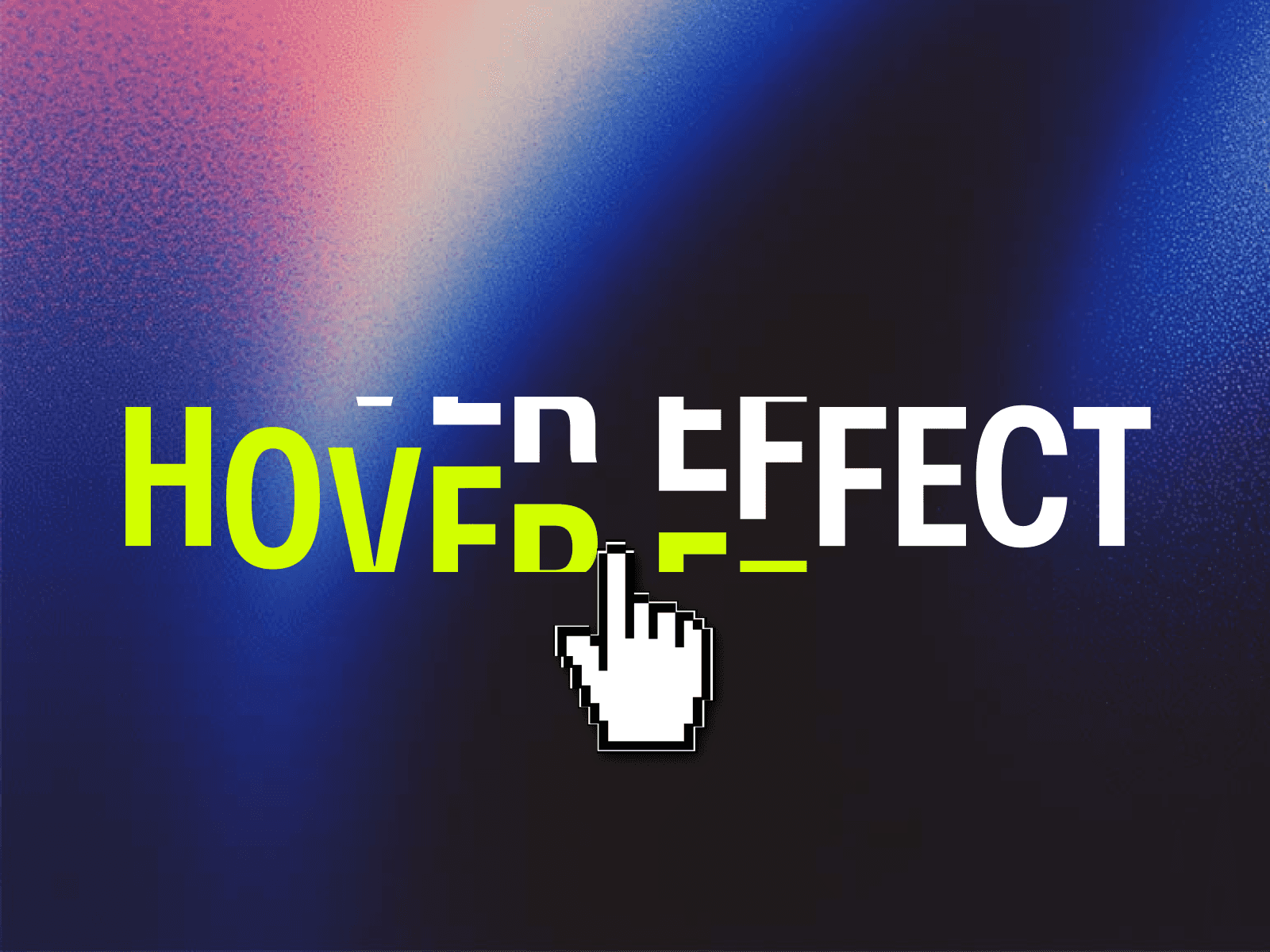
About Text Hover Effects
5 HOVER PRESETS
Bounce — letters spring upward with physics-based overshoot (default)
Scale — classic scaleY stretch with neighbor wave
Jelly — vertical stretch + horizontal squish for an elastic rubber feel
Tilt — italic skewX lean that flows to adjacent letters
Magnetic — neighboring letters are pulled toward the hovered character
COLOR RIPPLE
Toggle on to make the hovered letter switch to a custom accent color. Works as an optional layer on top of any preset.
FULLY CUSTOMIZABLE
Ripple Width — control how many neighbors react (1–5 letters)
Center Scale & Neighbor Scale — fine-tune the intensity falloff
Duration & easing — or switch to spring physics with Bounce
Full font control: family, weight, size, spacing, case
HTML Tag: H1–H6, P, DIV, SPAN for correct semantics
PERFORMANCE
Optimized for speed, these animations run directly on elements without heavy re-renders. Only the active characters are updated, ensuring a buttery-smooth experience that won't slow down your website.
HOW TO USE
Drop the component onto your canvas
Type your heading text in the Content field
Pick an Effect preset
Adjust scale, ripple width, and duration to taste
Optionally enable Color Ripple and set an accent color
OPTIONS