About Drop Zone
Dropzone is a drag-and-drop file field for Framer sites: contact and brief forms, application pages, client portals, anywhere a visitor needs to hand you a file. Native Framer forms have no file upload, and most upload components lean on a third-party storage service. Dropzone works on its own: it reads files on the visitor's device, and sends them only to an endpoint you choose.
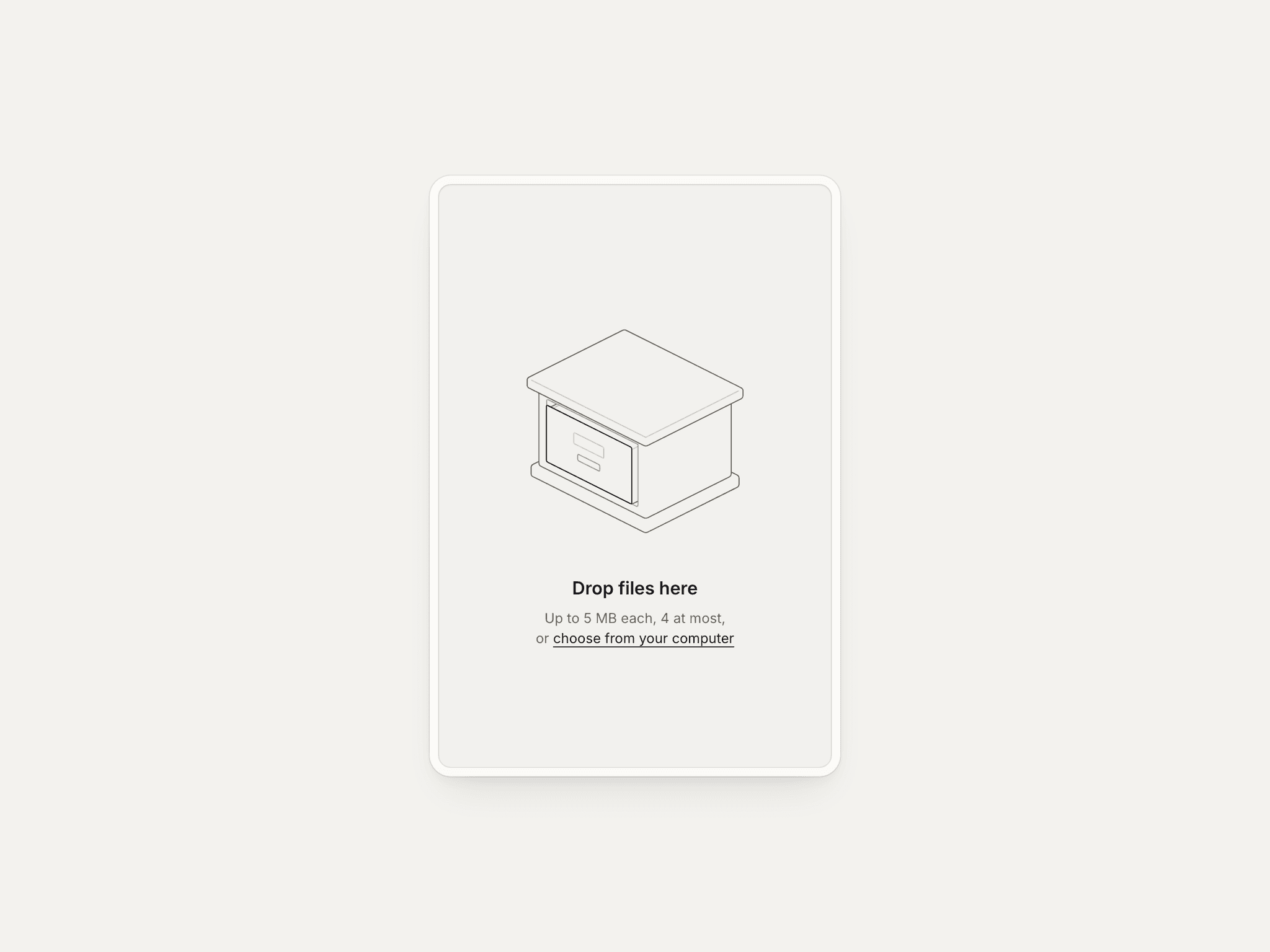
The box tells a small story with every file. While a file is dragged over it, the figure opens a drawer, slides out a tray or lifts its flap. On drop, the file's chip flies in, the box gulps, and the file's tag issues from the figure with its progress filling behind the name. Removing a file plays the same story in reverse: the slot opens and the card lifts out. Oversize files, wrong types and a full box get a kind line inside the box, with a short shake, and repeated size refusals escalate through five lines.
Everything is set in the property panel, in five groups: Content, Look, Limits, Upload and Behavior. The component follows reduced motion (no shake, stretch or overshoot; short crossfades instead) and stays still on the Framer canvas.
Style: Hairline (seven animated line figures), Plain (a quiet arrow-into-tray icon for any site) or Custom (your own SVG or PNG, painted in Ink or kept in its colours).
Figures (Hairline): Drawers, Pigeonholes, Folder, Trays, Box, Mailbox and Single tray.
Files as: Tags (files come back out of the figure, inside the box) or List (rows under the box, with size, percentage and image thumbnails).