Copy Field

Copy Field

About Copy Field

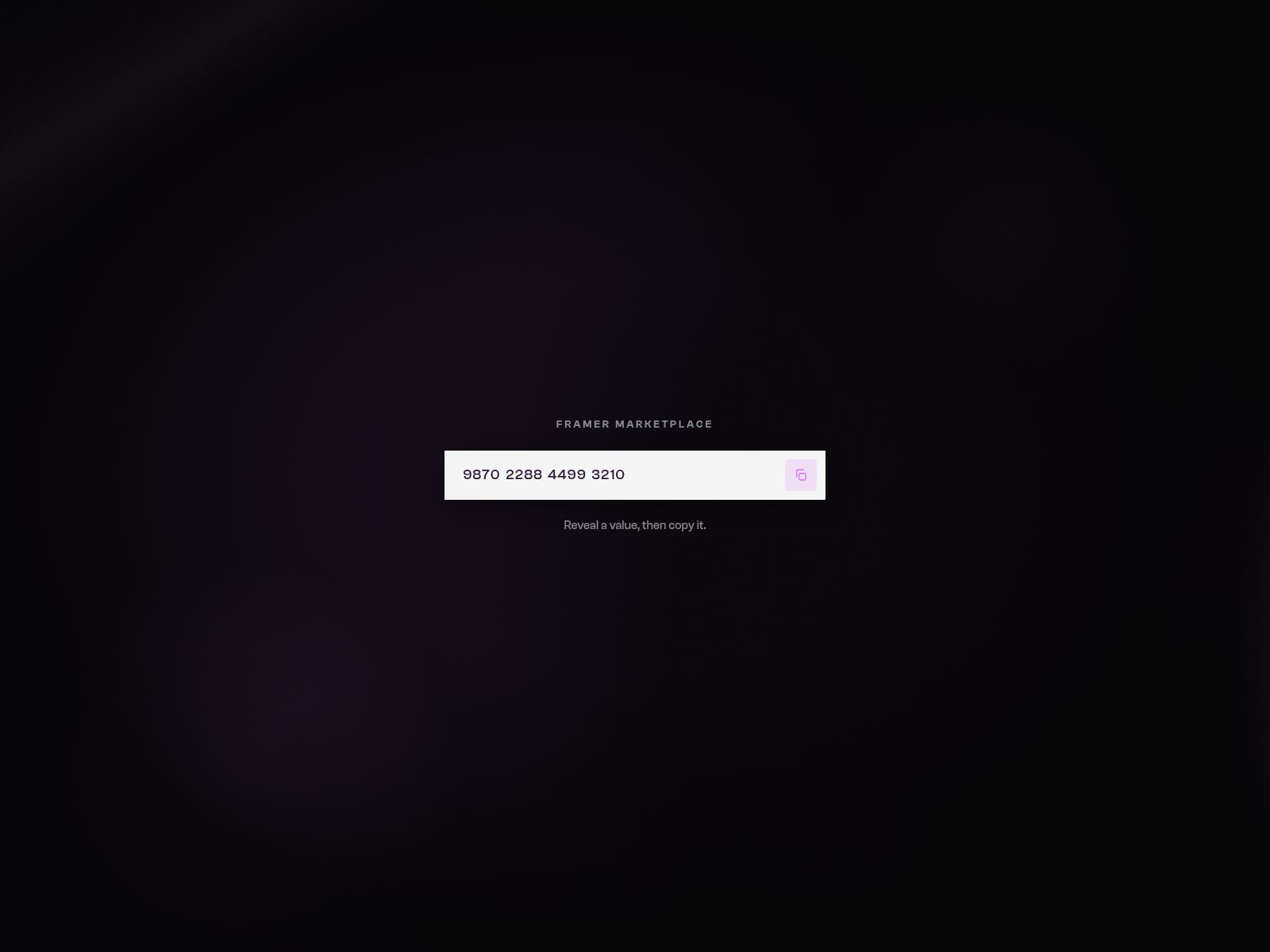
Copy Field masks a string (or grouped digits), reveals it with a one-tap eye control, then copies the real value to the clipboard with stroke → check success. Fine-pointer hover hints (View / Copy), optional inline “Copied” chip, Clash-friendly Font control, and full Appearance tokens for field, accent, and button. Canvas-safe, reduced-motion aware, zero external packages. Desktop interaction is the product — no Auto Demo.

Categories / tags: Components · Forms · Clipboard · Copy · Mask · Password · Interaction · Motion · Utility · Accessibility Features

  • Masked → reveal → copy → success flow

  • Real clipboard (writeText + execCommand fallback)

  • Optional digit grouping (4s)

  • Hover hints (View / Copy) on fine pointer

  • Optional inline copied feedback chip

  • Appearance: field, text, accent, button BG, radius, border, padding, shadow

  • Custom reveal / copy / success icons

  • ControlType.Font for value typography

  • Reduced-motion + canvas-safe idle

  • Zero external dependencies (framer + framer-motion)

  • No Auto Demo — pointer is the product

Setup (buyer)

  1. Insert Copy Field and set a fixed width (e.g. 420–560px).

  2. Paste the Value (and optional Mask char / Group 4).

  3. Tune Appearance (accent #6FD3FF default) and Button size/radius.

  4. Optional: turn Feedback on and edit Copied / hint labels.

  5. Match Font to your site type.