About Ecosystem Orbit
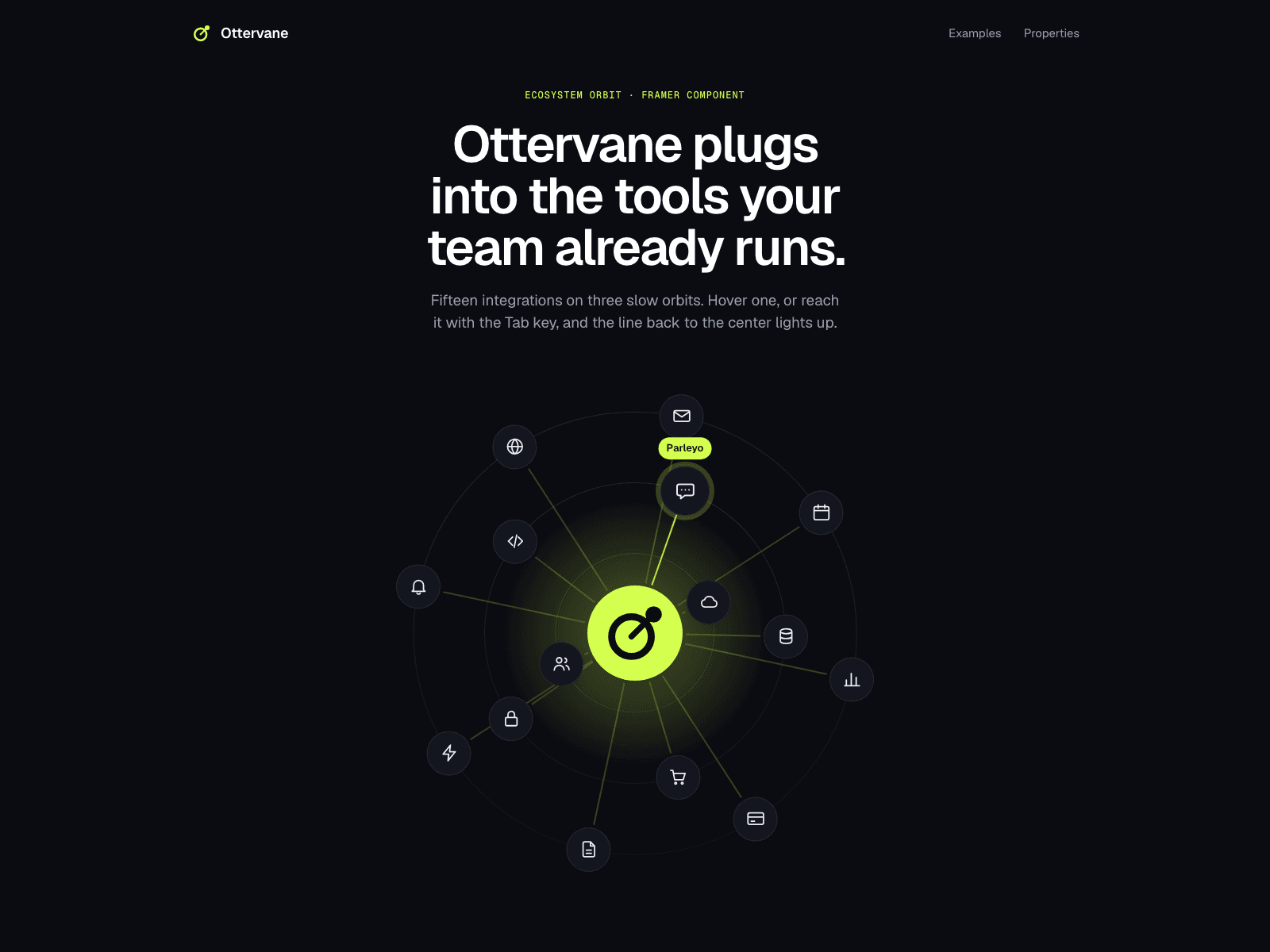
Ecosystem Orbit puts your integrations on up to three slow orbits around your logo. A guided tour lights one item at a time with its name and a line back to the center; visitors can take over with the mouse or the Tab key, and every item can link to its own page.
Group items by what they do: each group has a color and a shape, and the legend explains them. Use the 21 built-in glyphs while you design, then drop in your own icons. Round orbits for a square frame, oval ones to fill a wide hero. It looks finished before any script runs, it stays still for visitors who prefer reduced motion, and it pauses when it leaves the screen.
Up to 24 items, each with a label, a built-in glyph or your own icon, a group and a link.
1 to 3 orbits with their own size, speed and direction, round or oval.
Guided tour, with labels on the active item or always on.
Lines from the center with a moving pulse.
Up to 4 groups with color, shape and a legend.
Pauses on hover, on keyboard focus and off screen.
No external scripts or packages.
How to use: after purchase you receive the component link. Copy it, click the canvas of your Framer project and paste (Cmd+V or Ctrl+V). Then give it a height and add your items.
User guide (PDF): https://framerusercontent.com/assets/XEi8ZJPJiPXkyaQPWxvunjtWFQ.pdf
One purchase covers one website. Questions and help: info@litchisolutions.com