About EditorialNavbar
About
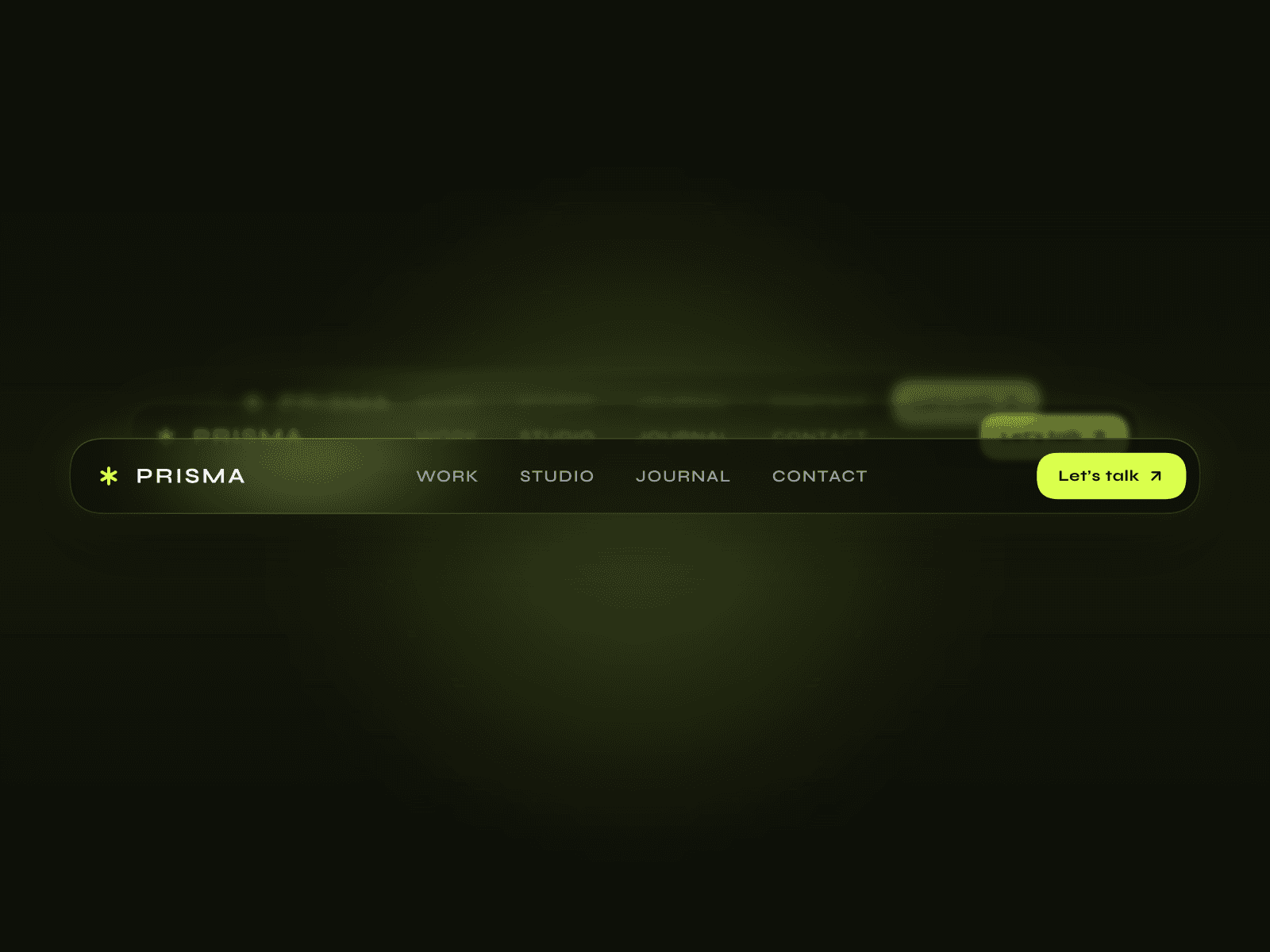
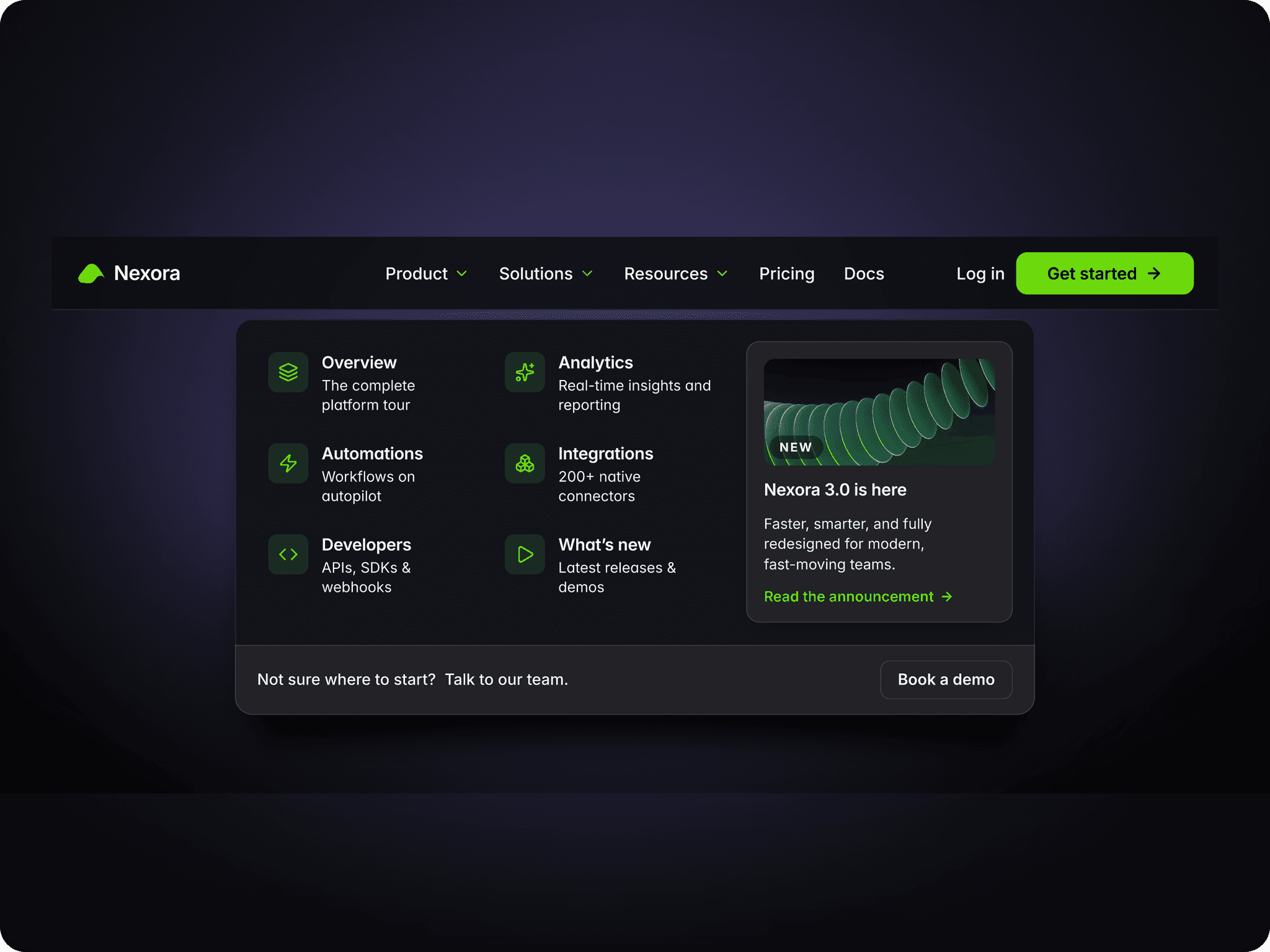
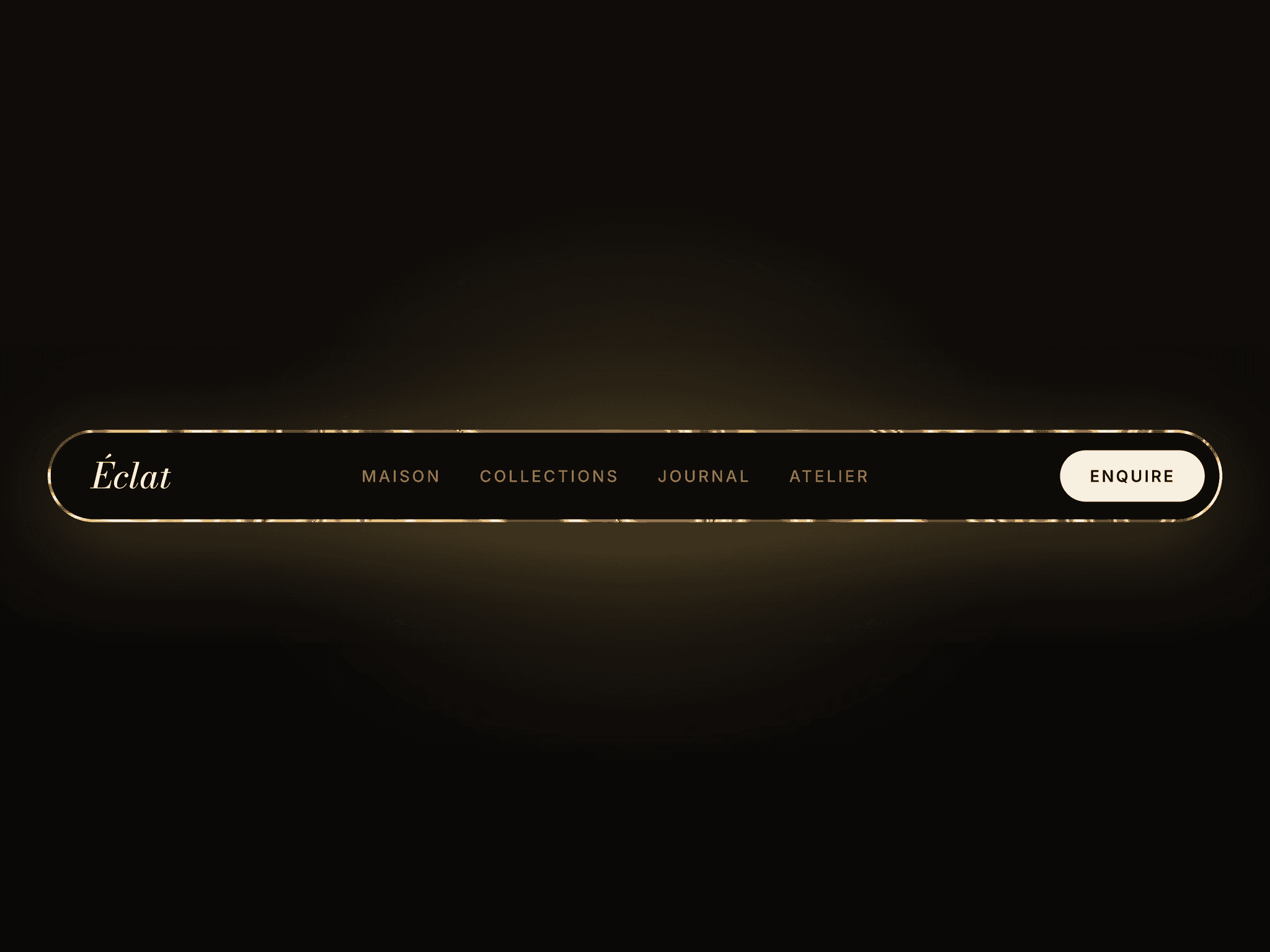
EditorialNavbar is a sophisticated, highly flexible navigation component built specifically for Framer projects that need a refined, magazine-style aesthetic. Whether you are building a personal blog, a digital journal, or a clean corporate site, this navbar handles the heavy lifting of responsiveness and branding while keeping your layout looking sharp.
What it does
It provides a professional header that adapts seamlessly across desktop, tablet, and mobile devices. The component supports both text and image logos, allows for a customizable set of navigation links, and includes a prominent call to action button.
What you can customize
Branding & Links: Choose between a text or image logo, adjust its scale for the perfect fit, and link it to your homepage. You can easily manage your navigation items and set specific links for each.
Call to Action: Show or hide the CTA button and choose from three distinct styles: Text, Outline, or Solid. You have full control over the button background, border colors, hover states, and corner radius.
Layout & Responsiveness: Manually set your mobile and tablet breakpoints. You can also adjust the total navbar height and toggle the canvas visibility for different devices.
Colors & Shadows: Fine tune the colors for your borders, text, and separators. There is also a customizable scroll shadow option to add a premium feel when the user scrolls.
Typography: The component gives you independent font controls for every element, including the logo, navigation links, overlay menu, and the CTA button, so you can match your brand perfectly.
Great for
Online magazines and editorial journals
Modern blogs and content platforms
Portfolio sites that need a clean header
SaaS landing pages with a minimal look
Newsletters and subscription-based websites
Need help?Questions or feedback? Reach me anytime: dulajdilshan766@gmail.com or on X @Dulajweb