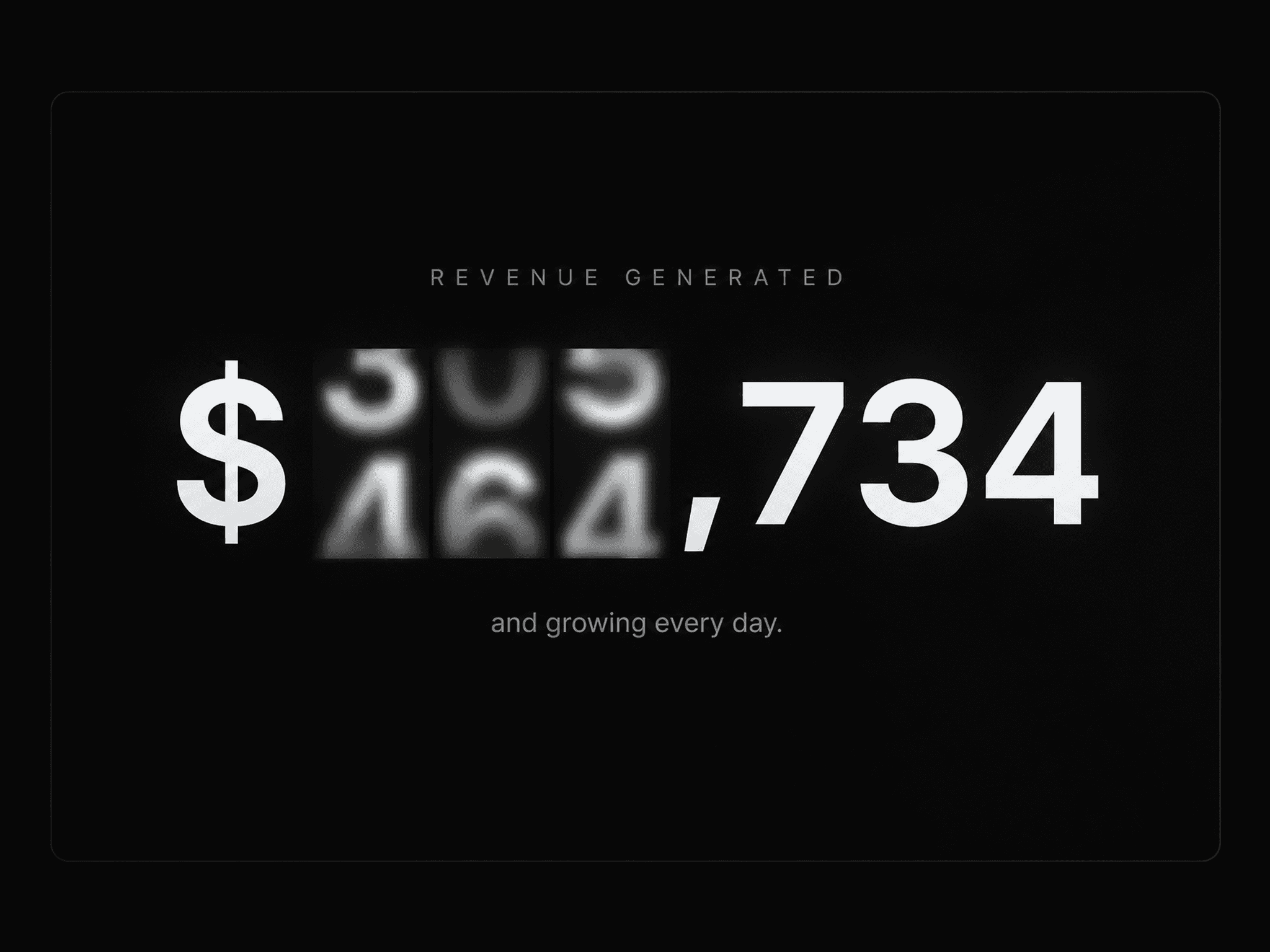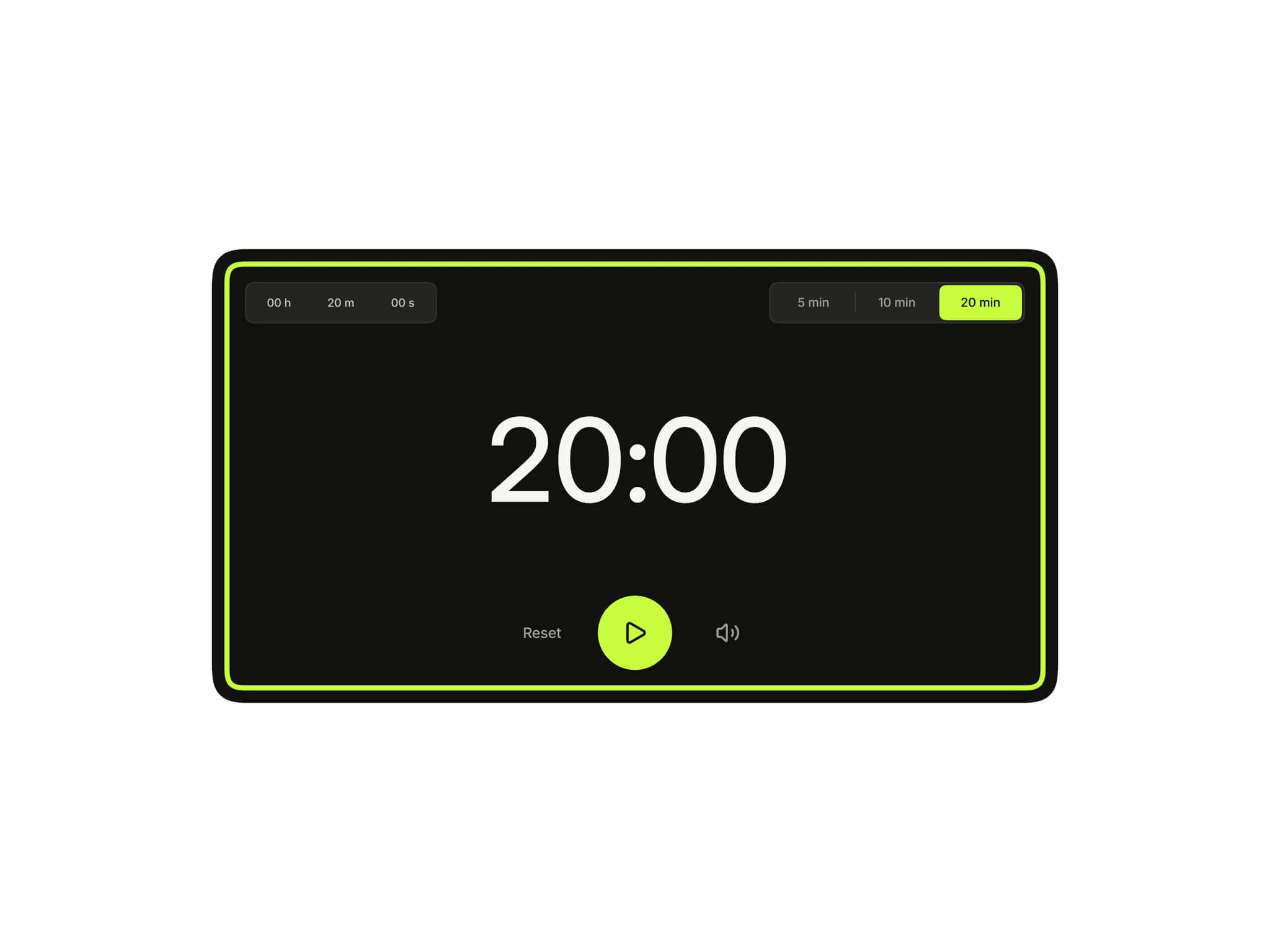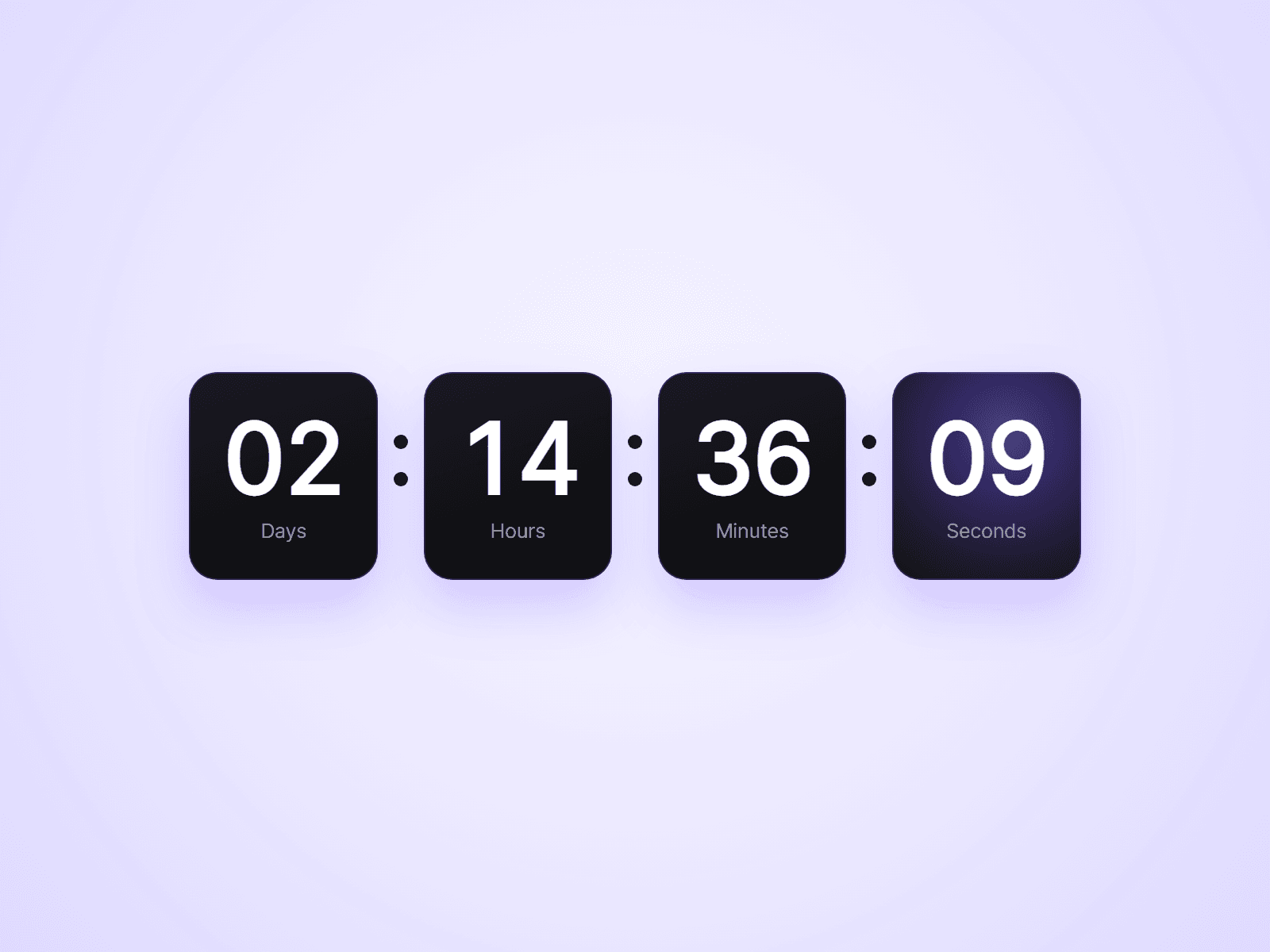
About Evergreen Countdown
A countdown timer for Framer sites. Count down to a fixed date for a launch, an event or a sale, or give every visitor their own timer that starts on their first visit and keeps running when they come back.
What you can customize
Everything is set from the property panel. No code needed.
- Mode: Fixed Date or Per Visitor
- End date and time, or a duration in days, hours and minutes
- At the end: show zeros, show a message, or hide the timer
- Restart, for Per Visitor timers that should loop
- Units: show or hide days, hours, minutes and seconds
- Labels: your own words in any language, or hidden
- Box fill, radius, padding and minimum width
- Number and label fonts and colors
- Separator character, color and gap
Details
- On End runs a Framer interaction when the timer reaches zero, so you can switch a component to a "Sale ended" variant or open an overlay.
- Per Visitor timers are stored in the visitor's browser. Give a timer a new Timer ID to start everyone again for a new offer.
- Hidden units roll into the next one. With Days hidden, two days left shows as 48 hours.
- Numbers use equal-width digits, so the boxes do not shift as the seconds change.
- The timer stays accurate after the tab has been in the background.
How to use
Add the component to your page and pick a Mode. For Fixed Date, choose the End Date. For Per Visitor, set the Duration. The component sizes itself to fit its content, so there is nothing to resize. On the canvas the timer does not tick. Open the preview to see it count down.
Code
This is a code component. Unlinking is not available, so the source cannot be viewed or edited. When an update is released, an Update button appears next to the component in your Assets panel.
Support
Email joviseo1106@gmail.com. Replies usually take up to 3 business days.
More components, including four free ones, are at https://joviseo.vercel.app