About Eye Glow Button
Explore the best Framer components ↗
About
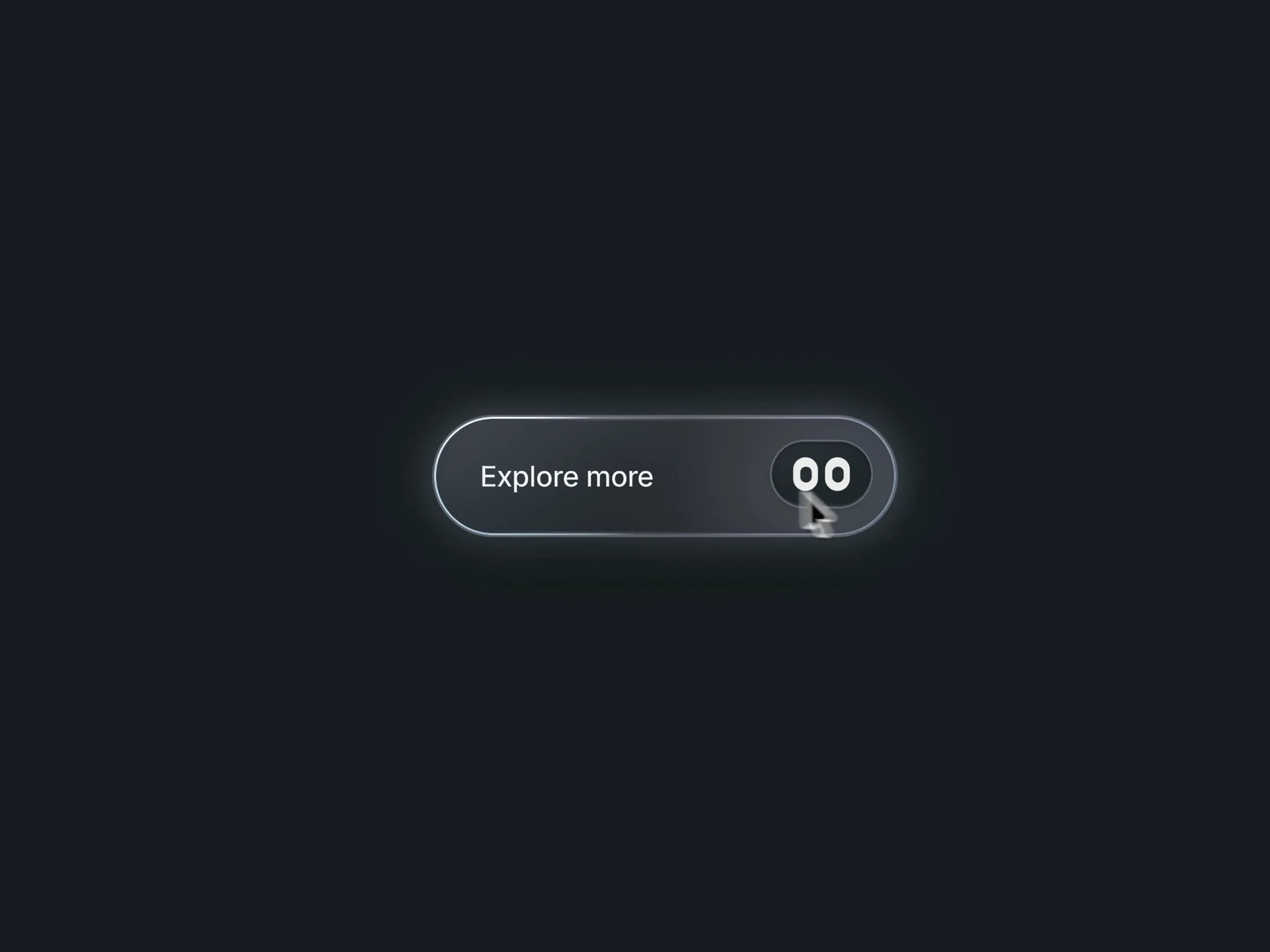
Eye Glow Button is an animated Framer button with cursor-following eyes and a moving gradient border. Two small eyes smoothly track the pointer, adding character to your calls to action within a clean, understated shape.
A soft glow moves even before hover. Hover brightens the edge and brings a pointer-following spotlight across the surface, while a subtle press animation adds click feedback. Choose Obsidian, Pearl or a custom color palette.
What you can customize
Make the button your own through its content, proportions, colors and motion. Edit the label, destination and new-tab behavior. Adjust typography, padding, corners and spacing for compact navigation links or larger calls to action.
Style the eyes, pupils and surrounding surface. Set eye size, tracking range, spring speed and damping, or switch tracking off. Tune gradient colors, glow size and strength, idle speed and light intensity. Adjust hover lighting, spotlight size, eye lift and press feedback independently. Idle, hover and press effects can each be disabled; an optional pixel trail adds another variation.
Use a restrained outline and gentle motion for everyday links, or stronger lighting for a primary call to action.
Includes an editable accessible label, visible keyboard focus and reduced-motion support.
Great for (examples)
Add a small interactive detail to:
Designer portfolios and personal websites
Creative studios and agency contact buttons
SaaS landing pages and product launches
Template downloads and digital products
Light or dark headers and hero sections
Need help?
Questions or feedback? Reach me anytime: matthias@lmvision.de or on X @Matthias_Oel.
Need a matching component?
Carry the polished interaction into your navigation and footer: