About FAQ Image Accordion
What is FAQ Image Accordion?
FAQ Image Accordion pairs an interactive accordion with a dynamic media panel that transitions between images and videos as users expand each question. Desktop variant shows a side-by-side layout with media; mobile variant displays a clean, full-width accordion. Built with animated transitions, markdown-rich answers, and FAQPage schema markup for search visibility.
Core Features
Desktop and mobile variants with a single toggle — desktop shows image/video alongside the accordion, mobile shows a streamlined accordion-only layout
Per-item image and video support — assign a unique image or video file to each FAQ item, with smooth crossfade transitions between them
Five style presets (Dark, Light, Indigo, Emerald, Custom) with full color override controls when using Custom mode
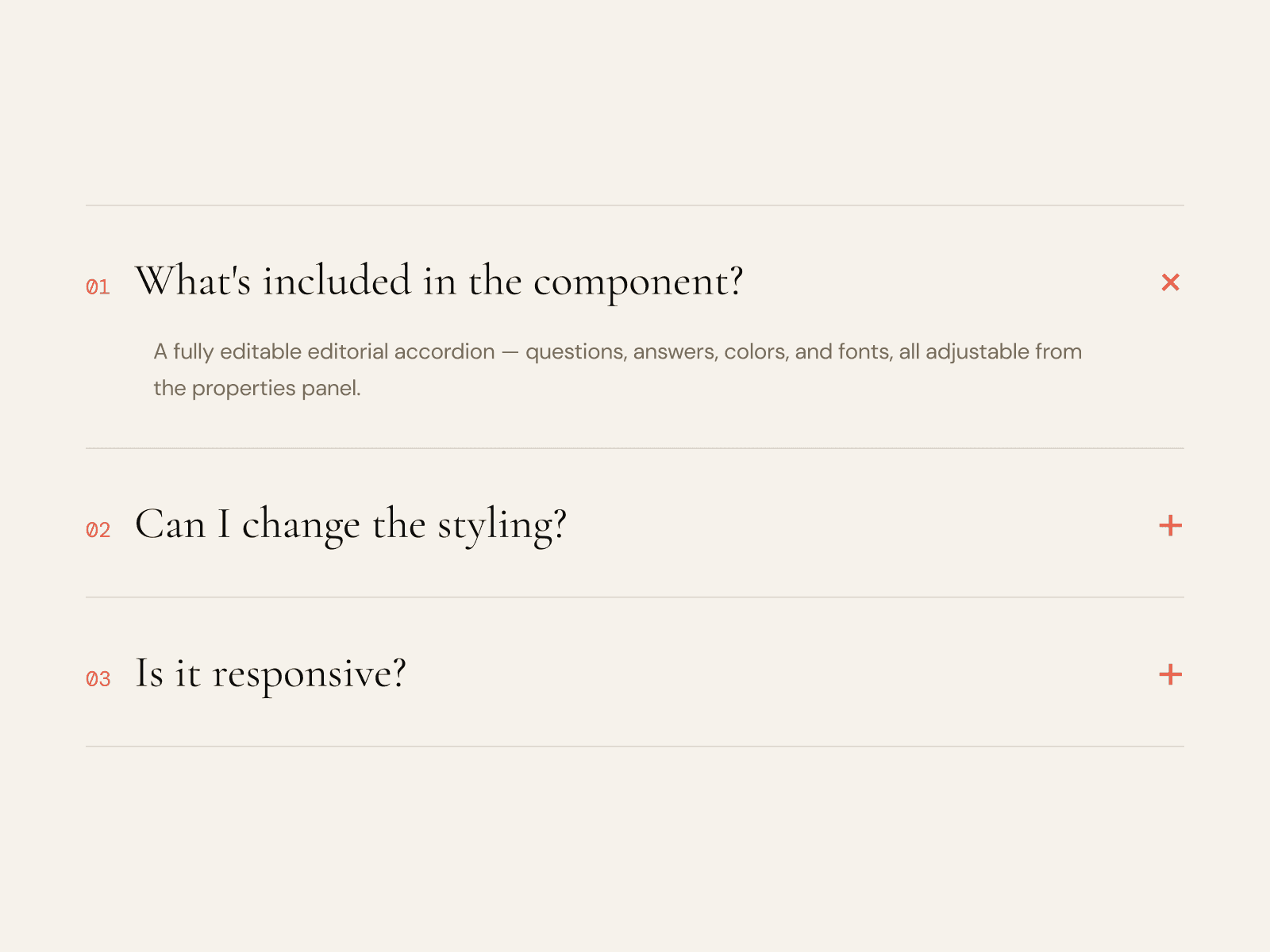
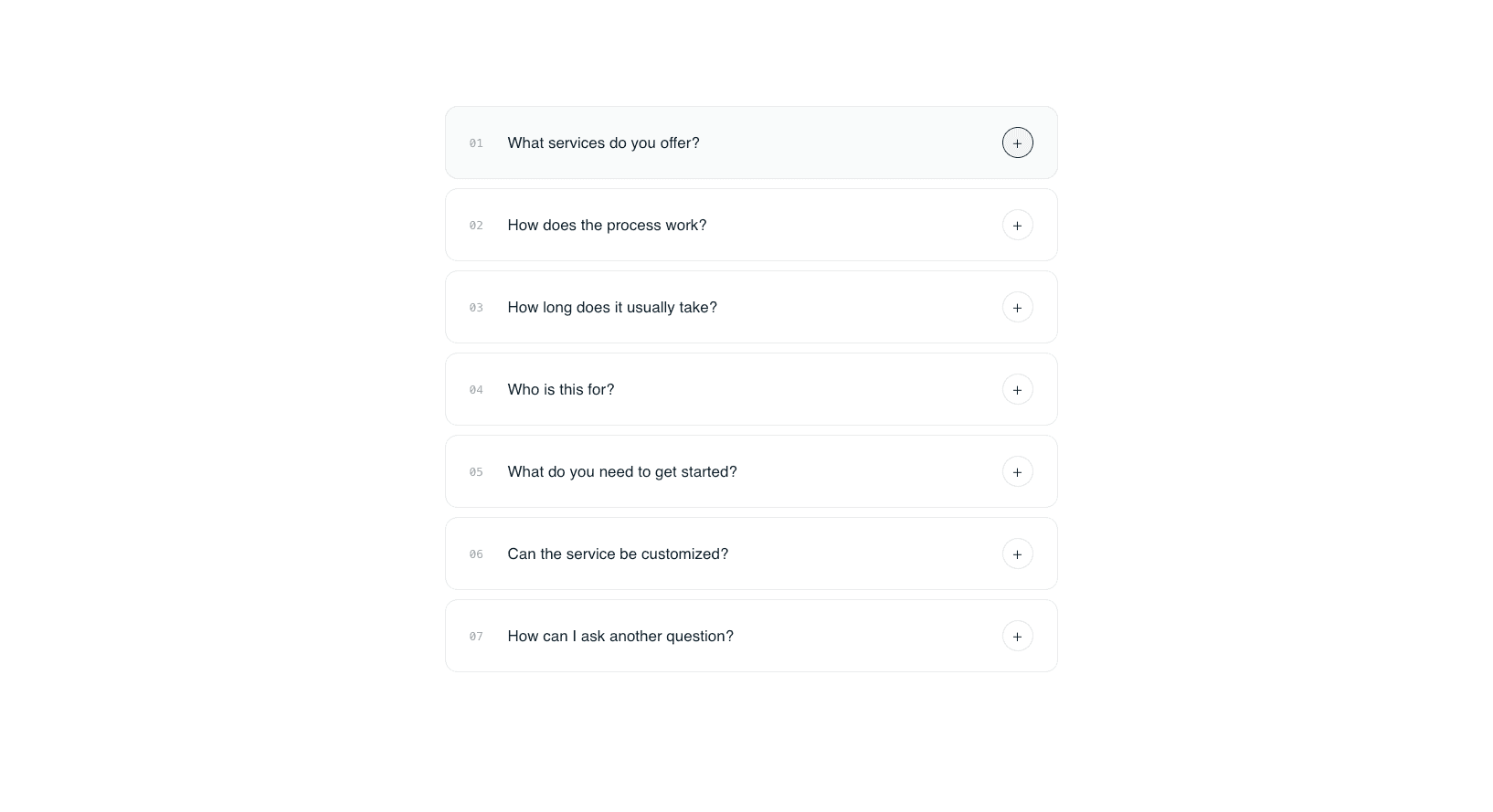
Three accordion layout styles: Cards with hover states, Dividers with accent bars, and Minimal for a clean look
Built-in markdown rendering for answers — supports bold, italic, inline code, links, and ordered/unordered lists
FAQPage JSON-LD schema output for Google rich results, toggleable on/off
Video autoplay toggle — loop videos silently on load, or show native playback controls for manual viewing
Four icon styles (Chevron, Plus/Minus, Arrow, Caret) with optional icon background and custom color controls
Controls inside Framer
FAQ Items
Question text
Answer text (markdown supported)
Image (responsive image picker)
Video (file picker, video formats)
Layout and Style
Layout Style: Cards, Dividers, Minimal
Style Preset: Dark, Light, Indigo, Emerald, Custom
Image Side: Left or Right
Variant: Desktop or Mobile
Colors (Custom preset)
Background, Question Text, Answer Text, Accent, Accent Soft
Card BG, Card Border, Card Hover (Cards layout only)
Divider Color (Dividers layout only)
Card Style
Border Radius
Padding
Gap
Image Style
Border Radius
Fit: Cover or Contain
Shadow: On or Off
Accordion Icon
Icon type: Chevron, Plus/Minus, Arrow, Caret
Size
Background toggle
Icon Color (Custom preset)
Icon BG Color (when background is on)
Behavior
Open First: expand the first item on load
Animation Speed: Slow, Medium, Fast
Autoplay Videos: loop muted or show controls
Features
SEO Schema: FAQPage JSON-LD toggle
Typography
Question Font (extended controls)
Answer Font (extended controls)
Best use cases
SaaS product pages and landing pages — pair each FAQ answer with a relevant product screenshot or feature demo video
Pricing and support pages — address common objections with visual proof alongside each answer
Portfolio and agency sites — use the media panel to showcase work samples contextually within a FAQ section
Documentation and onboarding flows — embed tutorial videos or annotated screenshots next to step-by-step instructions
Ship a polished, conversion-focused FAQ section that does more than just answer questions — it shows.
Questions or custom requests?
We design and build custom Framer components. Get in touch at contact@teampixel.com.au.