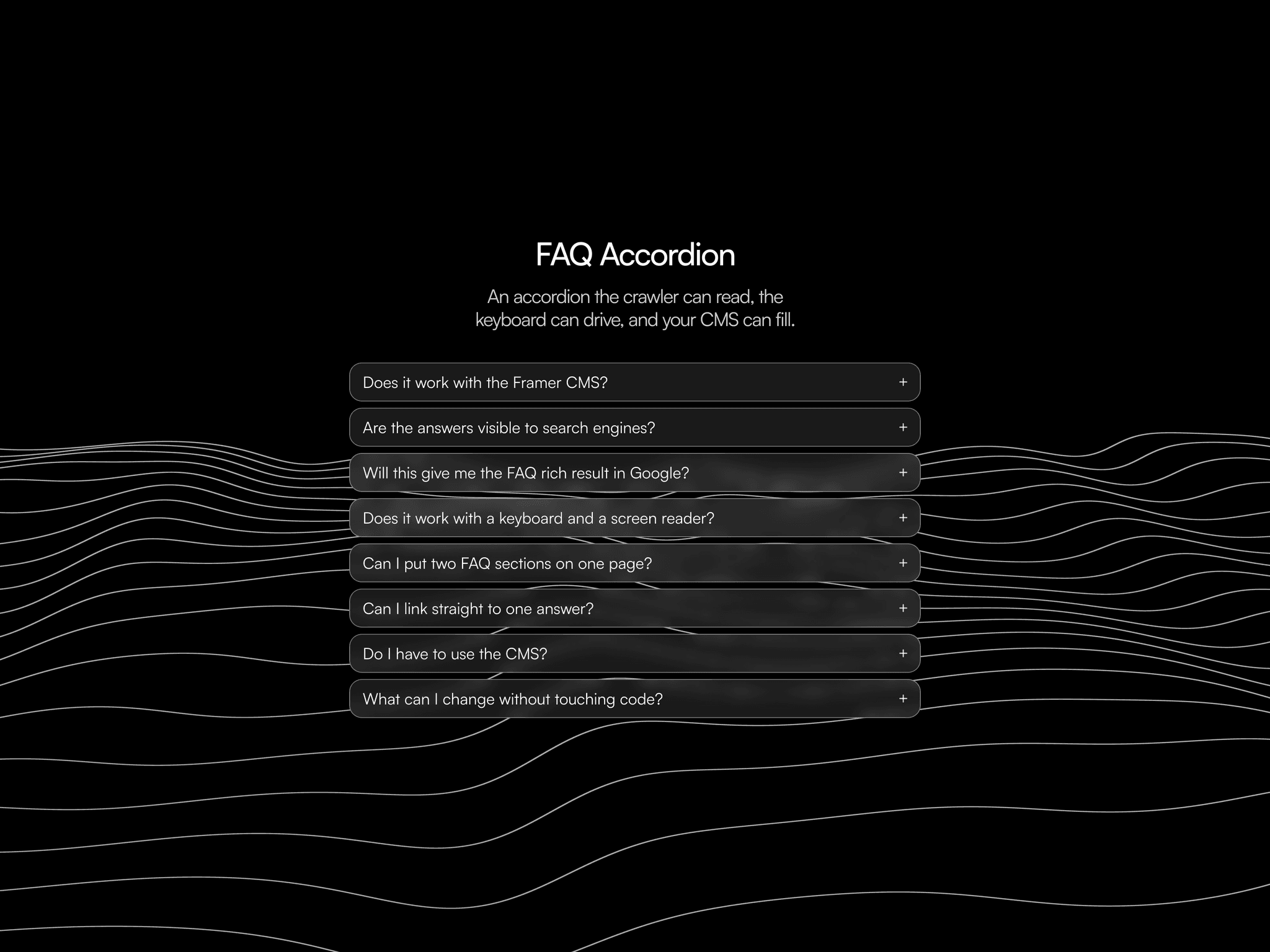
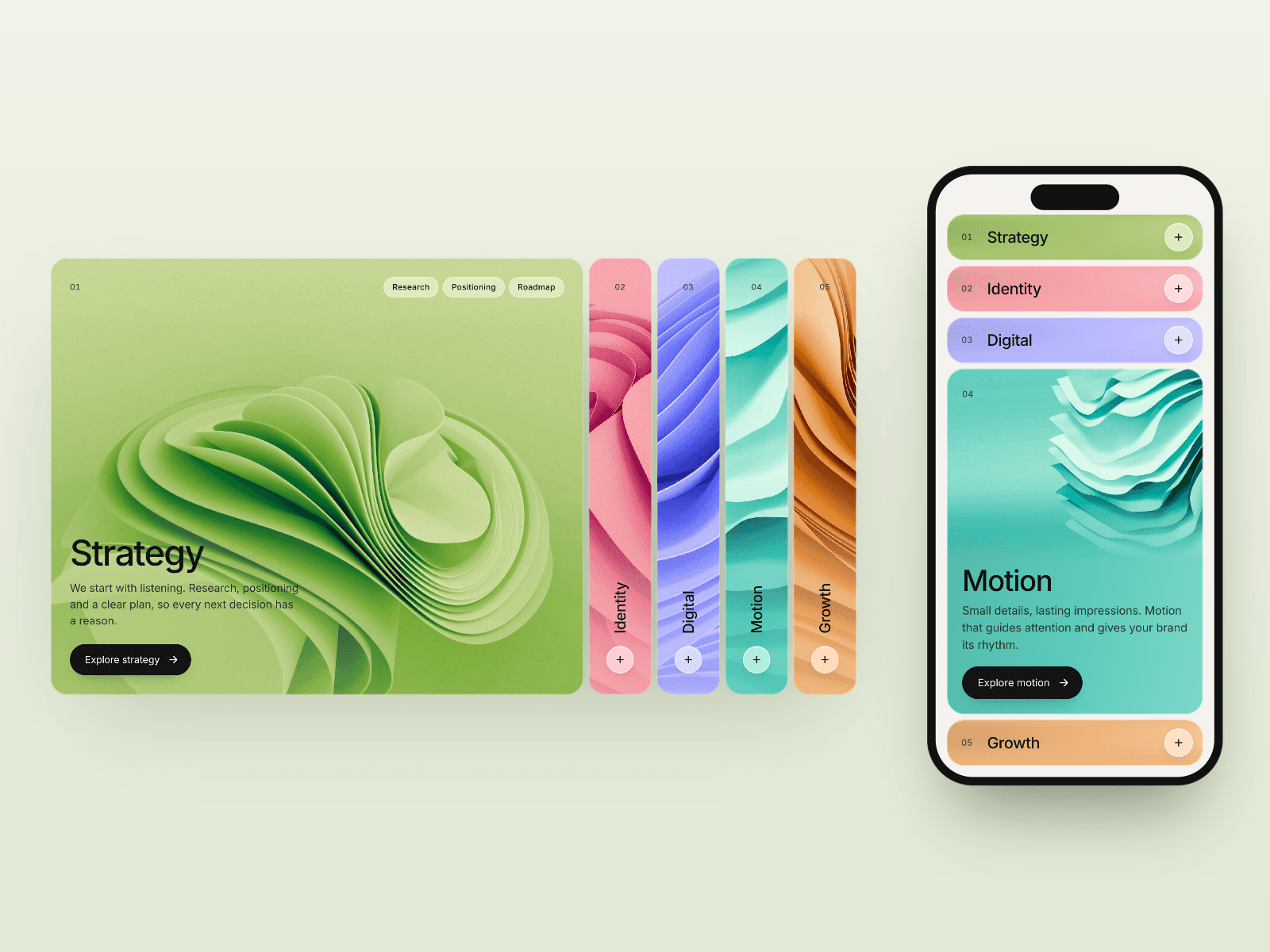
About FAQ Pro - Accordion
A complete FAQ component with everything you need. No plugins, no external dependencies. Every feature can be toggled on or off, and every visual detail can be customized to match your brand.
Key Features
Real-Time Search with instant filtering and text highlighting on matches
Category Tabs auto-generated from your items, with a customizable "All" label
Two Visual Styles: start with Cards (with background, shadow, border) or Dividers (minimal, edge-to-edge), then customize colors, fonts, spacing, borders, and shadows to create your own look
Markdown Support for bold, italic, inline code, links, headings, ordered/unordered lists, and blockquotes
Reactions (👍👎) so visitors can rate each answer, with Google Analytics tracking built in
Copy to Clipboard button to copy any answer in one click
CTA Buttons with optional call-to-action link per item
SEO Schema with auto-generated FAQPage JSON-LD for Google rich results
Keyboard Navigation with Arrow keys, Enter/Space, Home/End, and Escape
Deep Linking to jump directly to a specific question via URL hash
Responsive with ResizeObserver and custom mobile breakpoint
Use Only What You Need
Every feature is optional. Toggle them on or off directly from the properties panel, and unused controls hide automatically to keep things clean:
Search: show or hide the search bar. When enabled, you can customize the placeholder text, background color, border, and radius
Categories: show or hide category tabs. Categories are auto-generated from your items. Customize the "All" label, text colors, active colors, backgrounds, radius, and spacing
Reactions: show or hide the thumbs up/down buttons. When enabled, votes are saved locally and tracked via Google Analytics. You can change the label text and set a unique storage key for each FAQ section
Copy Button: show or hide the copy-to-clipboard button on each answer
CTA Button: add an optional call-to-action link per item with custom label and URL
SEO Schema: toggle the automatic FAQPage JSON-LD generation for Google rich results
Numbering: show or hide question numbers, with a dedicated Number Style for font, color, and background
Google Analytics Tracking
When a visitor clicks 👍 or 👎, the component automatically fires a Google Analytics event:
Event name: faq_reaction
Parameters: question (the question text) and reaction ("up" or "down")
Just have Google Analytics enabled in your Framer site settings (Settings > General > Analytics). You can view reaction data in GA under Reports > Realtime > Events, or register question and reaction as custom dimensions for permanent reporting.
Good to Know
SEO Schema: When enabled, the component automatically adds invisible structured data (JSON-LD) to your page. This helps Google understand your FAQ content and can display it as rich results in search. No extra setup needed, just toggle it on.
Reactions Key: If you have multiple FAQ components on the same page, give each one a unique Reactions Key (e.g. "faq-general", "faq-pricing"). This keeps the vote data separate for each FAQ section. If you only have one FAQ, you can leave the default.
Deep Linking: You can link directly to a specific question by adding #faq-0, #faq-1, #faq-2 (and so on) to the end of your page URL. The page will scroll to that question and open it automatically.
Markdown in Answers: You can format your answers using simple Markdown syntax. For example, wrap text in double asterisks for bold, single asterisks for italic, use dashes for bullet lists, or numbers for ordered lists. Links work too: [text](url).
Full Customization
Every visual detail is controlled from the properties panel. Nothing is hardcoded:
Items: question, answer, category, and optional CTA (label + URL) per item
Layout: Cards or Dividers style, gap between items, padding, start open, allow multiple open
Accordion Icon: choose between Chevron, Plus/Minus, or Circle. Customize the size, background color, and icon color
Question Style: full font control (family, weight, size, line-height, spacing) and text color
Answer Style: separate font control, text color, and link color
Number Style: font, color, and background for question numbers
Search Style: highlight color, background, border, and border radius
Category Style: text color, active color, background, active background, radius, and gap
Item Appearance: background color, hover color, border radius, full border and box-shadow controls (Cards mode), divider color (Dividers mode)
Controls are grouped by section and hide automatically when they don't apply. For example, divider color only shows in Dividers mode, number style only shows when numbering is on, and search style only shows when search is enabled.