About FAQ Spotlight Toggle
FAQ Spotlight Toggle – Five Questions, the Open One Lit Up in Its Own Card
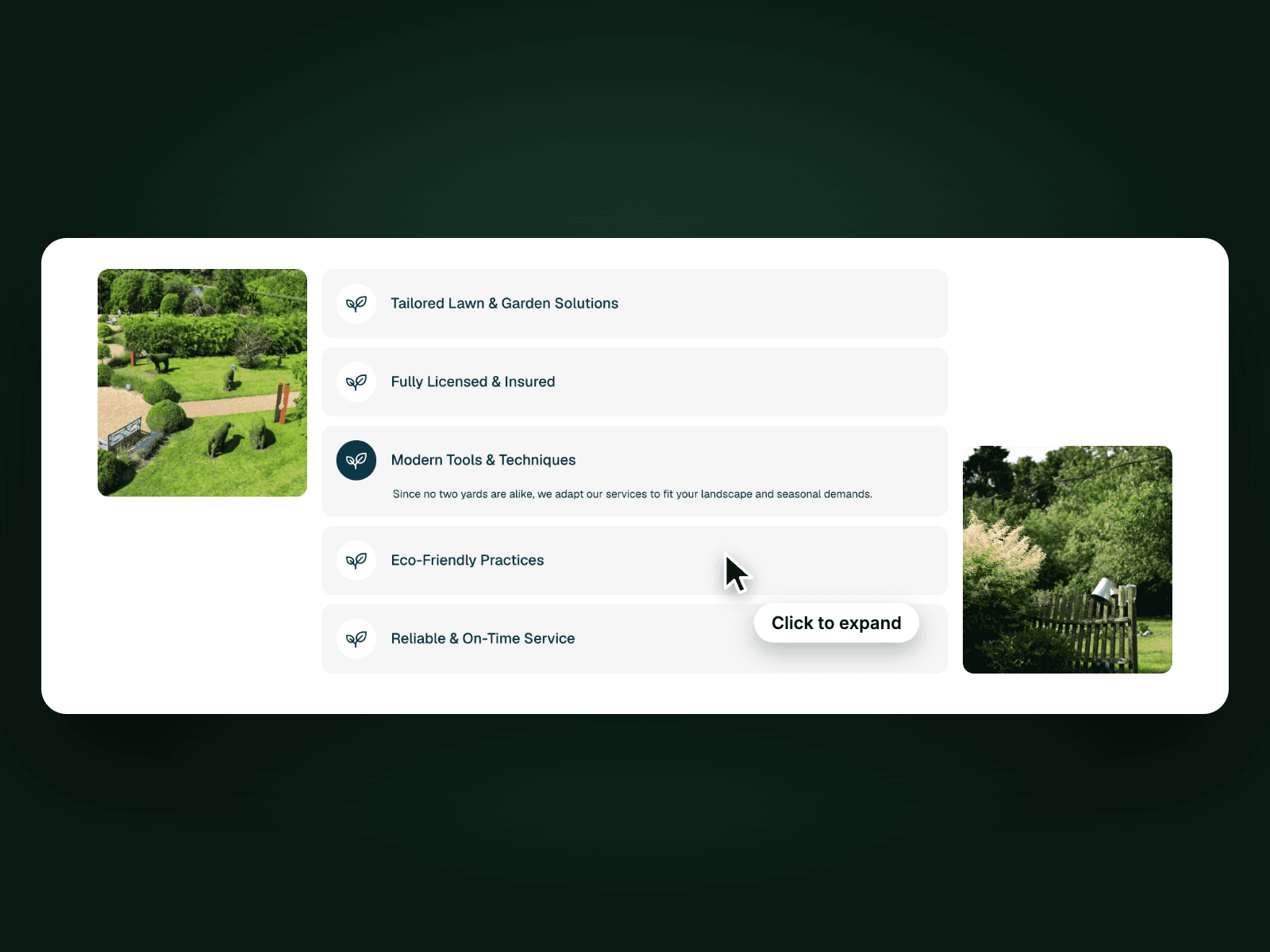
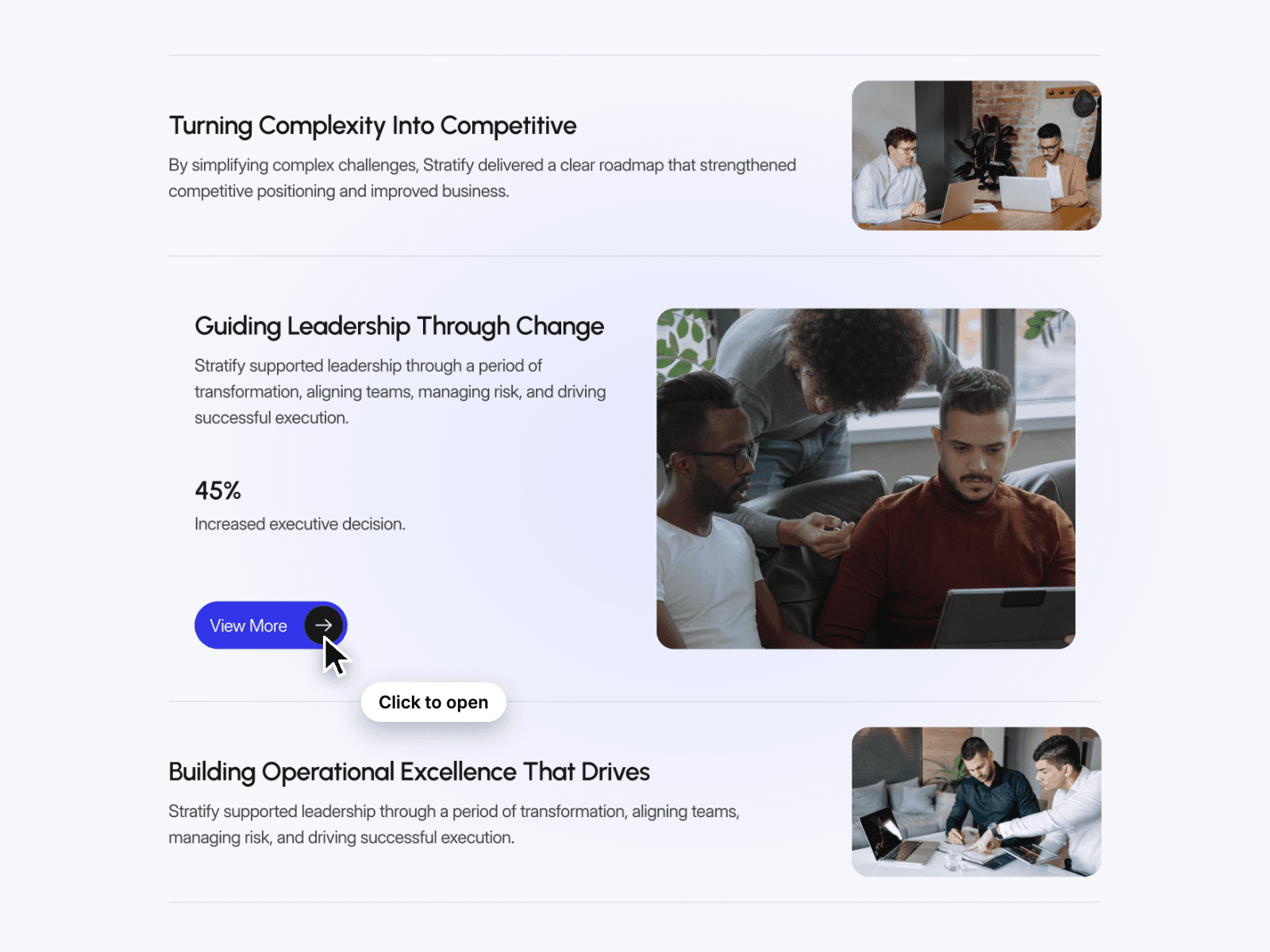
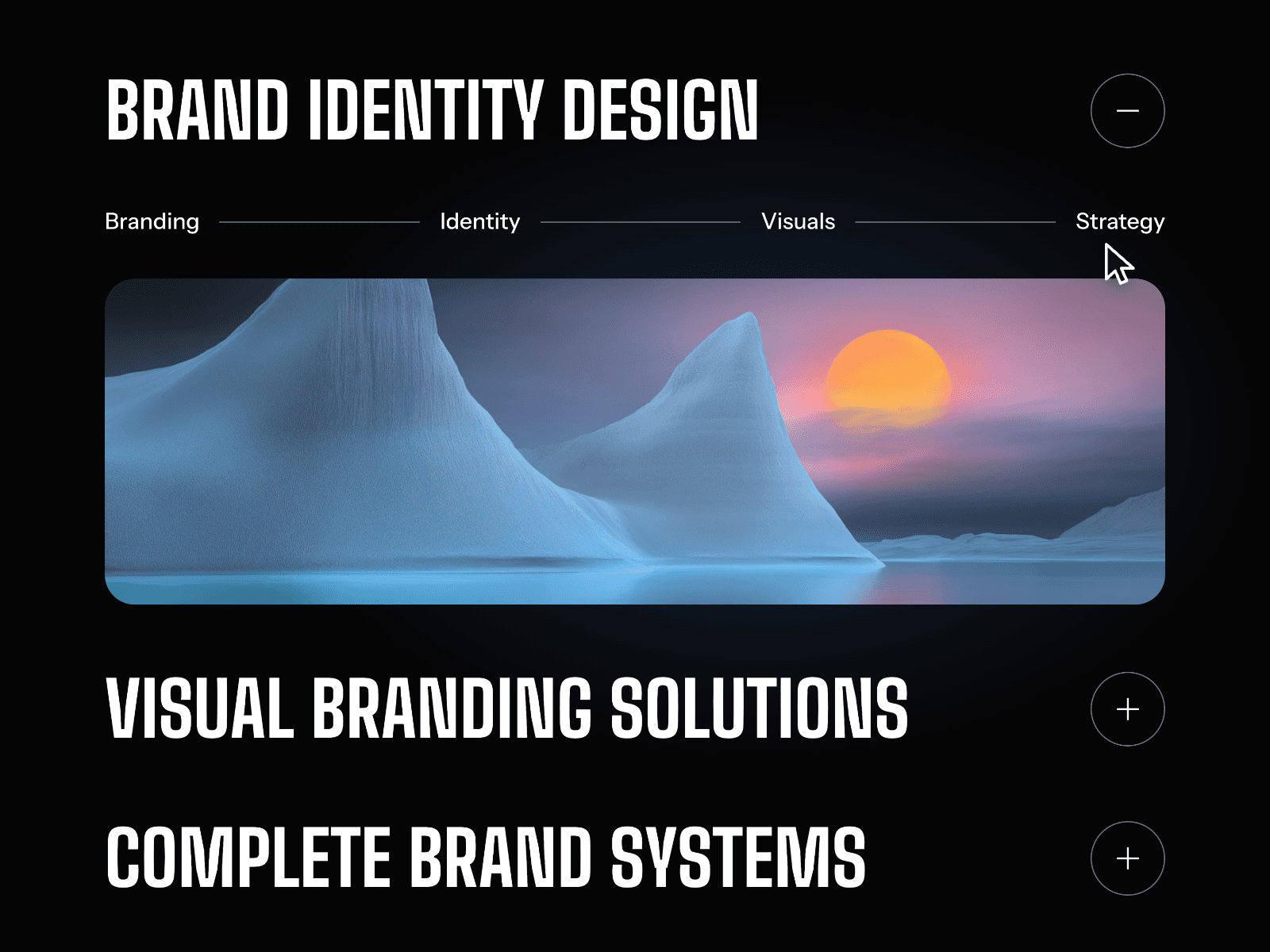
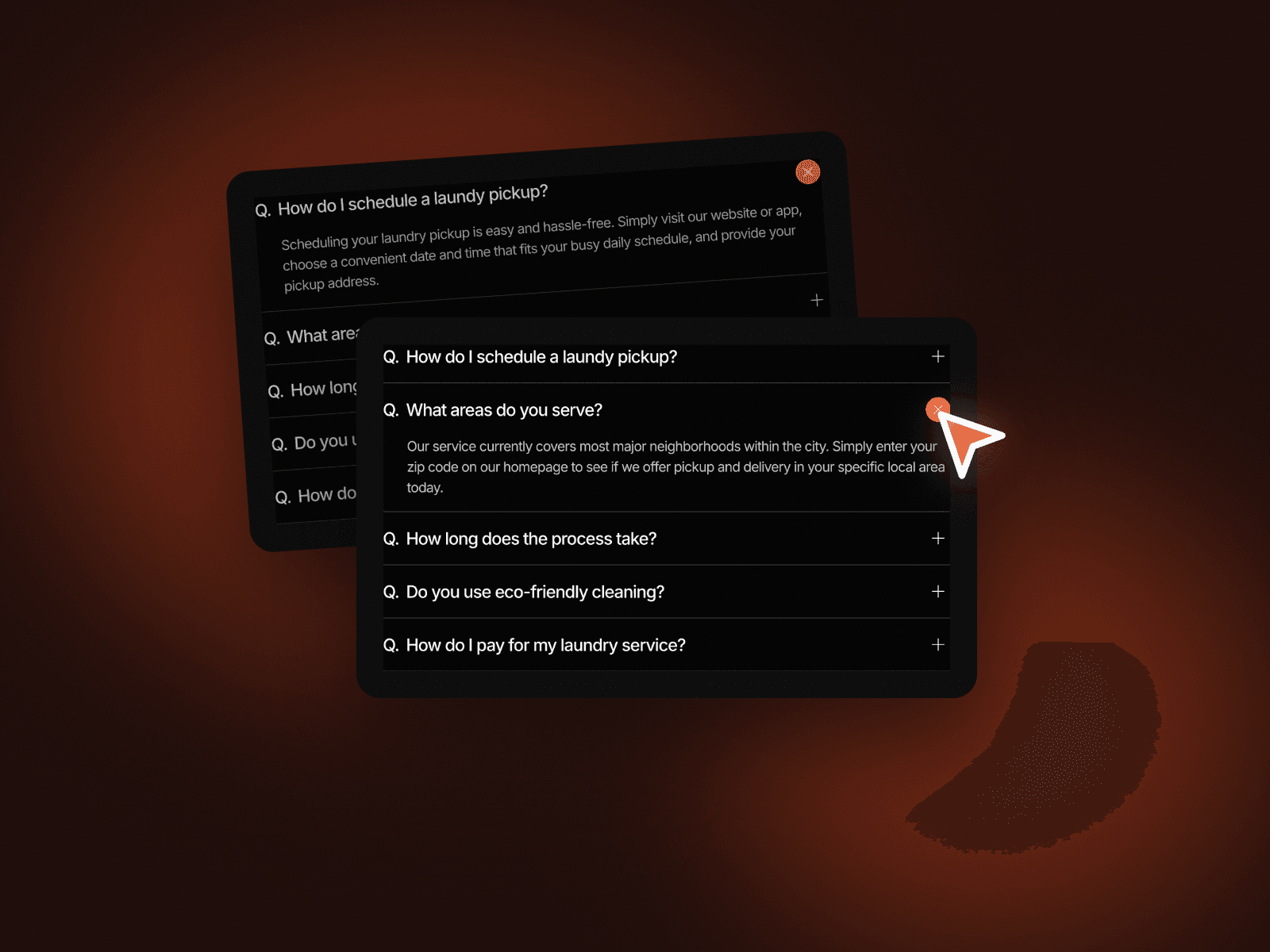
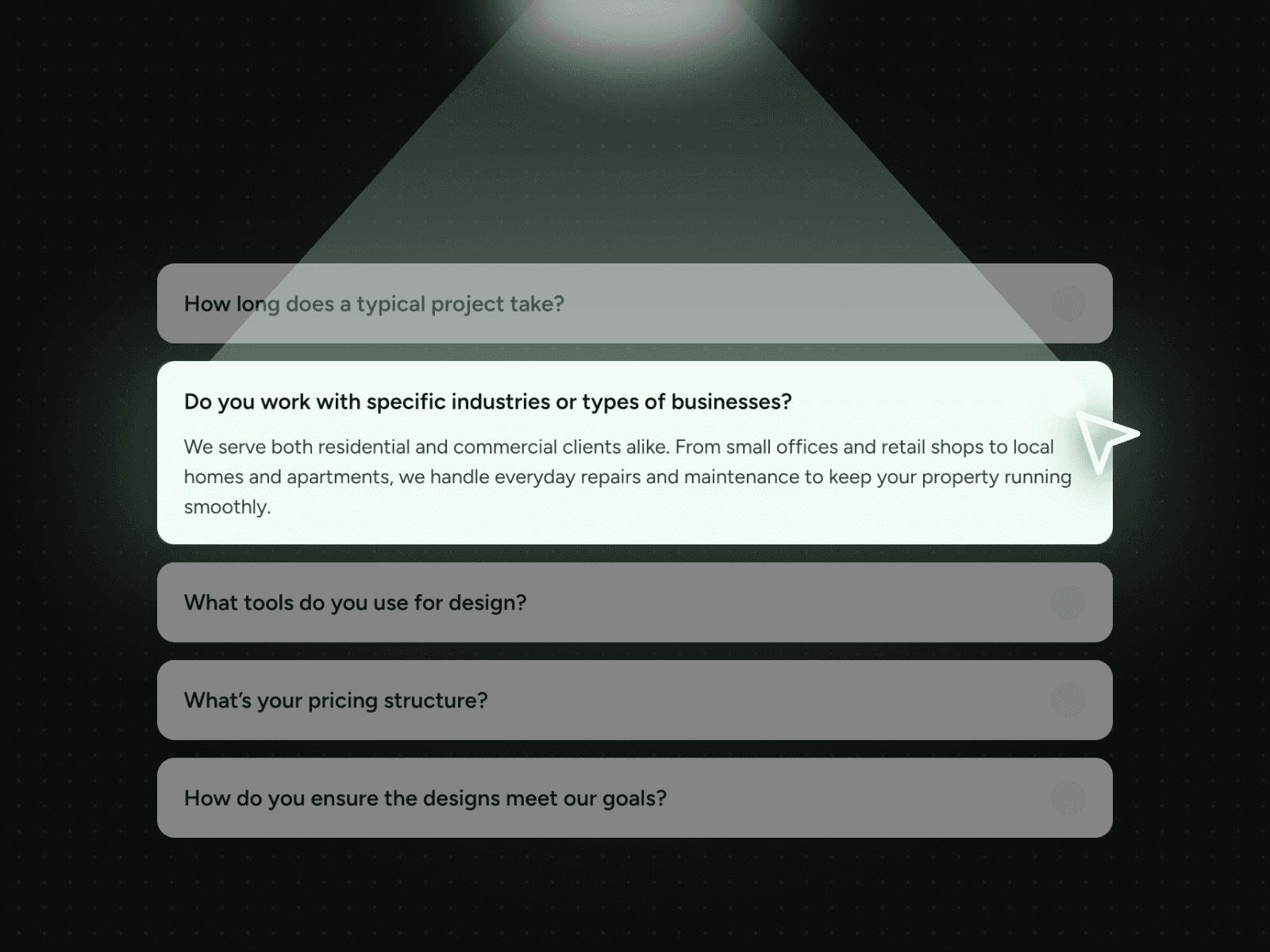
FAQ Spotlight Toggle shows five questions as rounded cards. Click one and it opens into a soft accent card with the full answer, while the others stay closed. The highlighted card makes the open answer stand out on dark or light pages.
How it works
Five questions, the first one open on load.
Click a question to open its answer; only one stays open at a time.
The open card switches to the accent colour.
Easy to customize
Edit all five questions and answers.
Use it for FAQs, pricing questions or service details.
Drop it into any Framer page and edit it from the properties panel or with your AI agent.