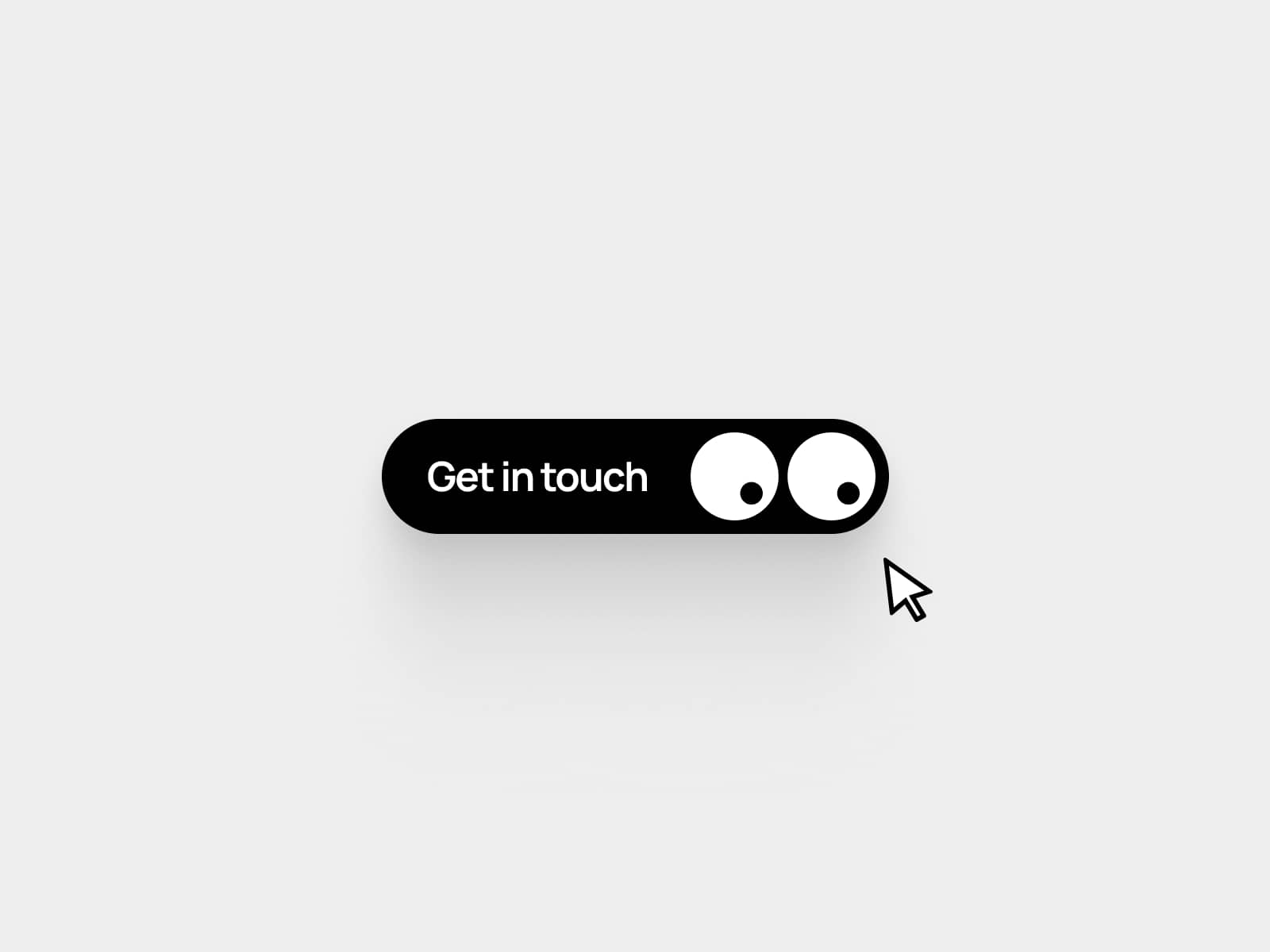
About FillShift Button
About this Component
ButtonColorChange is a highly polished call-to-action button that brings motion and personality to your Framer projects. On hover, an accent-colored circle bursts from the left edge and floods the entire button in a smooth, springy fill. The label shifts to the right, swaps color, and the arrow box animates out while a second arrow enters from the left, all happening in one fluid, satisfying interaction.Built as a native Framer code component, it supports Framer's built-in page transitions out of the box. Pick any page from the Link To field and the button navigates with your project's transition animation, no extra configuration needed.
The component is fully resizable on the canvas and adapts to any layout. Drop it in, resize to fit, and control everything from the properties panel.
Customizable Properties
Label: Edit the button text
Font: Full font control including family, size, weight, style, and letter spacing
Background: Set the default button background color
Accent: Set the hover fill color, also controls the arrow box and text color swap
Radius: Control button corner roundness
Link To: Native Framer link picker supporting internal pages, external URLs, mailto.