About Fisheye Glass Video
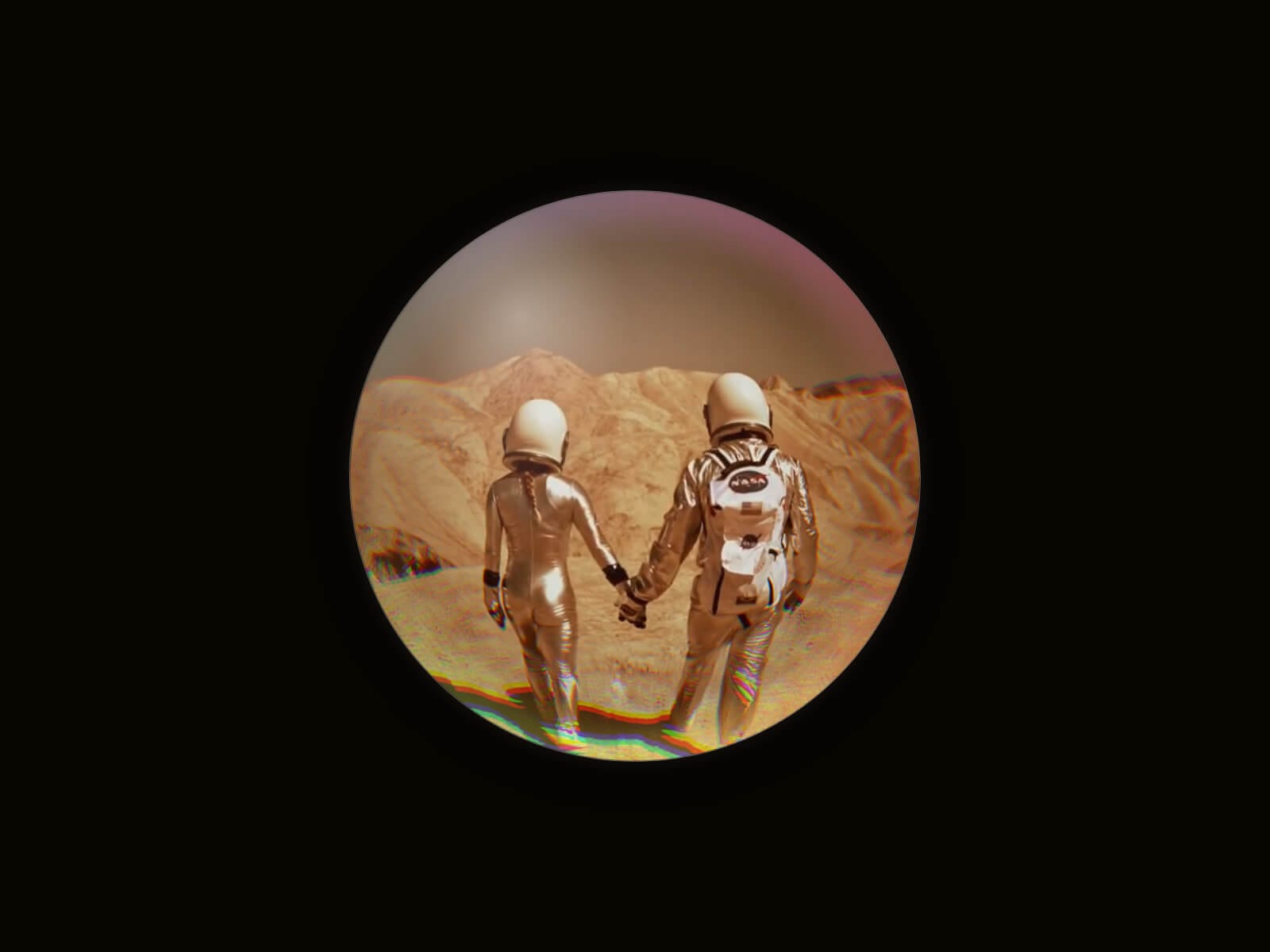
Fisheye Glass Video drops any video — whatever its aspect ratio — into a perfectly warped fisheye sphere, cropped and distorted in real time by a live WebGL shader, not a canned filter or pre-baked GIF. A soft glass-like rim and highlight finish the look.
Key Features
Video
Upload a video directly or link an external URL
Optional poster image, shown while the preview or video is loading
Autoplay, Loop, and Muted toggles
Effect
Fisheye Bulge (0–100) properly warps any video — any aspect ratio — into a clean sphere, from a gentle curve to a full extreme lens look
Glass Fringing adds chromatic aberration at the rim
Rim Glow adds a soft iridescent ring at the top and bottom of the sphere
Edge Halo adds a soft blurred glow bleeding past the rim
Native Shadow and Border controls, plus a toggleable glass highlight
Controls
Optional Play/Pause and Mute buttons, revealed on hover
Usage Notes
The canvas and thumbnail preview always show a flat, paused frame — the fisheye/glass effect only renders live, in Preview or on the published site. For an instant, reliable static preview, enable Poster and upload a still image.
How to Set Up
Drag Fisheye Glass Video onto your canvas
Upload a video, or switch Source to URL and paste a link
Adjust Fisheye Bulge, Glass Fringing, and Rim Glow to taste
Optionally enable Poster and Controls
Publish
Refund Policy
All sales of digital products are final and non-refundable. Questions? Contact hellonostromostudio@gmail.com before purchasing. Enjoy!