About Flow Field
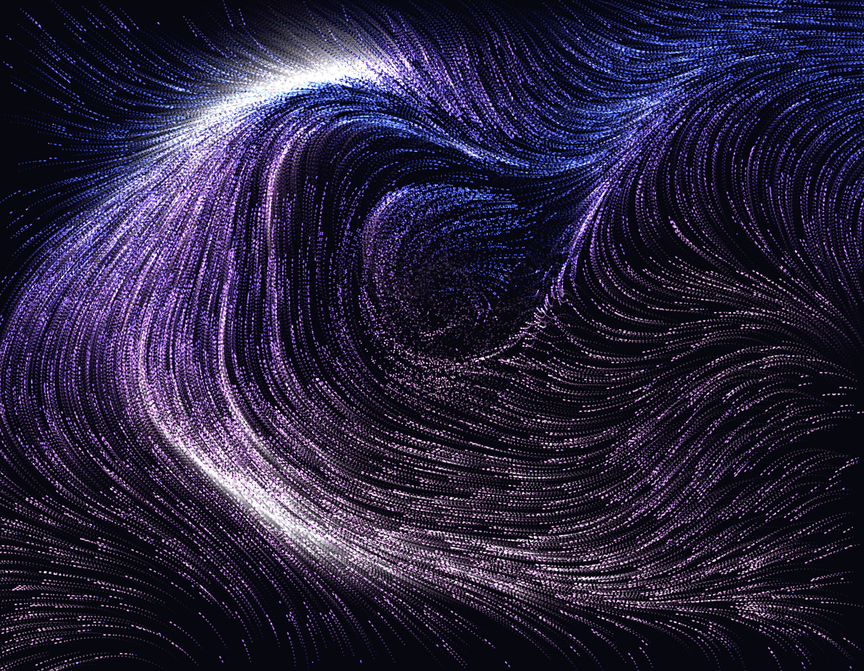
Flow Field Particles fills any frame with thousands of glowing particles that drift through an evolving noise field and leave soft, fading trails. Move the cursor and the stream bends around it as a vortex, parts like water, or gathers toward the pointer. Switch the trigger to scroll and the flow speeds up as visitors scroll, or to click for a burst from the click point. Drawing runs in WebGL with ping-pong framebuffers, so trails fade cleanly to your background color with no ghosting. It pauses when off-screen, scales down on touch devices, and shows a styled still image in Framer's static renderer and for visitors who prefer reduced motion.
Customizations
Colors: background, three palette colors (hex, rgb, rgba and Framer color styles), and Color By: Direction, Speed or Position.
Particles: count (100 to 30,000), size, opacity, Glow (additive or normal blending for light backgrounds), trail length, and Mobile Count.
Flow: speed, scale, turbulence, and evolution.
Interaction: trigger (Ambient, Cursor, Scroll, Click), effect (Repel, Attract, Vortex), radius, strength, and scroll boost.
Motion: animate on or off, reduced-motion behavior (Still Frame, Slow, Ignore), seed, and max device pixel ratio.
Use cases
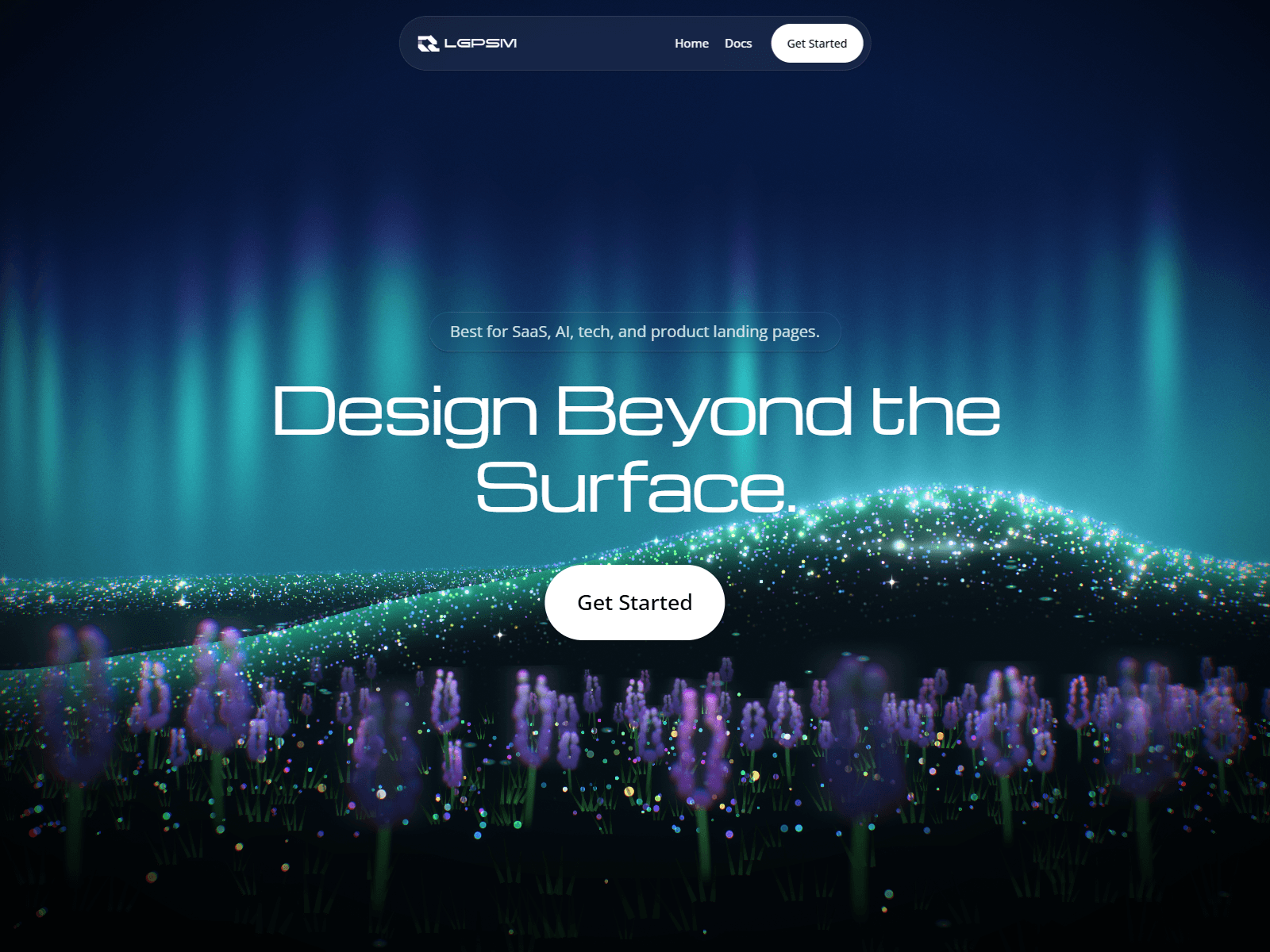
Hero backgrounds for SaaS, AI and developer tool landing pages.
Section dividers or full-bleed bands behind headlines.
Portfolio intros and case-study covers that react to the cursor.
Event, launch and waitlist pages that need motion without video files.
Light-theme pages using Normal blending and a pale background.