About Flowstack Gallery
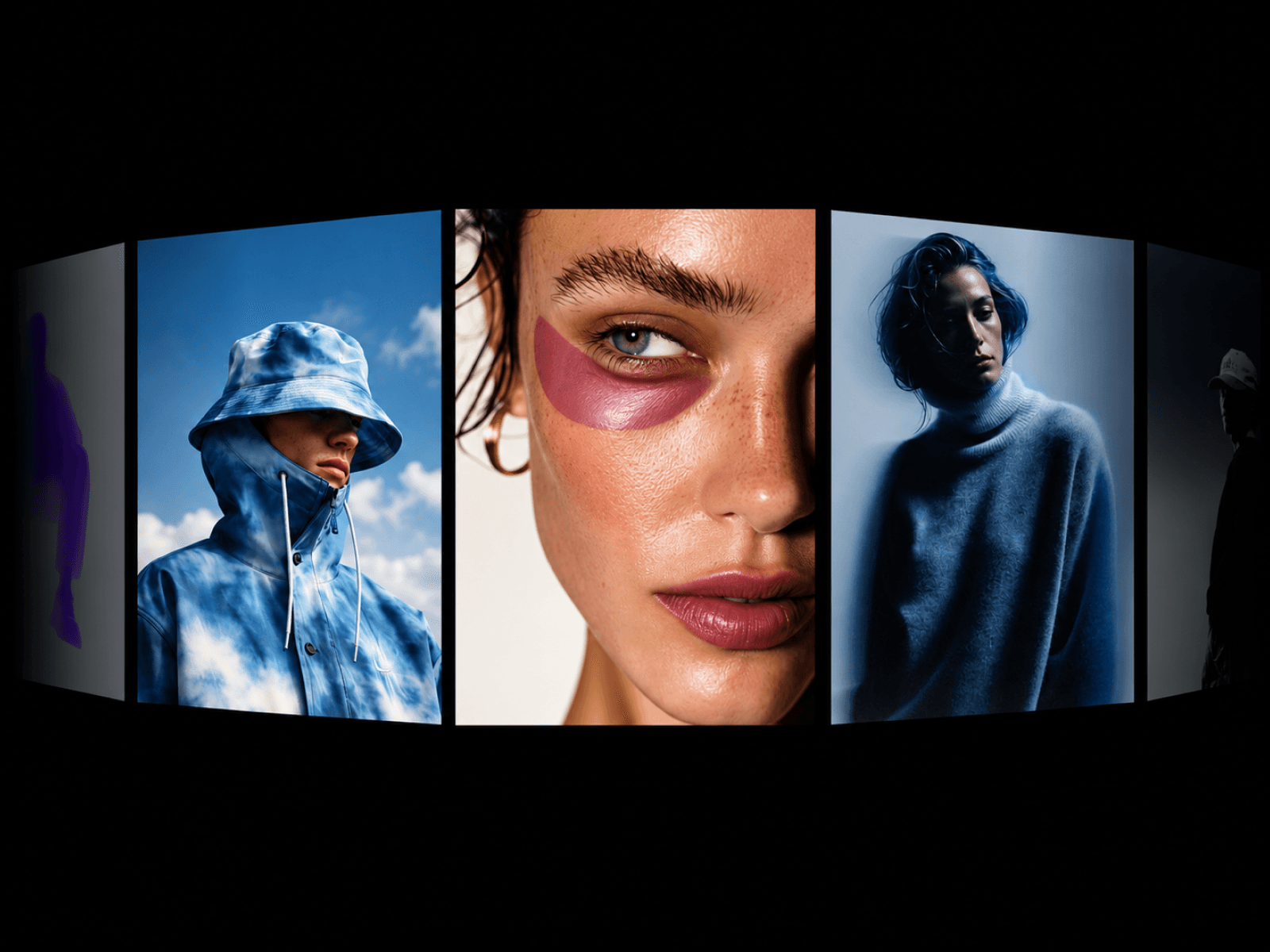
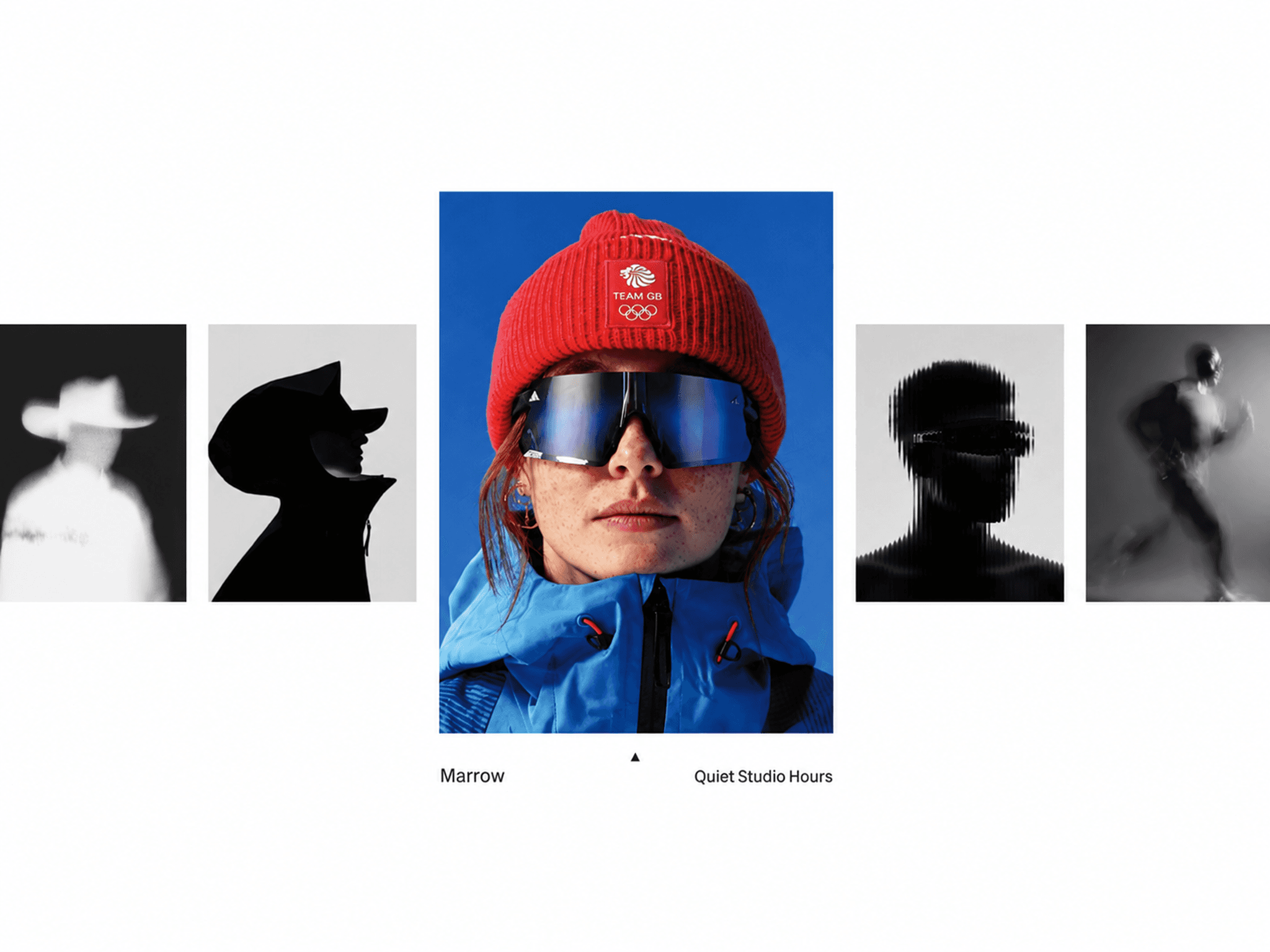
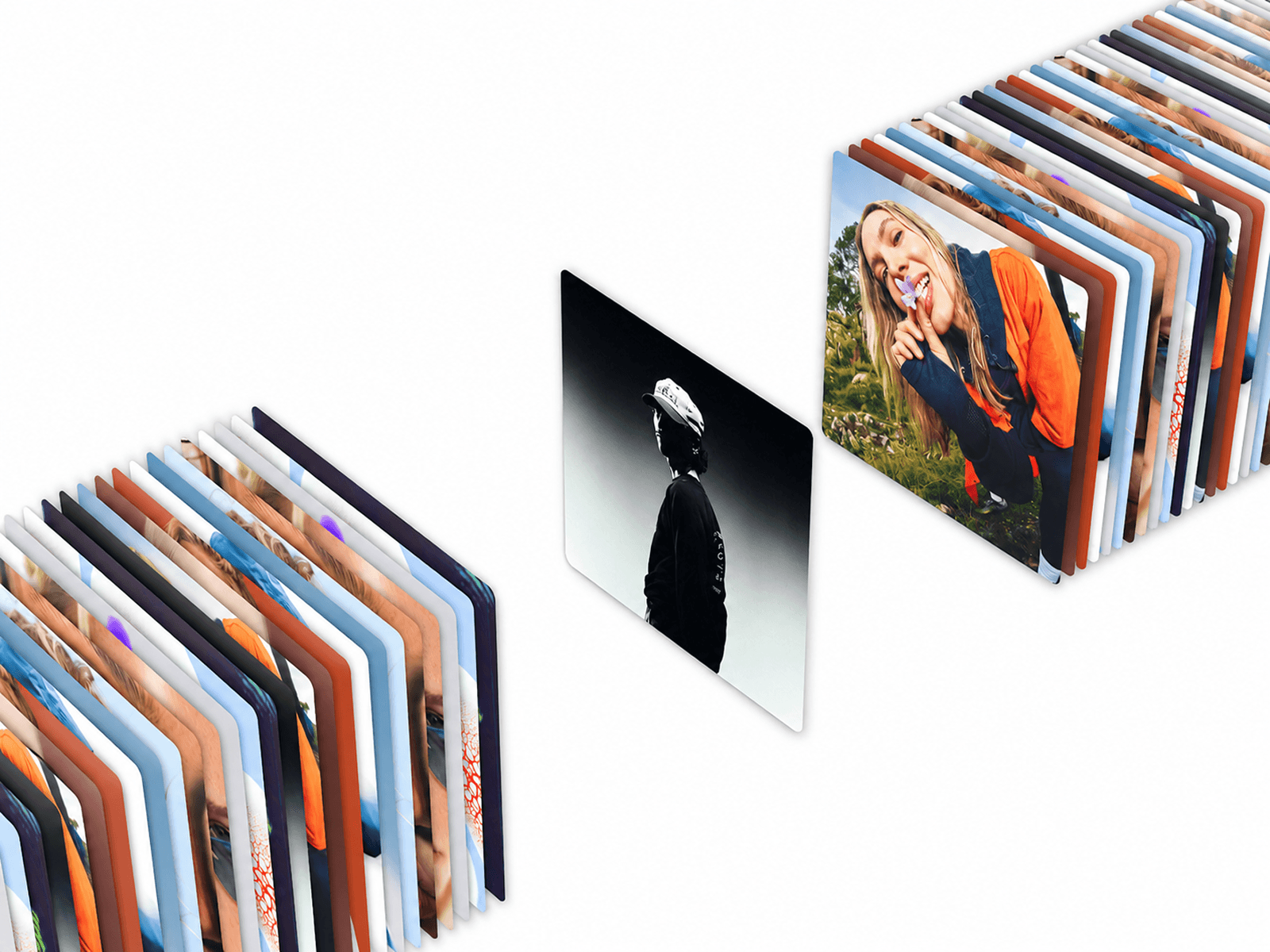
Bring your visuals to life with Flowstack Gallery, a cinematic 3D image carousel that transforms a collection of images into a continuous, flowing stack. Its distinctive perspective, layered depth, and smooth motion create an immersive way to showcase photography and visual content.
Display up to 40 images in a dynamic arrangement with customizable camera angles, stack spacing, and animation settings. Whether you prefer a subtle layered composition or a dramatic 3D perspective, Flowstack Gallery gives you the flexibility to shape the experience around your design.
Features & Customization
3D Perspective Layout: Create a distinctive angled gallery with layered depth.
Image Support: Add up to 40 images through uploads or image URLs.
Continuous Flow: Showcase images in a seamless looping carousel.
Smooth Animations: Customize glide speed, timing, and movement direction.
Autoplay Controls: Set automatic playback and pause on hover.
Interactive Navigation: Drag, swipe, or use keyboard arrow keys.
Camera Controls: Adjust tilt, rotation, perspective, and positioning.
Stack Customization: Control card width, aspect ratio, spacing, and visible cards.
Visual Styling: Customize backgrounds, borders, fading, and stack dimming.
Captions & Links: Display image titles and connect individual cards to links.
Where to Use
Perfect for creative portfolios, photography websites, design studios, agency websites, and editorial layouts. Use it to present featured projects, photography collections, campaign visuals, or selected work through an engaging 3D gallery.
I hope you enjoy using Flowstack Gallery! For custom components or other Framer-related projects, contact oddframeworks@gmail.com.