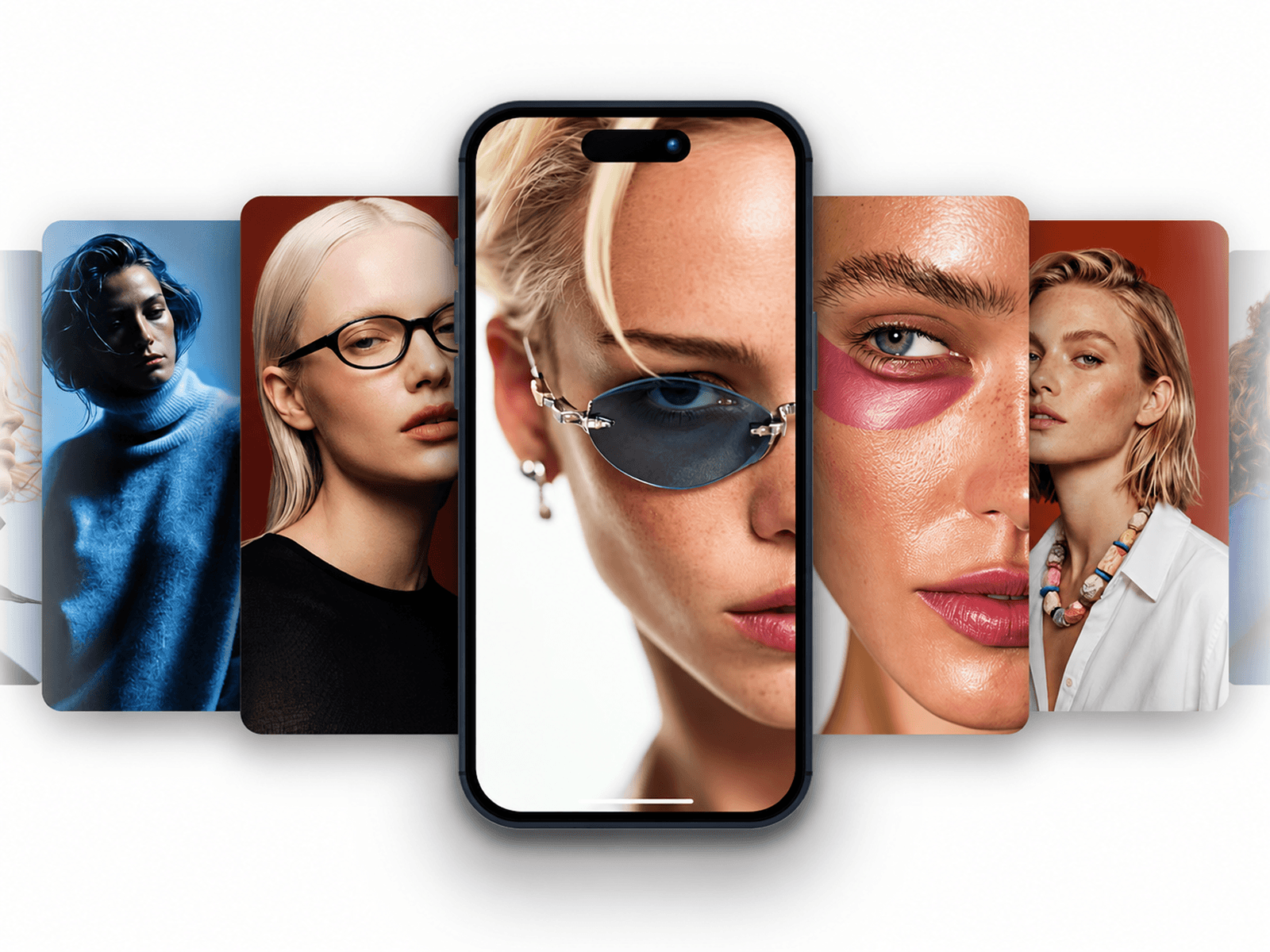
About Phone Stack Carousel
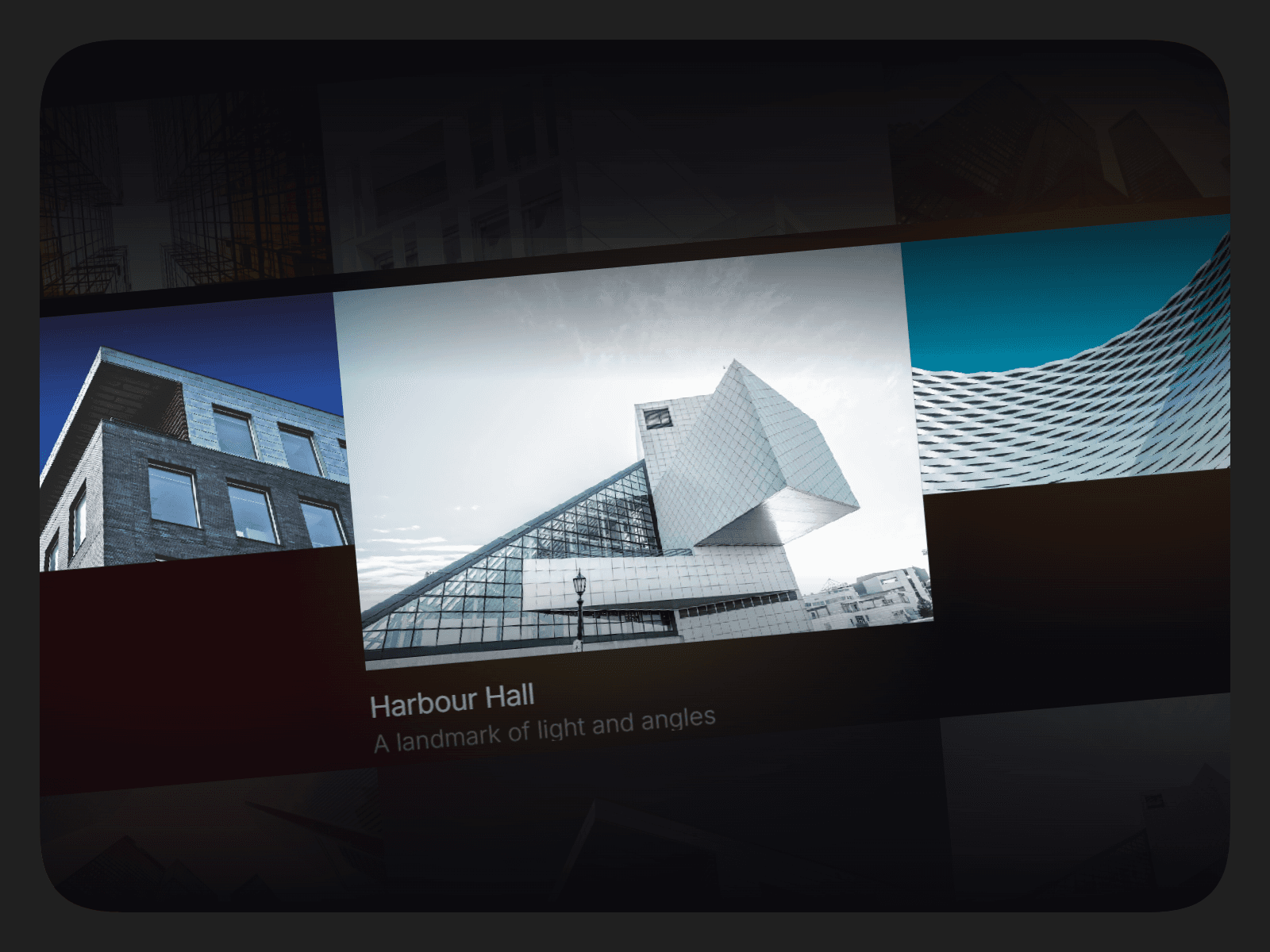
Phone Stack Carousel transforms a collection of images and videos into an immersive smartphone showcase. Featuring a detailed metallic phone frame, a central media screen, and a stack of surrounding cards, it creates a polished visual experience for modern websites.
Customize each slide with images, videos, alt text, and clickable links. Fine-tune the phone finish, card dimensions, spacing, animation behavior, background, and visual effects to match your design. With smooth transitions, interactive navigation, and multiple styling options, it works beautifully for showcasing visual content.
Features & Customization
Image & Video Slides: Mix images and videos in a single carousel.
Interactive Navigation: Drag, swipe, scroll, or use arrow keys to navigate.
Automatic Playback: Enable autoplay and customize the slide interval.
Liquid Screen Transitions: Create fluid reveals between media slides.
Premium Phone Frame: Choose from Obsidian, Graphite, Ink, and Silver finishes.
Stacked Side Cards: Adjust card width, height, overlap, depth, and visibility.
Clickable Slides: Add individual links and choose whether they open in a new tab.
Video Controls: Configure side videos to play or display as paused previews.
Customizable Backdrop: Adjust the background, dot grid, halo, and edge fade.
Motion Settings: Fine-tune animation feel, intro effects, hover pause, and reduced-motion behavior.
Where to Use
Phone Stack Carousel is ideal for product showcases, app presentations, mobile UI previews, creative portfolios, and landing pages. Use it to highlight app interfaces, digital products, photography, campaigns, or video content in an engaging smartphone-inspired layout.
I hope you enjoy using Phone Stack Carousel! For custom components or other Framer-related projects, contact oddframeworks@gmail.com.