About Focus Lens Navbar
About
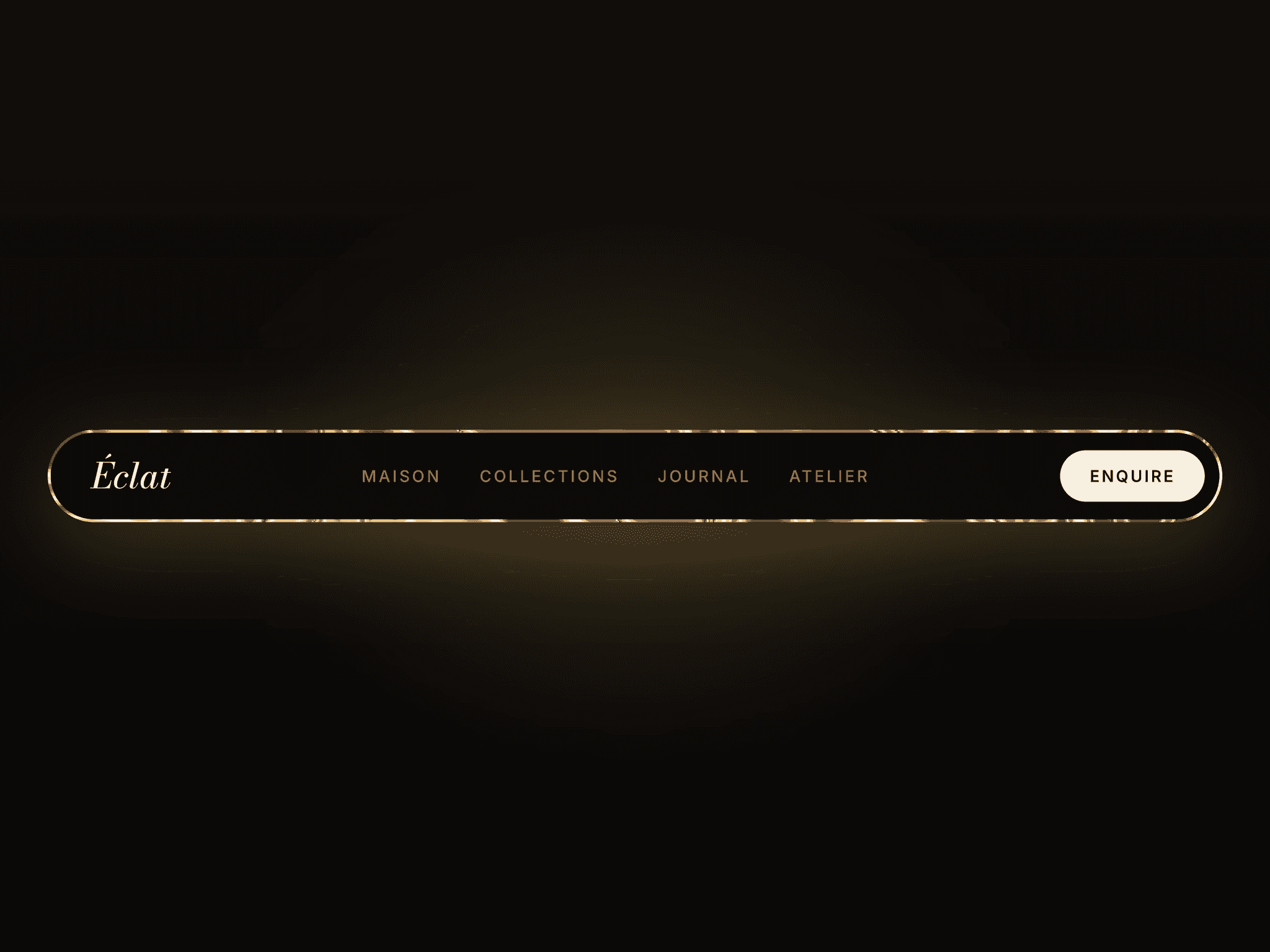
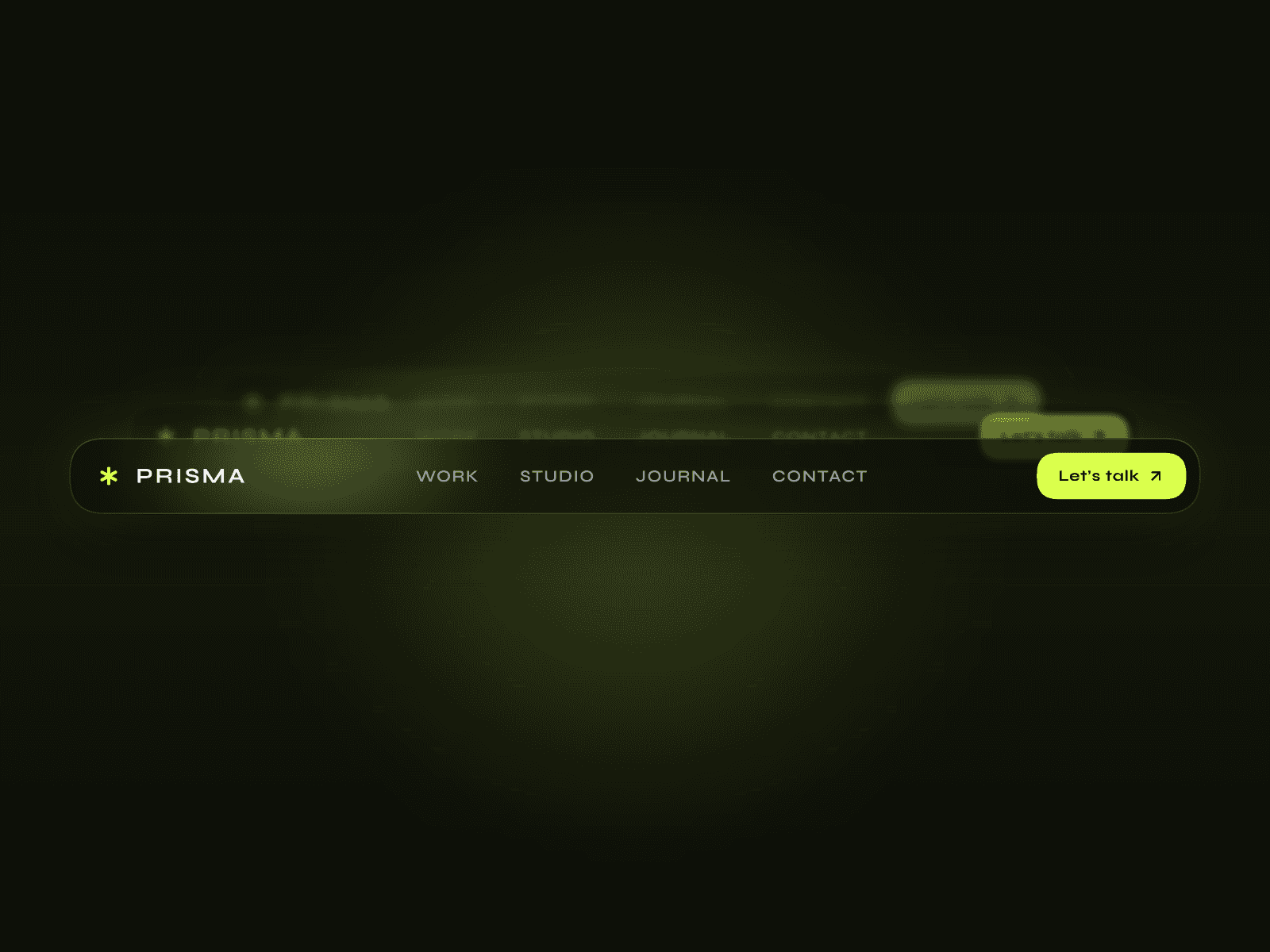
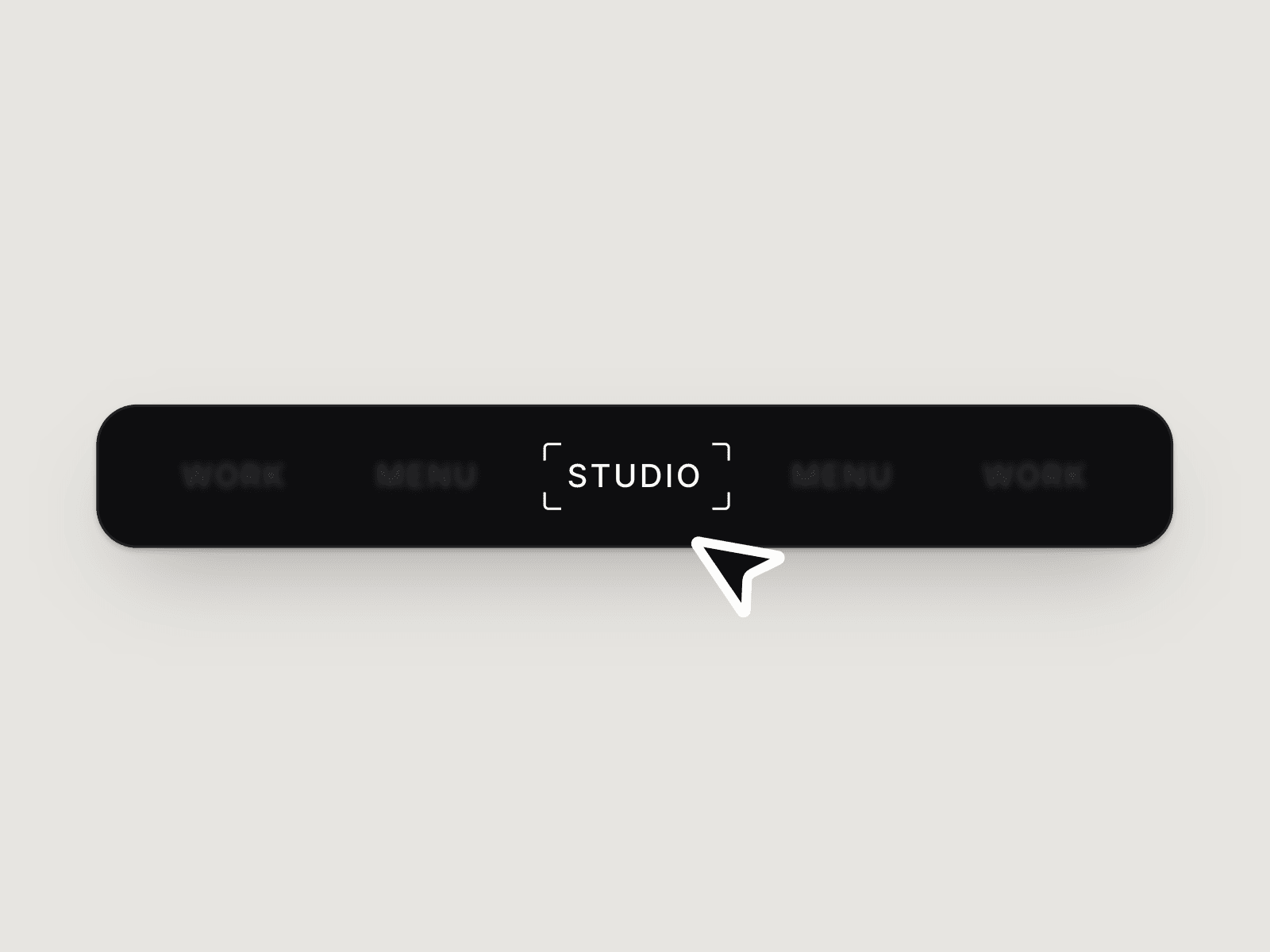
Focus Lens Navbar brings a camera-inspired hover effect to your Framer navigation. The link nearest your cursor sharpens into focus while neighboring links dim, blur and gently scale down. Viewfinder brackets frame the active link, then glide between items with spring motion.
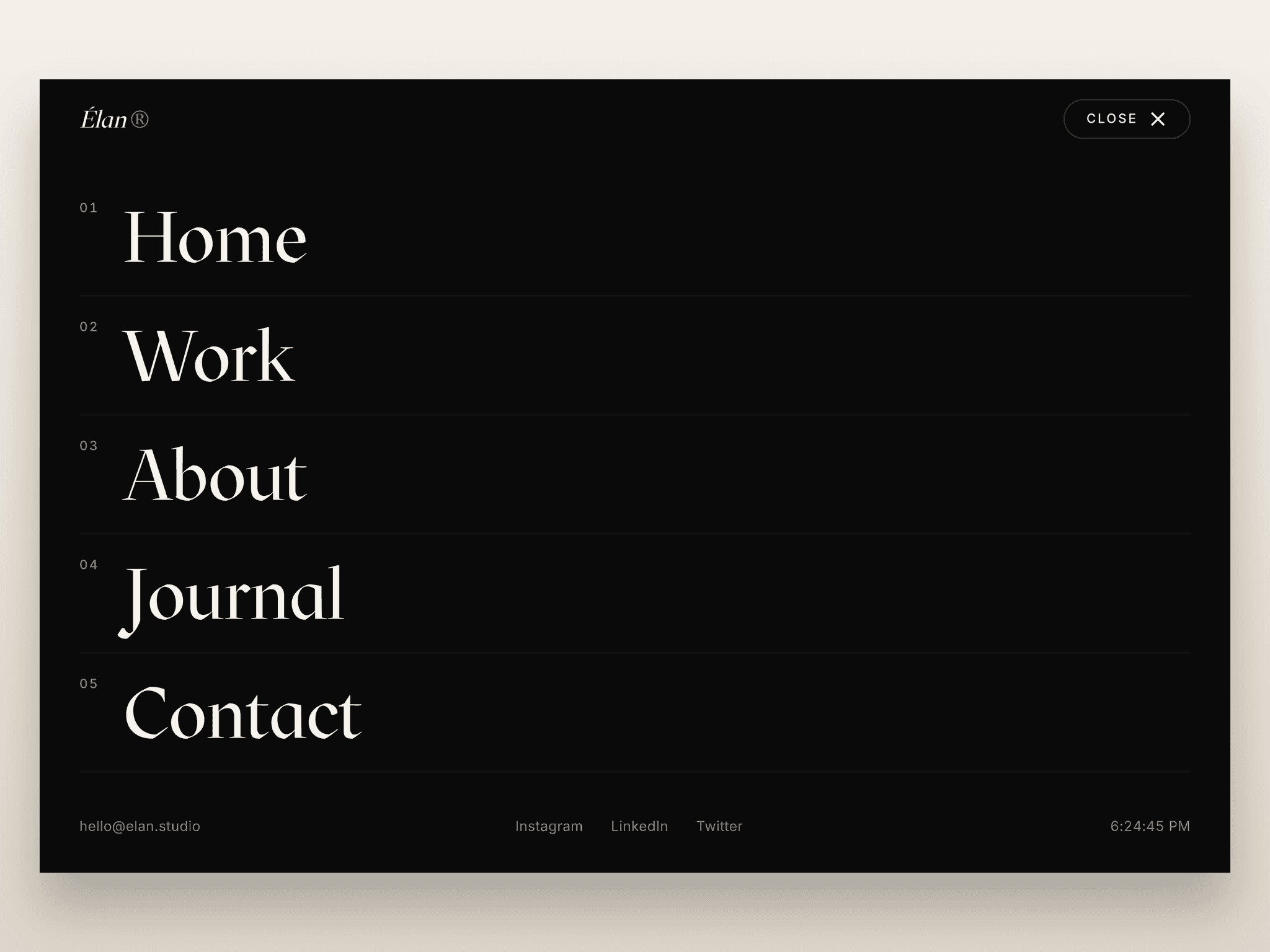
This floating link bar fits into your own header. Desktop and Tablet use a horizontal row; Phone opens the navigation from a Menu pill into a vertical drawer.
What you can customize
Edit five link labels, destinations and individual new-tab settings, plus the mobile menu label, background, text and lens colors, and blur strength.
Inside each Focus Link, adjust typography, letter case, padding, opacity, scale and transition. Choose Brackets, Pill or None for the focus indicator. Links within the same stack share the effect automatically; additional links can be configured inside the component.
The navbar combines native Framer layouts with code-powered links. Canvas Focus previews a selected link while editing. Reduced-motion preferences are supported, and touch input avoids persistent hover effects.
Great for (examples)
Add a focused interaction to minimal navigation:
Designer portfolios and personal websites
Photography and film portfolios
Creative studios and branding agencies
Architecture and interior design sites
Product showcases and SaaS landing pages
Fashion brands and editorial websites
One-page websites and section navigation
Custom headers and floating link menus
Share your build
If you ship something cool with it, post it on X and tag me @Matthias_Oel, or send it over. I’d love to see what you create.
Need help?
Questions or feedback? Reach me anytime: matthias@lmvision.de or on X @Matthias_Oel.
Need a matching component?
Give your projects and footer their own interaction: