About Focus Slider
About Focus Slider
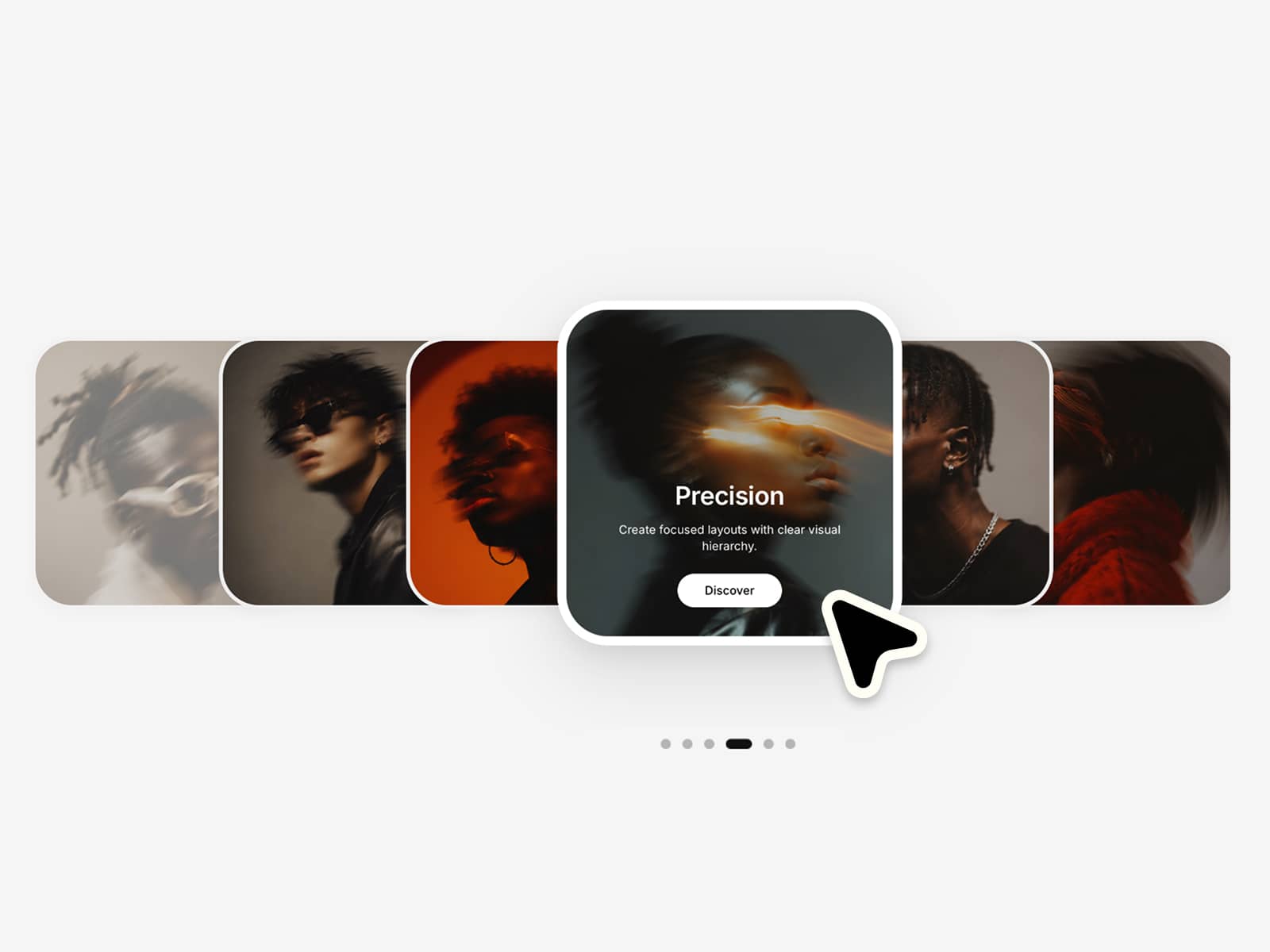
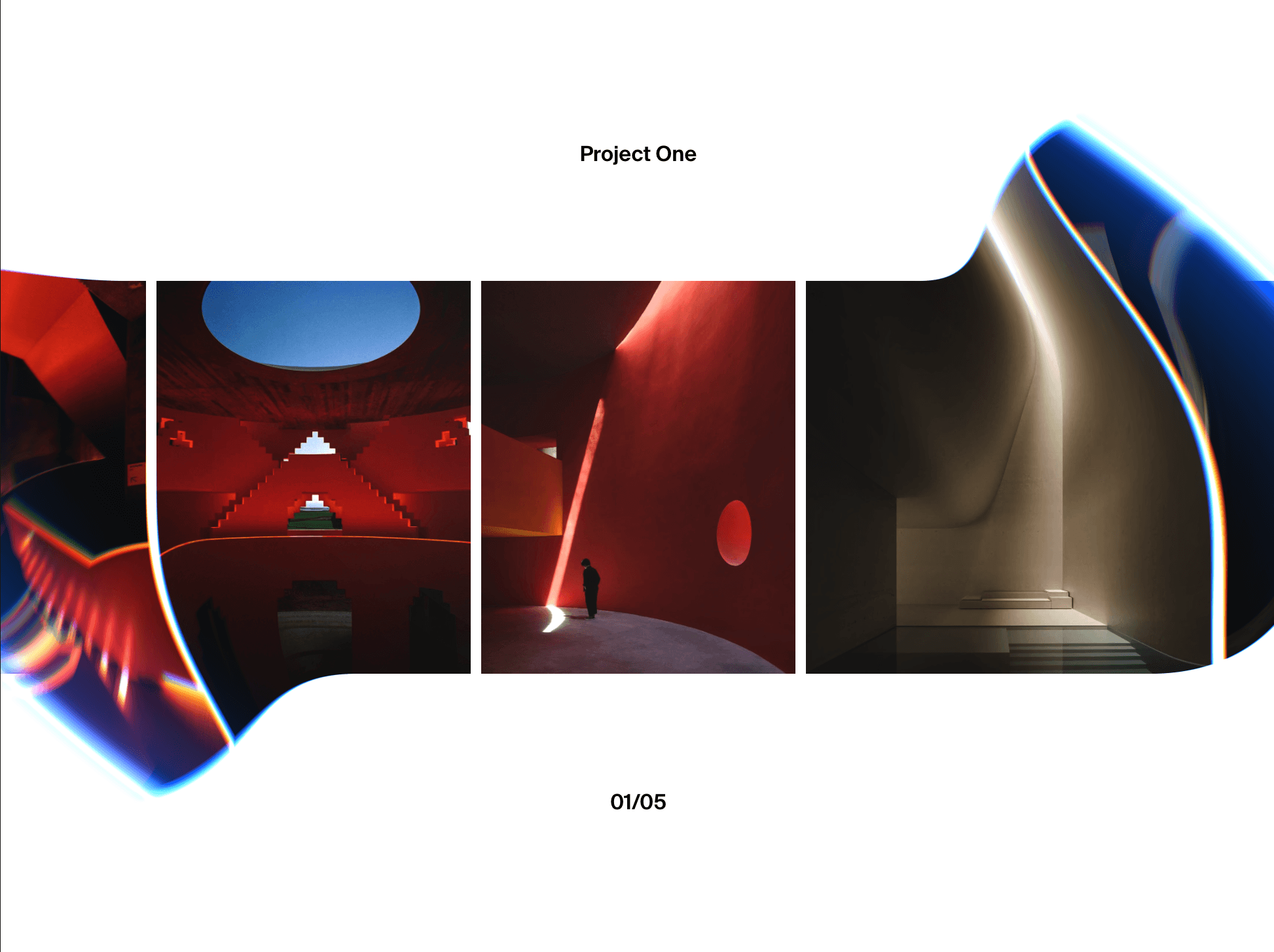
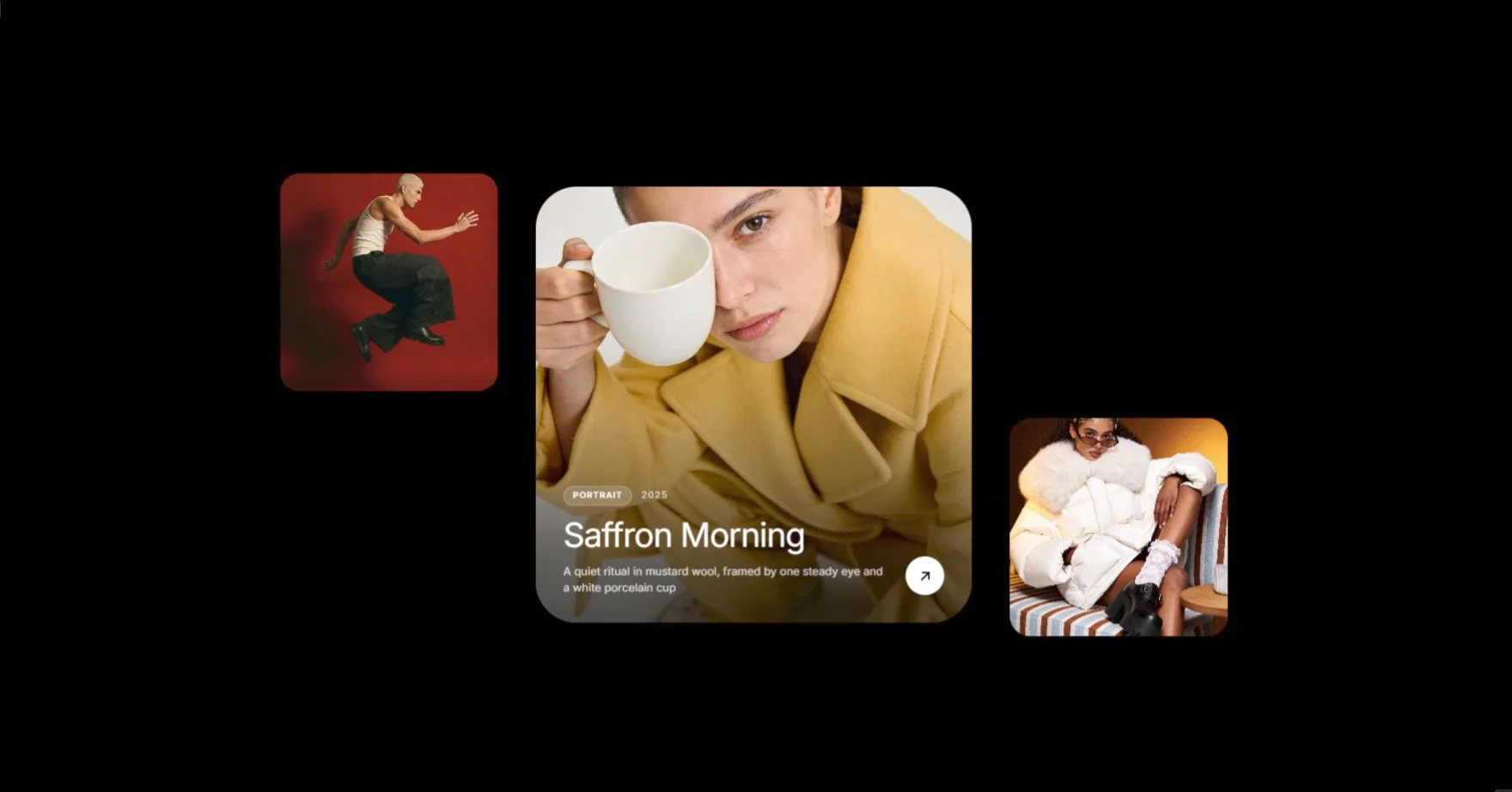
Focus Slider puts one image front and centre while its neighbours step back at a smaller size, adding rhythm and hierarchy to a visual collection. The slides loop endlessly, and visitors can drag, swipe, scroll or use the arrow keys to move through them. Autoplay keeps things moving on its own, and only while the slider is on screen. The active card can reveal a category, title, year and short description, and a link button appears on any slide you link.
What you can customize
Manage slides through Slides: add an image, a link, a title, a category, a year and a description to each one. Adjust the size of the focused and side cards, aspect ratio, gap, corner radius, vertical stagger and the number of visible side cards. Switch between a spring and an eased motion, then set Duration and Bounce. Turn Autoplay on and choose Interval, Direction and pause on hover. Dragging, trackpad scrolling, keyboard control, arrows and dots can each be switched on or off.
Open the text settings to place the info block anywhere on the card, pick fonts, colors, number of lines and shading, and style the link button, including its size, radius, label and colors.
How to use
Copy the component from the Marketplace and paste it onto the canvas
Open Slides to add your images, links and captions
Choose the aspect ratio, card sizes, gap and stagger
Set Autoplay, Interval and Direction, and decide how the slider can be controlled
Style the info text and the link button
Preview the page to test dragging, links and autoplay
Great for
Selected portfolio projects
Fashion and photography collections
Case study and campaign showcases
Studio and agency galleries