About Form Image Display
About
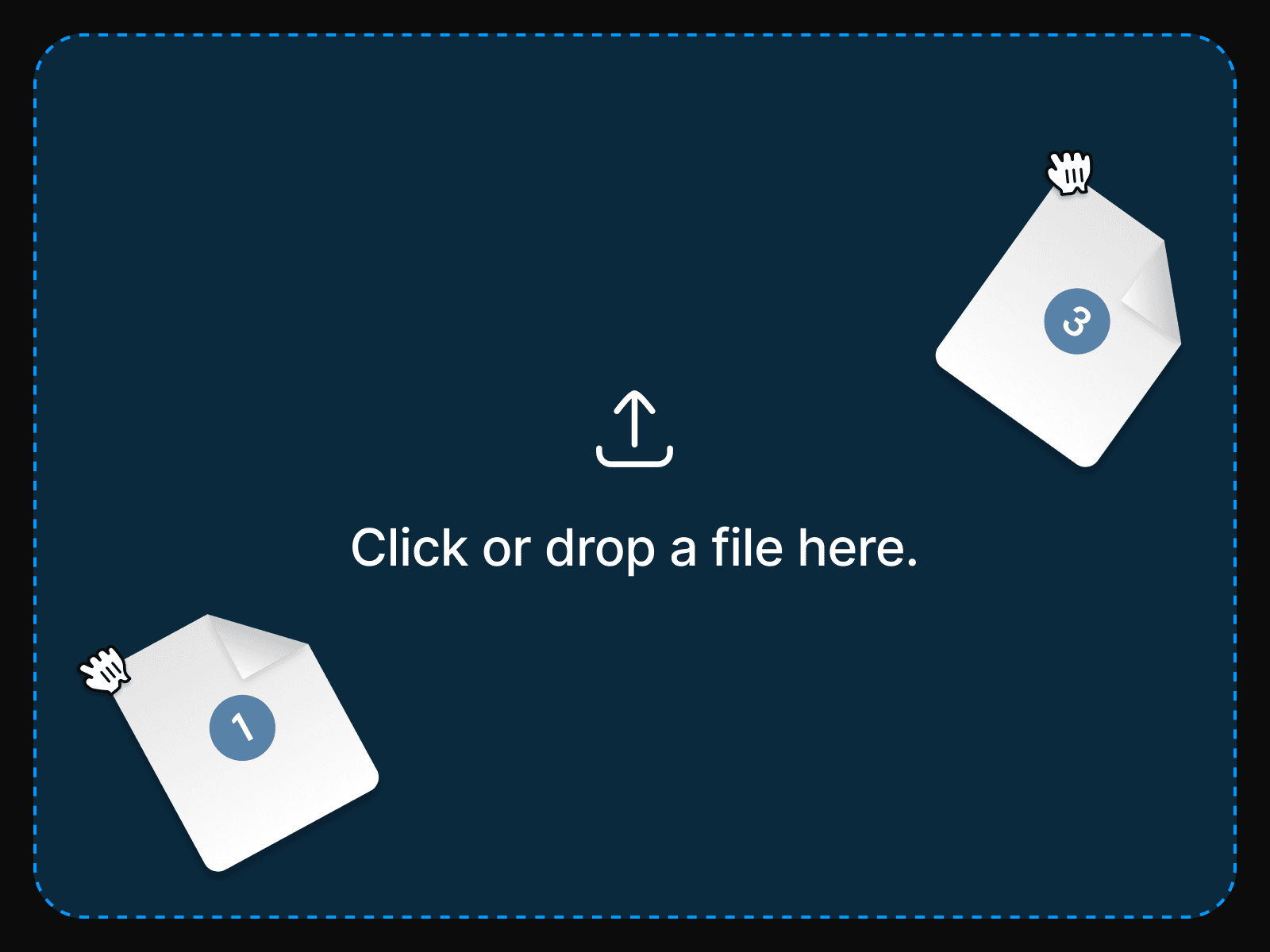
The Image From URL component displays images dynamically based on URLs entered in an input field. It monitors a specified input field for changes and renders the corresponding image when a valid URL is entered, with placeholder content shown until a valid image is loaded.
This component a part of the 400+ components, layouts, templates, UI Kits and code overrides from SegmentUI PRO. Click here to see the full library
Instructions
Copy the component and paste it INSIDE a Framer form.
Configure the "Input Field Name" control of the component. It should match the URL field name of the input field you're trying to connect to.
Customize the component's appearance by adjusting the property controls in the right panel
Test your implementation by entering image URLs in the input field - the component will automatically display the image when a valid URL is entered.
How It Works
The component includes several customizable properties:
Input Field Name: Specifies which input field to monitor for image URLs
Background Color: Sets the container's background
Min Height: Controls the minimum height of the component
Placeholder: Configurable text or image to display when no valid image is loaded
Padding and Border controls
Support
For any queries and help setting up the component, contact hello@segmentui.com
Refund Policy
If a component does not function as advertised and the issue cannot be resolved, you are eligible for a full refund under our quality guarantee. Refunds will not be provided for any other reasons, including change of mind, accidental purchase, lack of use, or expectations of features not explicitly advertised.