About Flow Form
Conversational Flow Form
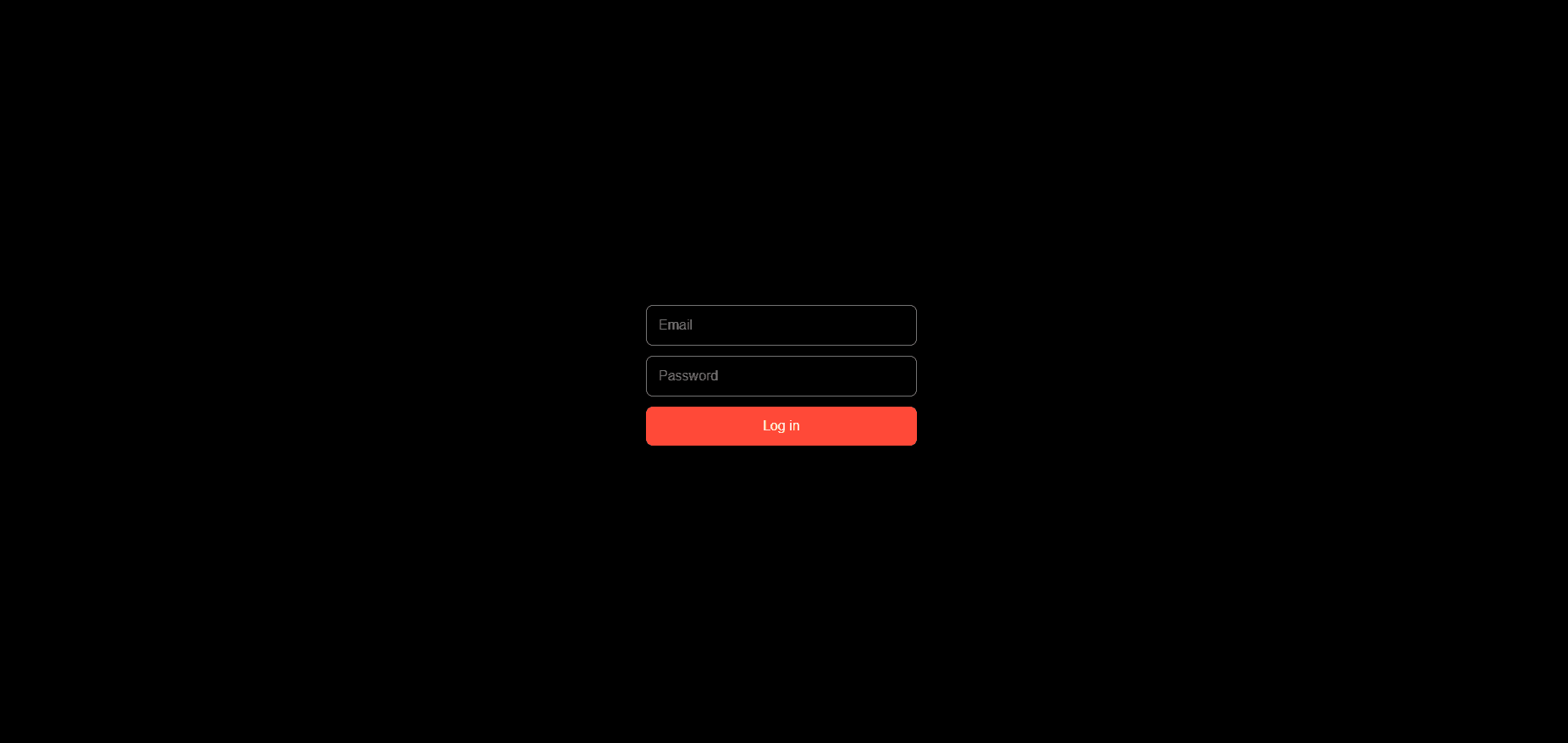
Conversational Flow Form transforms long, overwhelming forms into smooth step-by-step interactions with animated transitions, native Framer form support, customizable inputs, and built-in success states — all without breaking Framer’s native submission flow.
Designed for creators who want Typeform-style interactions directly inside Framer.
Features
Multi-step conversational flow
Works with native Framer Form blocks
Smooth animated transitions
Built-in success screen
Keyboard-friendly navigation
Enter-to-continue support
Hidden field support
Checkbox & radio groups
Select, number, textarea, date & time fields
Fully customizable buttons & stepper
Advanced styling controls
Native validation support
Responsive layout
No external dependencies
Supported Fields
Text
Email
Telephone
Number
Select
Radio
Checkbox
Date
Time
Textarea
Hidden fields
Built for Framer
Unlike standalone form systems, Conversational Form is designed specifically to work inside Framer’s native Form layer.
That means:
native form submissions still work
webhooks and integrations remain intact
analytics continue to function
Enter key submission behaves correctly
validation remains native and accessible
Just place the component inside a Framer Form block and start building.
Customization
Style every part of the experience directly from Framer:
inputs
labels
step transitions
buttons
hover states
progress stepper
success screen
radio & checkbox controls
spacing, typography, borders, colors and more
No code required.
Perfect For
Lead generation forms
Client onboarding
Waitlists
Surveys
Applications
Contact forms
Booking flows
Multi-step questionnaires
Why Conversational Forms?
Traditional forms can feel overwhelming.
Breaking questions into focused steps improves clarity, reduces friction, and creates a more engaging experience for users — especially on mobile devices.
Conversational Form helps you achieve that while staying fully integrated with Framer’s ecosystem.
Notes
Designed to be used inside a native Framer Form block
Success state appears after successful native form submission
Supports both button navigation and keyboard navigation
Optimized for marketplace-ready Framer projects