About Foyer
What makes it different
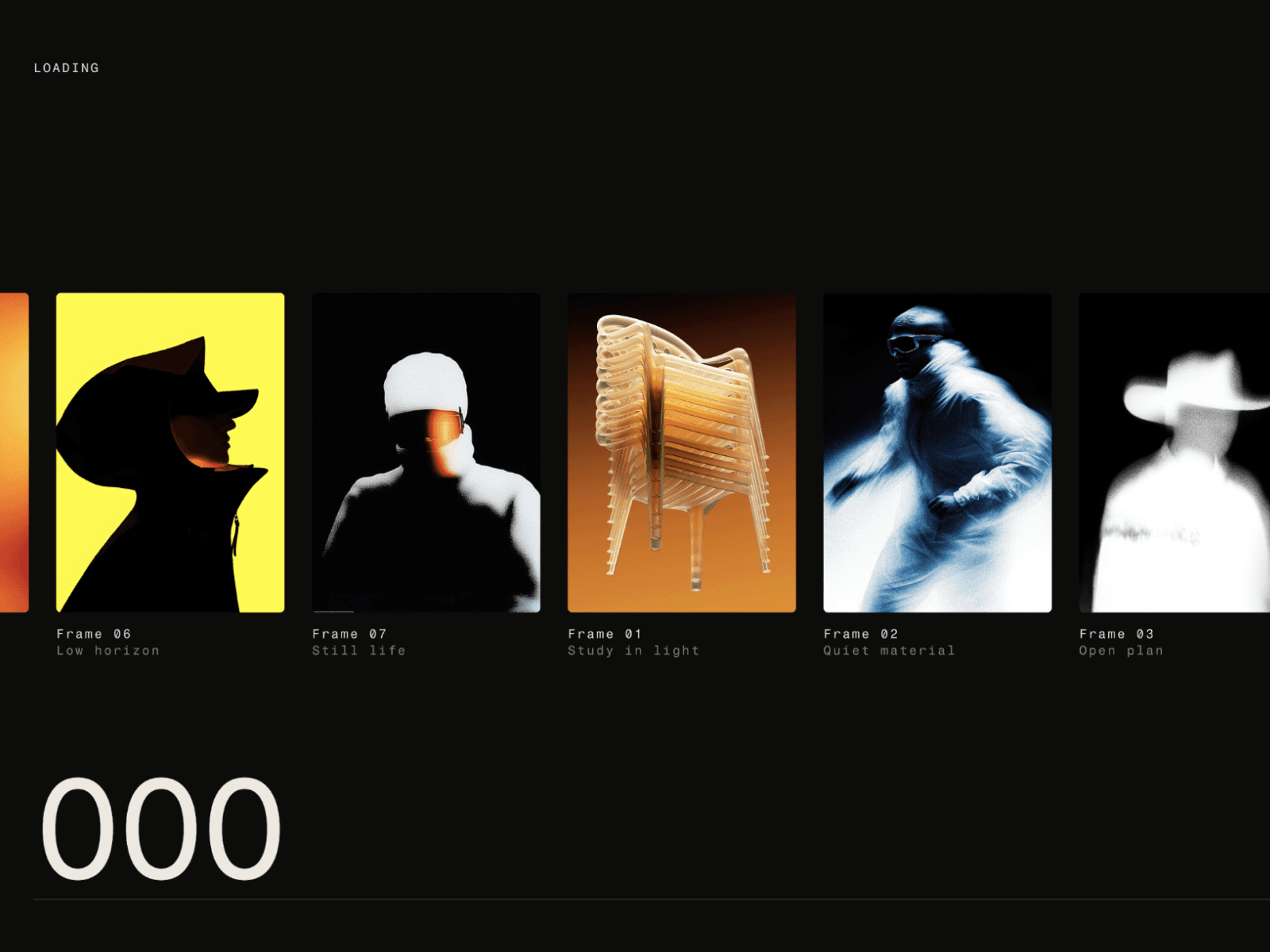
Most loaders are utilities. Foyer is a composition. The * ( img ) % layout is built around a pair of custom-drawn parenthesis glyphs that start collapsed at center and spring outward on load framing your images like an editorial masthead. Nothing else on the marketplace looks like it.
Features
Animation
Three-phase entrance: glyphs spring closed → parens open → image and counter fade in
Asterisk spins continuously with a slow, ambient rotation
Parens spring outward from center using a natural physics spring
Image container floats on a gentle, looping bob
Smooth fade-out exit when loading completes
Images
Up to 8 image slots — upload as many or as few as you need
Smart cycling: timing adapts automatically to how many images you upload. 4 images? Each gets longer on screen. 8 images? They move faster. Every image always gets equal time.
Images crossfade inside a fixed container — no jump, no resize, no repeat
Stops cleanly at the last image — no looping back to the first
Customisation
Symbol Size — scales the * and ( ) glyphs together proportionally
Image W / Image H — independent width and height control for the image frame
Counter Font — full font panel: family, weight, size, line height (powered by Framer's native font control)
Counter Color — dedicated colour picker for the percentage counter
Background — any colour, with automatic light/dark text switching
Editor experience
Canvas-safe: renders a static, non-blocking preview in the Framer editor
Clicks pass through the preview — edit layers behind it without hiding the component
No fixed overlay on canvas — fully compatible with Framer's editor workflow
How to use
Drag Foyer onto your page (place it on the layout template so it runs once per session, not on every navigation)Position it as absolute, top:0, right: 0 , bottom: 0 , left: 0 ,
Set your background colour
Upload 1–8 images
Adjust symbol size and image dimensions to taste
Publish Foyer handles all timing and animation automatically