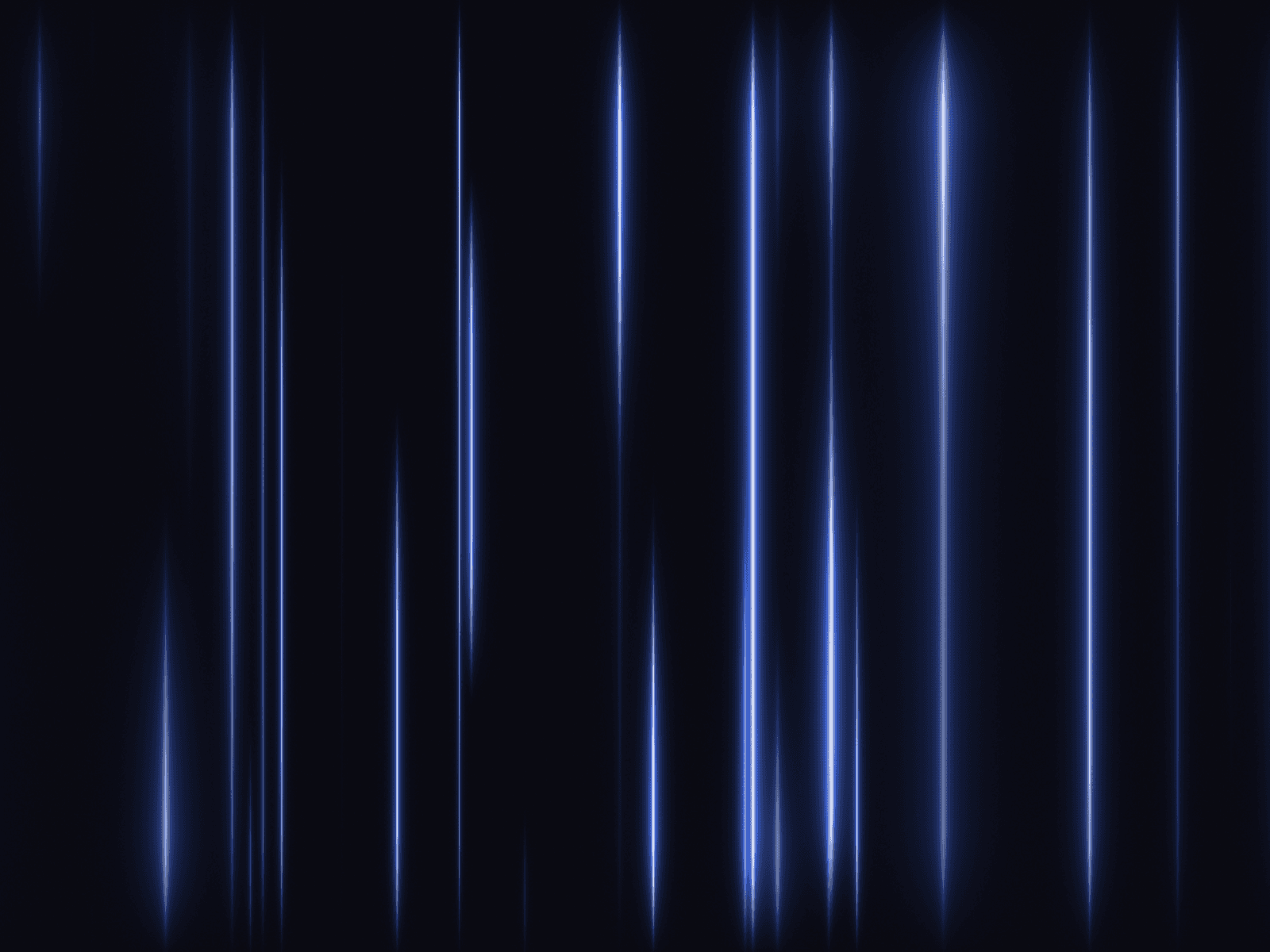
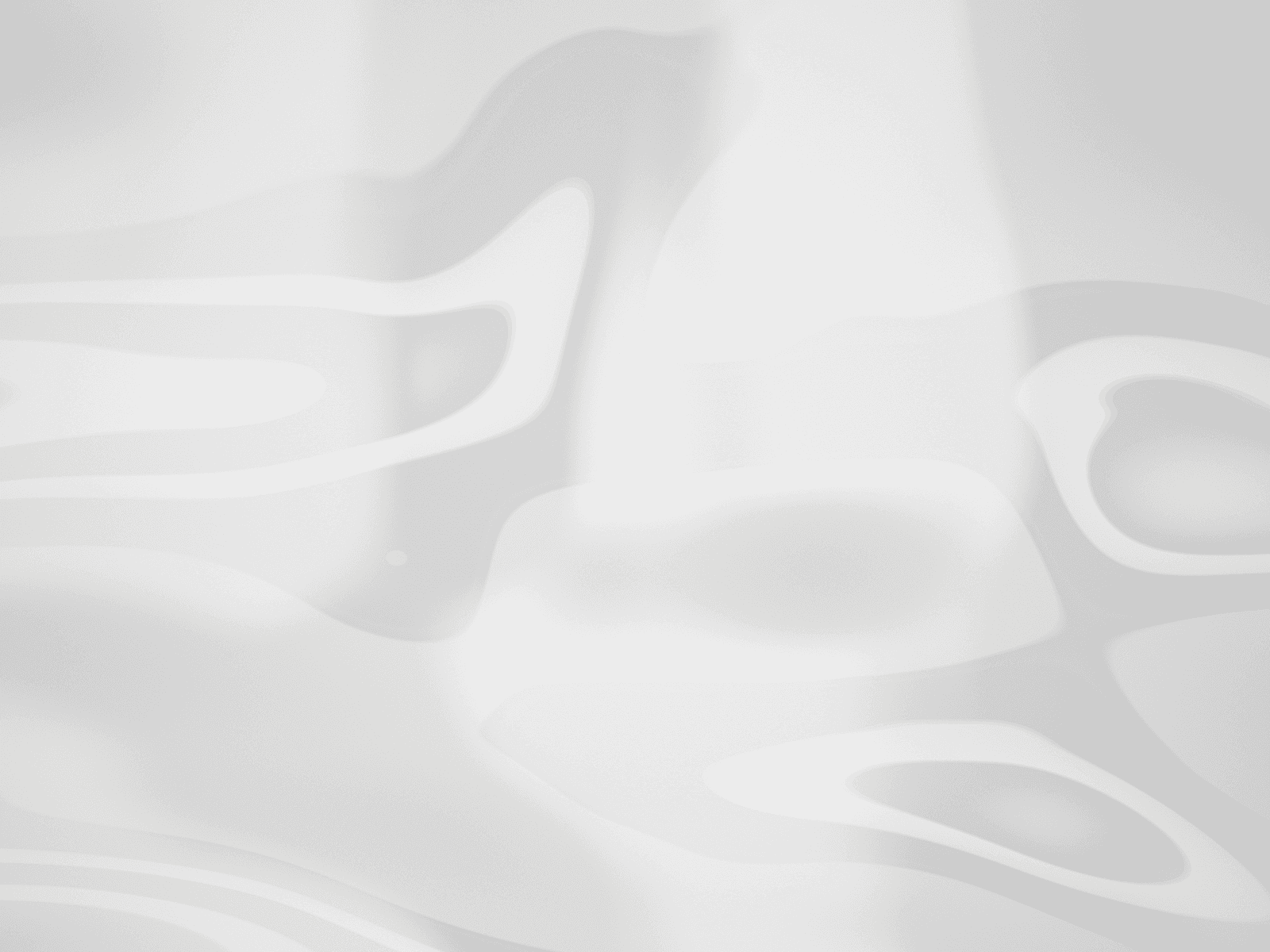
About Geometric Arc Grid
Ignite your design with Geometric Arc Grid, a dynamic background component that visualizes flowing energy moving through a complex network of curved lines and fractures. This component uses SVG patterns and Framer Motion to create a continuous, hypnotic pulse without the heavy performance cost of video files.
It comes alive with user interaction—clicking or tapping triggers a stunning ripple explosion, making it perfect for gamified interfaces, Web3 landing pages, sci-fi dashboards, or high-impact hero sections. Choose from pre-set elemental themes (Magma, Ice, Toxic, Amethyst) or customize the colors to create your own branded digital flow.
Functions (Key Features):
🎨 Elemental Themes: Switch instantly between Magma (Fire), Ice (Frozen), Toxic (Biohazard), and Amethyst (Magic).
🌊 Flow Animation: A continuous background animation simulates liquid energy moving through the geometric arcs.
👆 Interactive Ripple: Clicking anywhere generates a glowing shockwave effect that fades out smoothly.
✨ Neon Glow: Adjustable SVG filters create a realistic, blooming light effect around the grid lines.
🛠️ Fully Customizable: Control the grid line width, glow intensity, flow speed, and custom color palettes.
How to Use:
Insert: Drag the Geometric Arc Grid component onto your frame.
Sizing: Set Width and Height to "Fill" (100%) for a full-screen background.
Variant: Select a preset Variant (e.g., "Magma" for orange/red, "Ice" for cyan/blue) to verify the look.
Custom Colors: To use your own brand colors, set Variant to "Custom" and adjust the Background, Color Start, and Color End.
Fine Tune: Adjust Glow and Grid Line Width to make the arcs look subtle or bold.
Interaction: Preview the component and click/tap to test the ripple effect.