About Glass Icon
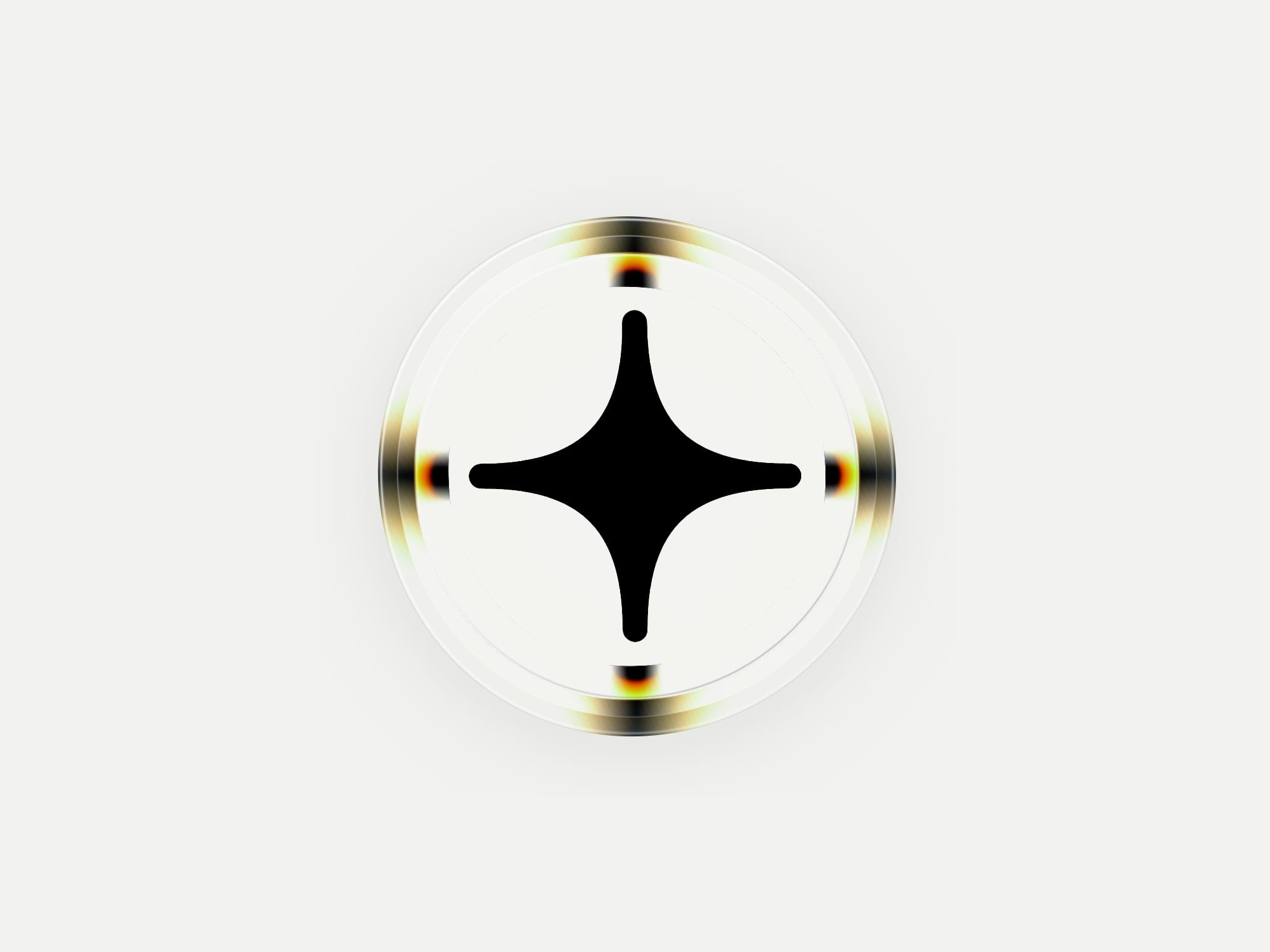
Glass Icon turns any logo into a living app icon made of glass. Drop in an SVG, PNG or JPG and the bevel of a rounded square, or a circle, refracts the logo inward with a rainbow fringe along the rim. The glass breathes slowly, leans toward the cursor, gives under a held finger and ripples where it is tapped, so a hero, an app landing page or a brand page gets a mark that answers the visitor.
Five looks come ready: Studio, where the logo flows into two opposite corners; Melt, which flows into every corner; Prism, cut glass with a thin rainbow along the whole rim; Lens, a round cut stone; and Night, dark glass that stays dark on any page. Switch Look to Custom to set every part by hand: shape, refraction, rainbow, bevel width, how far the logo flows into the edge, which sides refract and at what angle, volume and thickness, and cut glass.
The logo is turned into a distance field, so its edges stay smooth under the lens at any size, and a plain white plate behind a JPG logo is taken away for you. Logo Color keeps your colours, or turns the logo black, white or any tint; on Auto a dark logo turns white on a dark background. There is no background to set: around the icon the component is clear, and the glass takes the colour of whatever sits behind it, light glass on a light section and dark glass on a dark one, even when a theme switches. Set the logo size, how much of the frame the icon fills, the shadow, the motion, and whether it leans and answers touch.
Good to know: it needs WebGL, which every current browser has. The glass pauses when it is off screen and stays still with reduced motion on; on the canvas it shows every change you make, standing still. Based on the open-source Glass by Nikita Filippov (MIT licence), rebuilt as a Framer component without its sound and export tools.