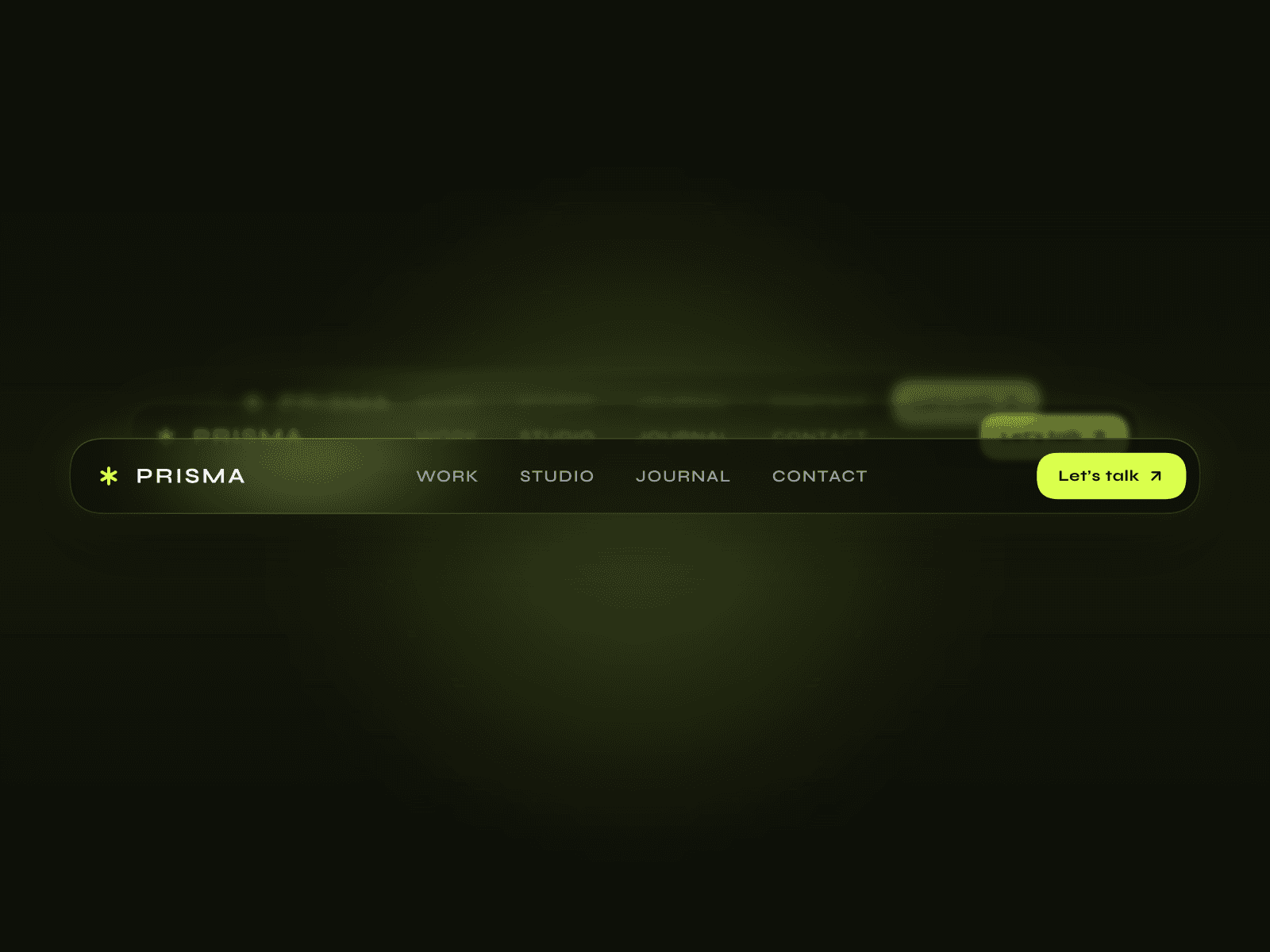
About Glass Navigation
Key Visual Features
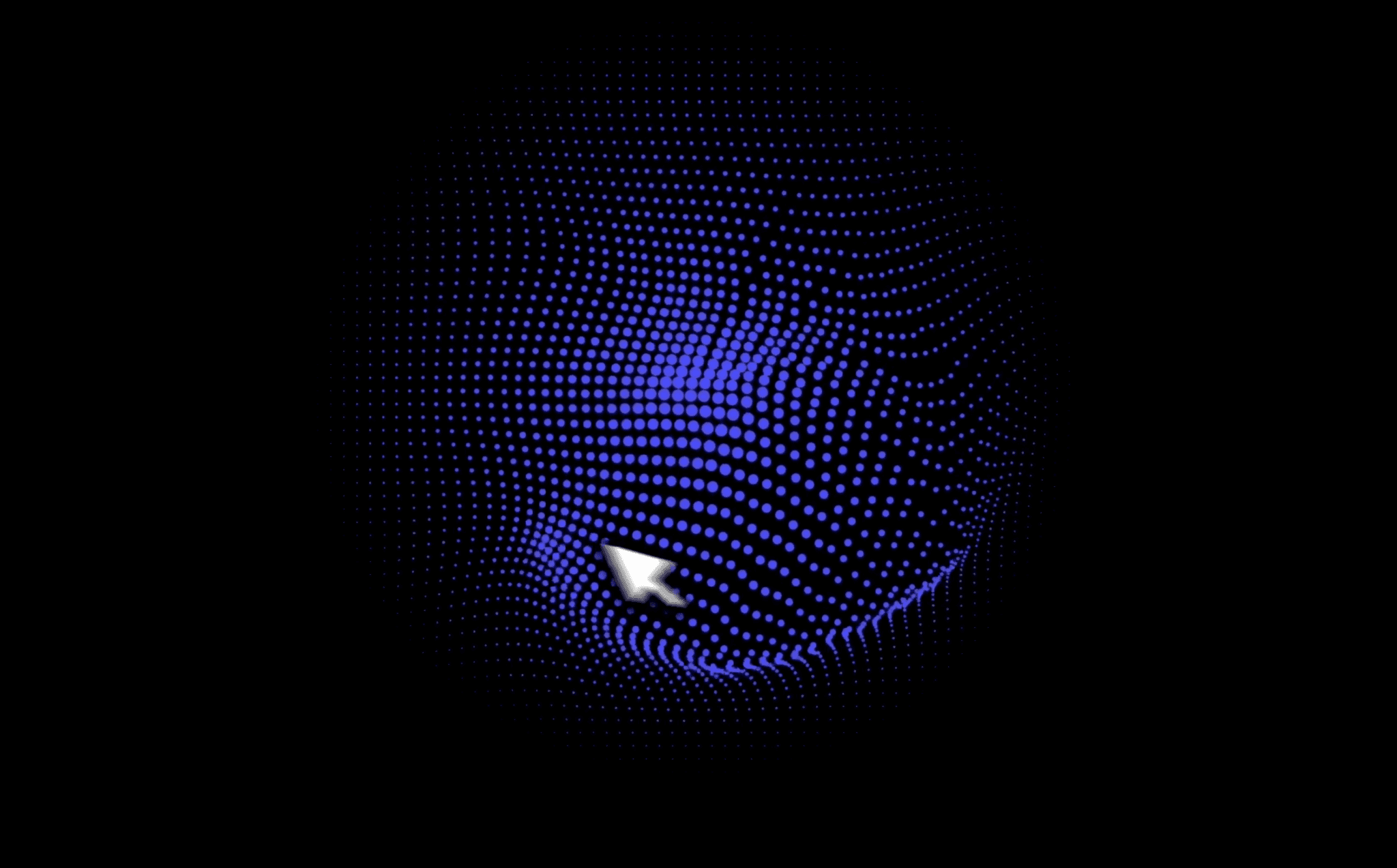
Turbulence and Displacement
Uses SVG filters to create an abstract, rippled texture (like warped glass).
The ripples shift based on customizable turbulence settings.
Refraction and Chromatic Aberration (Optional)
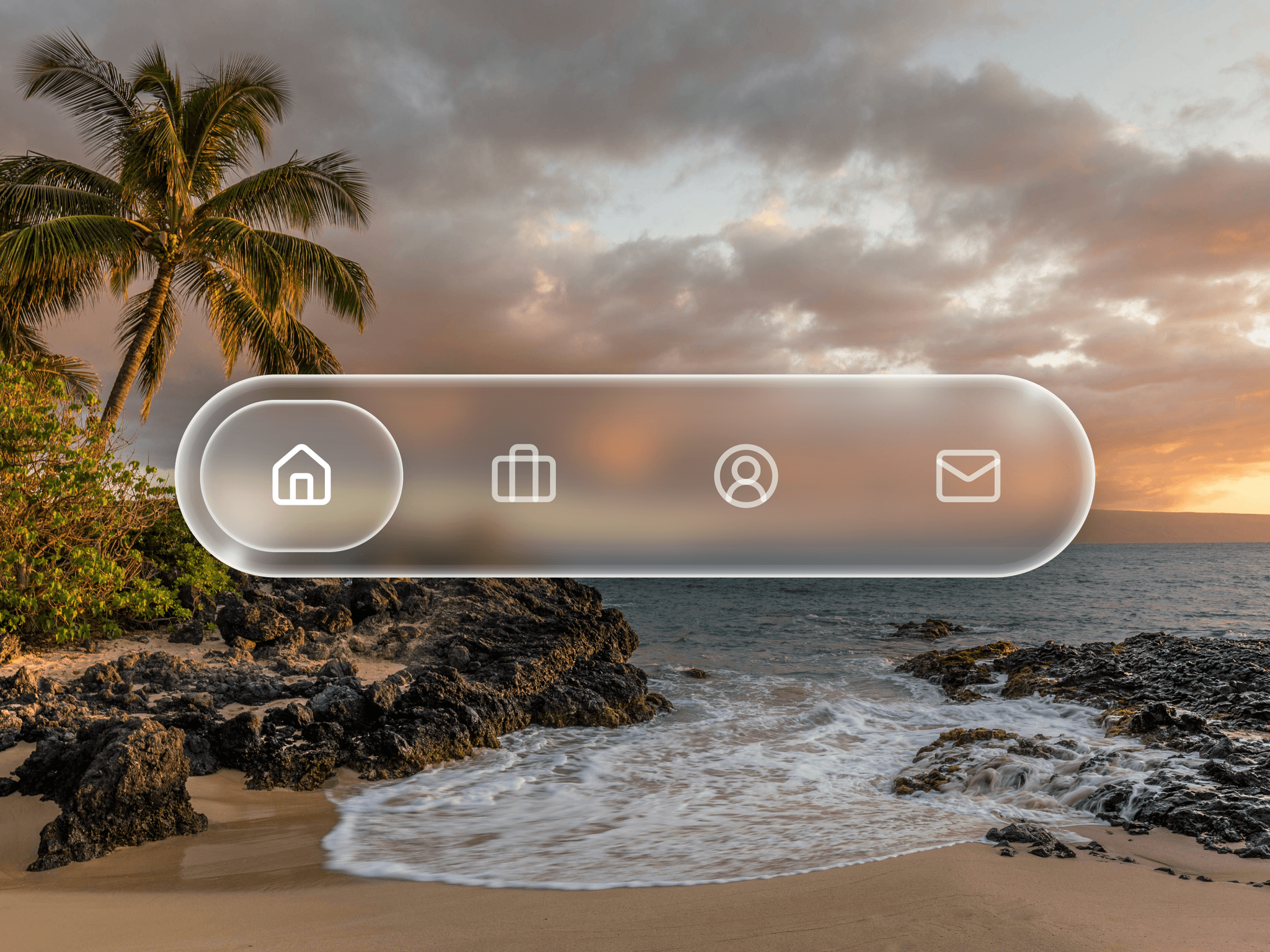
Adds a light-bending effect using displacement maps.
You can also simulate color separation around edges, like you see through prisms or real glass.
Lighting Overlay
Adds a subtle light gradient from one corner, creating depth and realism.
The direction and color of the light are customizable.
Noise Fallback for Safari
Because Safari doesn’t support SVG filters on HTML elements, a static noise texture is used instead for compatibility.
It still gives a textured feel without breaking the design.
Border (Optional)
A subtle border can be added around the effect to enhance the glass pane look.
You can customize its color, width, and whether it's shown.
Customization
All major visual elements can be fine-tuned from Framer’s visual controls:
Blur amount
Opacity and color of the background
Light direction and color
Texture intensity and detail
Border radius and thickness
Toggle features like chromatic aberration, noise, and displacement
Ideal Use Case
This is perfect for:
Sticky navigation bars
Glassmorphism UI layouts
Designers who want to create an upscale, modern feel in their Framer projects