About Globe Gallery
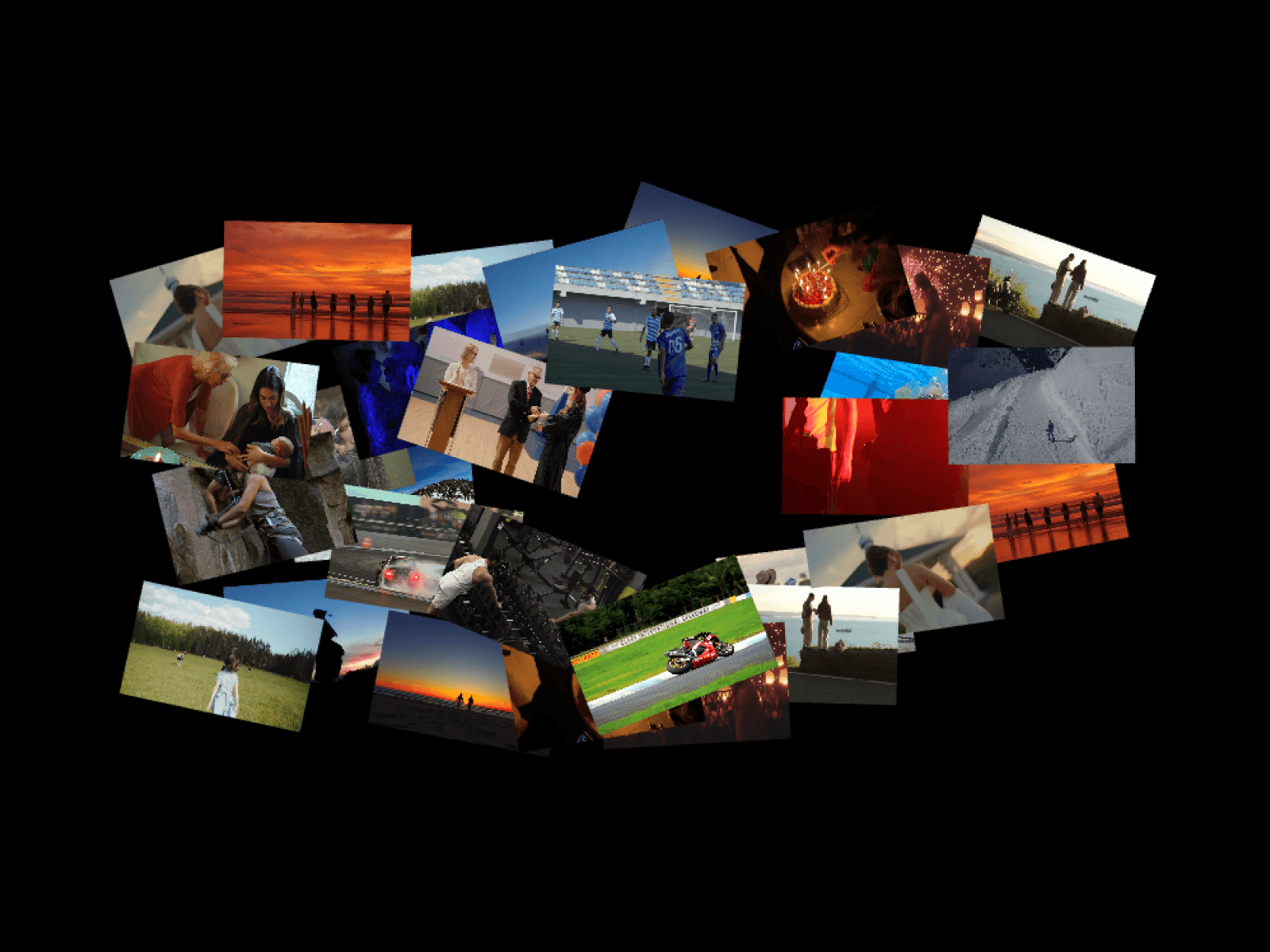
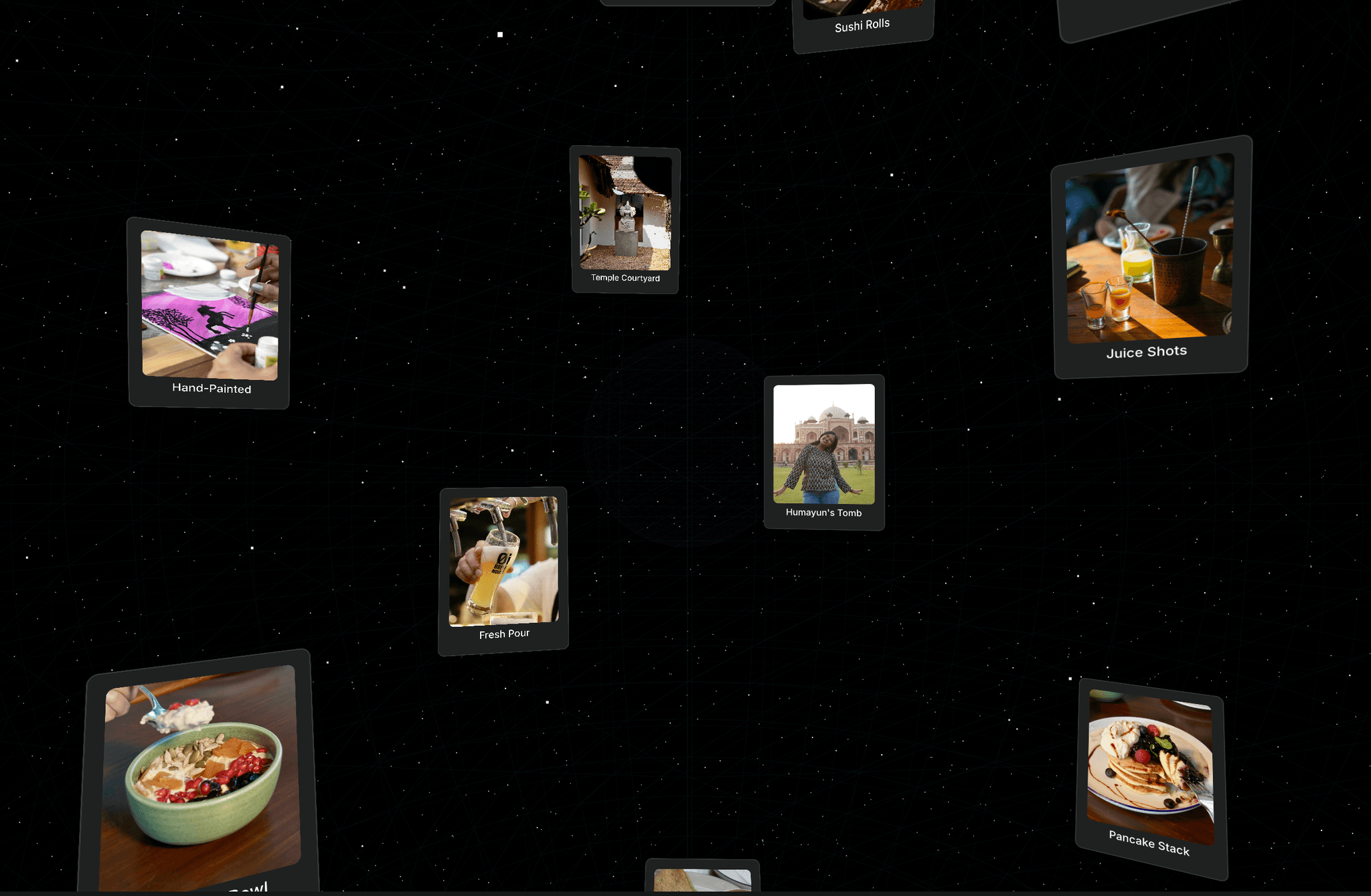
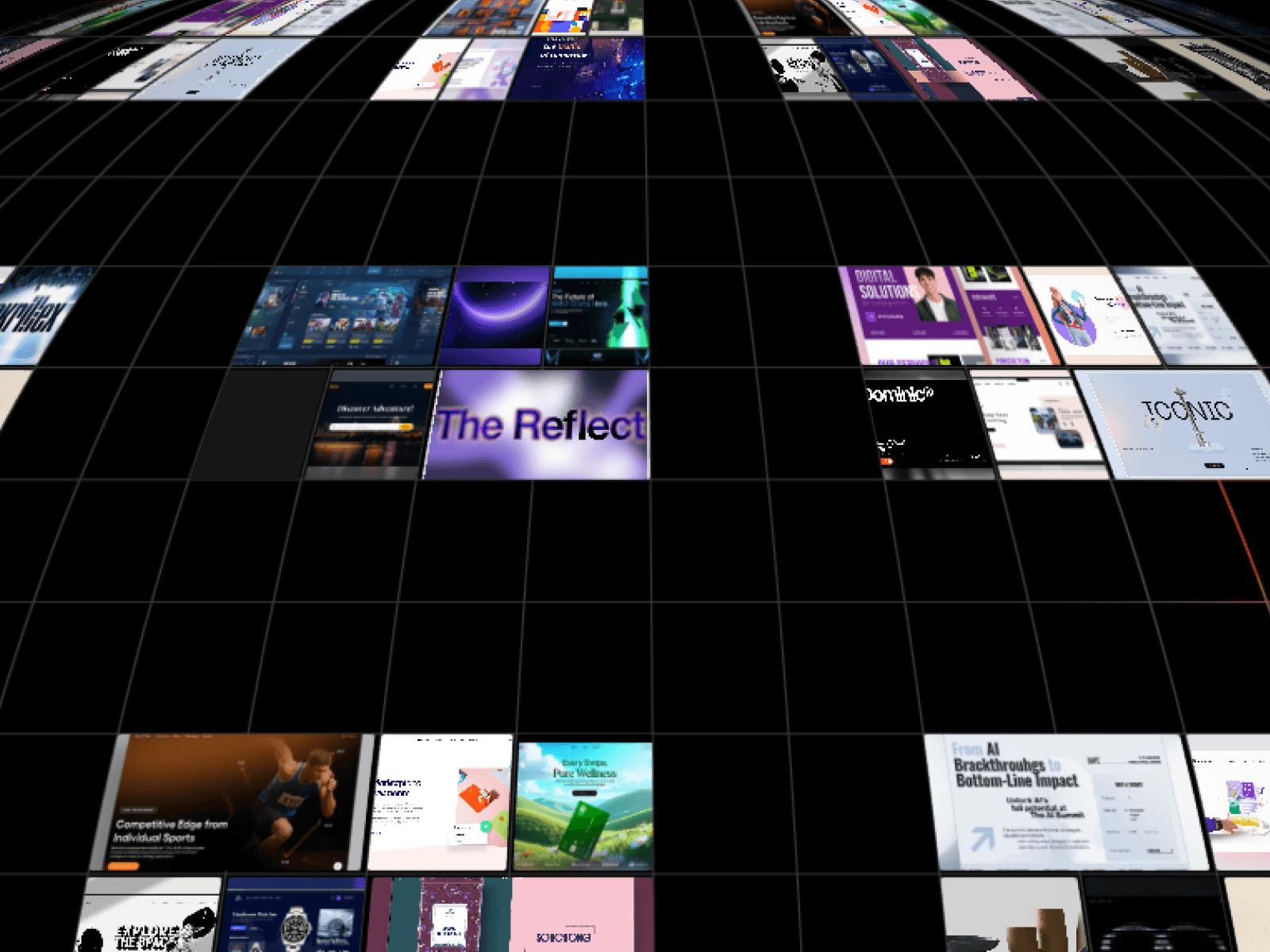
Transform your website hero sections and portfolios with a breathtaking, interactive 3D WebGL globe gallery that wraps your images and videos seamlessly around a rotating sphere.
Features
Interactive 3D WebGL globe rendering with smooth rotation physics
Seamless image and video texture mapping with auto-pause optimization
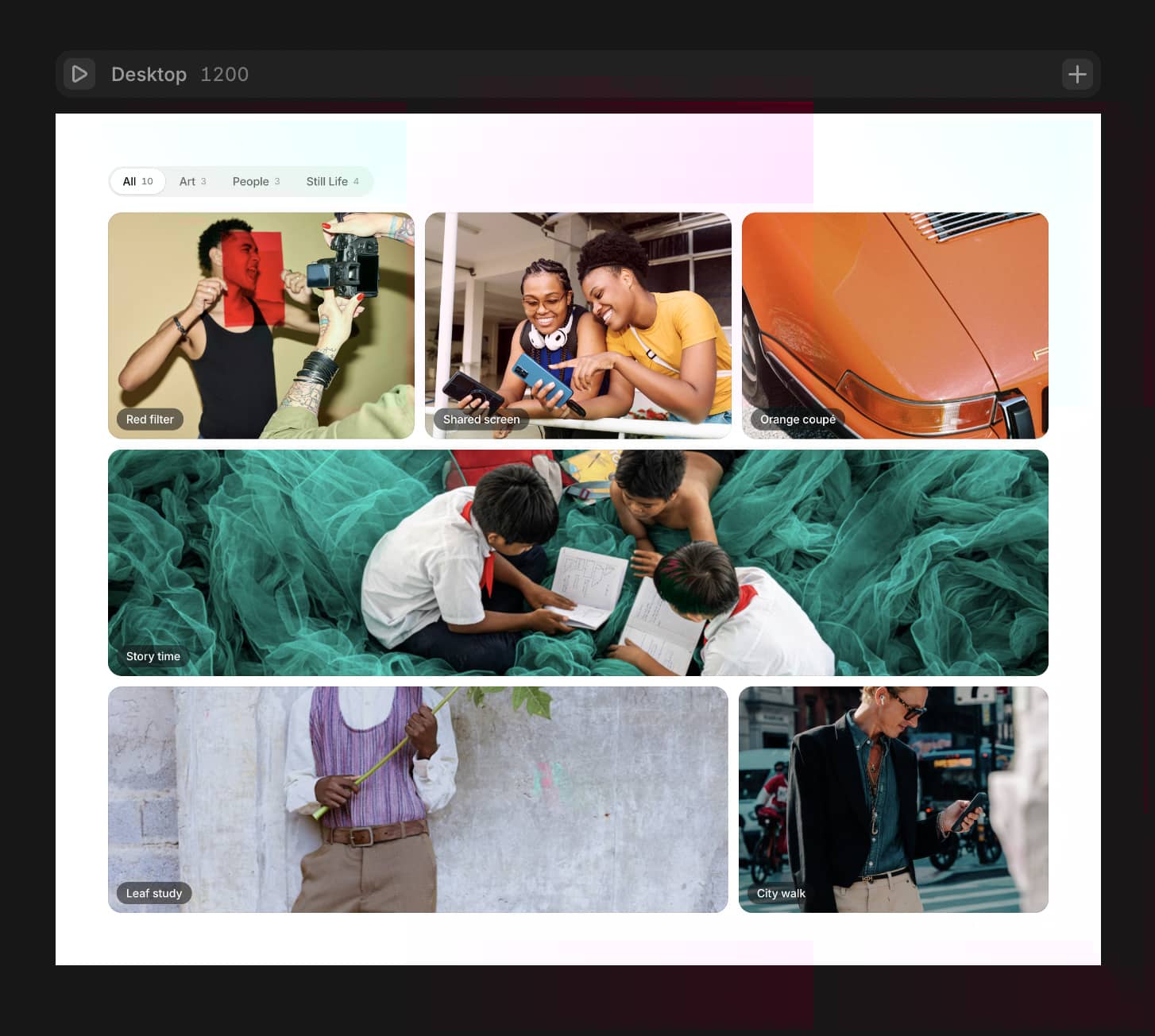
One-click card expansion into a stunning full-screen 6-item collage
Smooth trackpad, mouse wheel, and touch gesture navigation
Dynamic mouse-following ink trail and grid lighting effects
Responsive design that adapts effortlessly to desktop and mobile frames
Built-in fallback handling for maximum browser reliability
Fully optimized high-performance rendering engine
Clean, layered visual architecture built natively for Framer
Customization Options
Media gallery list (images, video files, video URLs, and custom alt text)
Cluster width and mobile layout sizing
Globe radius, spacing, and starting vertical offset
Auto-rotation drift speed and movement direction
Drag speed, braking inertia, and scroll sensitivity
Grid visibility, line color, opacity, and thickness
Hover ink trail toggle and card corner radius
Click-to-open behavior and active live video limit
How to Use
Drop the Globe Gallery component onto your Framer canvas.
Add your favorite images or video clips into the media property control.
Adjust the globe size, spacing, and rotation speed to fit your layout.
Enable or customize the grid lines and hover ink effects.
Publish your site to give visitors an immersive 3D interactive experience.
Use Cases
Immersive portfolio homepages
Modern digital agency landing pages
Creative media and photography showcases
Futuristic SaaS product displays
Interactive gallery sections
Cinematic video showreels
High-end e-commerce visuals
Dark mode aesthetic websites